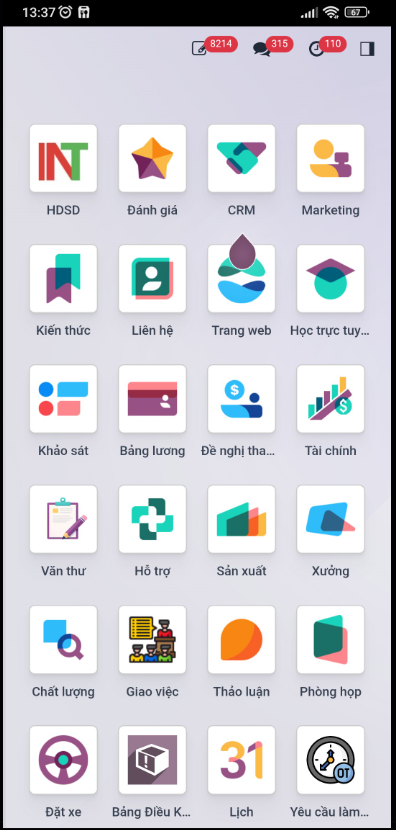
Log in to Intech ERP on Mobile Devices
The Intech ERP mobile application enables employees to access company ERP modules, manage tasks, and submit operational requests directly from their smartphones.
Install Mobile Application
Download and install the Intech ERP mobile application for your operating system:
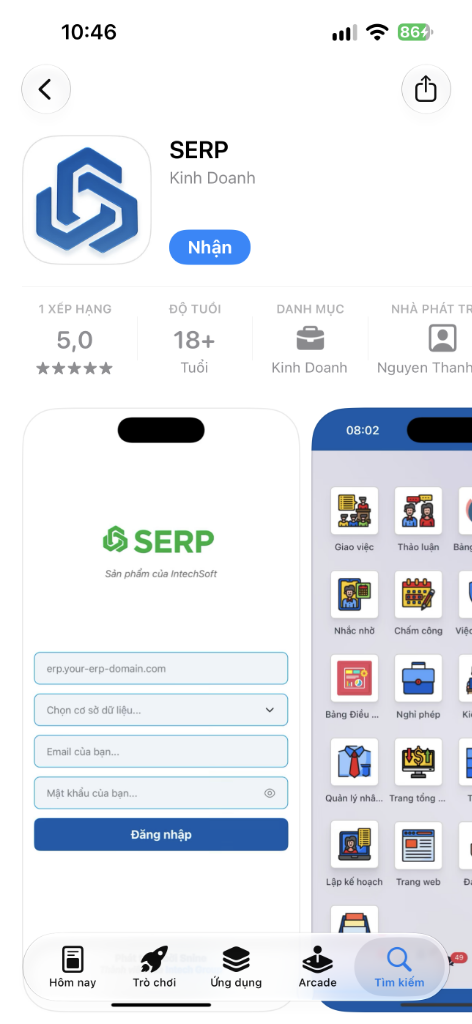
iOS (Apple App Store): SERP on App Store
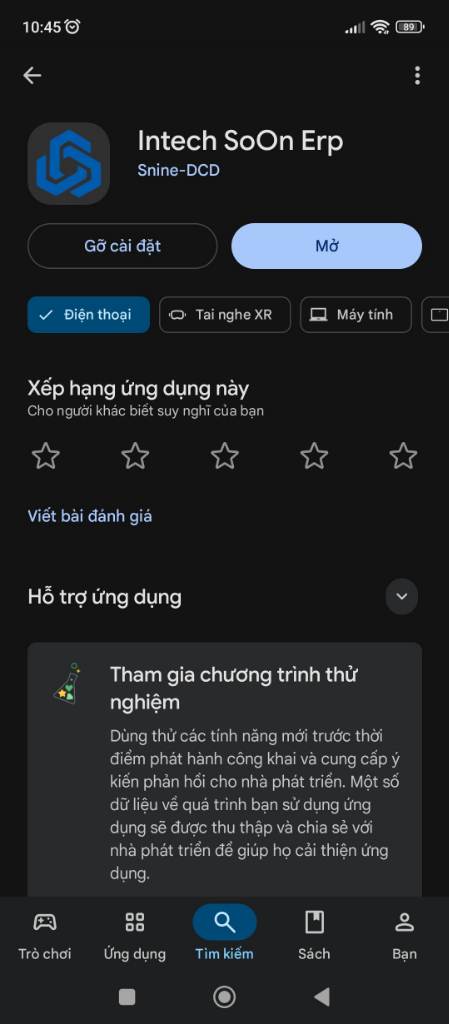
Android (Google Play Store): Intech SoOn Erp on Google Play
Log in to Intech ERP
Follow these steps to configure the server connection and authenticate your account:
Bước 1: Access Server URL
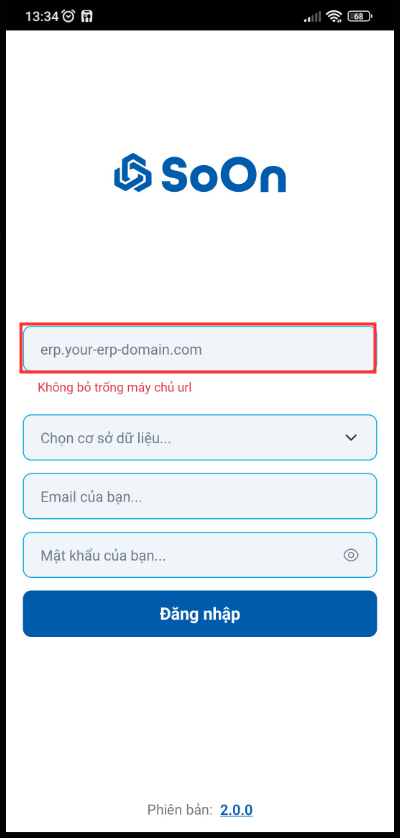
Enter the web address erp.intechgroup.vn into the server URL field on the mobile application.
Note
Do not leave the server URL field empty when initializing the application.
Bước 2: Select Database
When the application displays the database selection list, select the int-erp database.
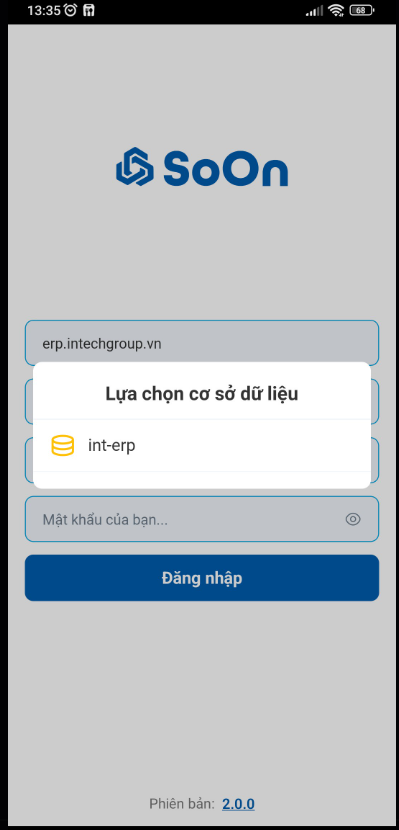
Bước 3: Log in with User Account
Fill in your assigned company email address and ERP password to complete the login process.