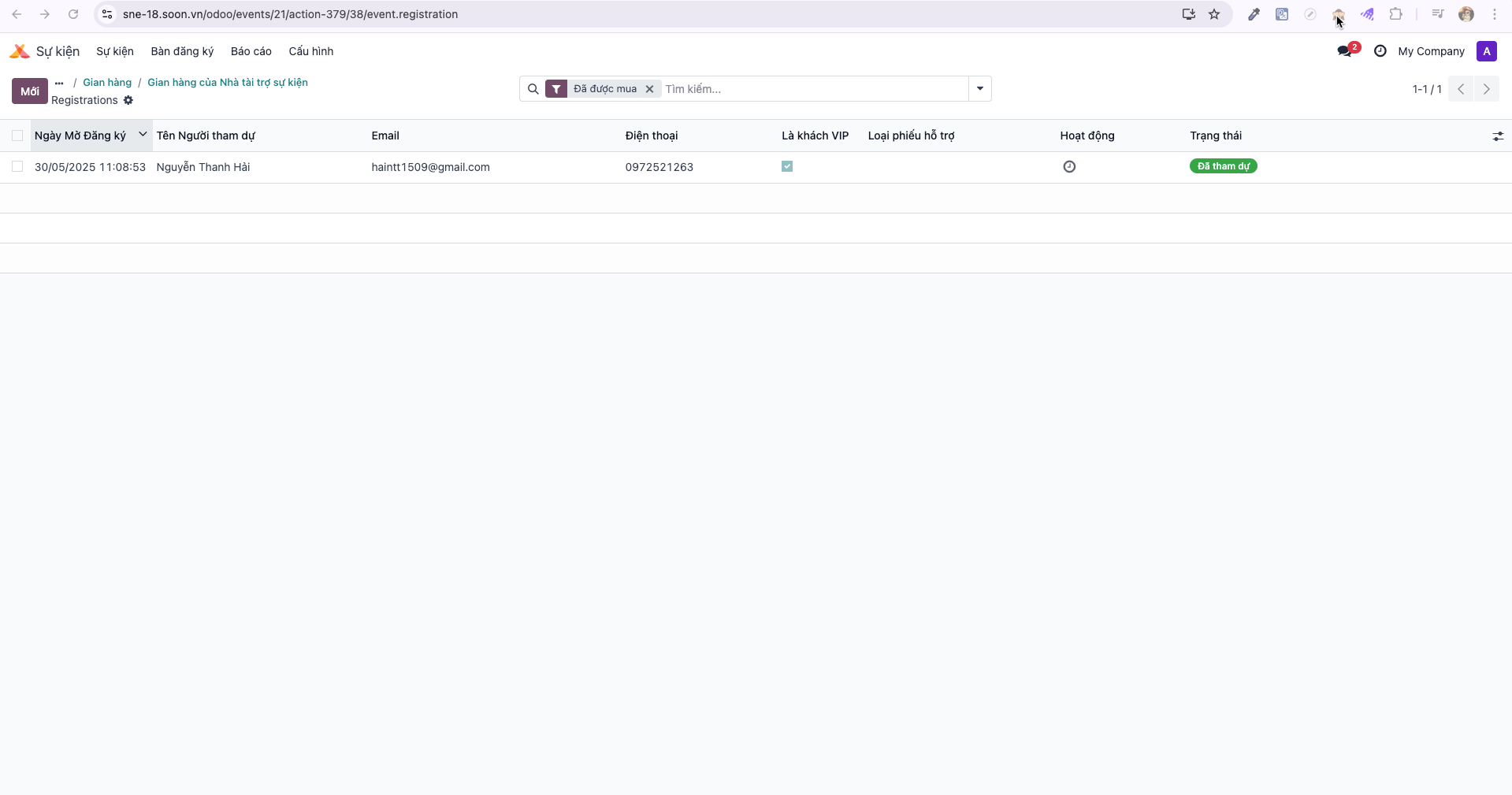
Booth Check-in & Visitor Lead Tracking
Exhibitor representatives use booth check-in scanning to capture visitor interactions in real time and compile qualified lead lists.
Scanning Attendee Badges at the Booth
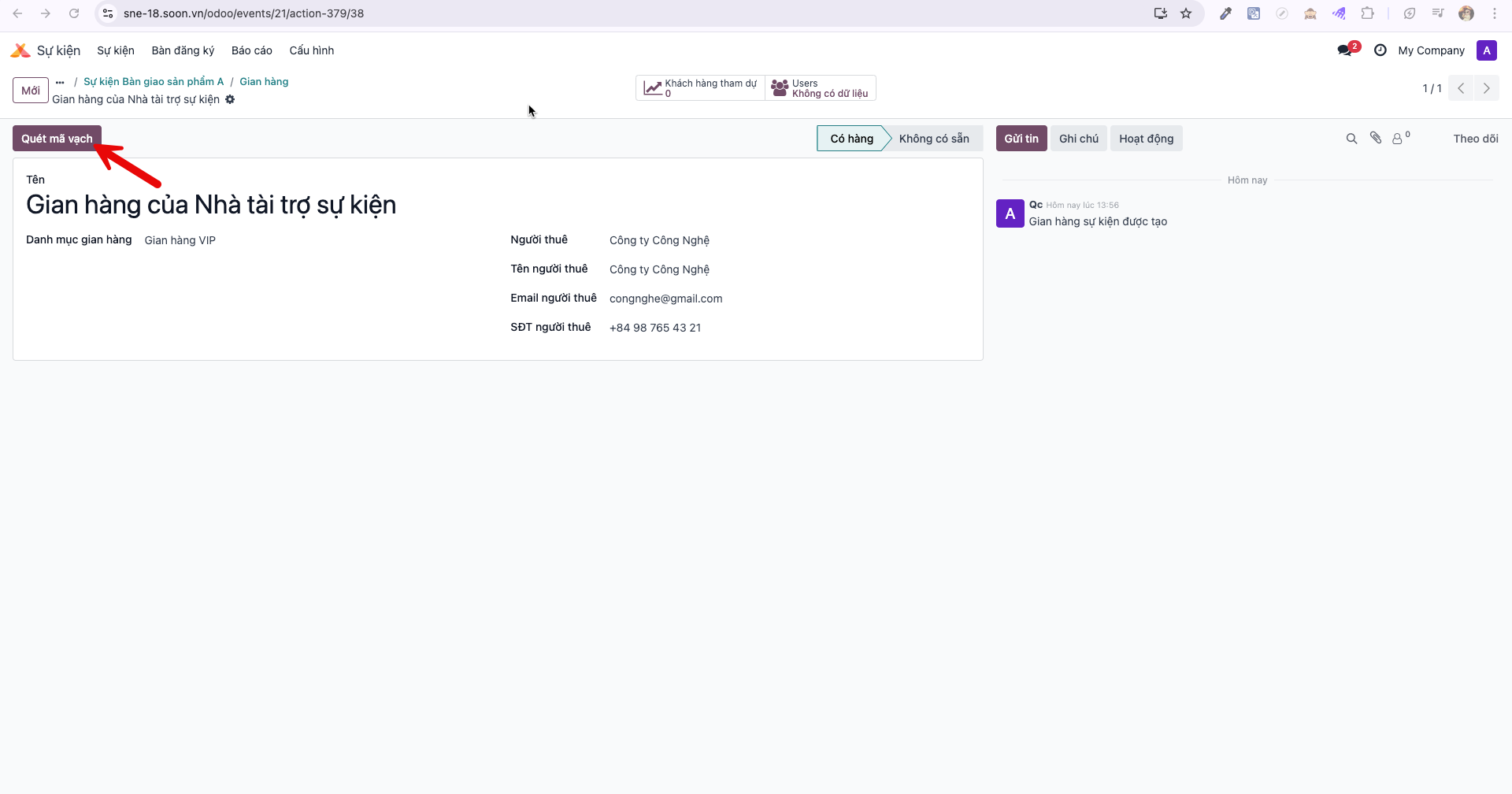
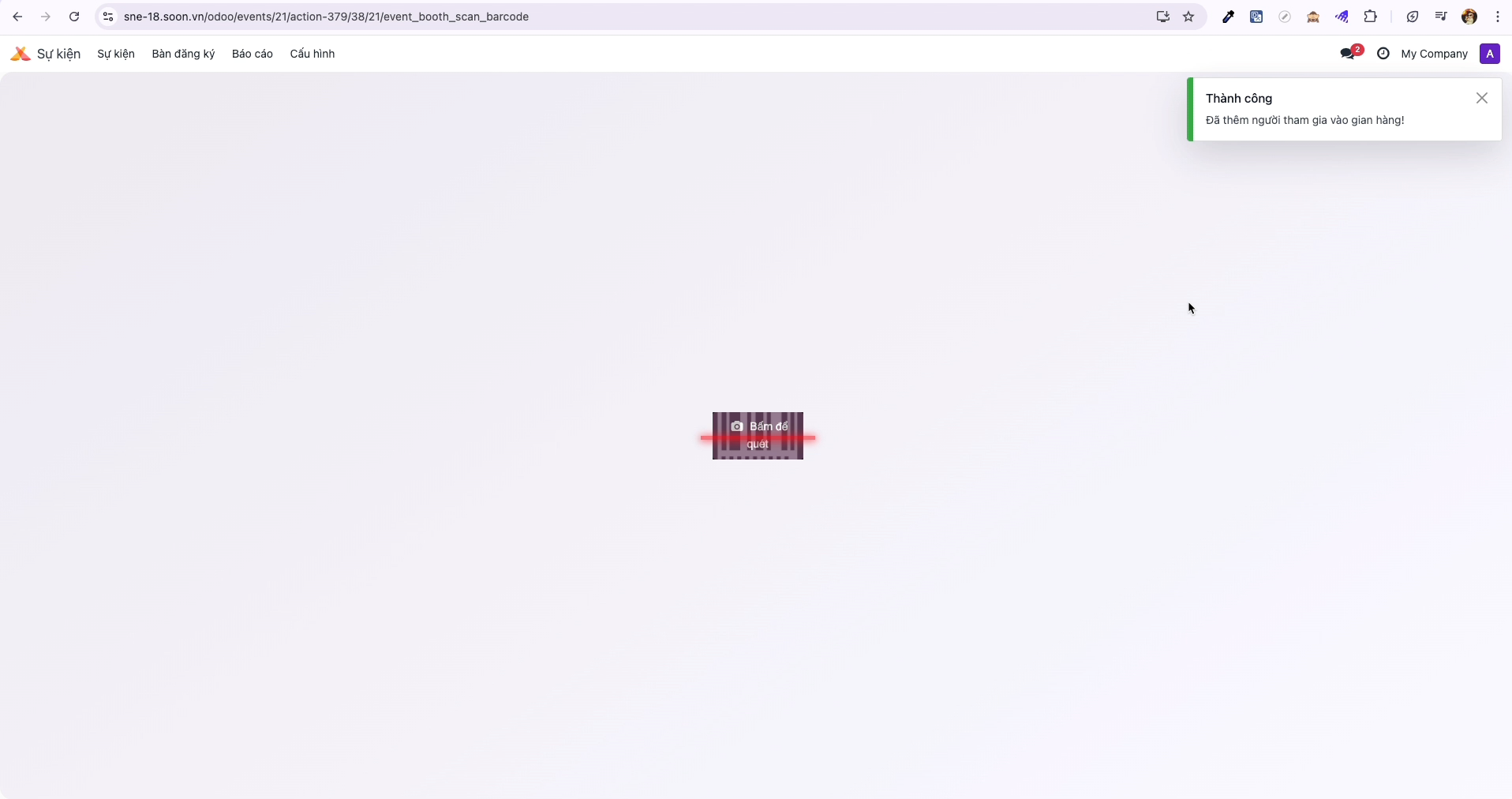
Bước 1: Open the assigned booth record and click Scan Barcode (Quét mã vạch).
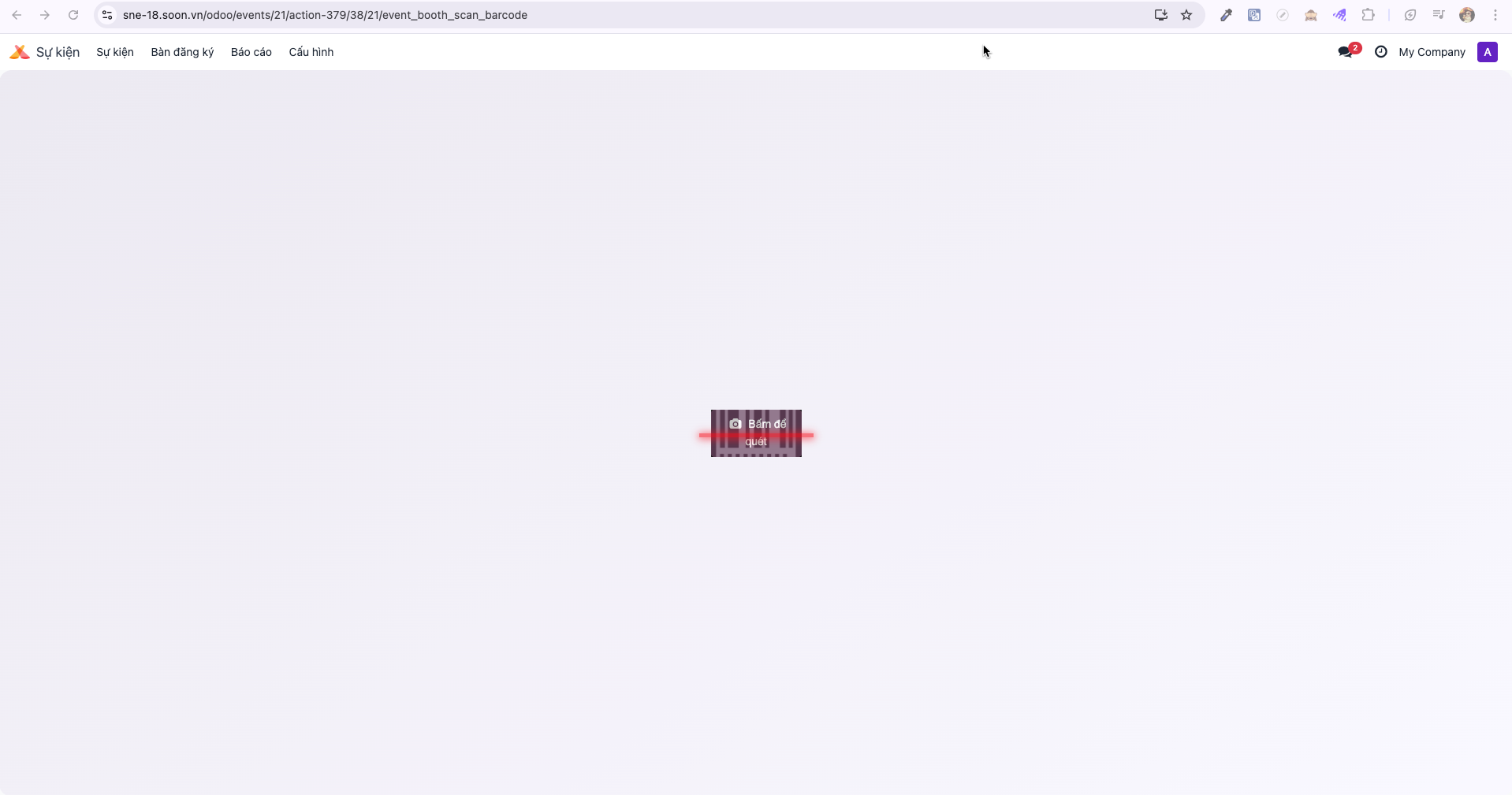
Bước 2: The system displays the Click to scan barcode interface.
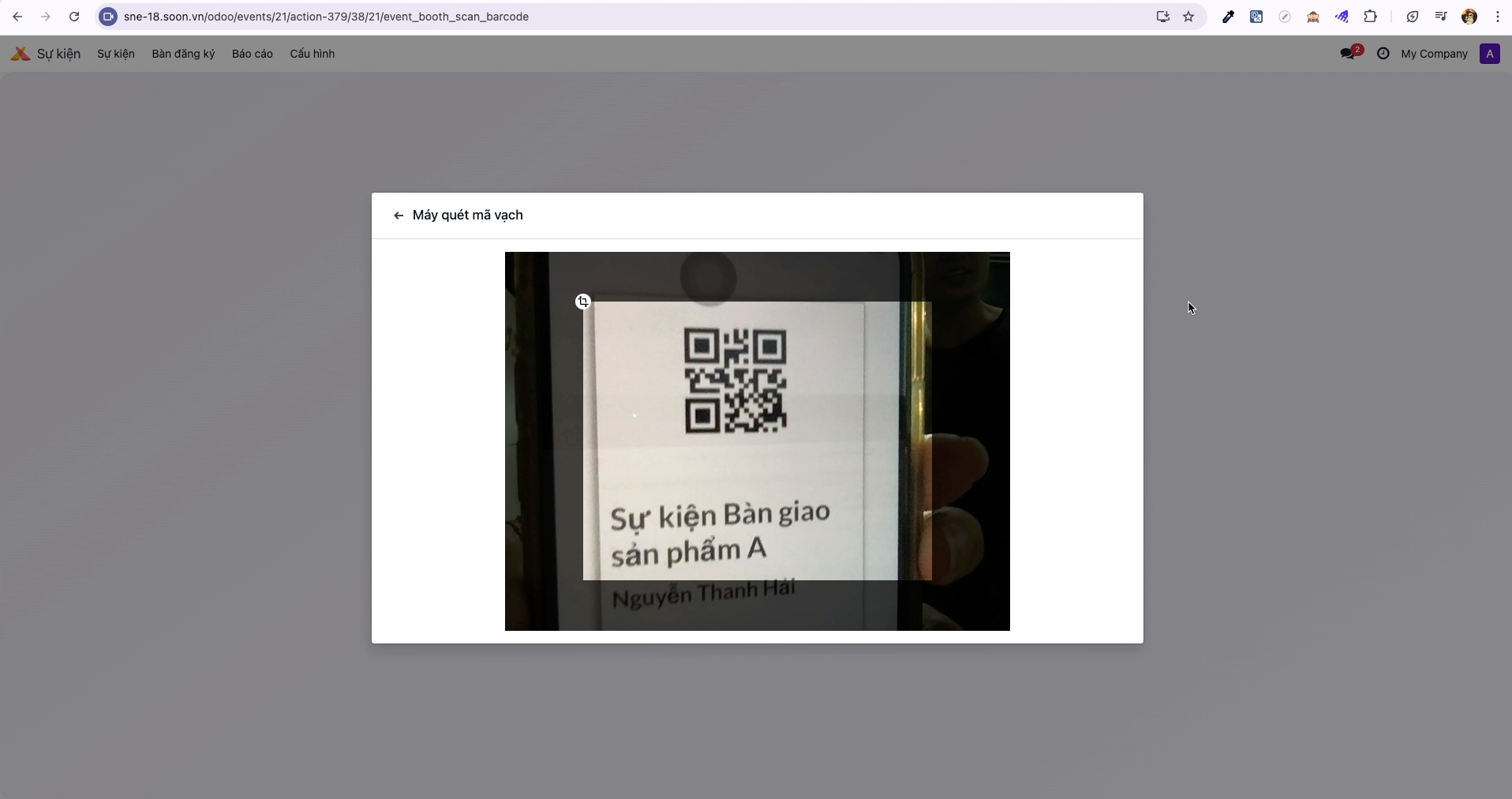
Bước 3: Click the scanning area and scan the attendee’s badge QR code.
Bước 4: Upon recognition, a success banner confirms the visitor has been recorded at the booth.
Reviewing Interested Visitors & Leads
Bước 1: From the booth record, click the Interested Visitors (Người quan tâm gian hàng) smart button.
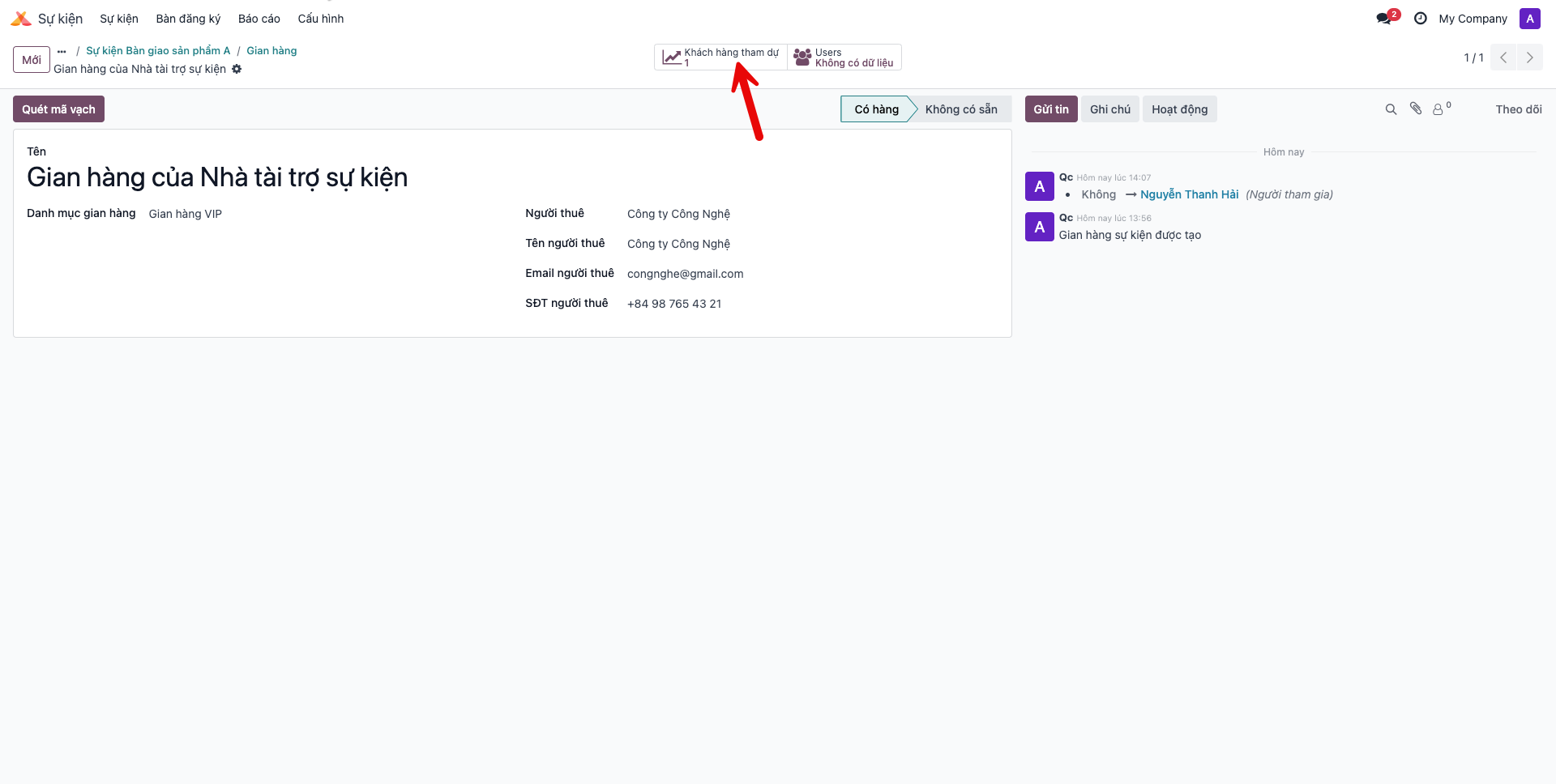
Bước 2: The system presents the complete directory of visitors who checked in at the booth, complete with contact information and interaction timestamps.