
Create Monthly KPI
The monthly KPI configuration workflow establishes employee performance targets, target metrics, and assigned evaluators for each goal item.
Configuration Procedure
Bước 1: Navigate to and click Mới (New).
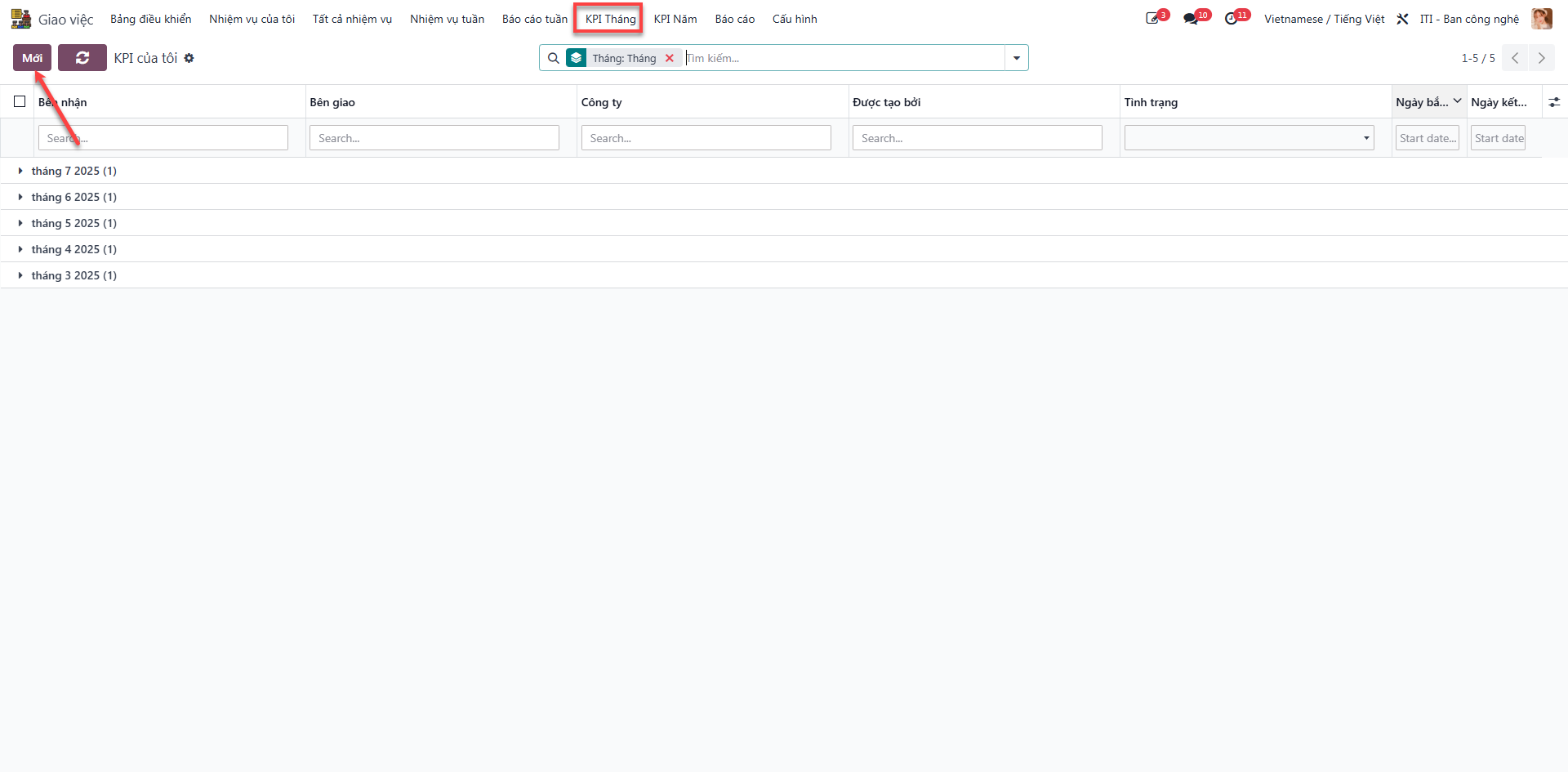
Bước 2: Fill in general KPI header information (Employee, Department, Target Month/Year) and click Lưu (Save).
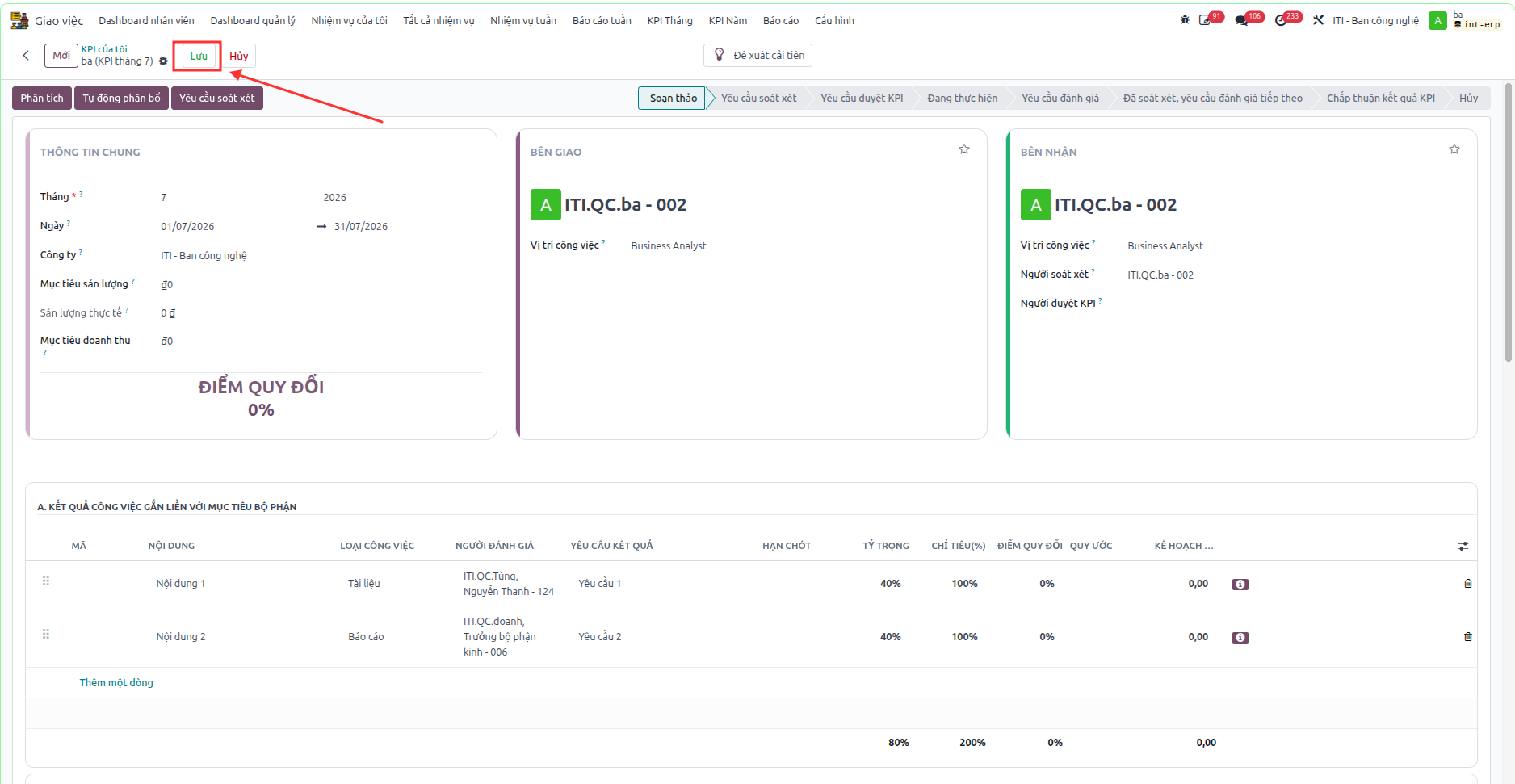
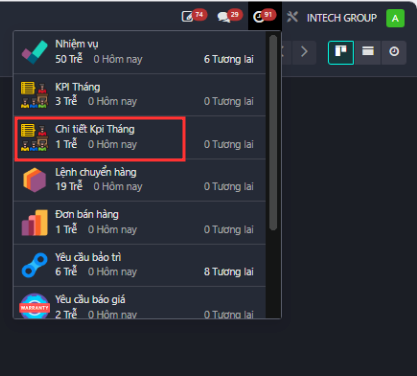
Bước 3: On each individual KPI line, select the designated Người đánh giá (Assigned Evaluator). Evaluators receive automatic notifications upon review requests.
Note
Standard organizational targets, such as Tuân thủ nội quy (Rules Compliance) and Đề xuất cải tiến (Improvement Proposals), are automatically populated by the system. Section D is mandatory and cannot be manually edited.