Attendee Registration & Link Sharing
Event participants can register autonomously via shared web links or be enrolled directly by event staff through the administrative interface.
Method 1: Copying and Distributing the Registration Link
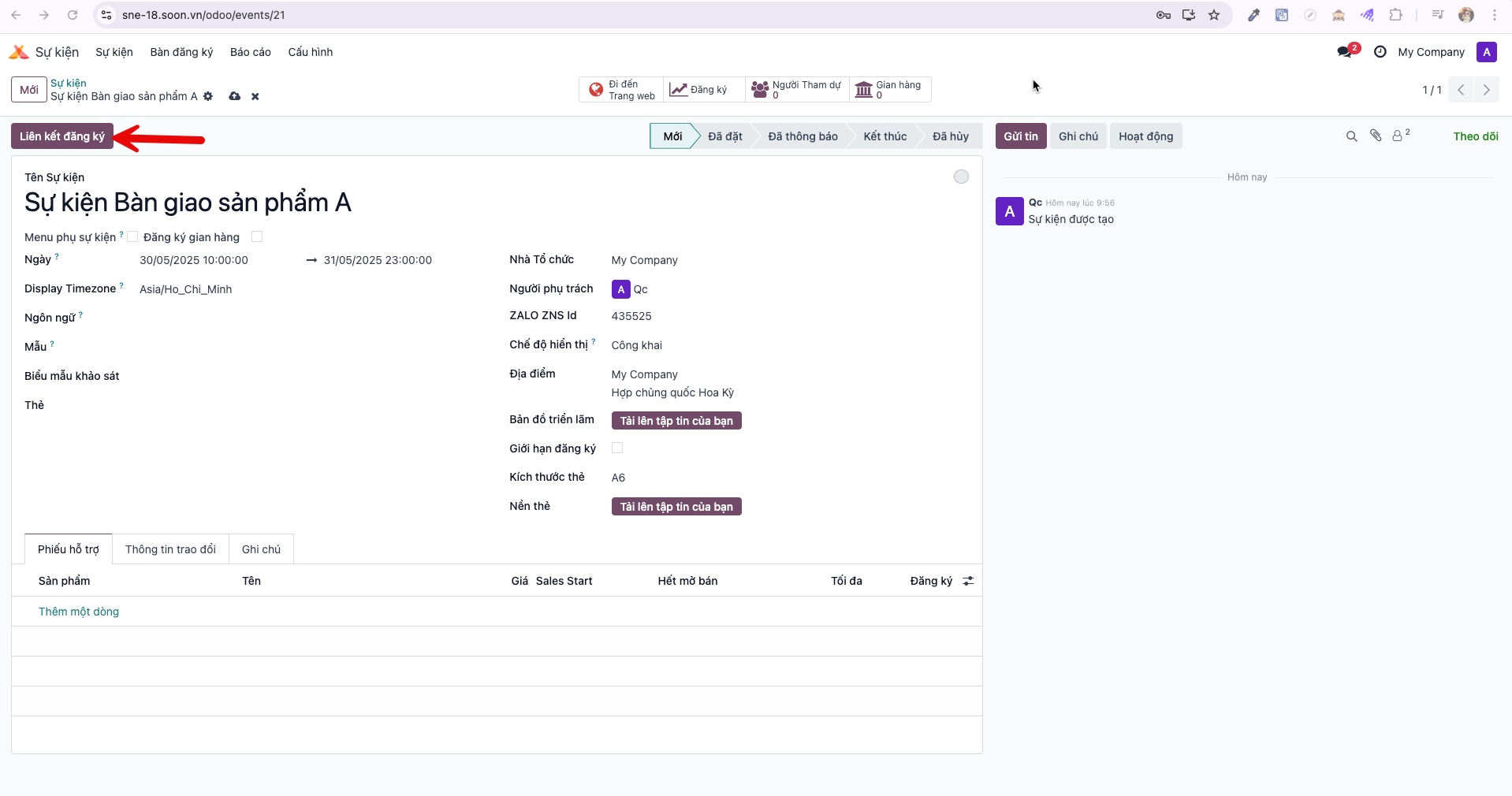
Bước 1: Open the target event record and locate the Registration Link (Liên kết đăng ký) button on the top smart bar.
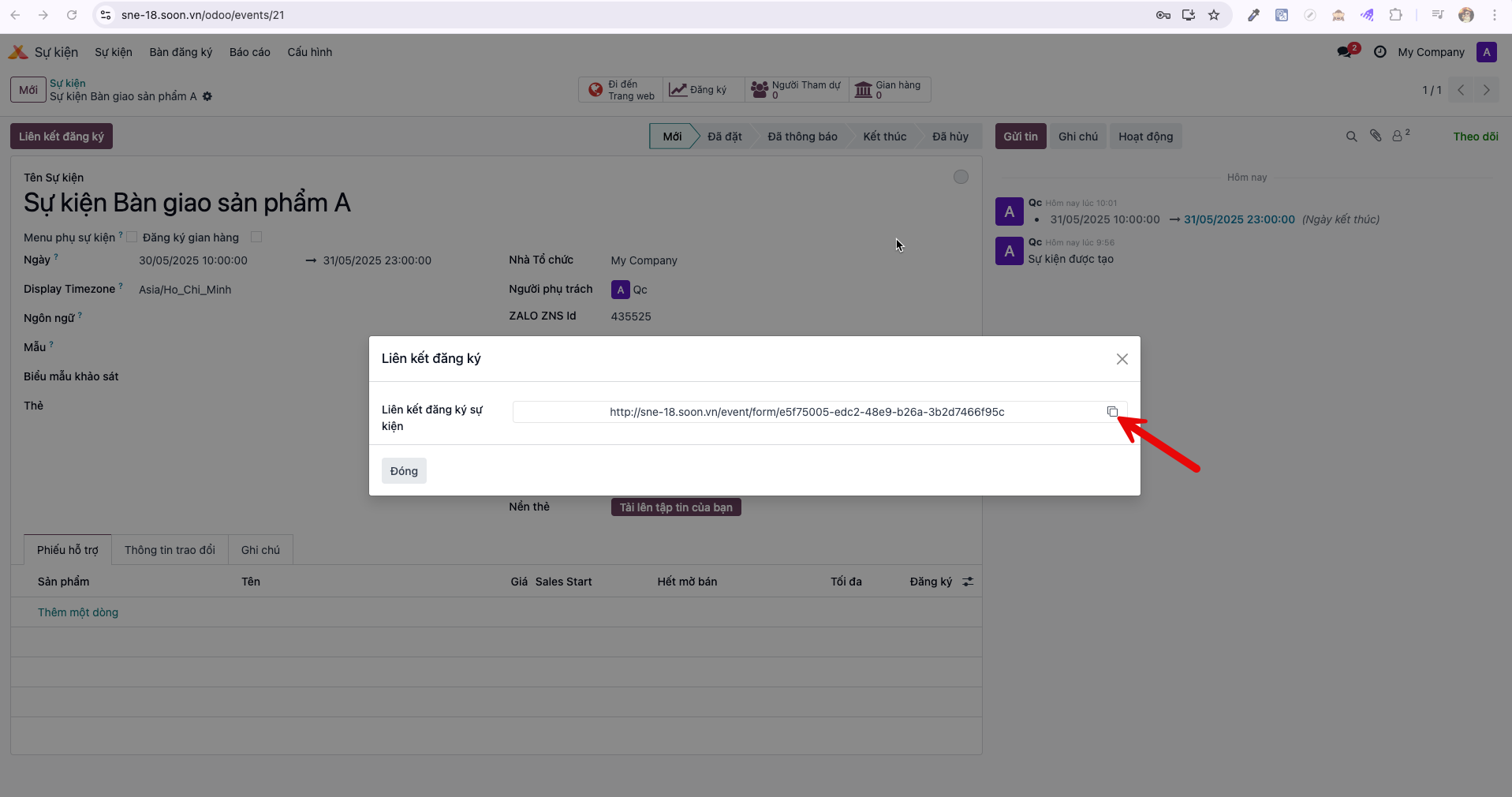
Bước 2: Click Registration Link (Liên kết đăng ký) to open the URL display modal, then click Copy (Sao chép) to copy the unique event registration link to your clipboard.
Bước 3: Paste the copied link onto event websites, marketing campaigns, or send directly to prospective attendees. The public registration form displays cleanly across devices.
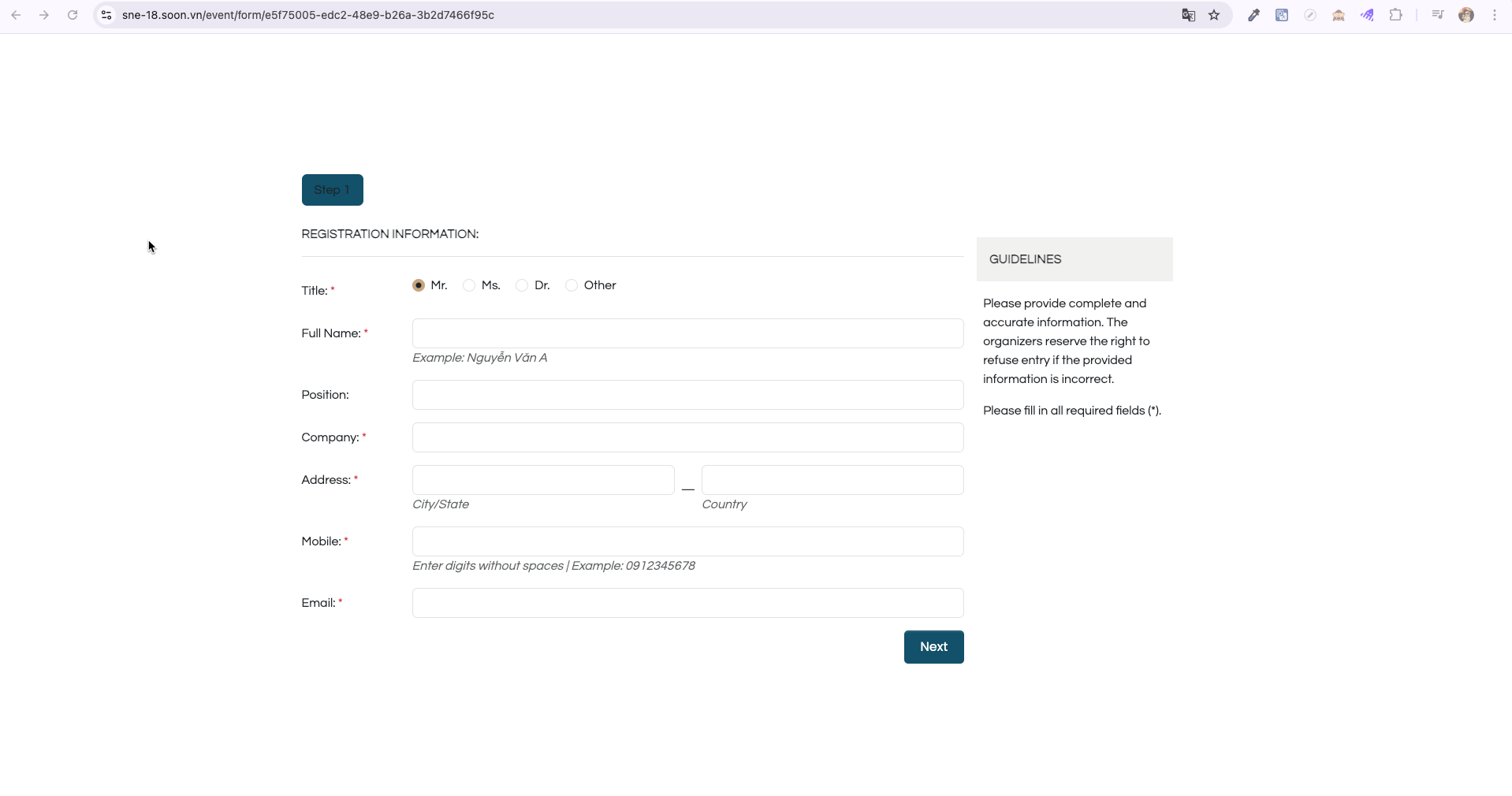
Attendees proceed through the configured survey sections, entering required personal and professional details.
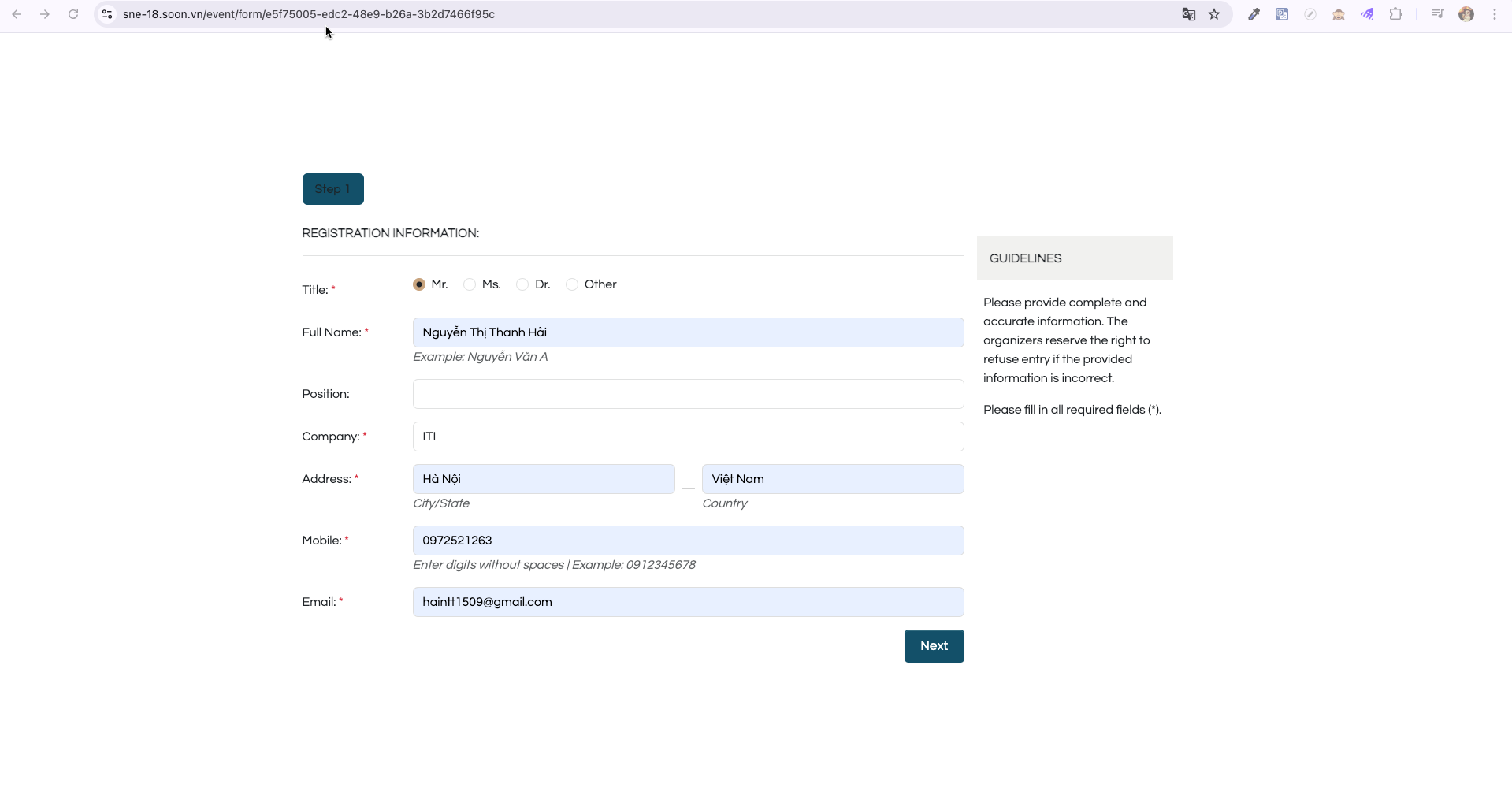
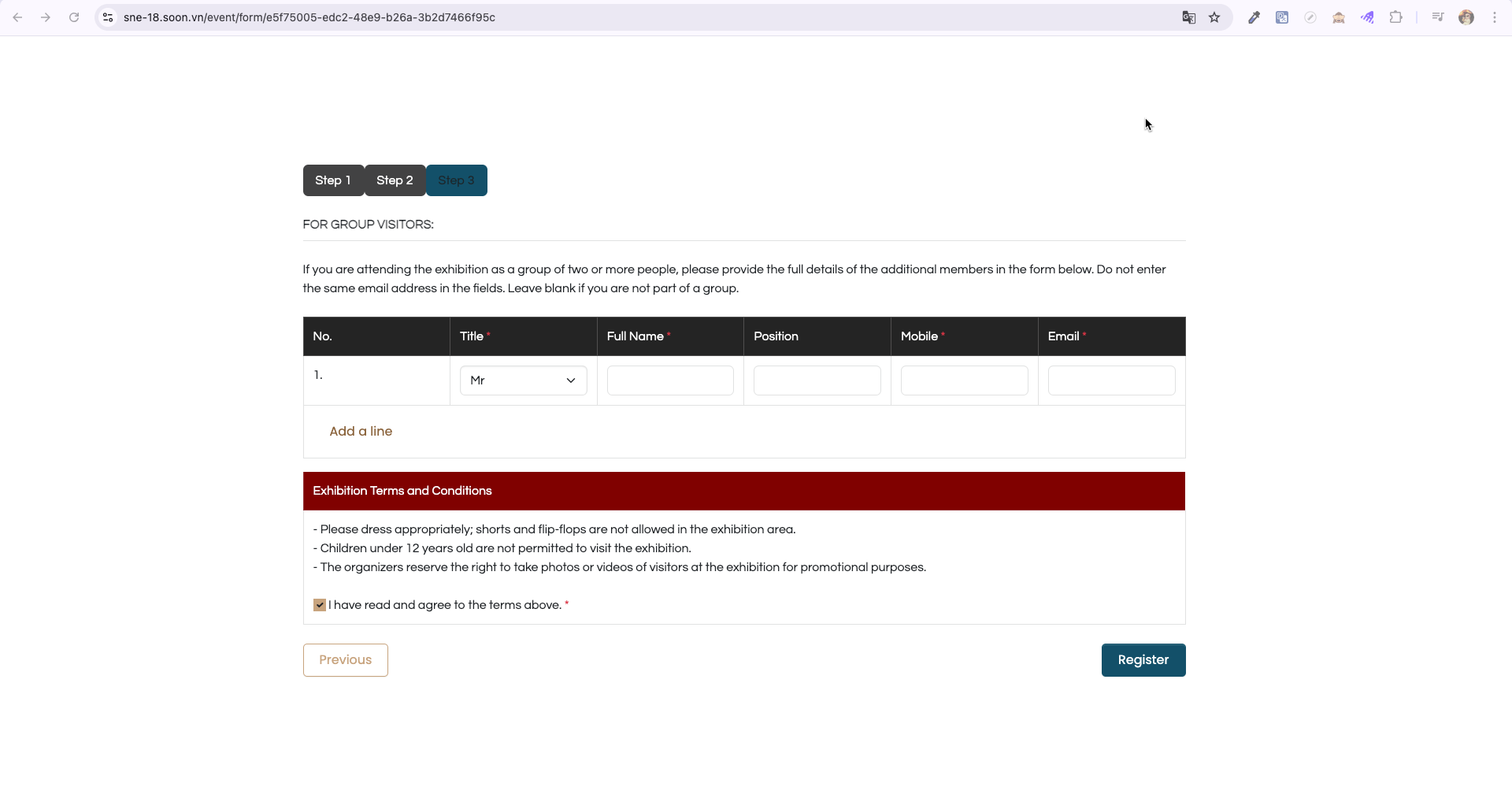
Review the terms, tick the agreement checkbox, and submit the registration form.
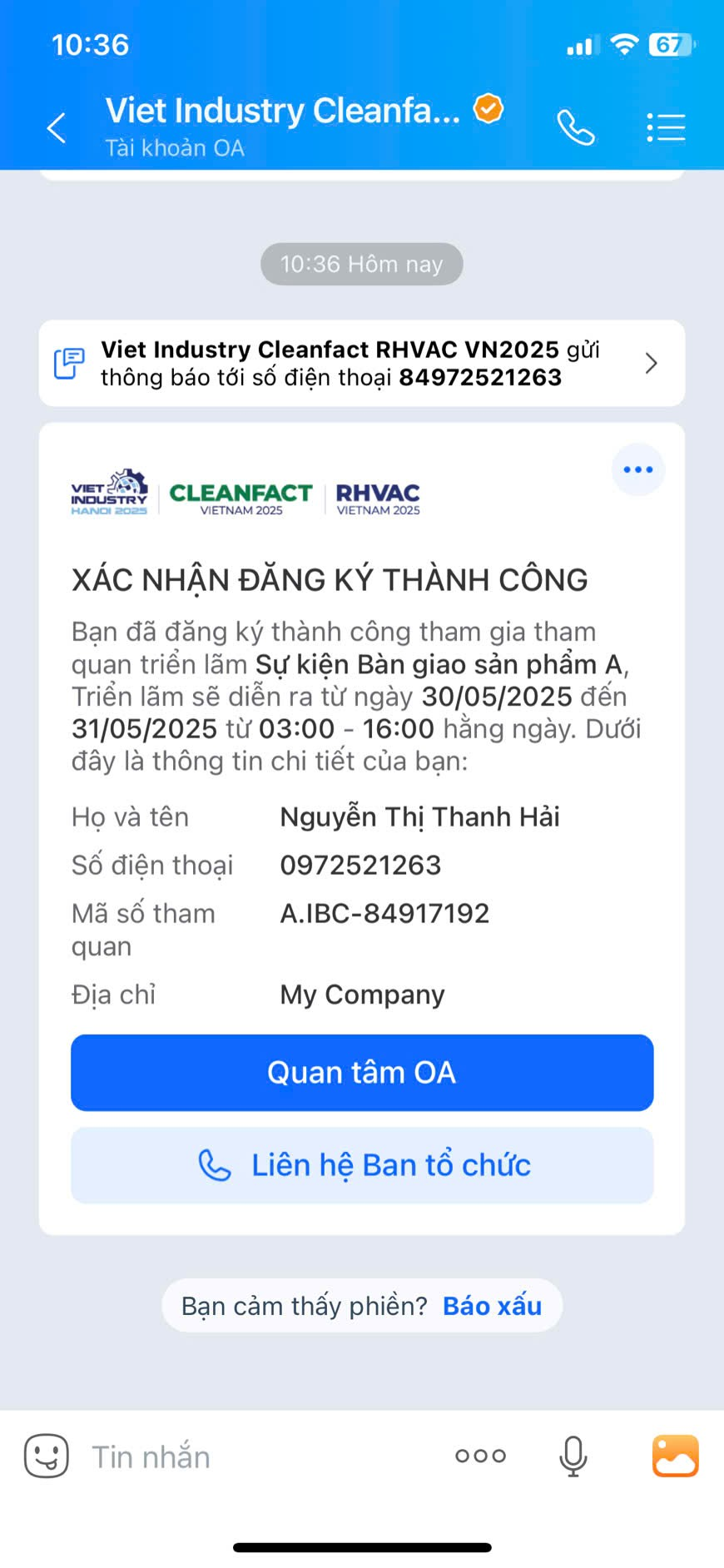
Bước 4: Upon successful submission, the system automatically sends a confirmation message to the attendee via Zalo ZNS.
Bước 5: Simultaneously, a detailed registration confirmation email is sent to the attendee’s registered email address.
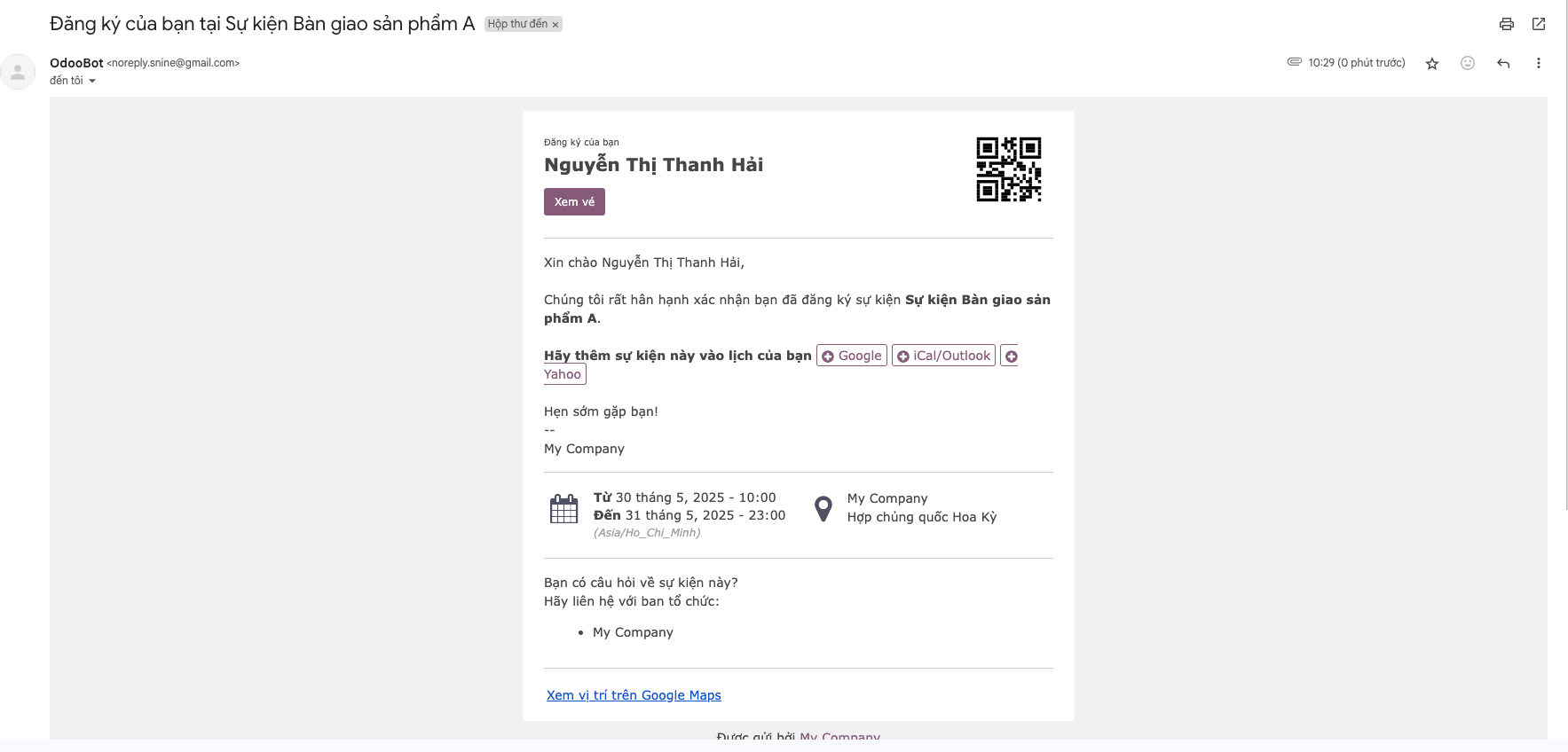
Bước 6: The attendee clicks View Ticket (Xem vé) in the email to display their official event electronic badge with a personalized check-in QR code.
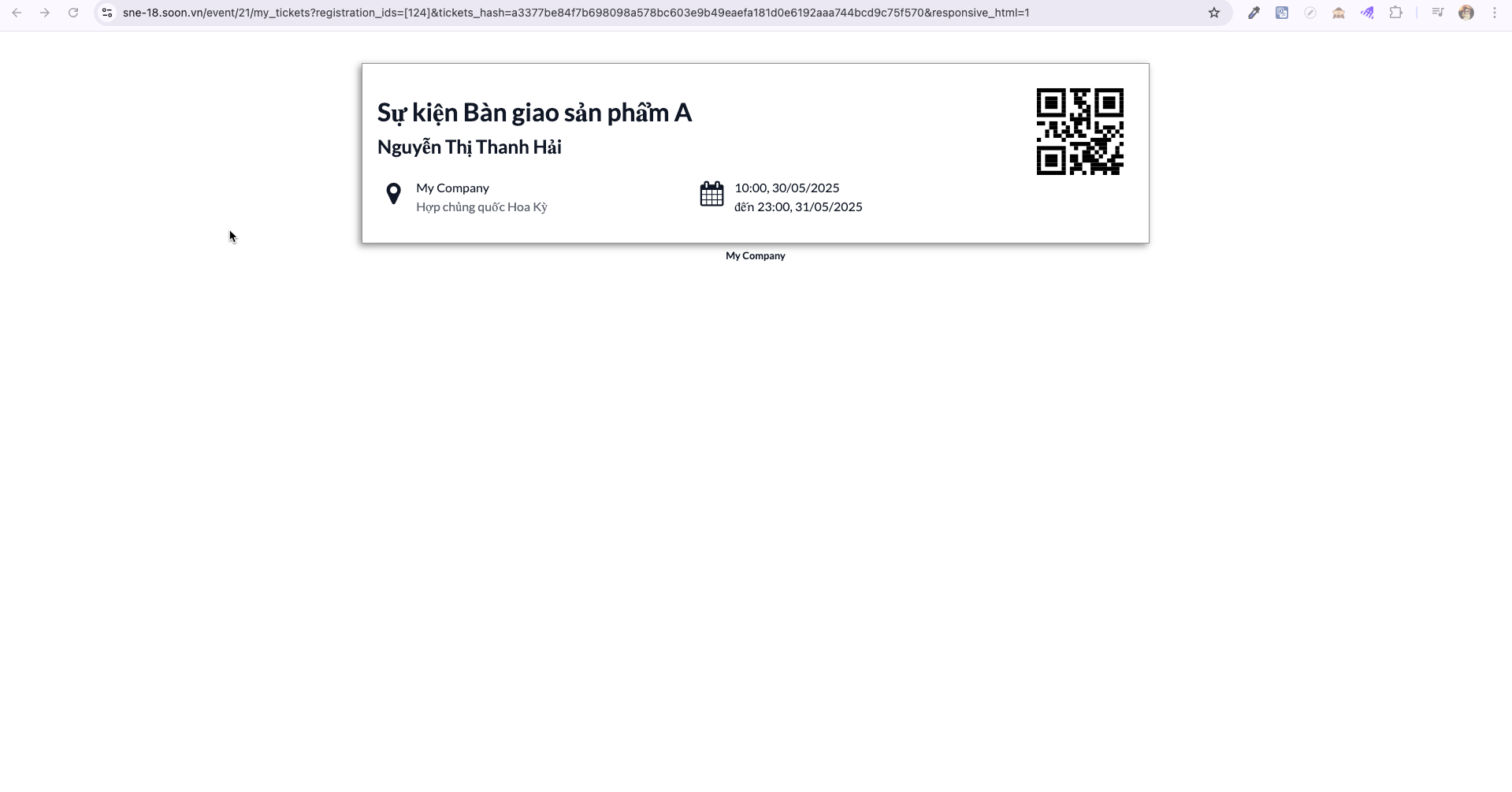
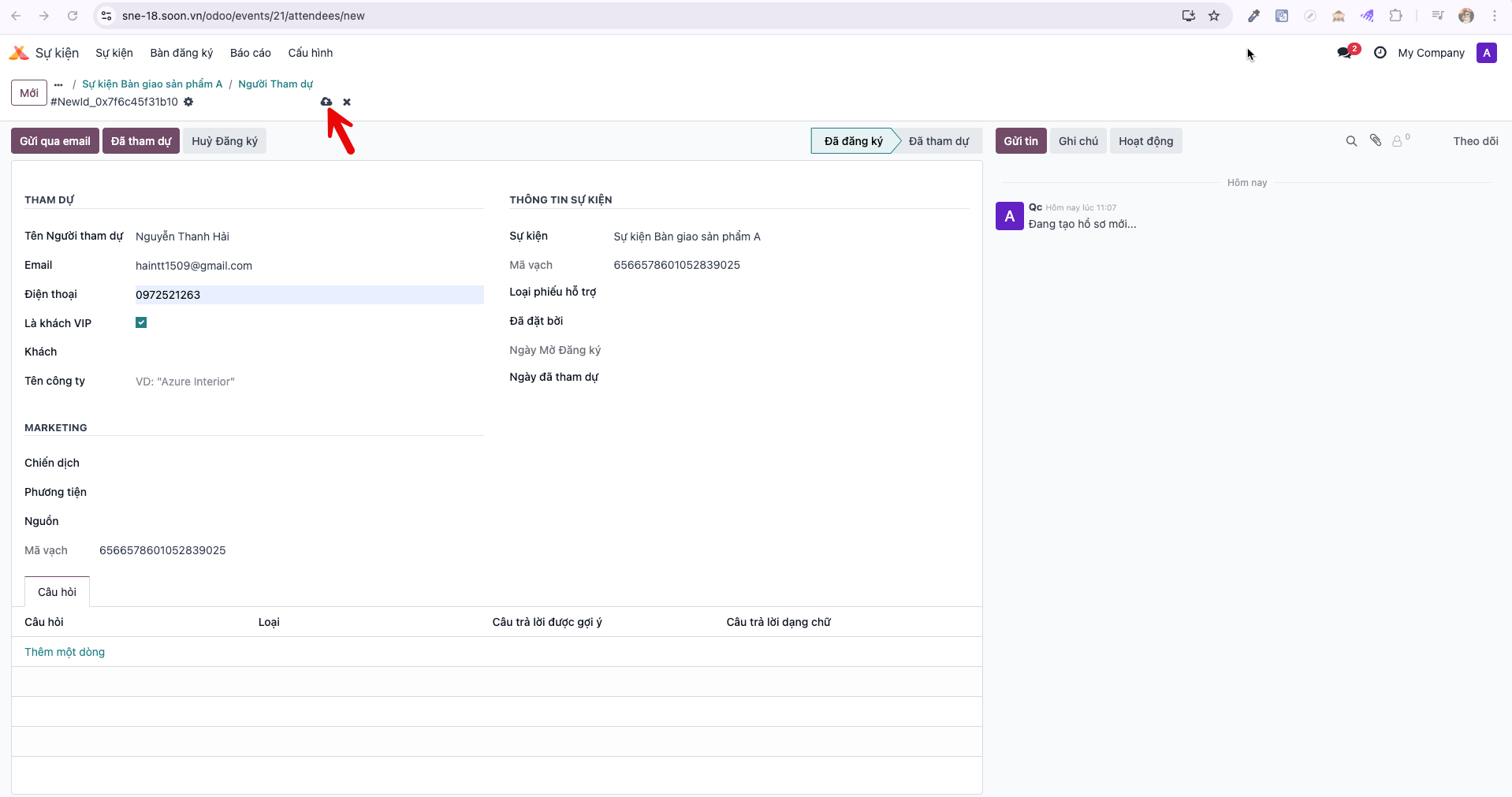
Method 2: Enrolling Attendees Directly in the System
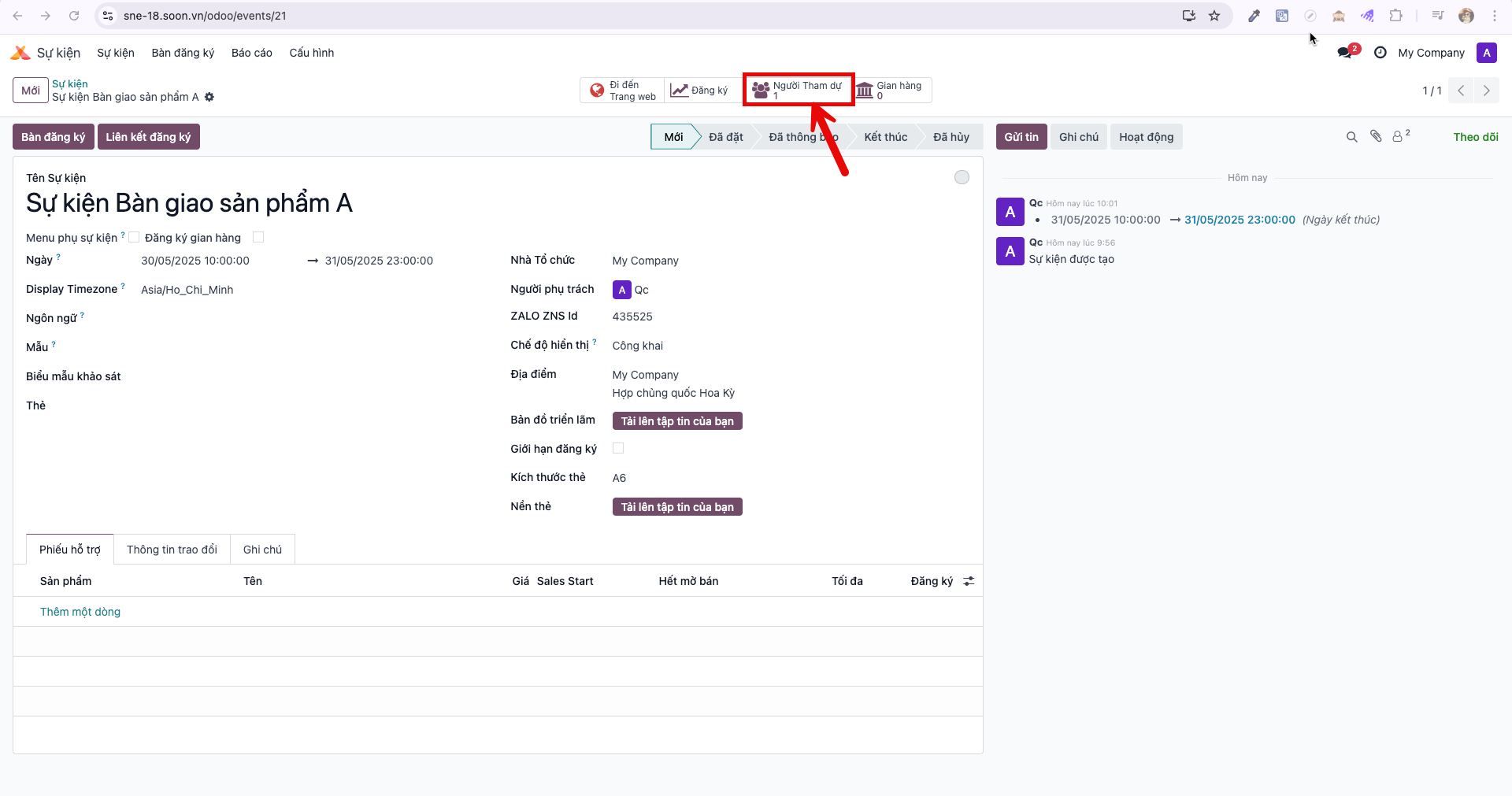
Bước 1: From the event detail page, click the Attendees (Người tham dự) smart button.
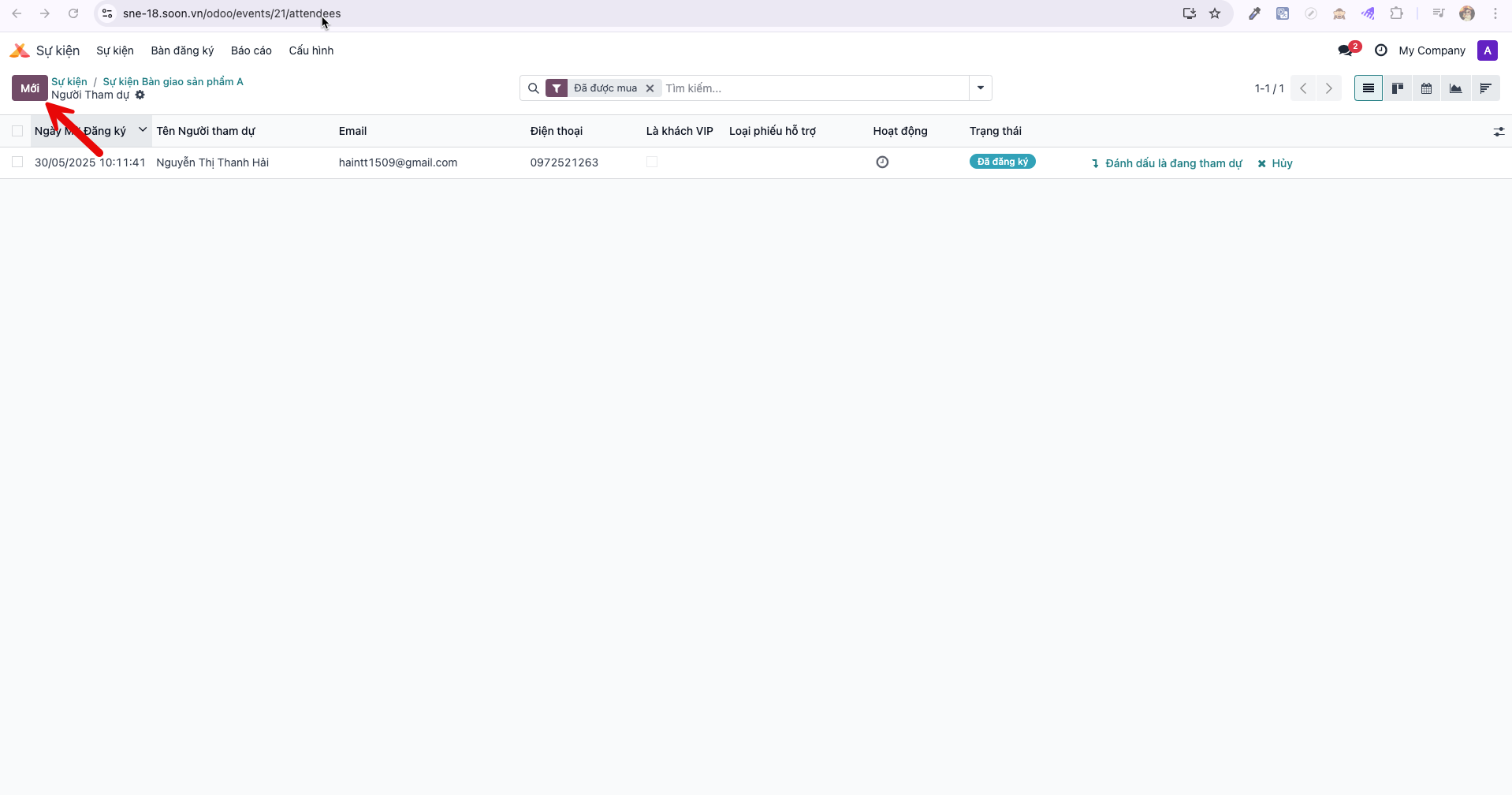
Bước 2: In the Attendees master list, click New (Mới) to launch the manual registration form.
Bước 3: Fill in required participant information:
Attendee Name (Tên Người tham dự)
Email
Phone (Điện thoại)
Additional business and registration classification fields.
Click Save (Lưu). The system registers the attendee, sends the Zalo and email confirmation, and creates their check-in record.