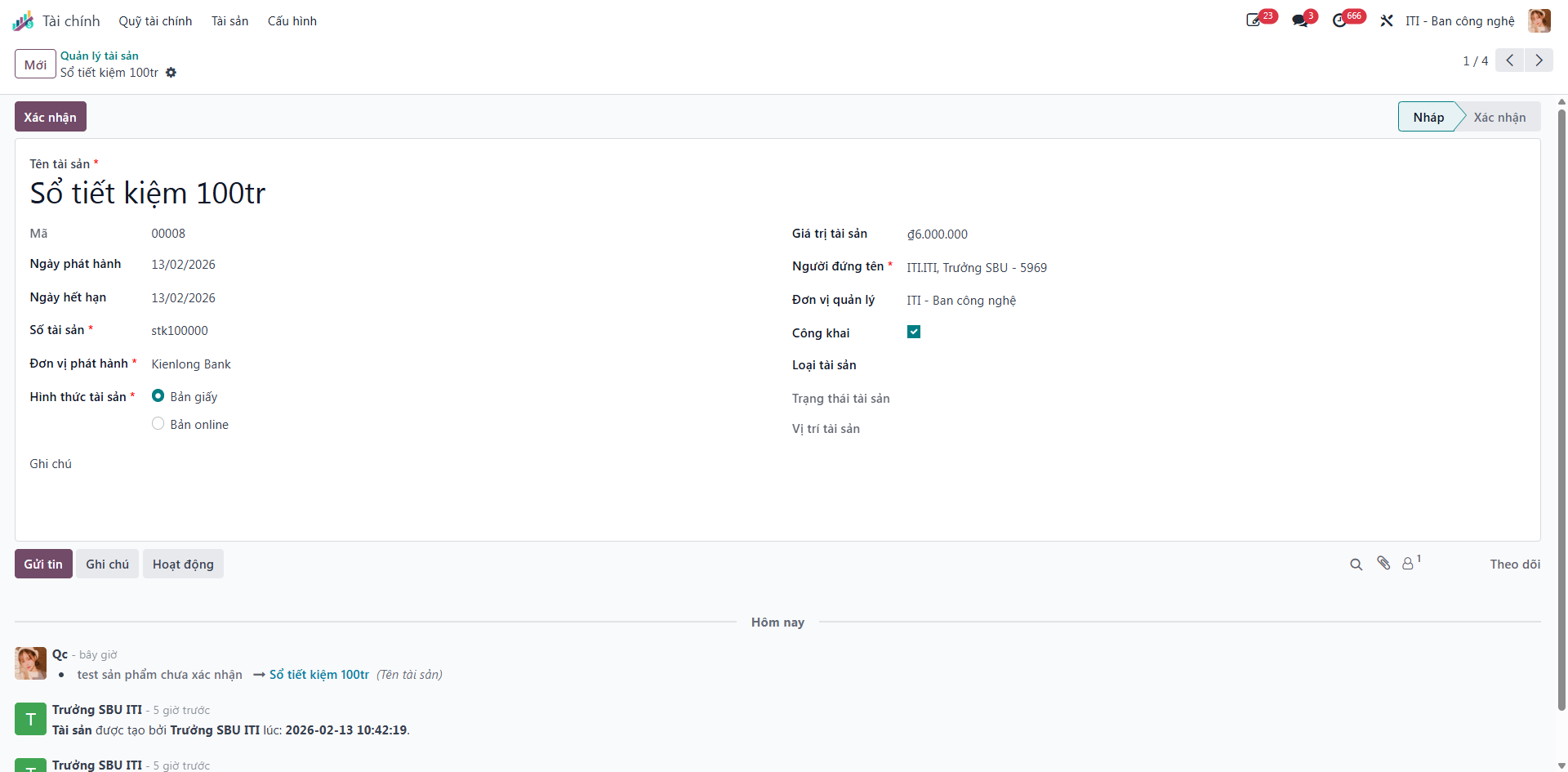
Asset Registry & Custody Locking
Organizations track valuable corporate assets—such as term savings passbooks, guarantee certificates, and financial bonds—to preserve institutional custody and track maturity schedules.
Managing Asset Records
Bước 1: From the main S-ERP interface, navigate to Finance (Tài chính) ‣ Assets (Tài sản) ‣ Asset Management (Quản lý tài sản).
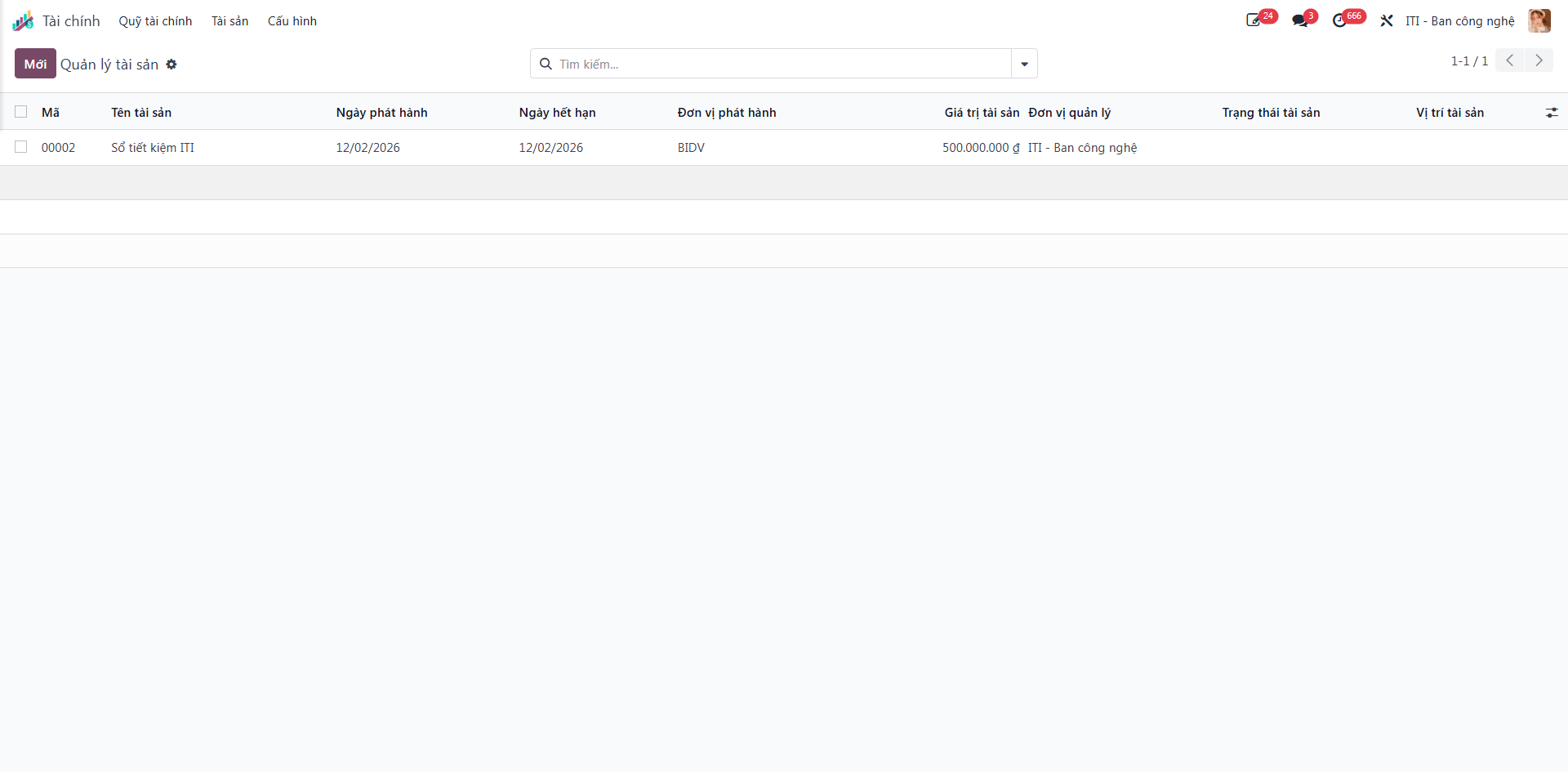
The master registry lists all logged corporate assets with essential parameters: Asset Name (Tên tài sản), Issue Date (Ngày phát hành), Expiration Date (Ngày hết hạn), Issuing Entity (Đơn vị phát hành), Asset Value (Giá trị tài sản), Managing Entity (Đơn vị quản lí), Asset Status (Trạng thái tài sản), and Asset Location (Vị trí tài sản).
Note
Use the search bar to group records by Titleholder (Người đứng tên), Asset Type (Loại tài sản), or Time Horizon (Year/Quarter/Month/Week).
Bước 2: Click the New (Mới) button to open an asset registration form.
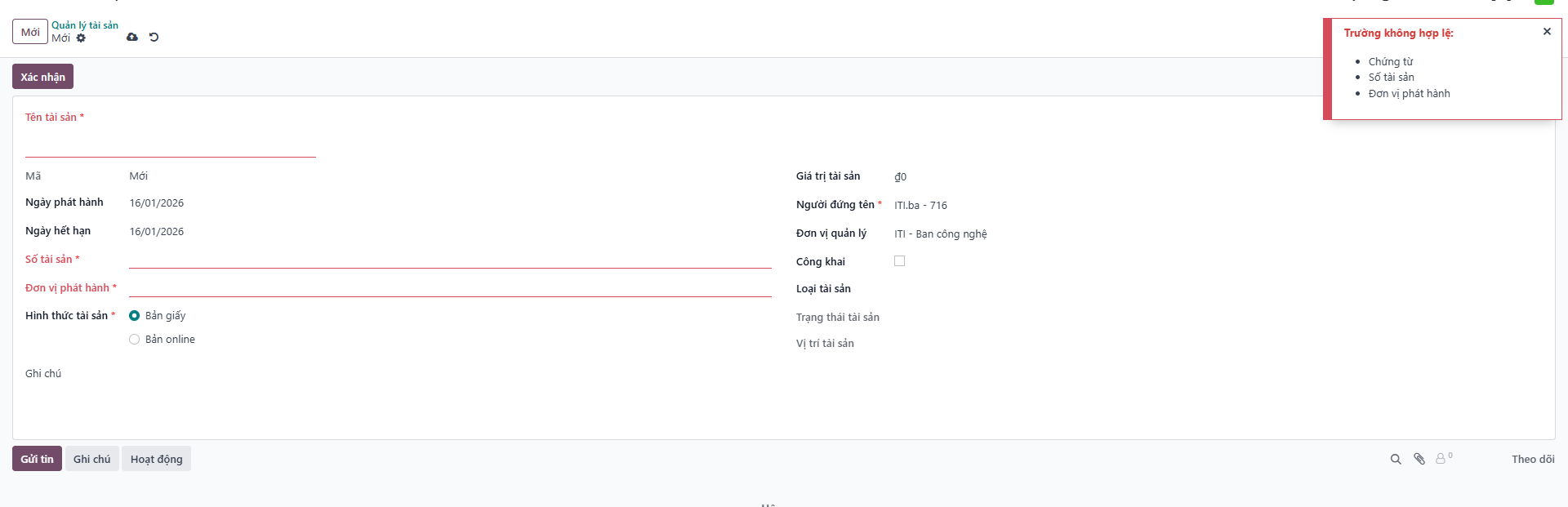
Bước 3: Enter all asset parameters:
Asset Name (Tên tài sản): Descriptive designation or certificate title.
Passbook Number (Số sổ tiết kiệm): Bank identification code or certificate serial number.
Issuing Entity (Đơn vị phát hành): Financial institution or issuing bank.
Value and Interest Rate: Stated principal and contractual terms.
Click Save (Lưu) to create the draft record.
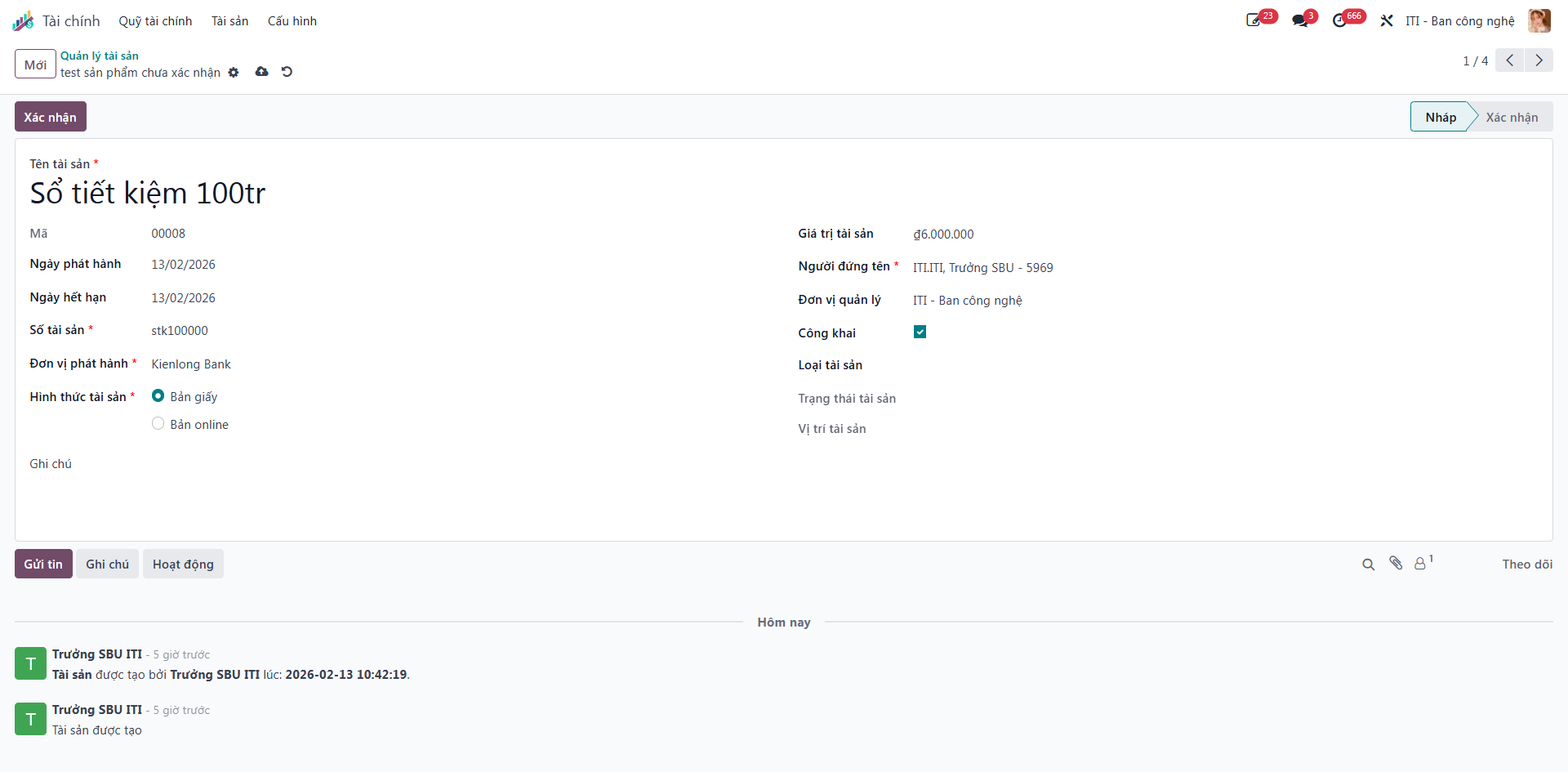
Bước 4: Verify all details against physical banking documentation, then click Confirm (Xác nhận) to lock the record against unauthorized modifications.