Notification Request Approvals
Managers review and process pending Monthly KPI, Yearly KPI, and task verification requests through the centralized notification center.
Approval Procedure
Bước 1: Click the Thông báo (Notification Bell) icon located at the top-right header of the ERP interface to expand pending review notifications.
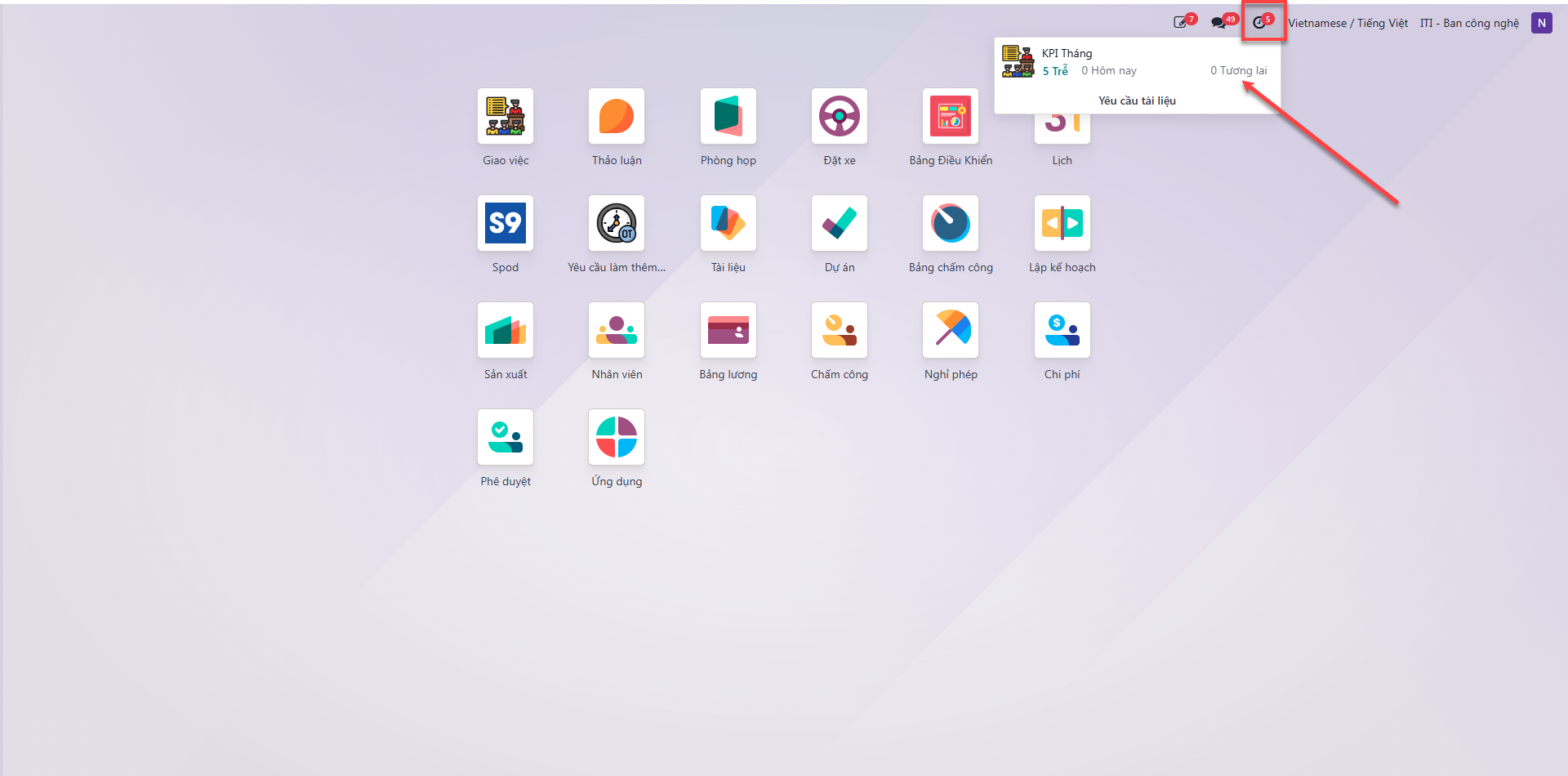
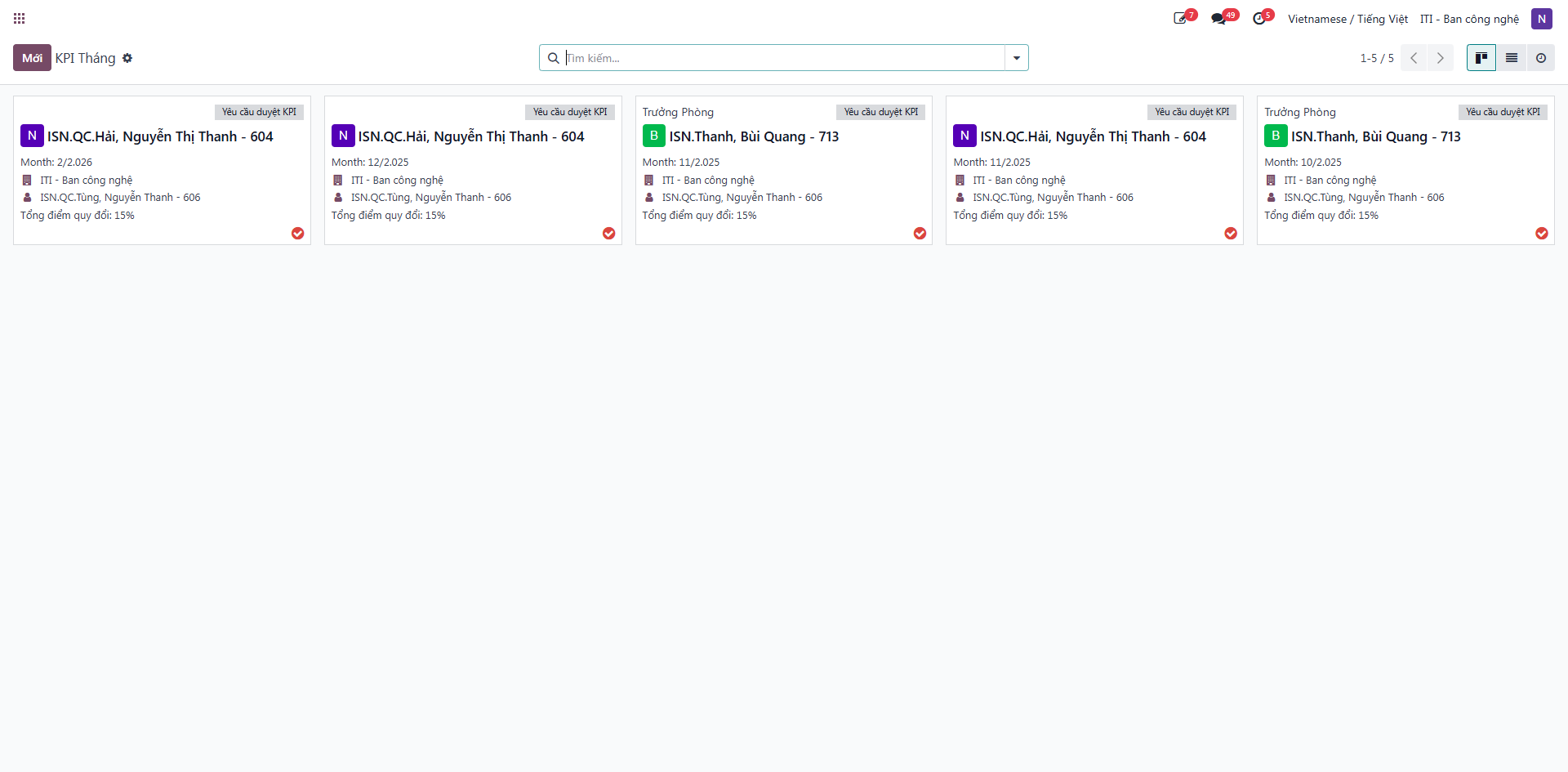
Bước 2: Click on the specific item requiring approval from the notification list.
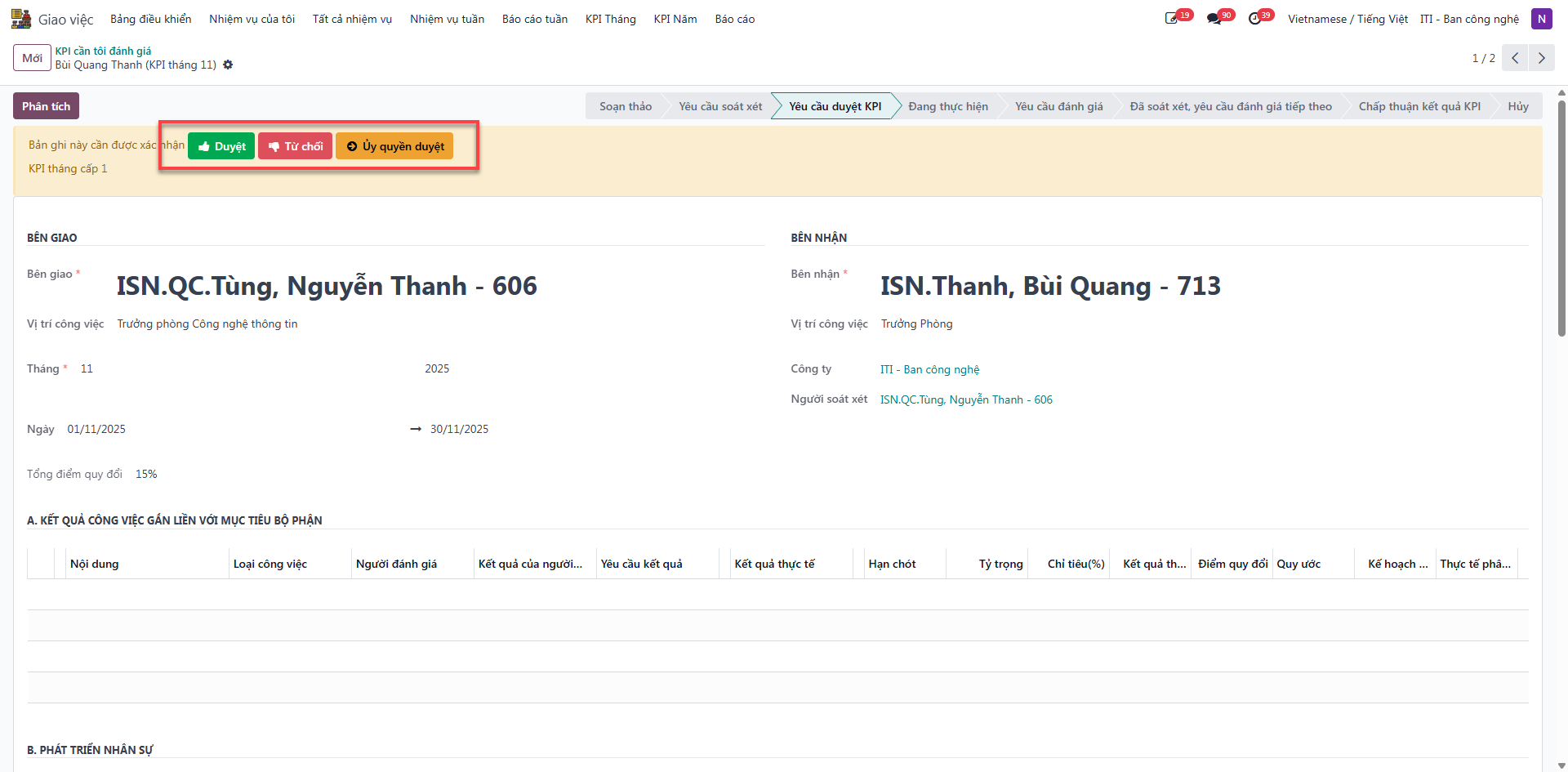
Bước 3: Review submitted deliverables and metric parameters, then click either Xác thực (Approve) to finalize or Từ chối (Reject) to return the request with corrective feedback.