Goods Receipt & Warehouse Inbound
The Goods Receipt workflow records physical item arrivals against confirmed Purchase Orders, generates warehouse receipt slips, routes through quality inspection, and updates real-time inventory balances.
Initiate Warehouse Receipt from PO
Step 1: Navigate to .
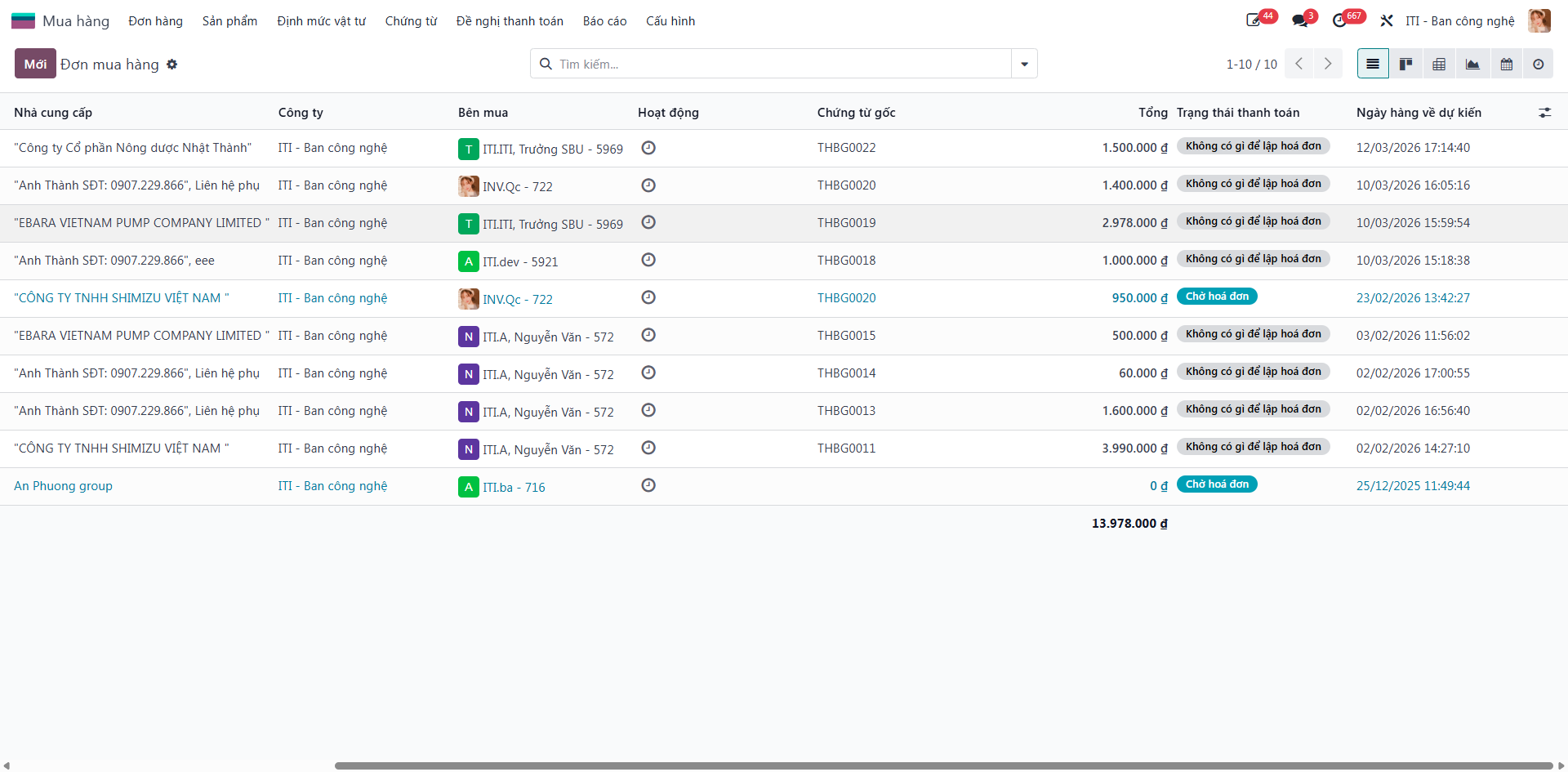
Step 2: Open the confirmed Purchase Order for which items have arrived.
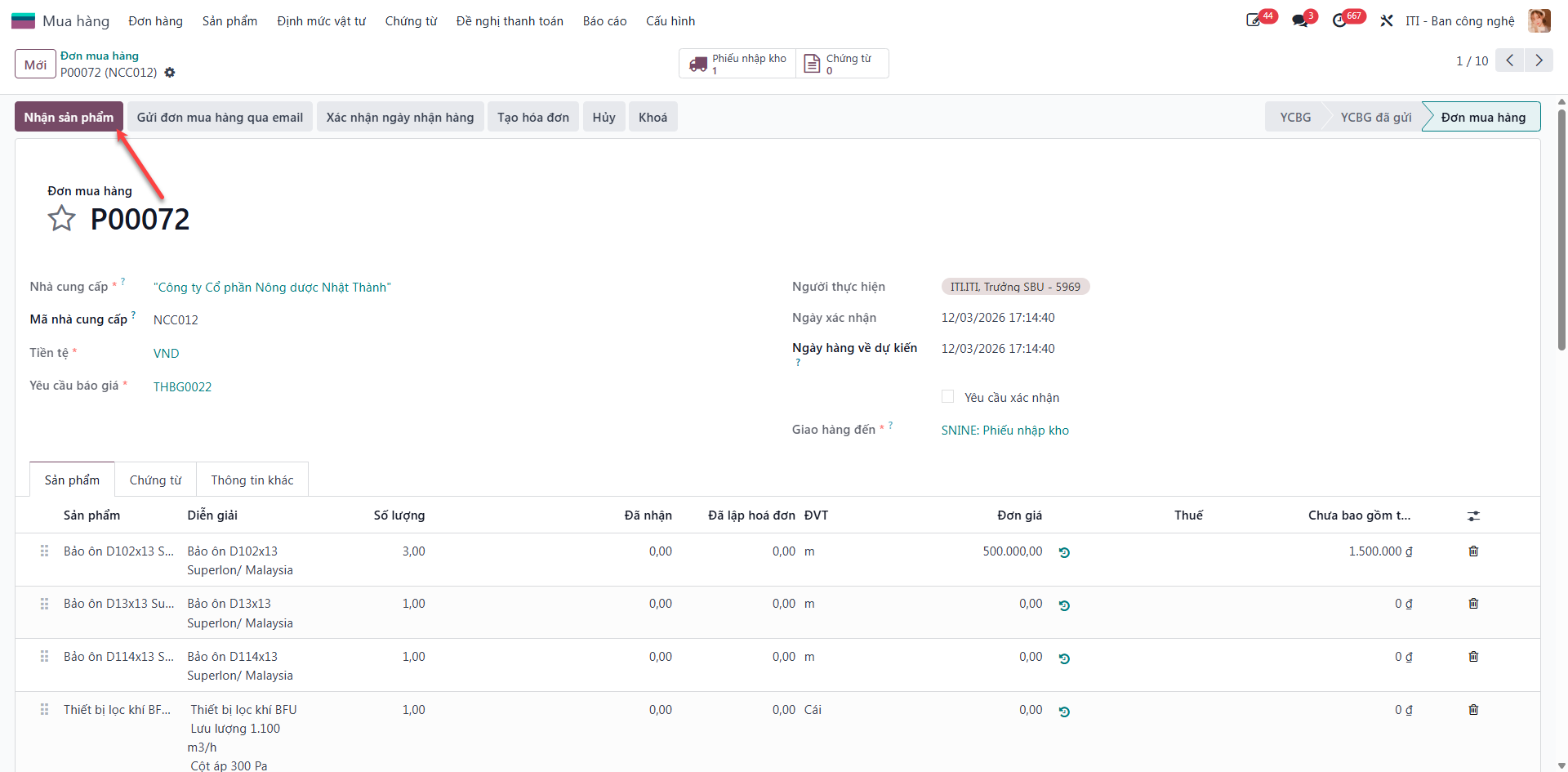
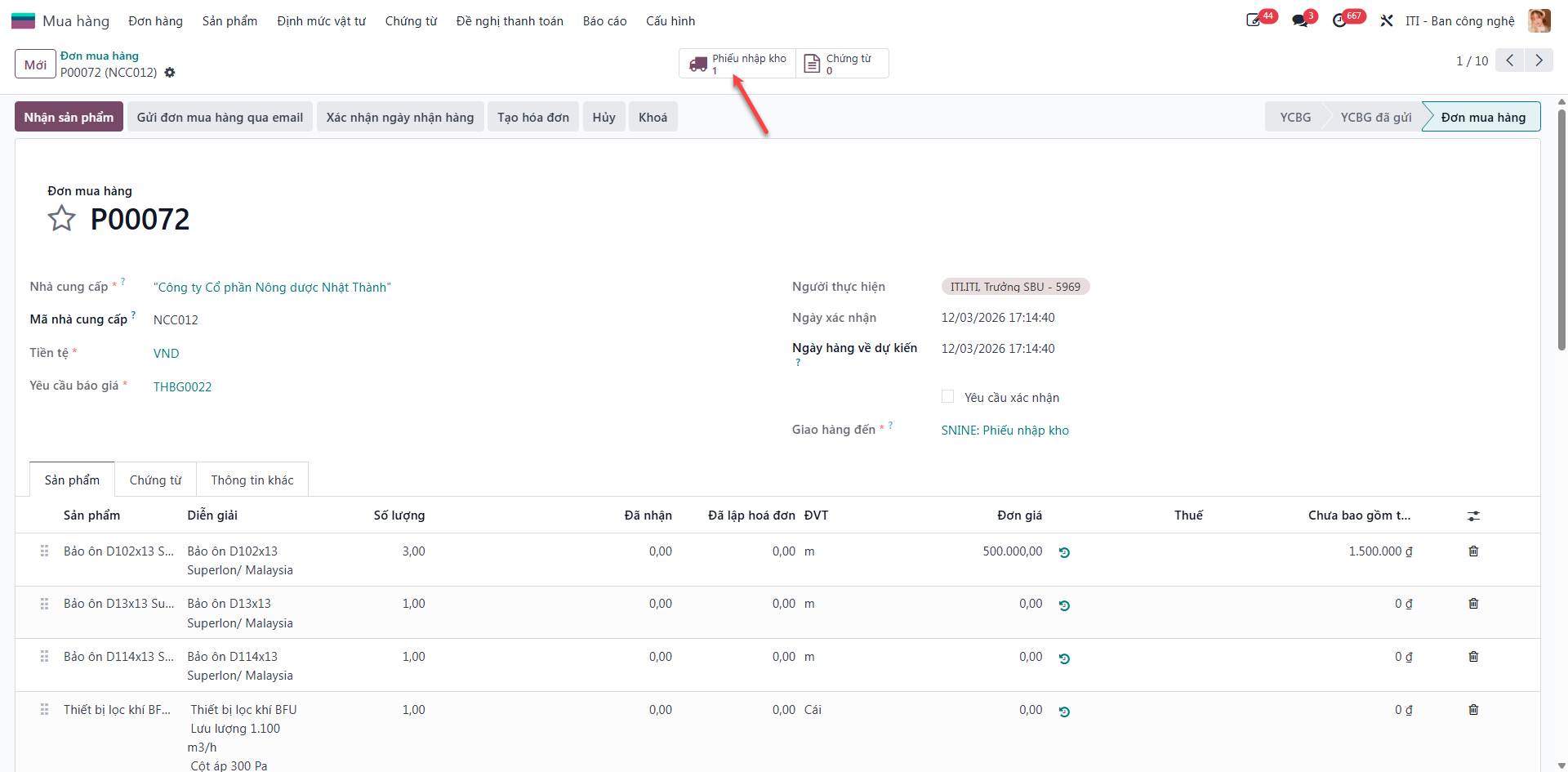
Step 3: Click Receive Products. The system automatically generates a corresponding Warehouse Receipt Slip. Click the Receipt smart button to view the receipt slip.
Process and Approve Warehouse Receipt
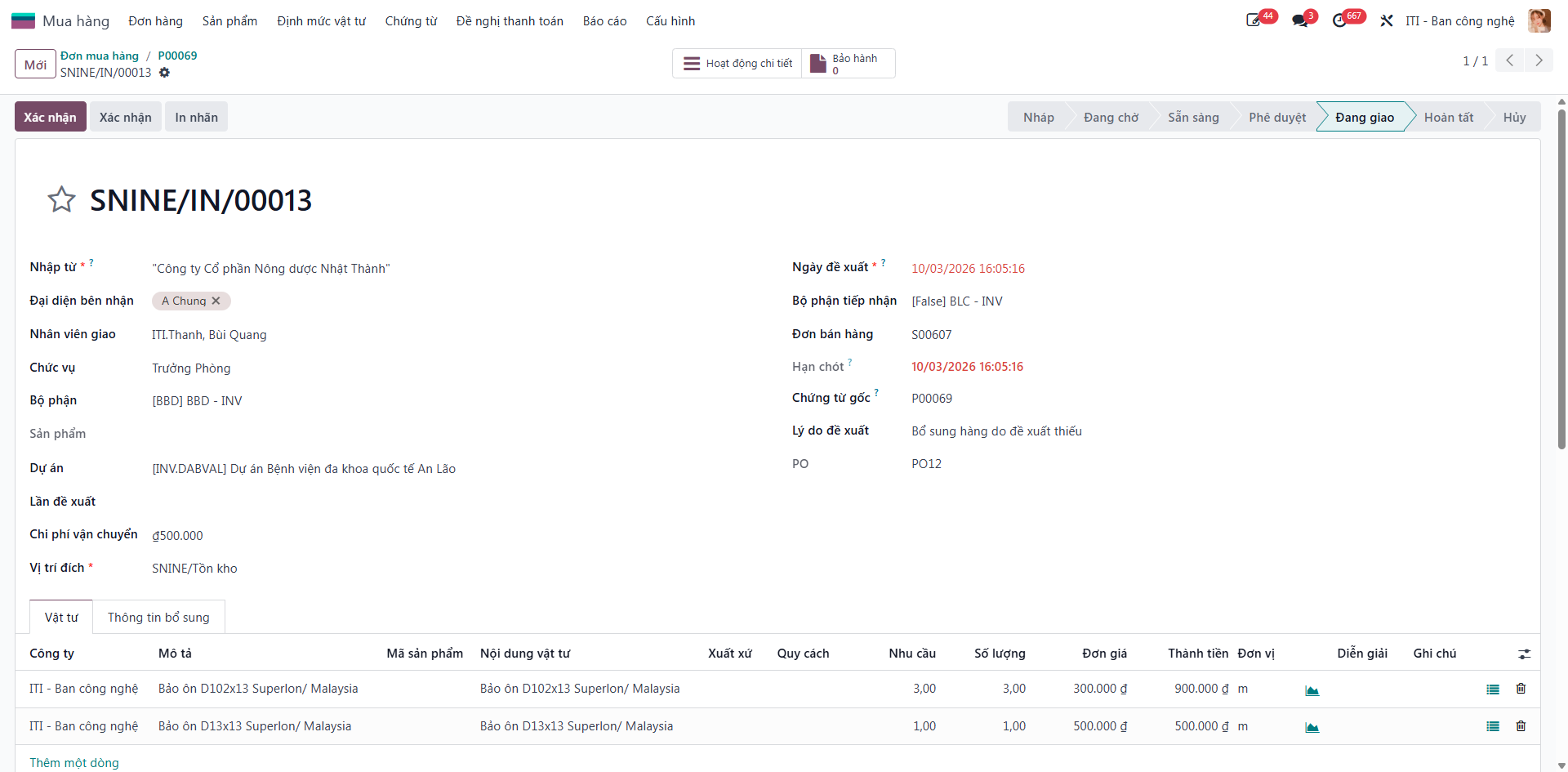
Step 4: On the Warehouse Receipt form, enter received quantities, destination storage locations, and serial/lot numbers.
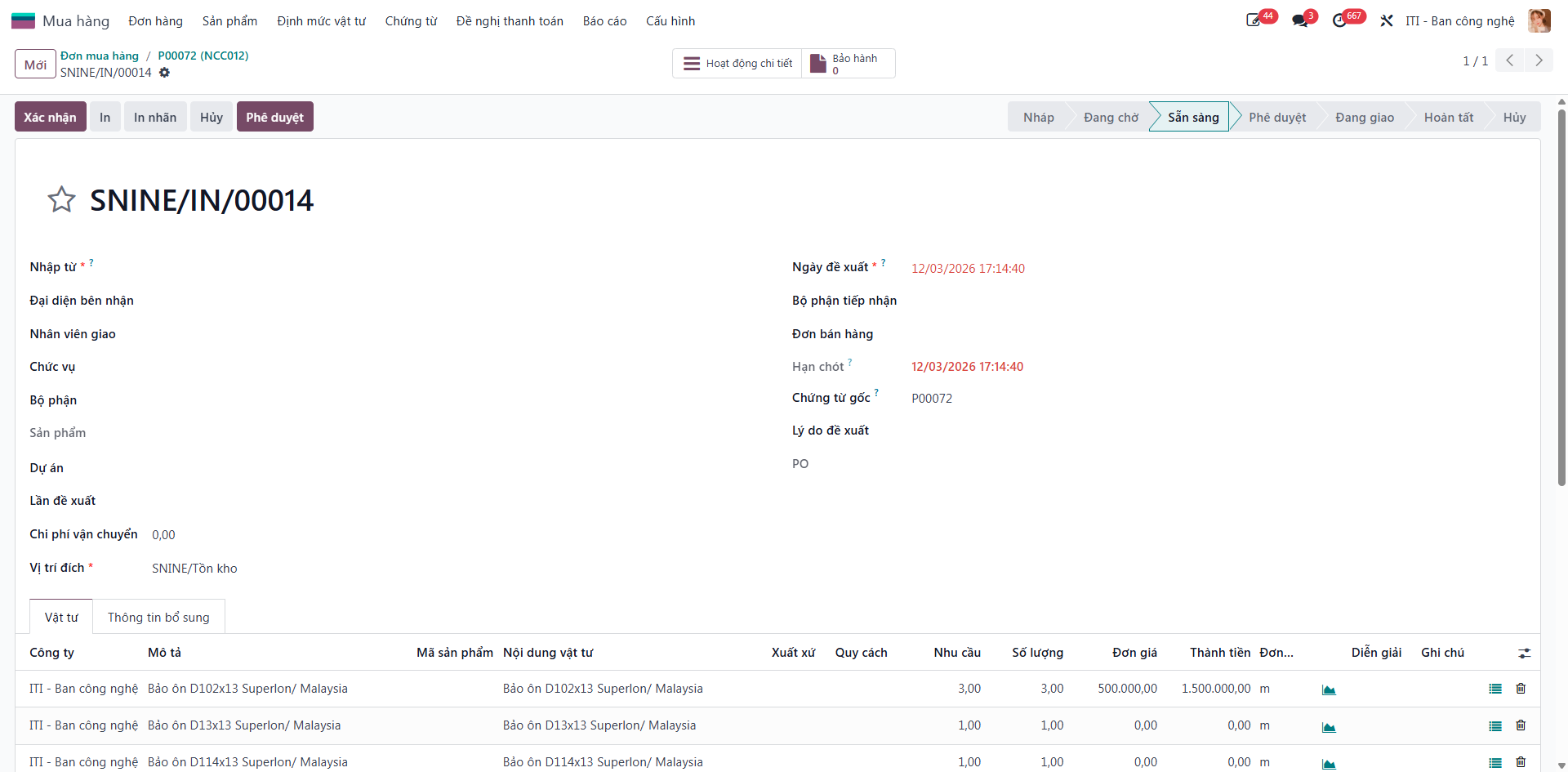
Step 5: Click Save to store receipt details.
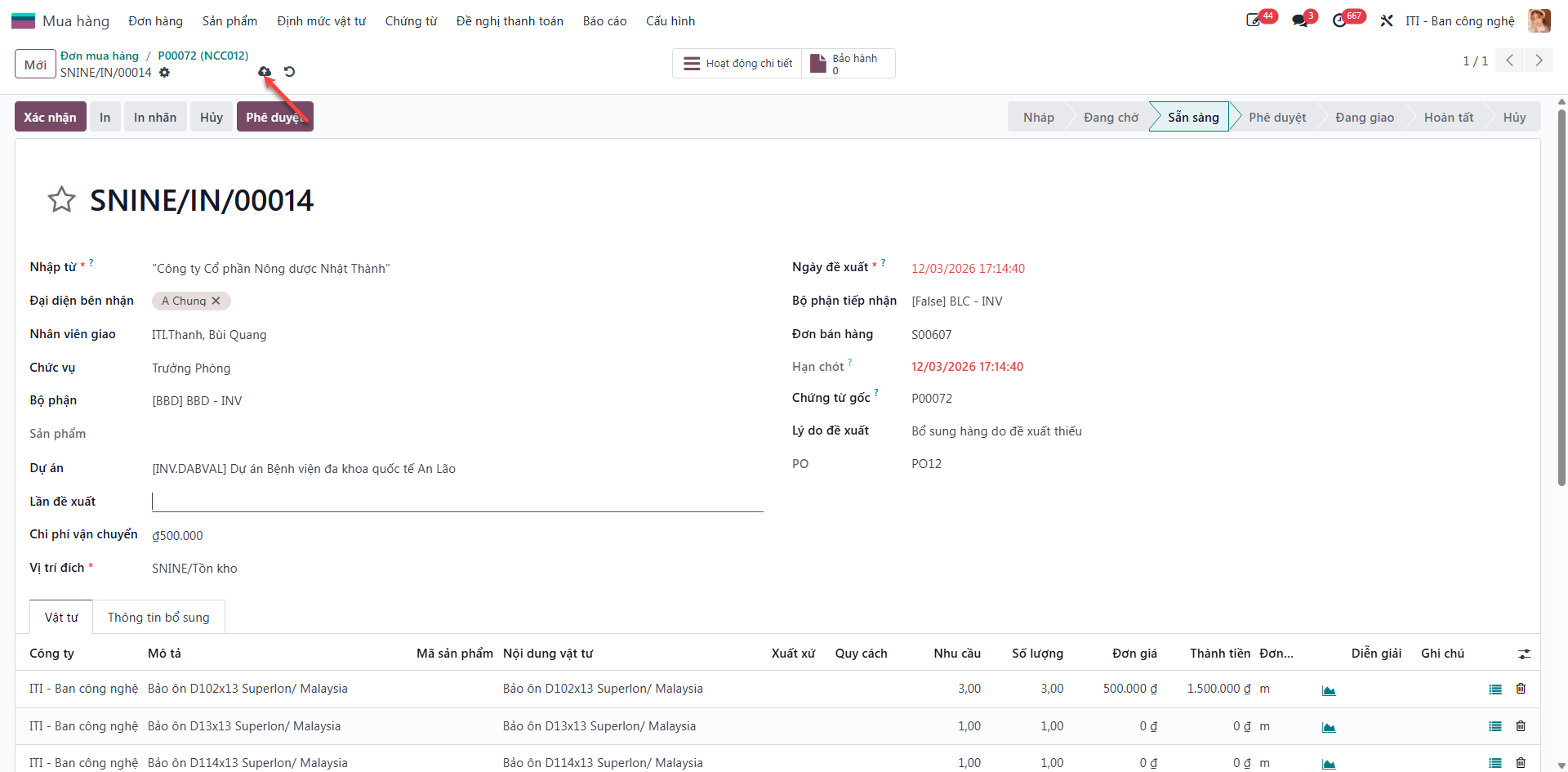
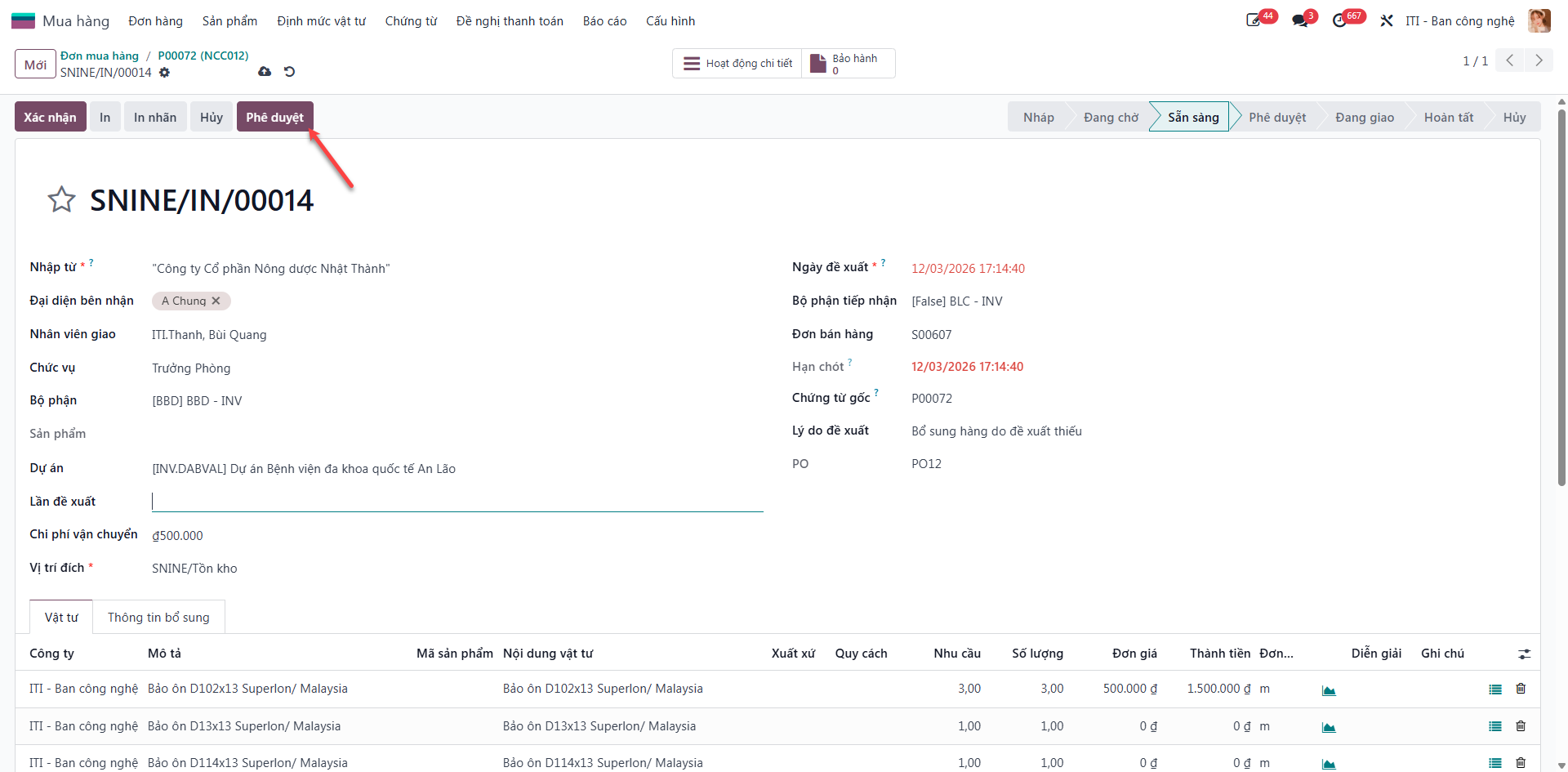
Step 6: Click Approve to transition the receipt to Approved status following physical inspection.
Step 7: When items are in transit between receiving dock and designated storage racks, click In Delivery.
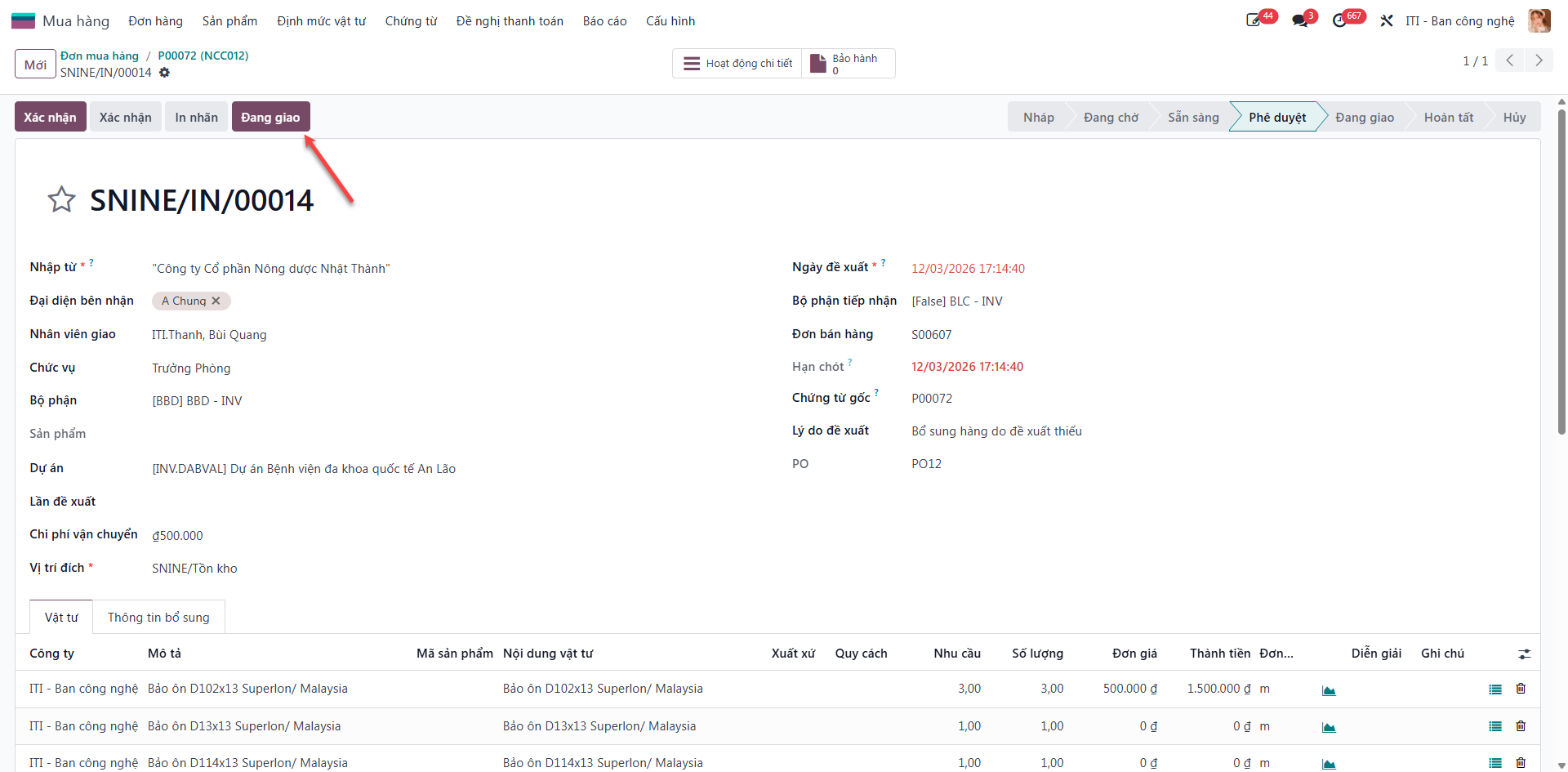
Step 8: Click Validate (Xác nhận) to finalize stock entry. The system updates inventory quantities, closes receipt lines, and synchronizes status with the Purchase Order.