Portal Authentication & Event Creation
Event organizers authenticate through the central IBC portal to access operational tools, initialize event instances, and define core scheduling details.
Database Login Workflow
Bước 1: Open a web browser and navigate to the IBC event system portal address (https://event.vietindustry.vn).
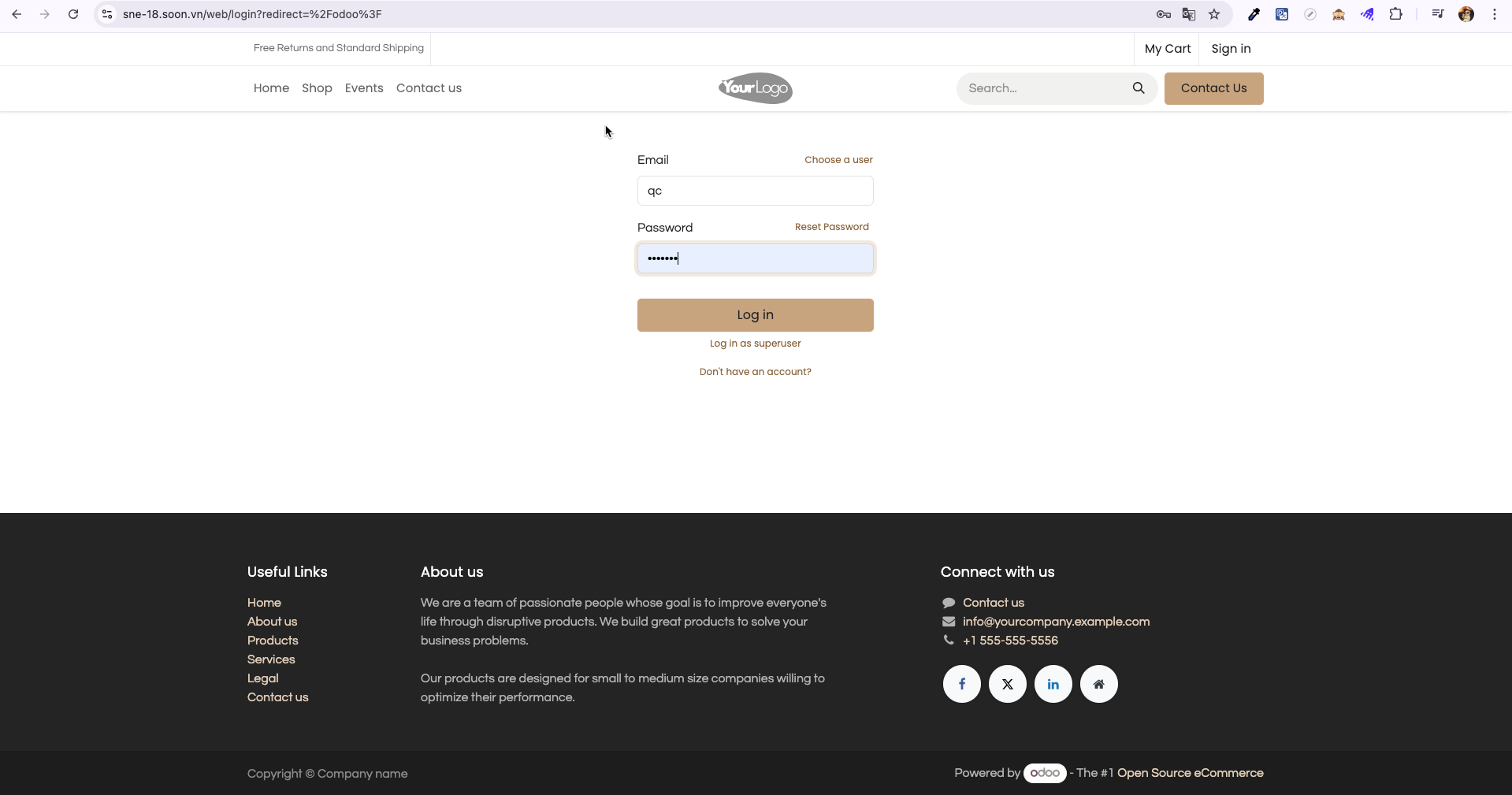
Bước 2: Enter your assigned username and password credentials on the login screen, then click Log in (Đăng nhập).
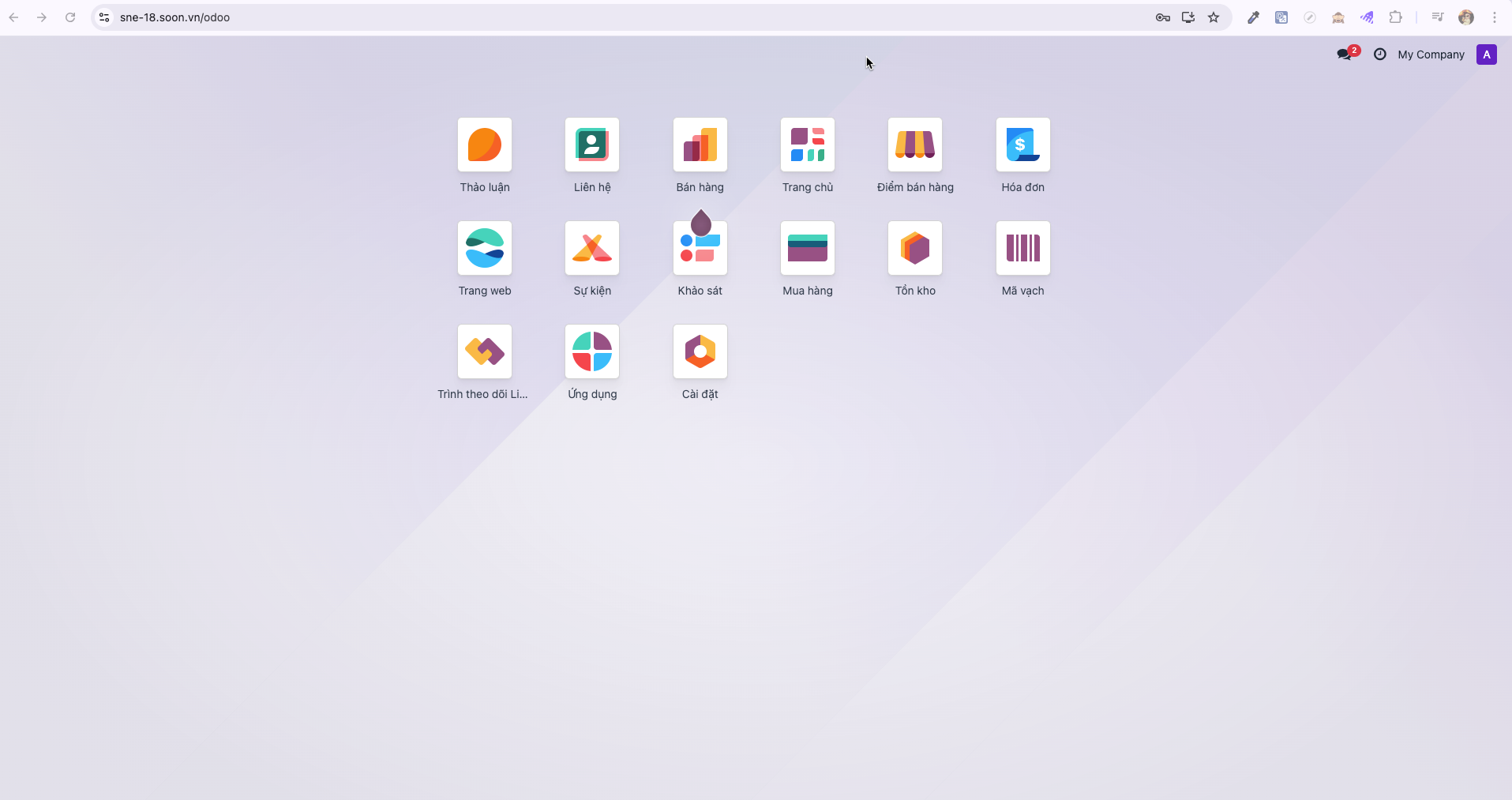
Bước 3: Upon successful verification, the system displays the main S-ERP application dashboard showing available business applications and authorized modules.
Creating a New Event
Note
Only accounts with System Administrator (Quản trị viên hệ thống) or Event Admin (Admin sự kiện) privileges can create new events.
Bước 1: From the main dashboard, select the Events (Sự kiện) application.
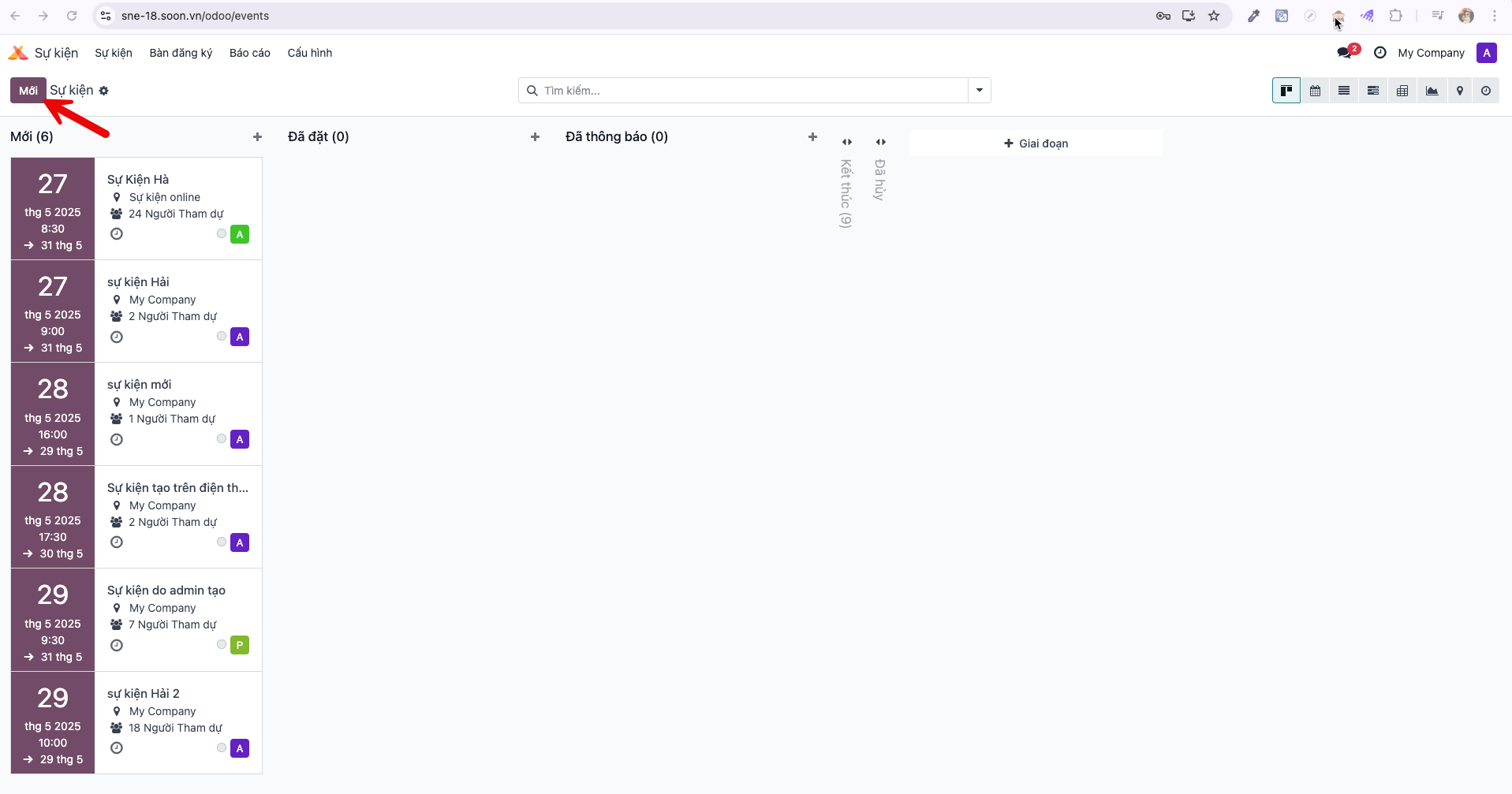
Bước 2: In the Events master list view, click the New (Mới) button in the upper command bar to open a blank event configuration form.
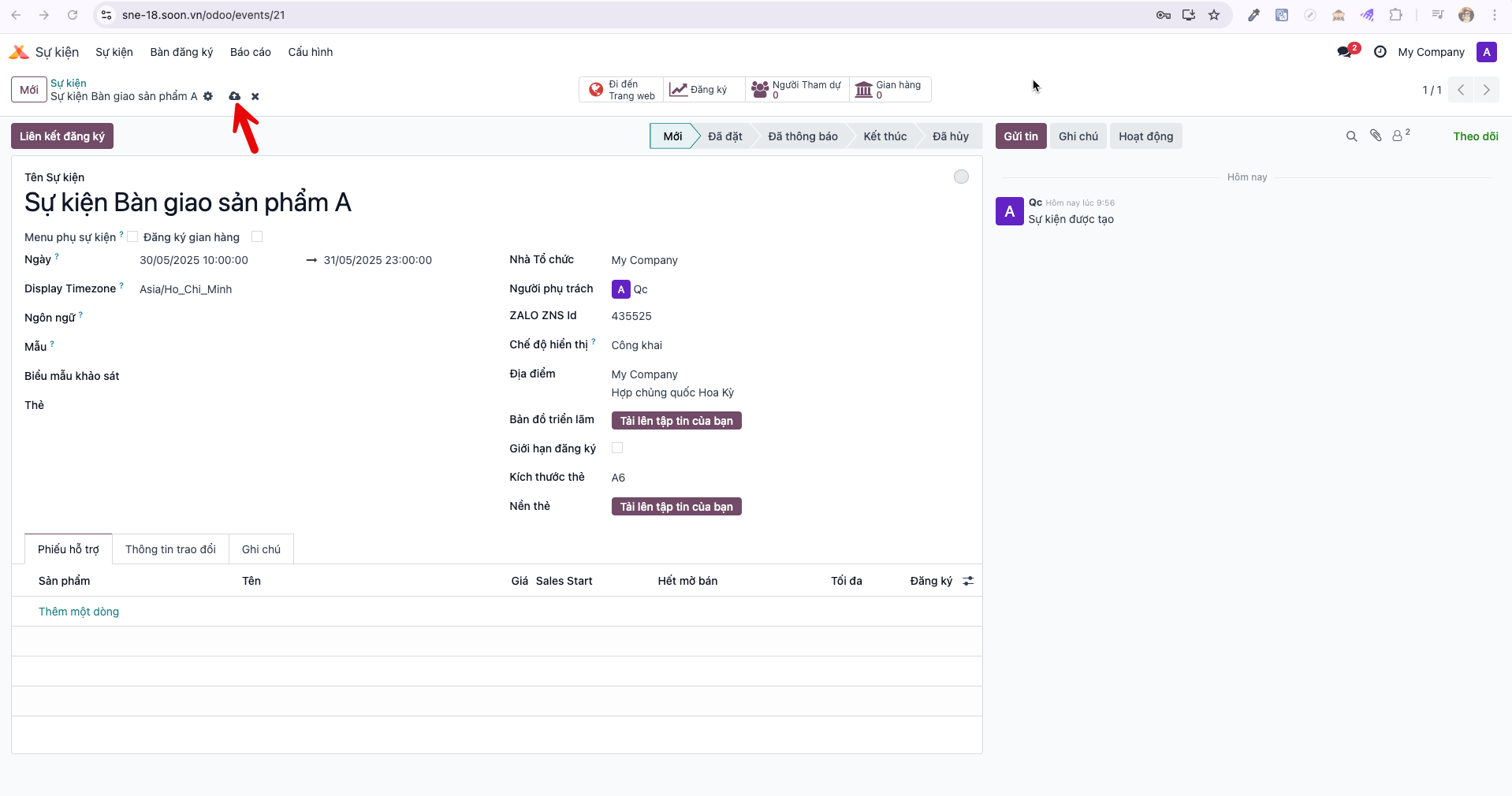
Bước 3: Fill in all required event details on the setup form:
Event Name (Tên sự kiện): The public designation of the exhibition or trade show.
Date (Ngày): The start and end dates and times for the event.
Timezone (Múi giờ): Operational time standard for all event scheduling.
Organizer (Người phụ trách): The designated account responsible for event delivery.
ZALO ZNS Id: Template identifier for automated attendee messaging via Zalo.
Additional operational and venue parameters as needed.
Bước 4: Verify all entered parameters and click Save (Lưu) in the upper-left command bar. The new event record is stored and unlocked for booth setup, attendee registration, and survey linking.