Create new project
Starting a new project in Odoo is quick and straightforward. You can define key project parameters, assign managers, set timelines, and allocate initial working hours.
Tutorial video
Video topic |
Direct watch link |
|---|---|
Duplicate project |
Duplicate project
Project creation steps
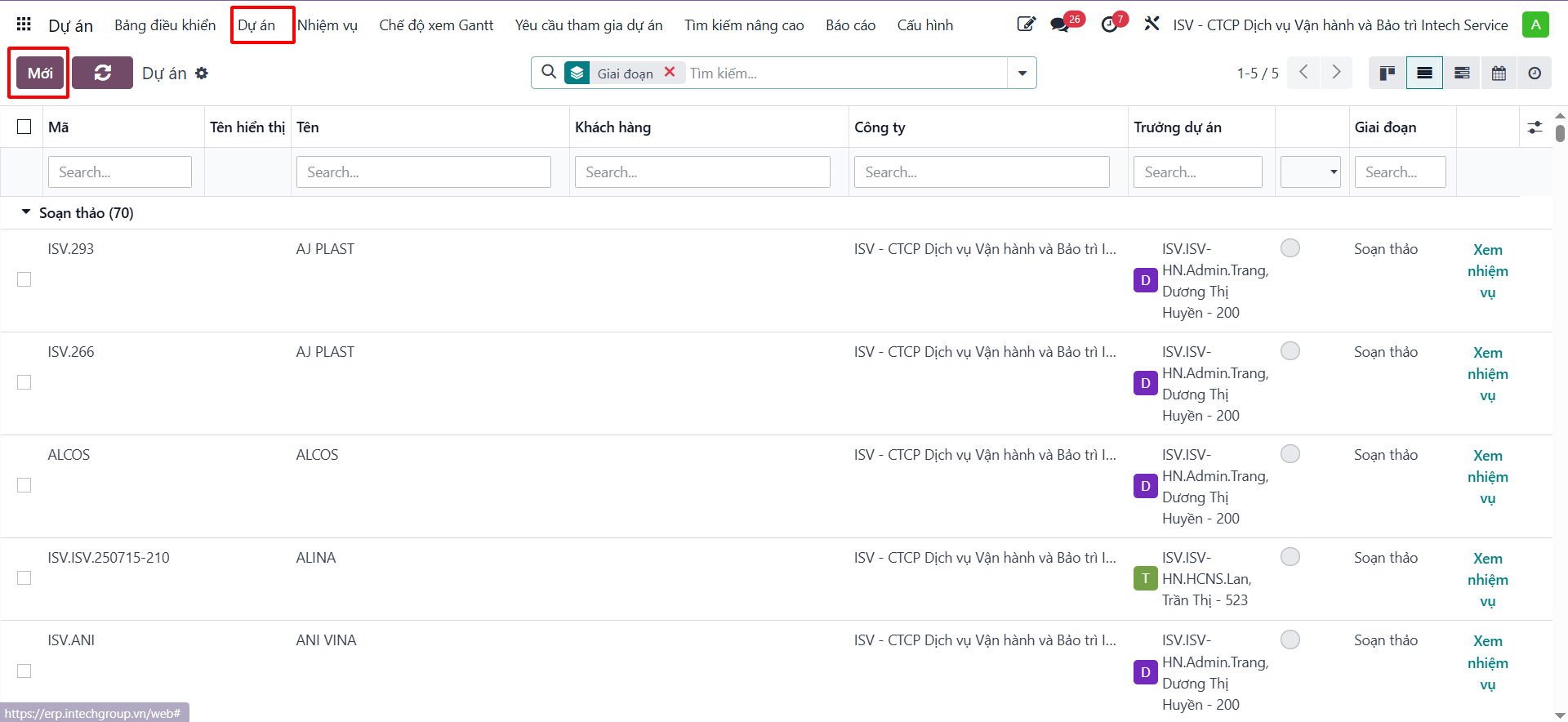
Step 1: On the main dashboard, open the Project app and click New.
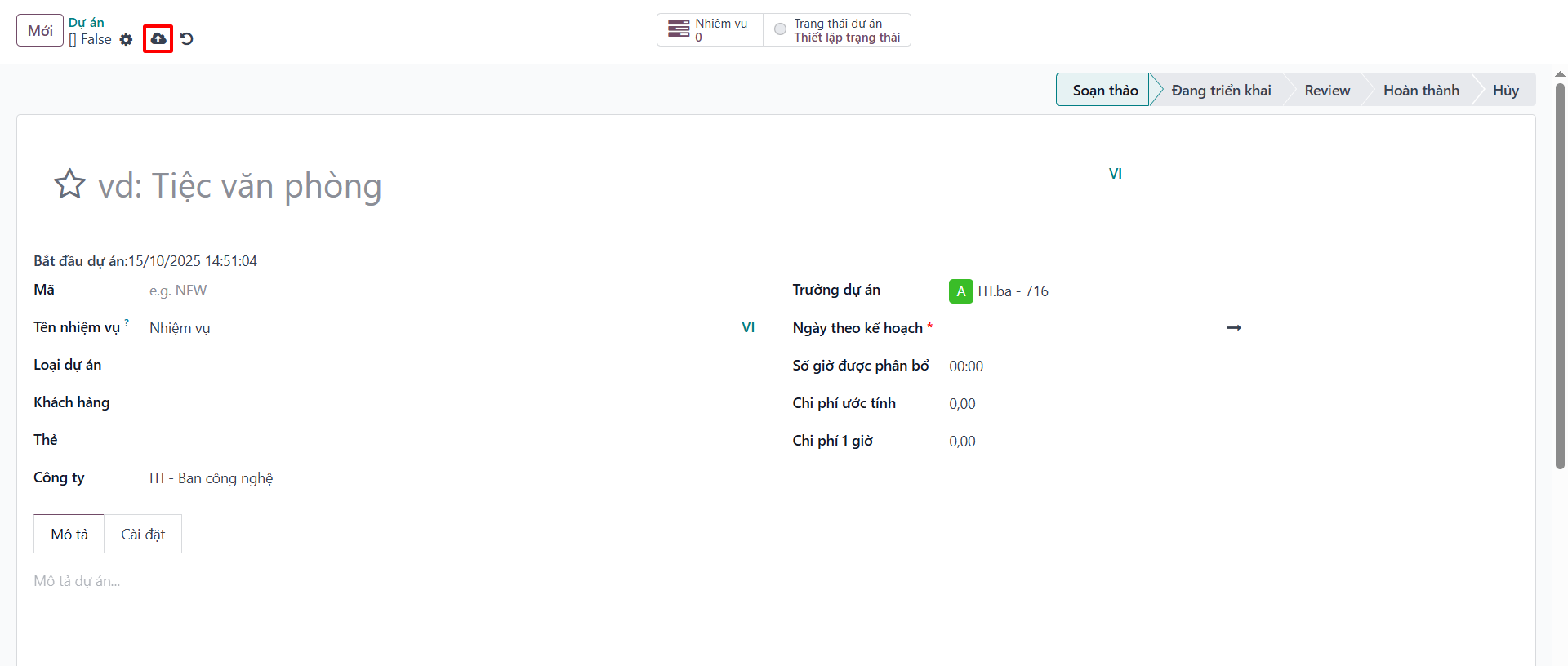
Step 2: Fill in the required project details on the form, including Project Name, Project Manager, Customer, Tags, Planned Date, and Allocated Hours.
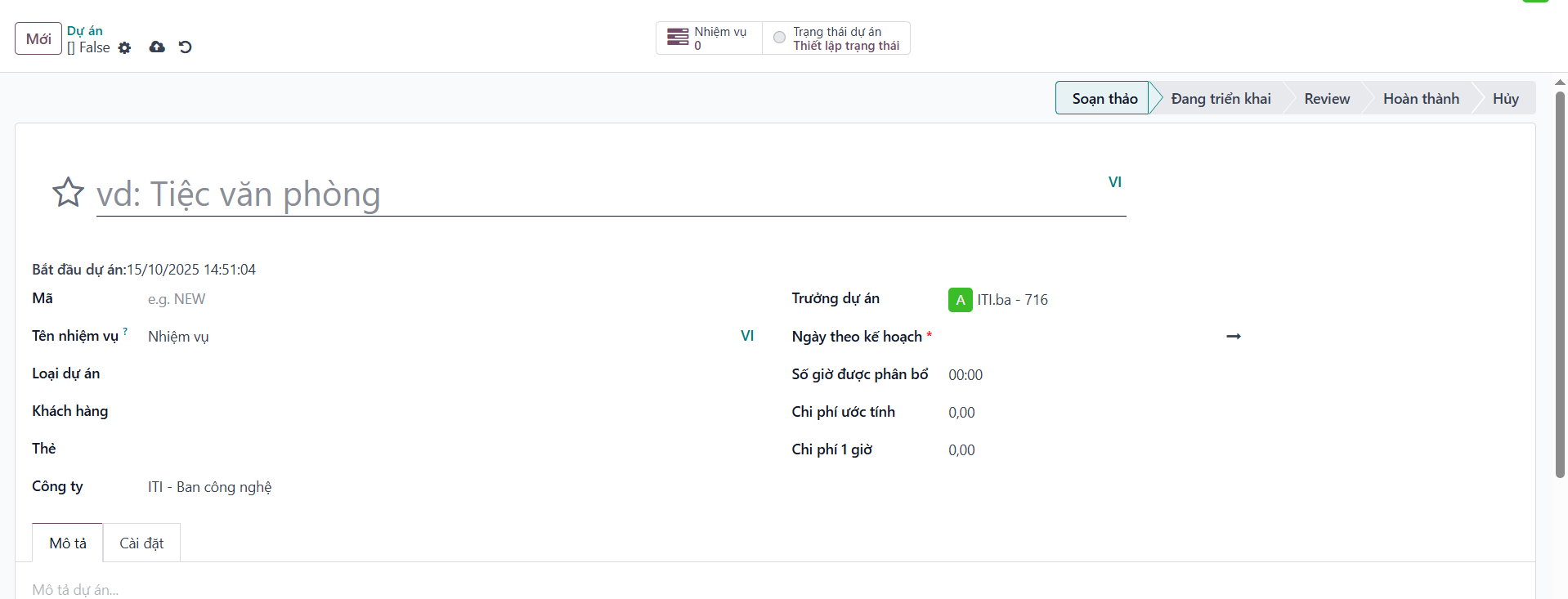
Step 3: Click Save after entering the details to register the project in the system.