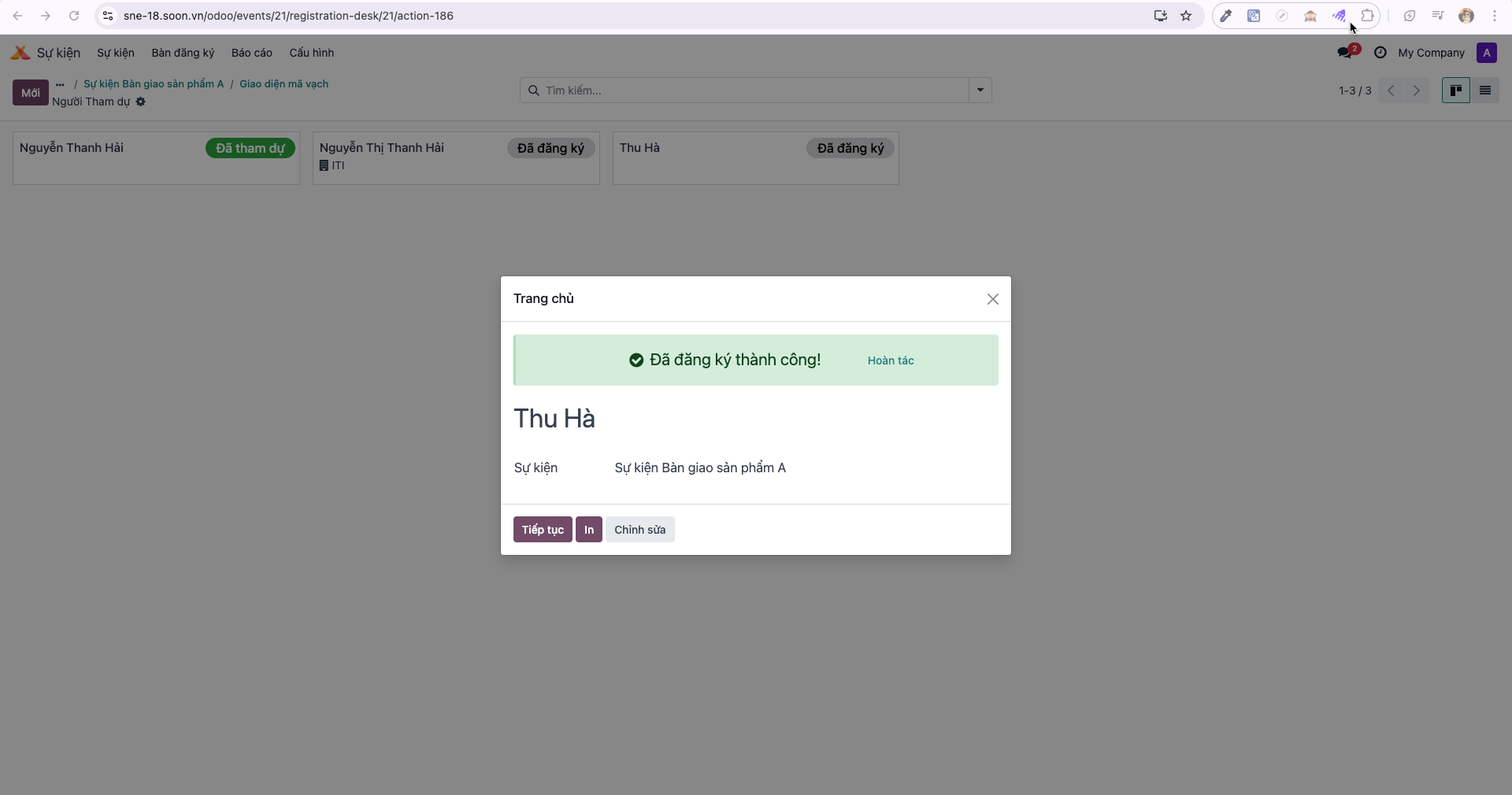
Onsite Event Check-in (Registration Desk)
When the exhibition commences, reception staff utilize the Registration Desk feature to verify attendee arrivals rapidly via QR code badges or manual name lookup.
Accessing the Registration Desk
Note
Requires an account with Event Admin (Admin sự kiện) or Registration Desk (Bàn đăng ký) access rights.
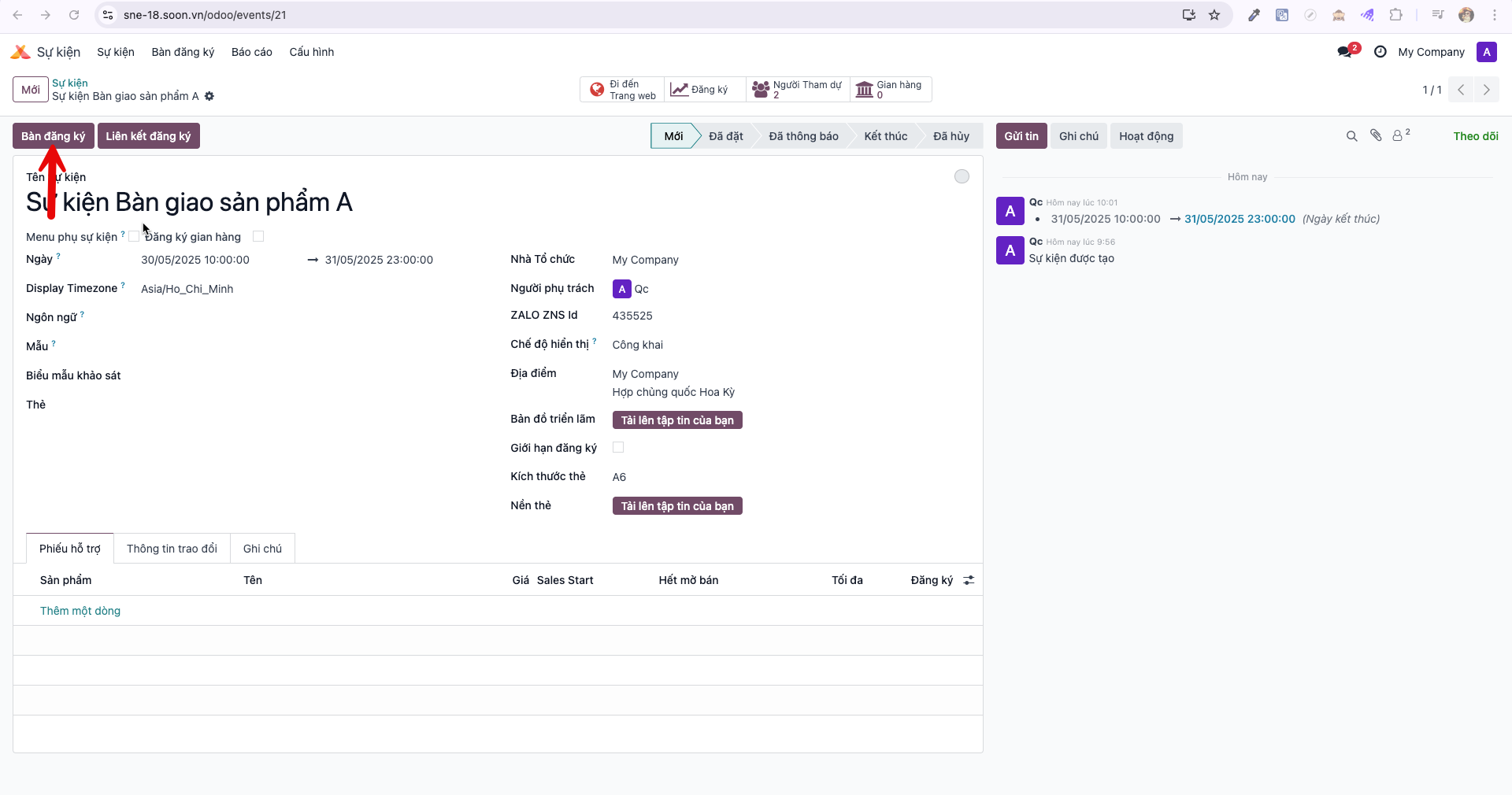
Bước 1: Open the ongoing event record and click the Registration Desk (Bàn đăng ký) button.
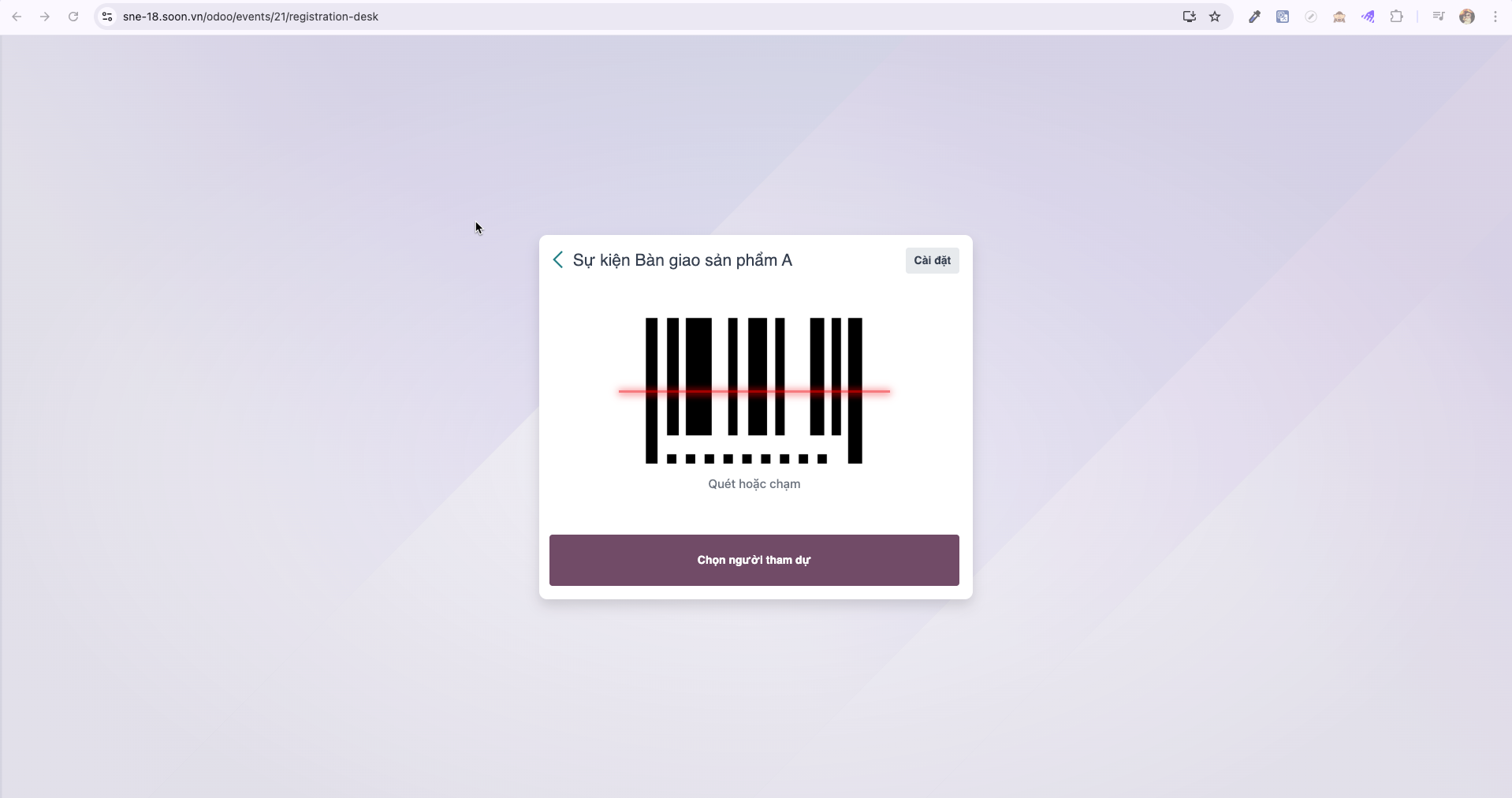
Bước 2: The system launches the live event reception interface.
Check-in Operational Procedures
Method 1: Scanning Attendee QR / Barcode
Bước 1: Click or tap on the scanning zone marked Tap to scan barcode.
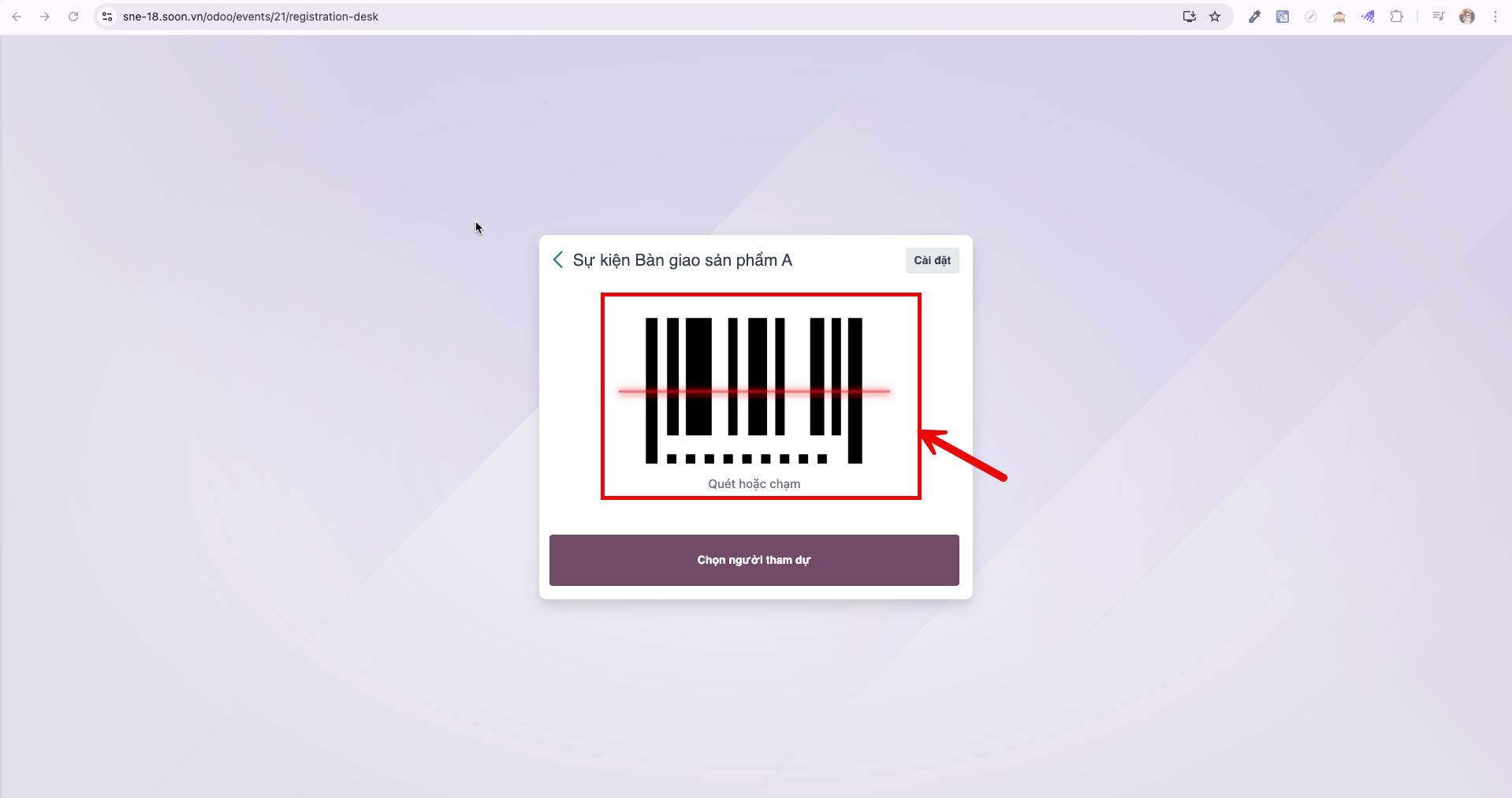
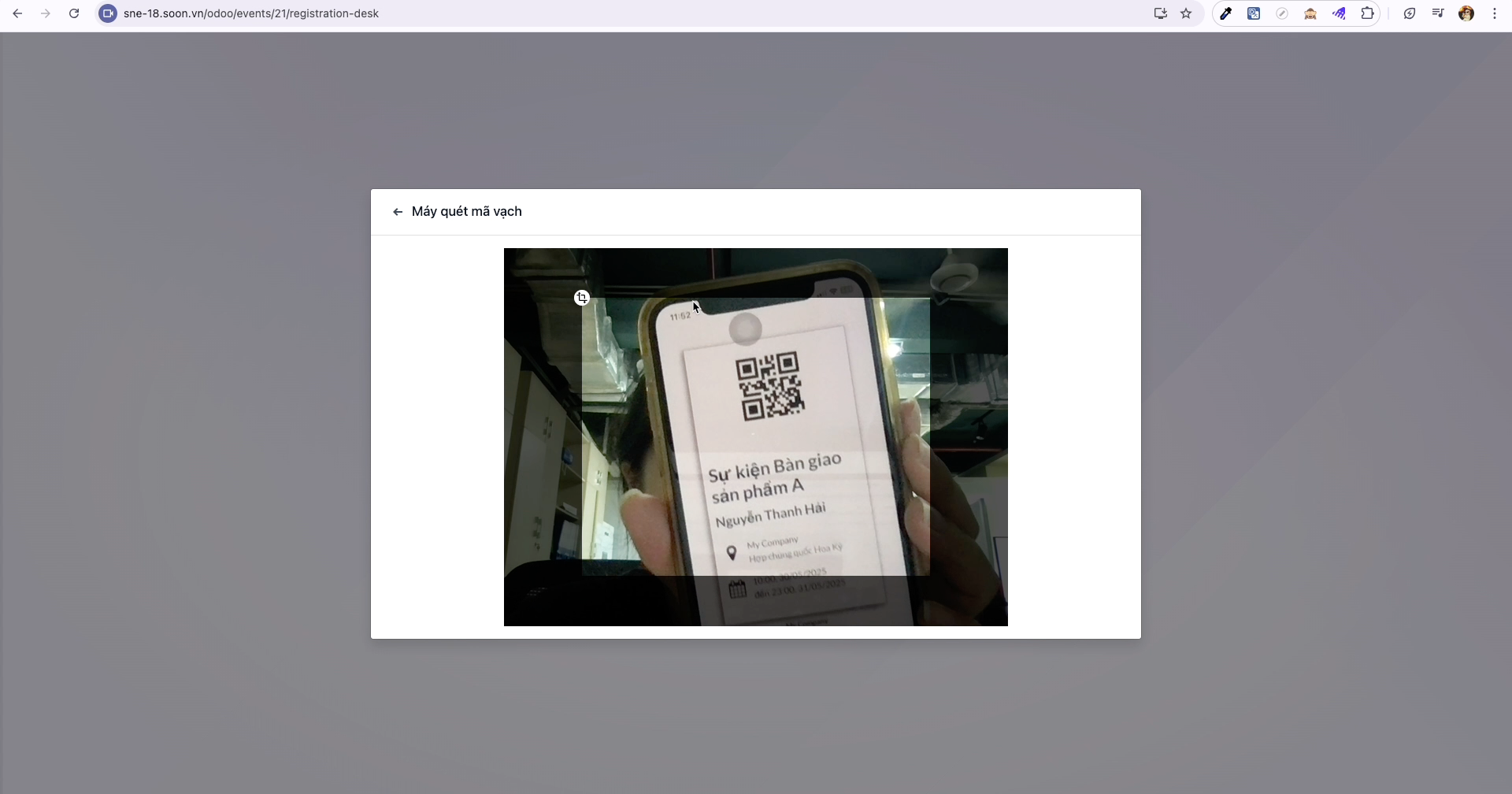
Bước 2: Hold the attendee’s electronic ticket or printed badge QR code in front of the camera. Once recognized, the system displays a green confirmation notification.
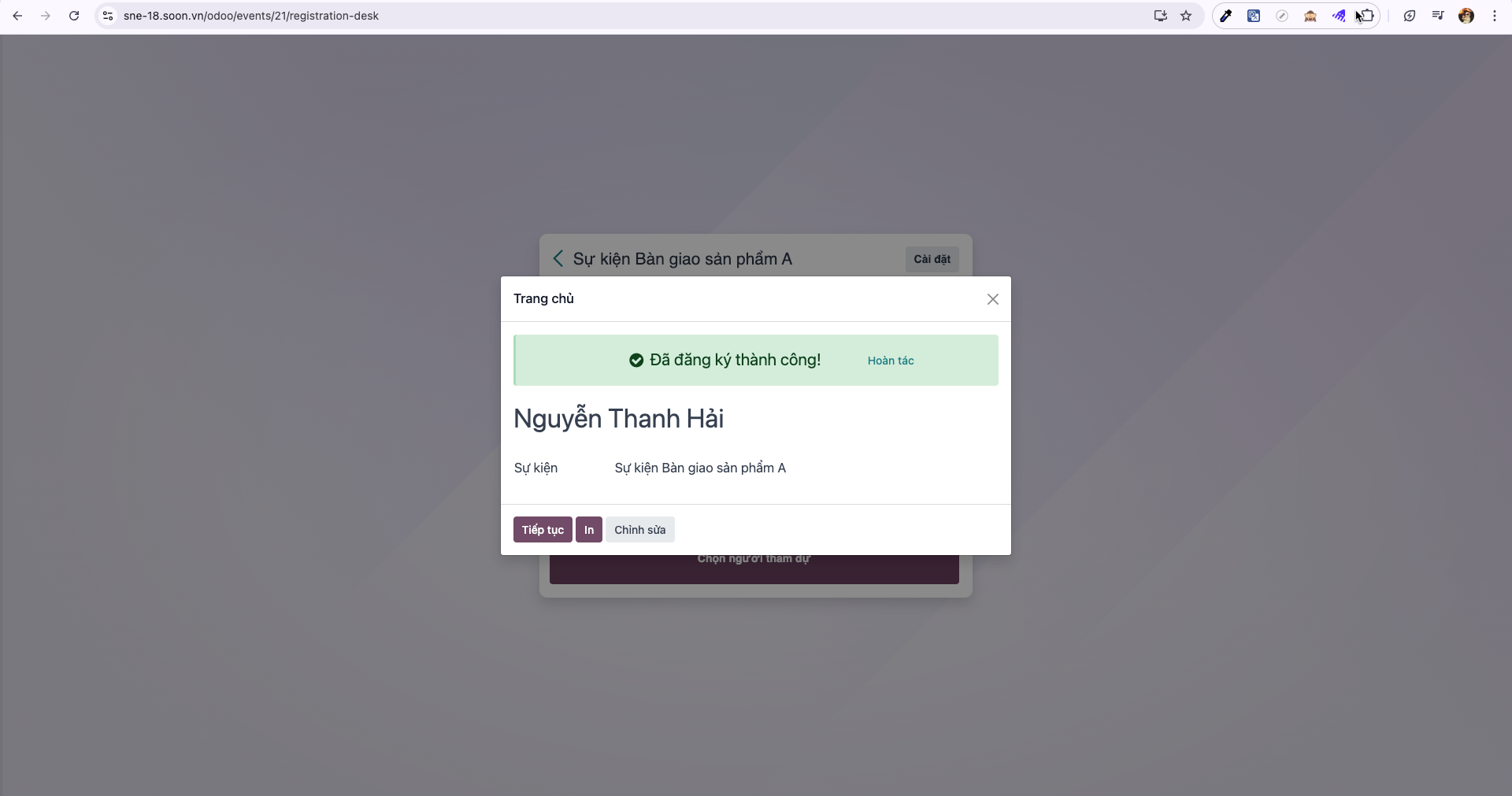
Method 2: Selecting Attendee from Roster
Bước 1: For attendees without tickets, click Select Attendee (Chọn người tham dự) to view the confirmed participant list.
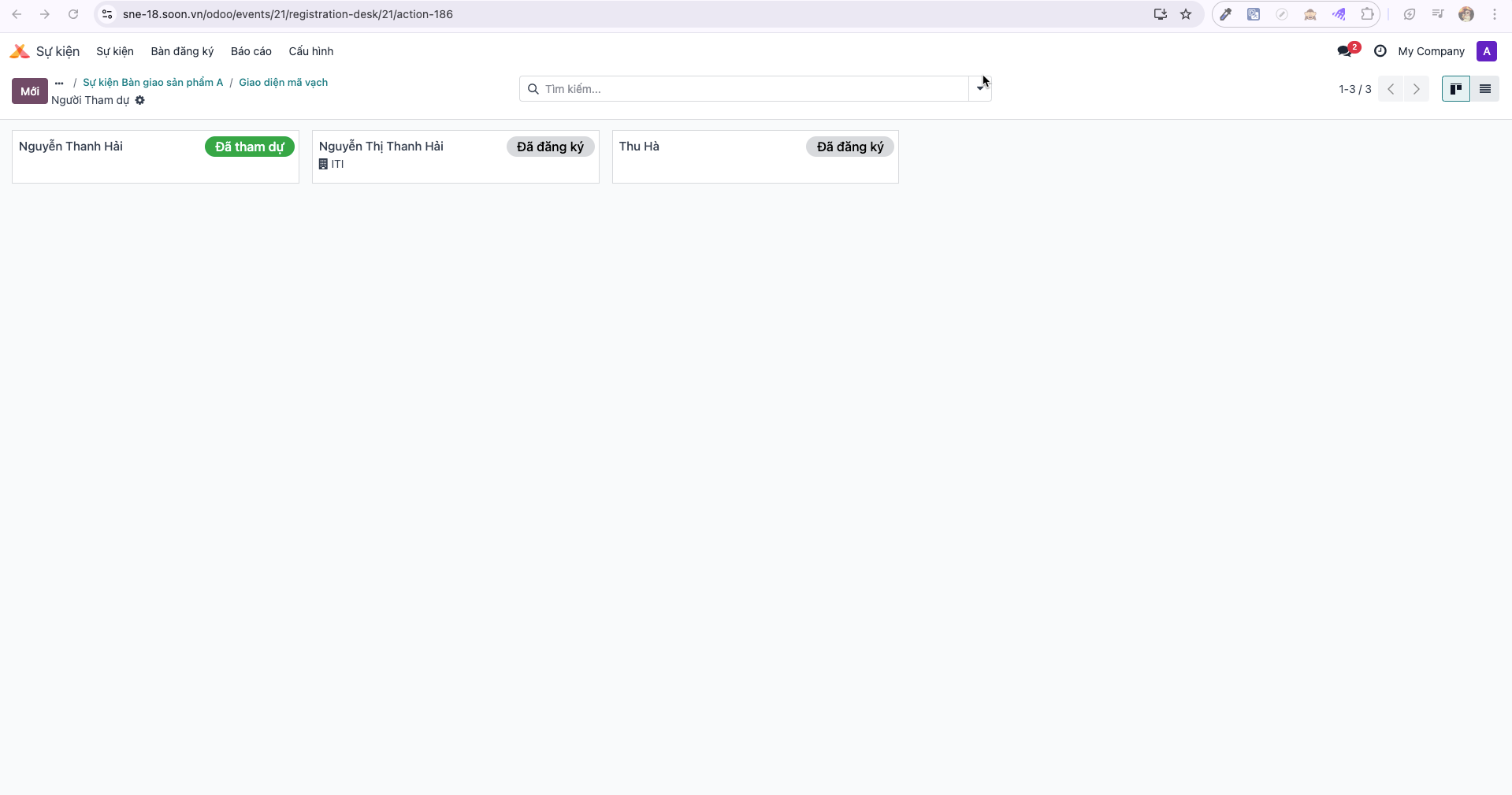
Bước 2: Search by name or email, select the attendee record, and confirm check-in. The system records the attendance timestamp and displays registration confirmation.