Production Planning & Execution
Production Planning & Execution governs work center scheduling, operator labor allocation, material stage delivery, and real-time shop floor task tracking.
Work Order Scheduling & Resource Assignment
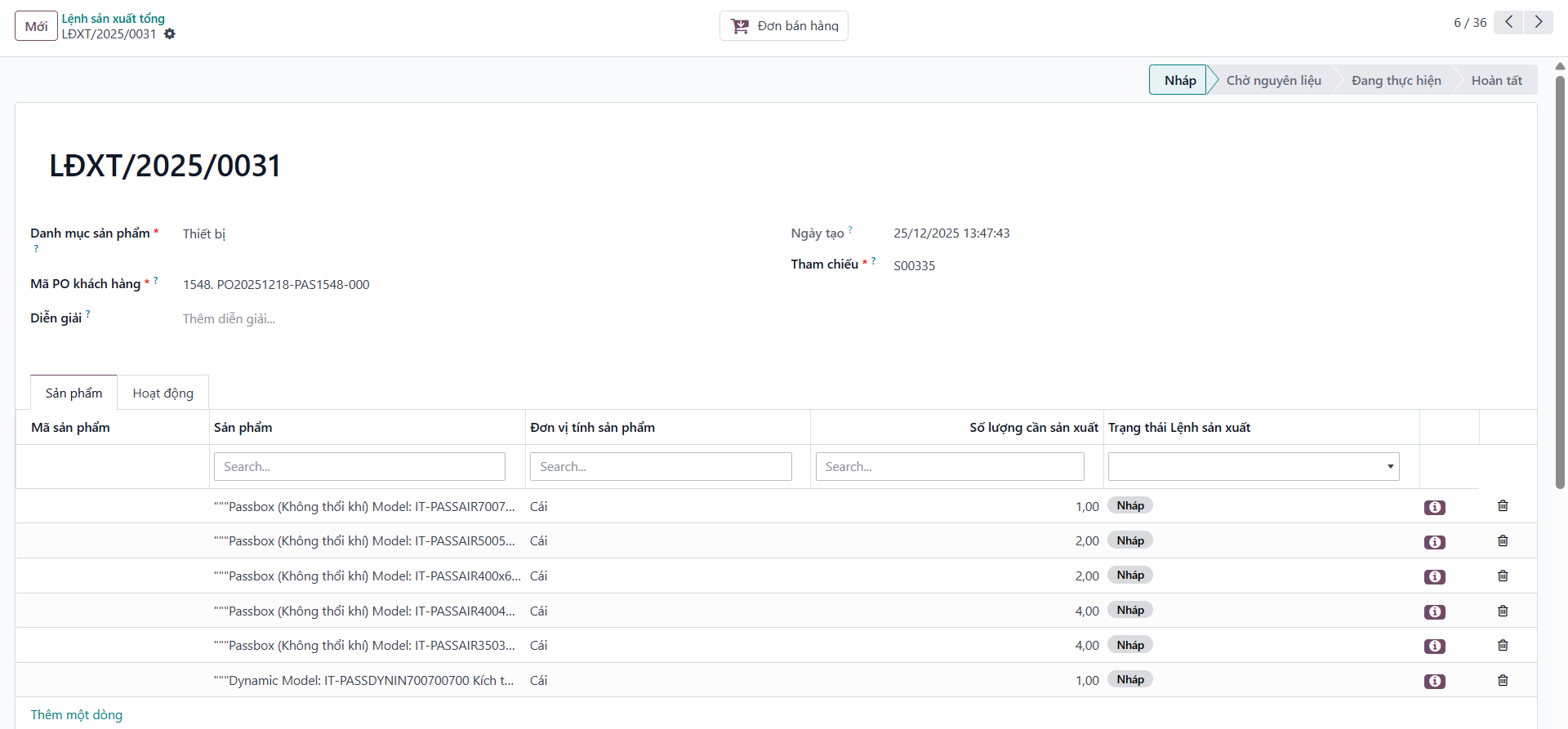
Bước 1: Open a child MO with confirmed Bill of Materials.
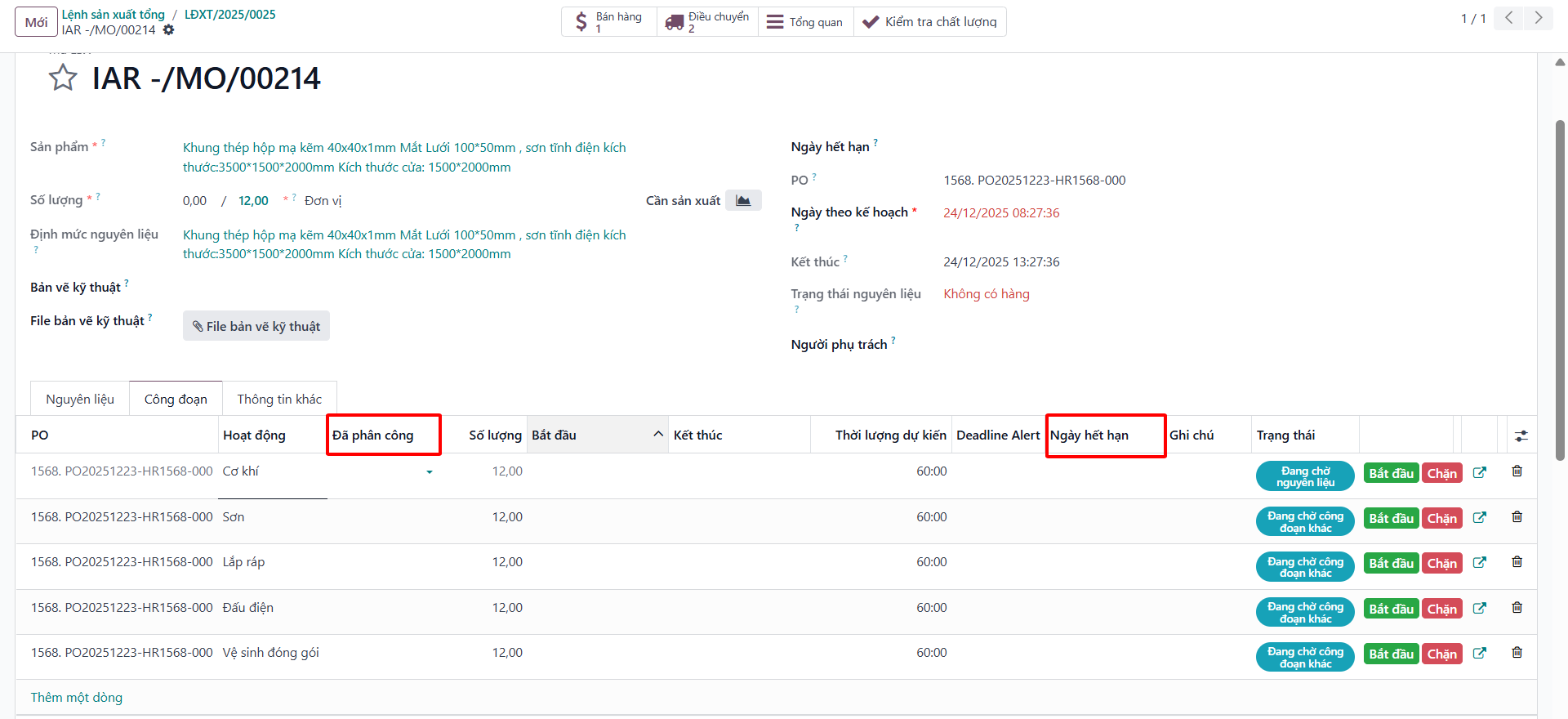
Bước 2: Select the Work Orders (Công đoạn) tab: - Assign responsible technicians/operators to each sequential operation. - Enter scheduled start dates and deadline milestones.
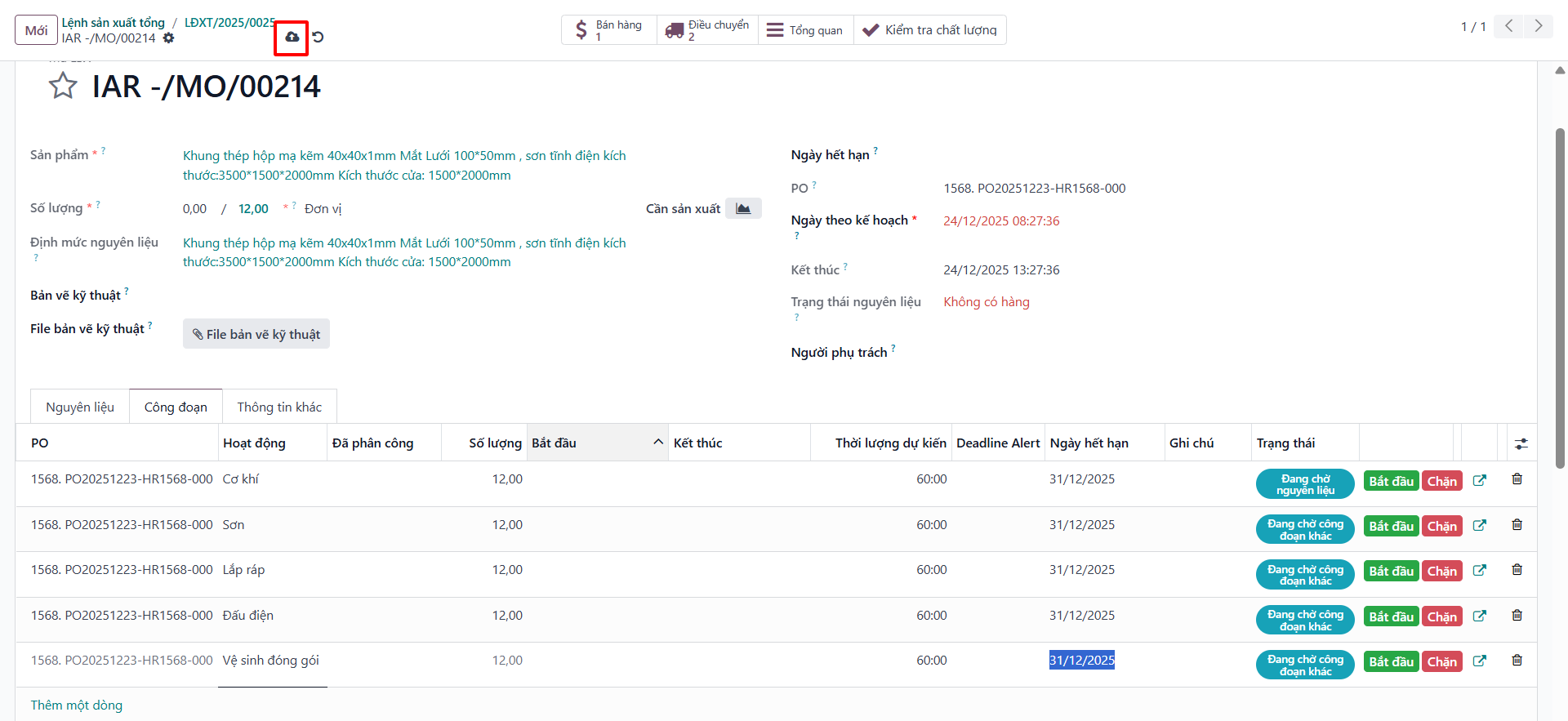
Bước 3: Click Save to lock the operation schedule.
Transfer Materials to Production Floor
Bước 1: Open the linked Material Issue Transfer Slip (Phiếu cấp vật tư).
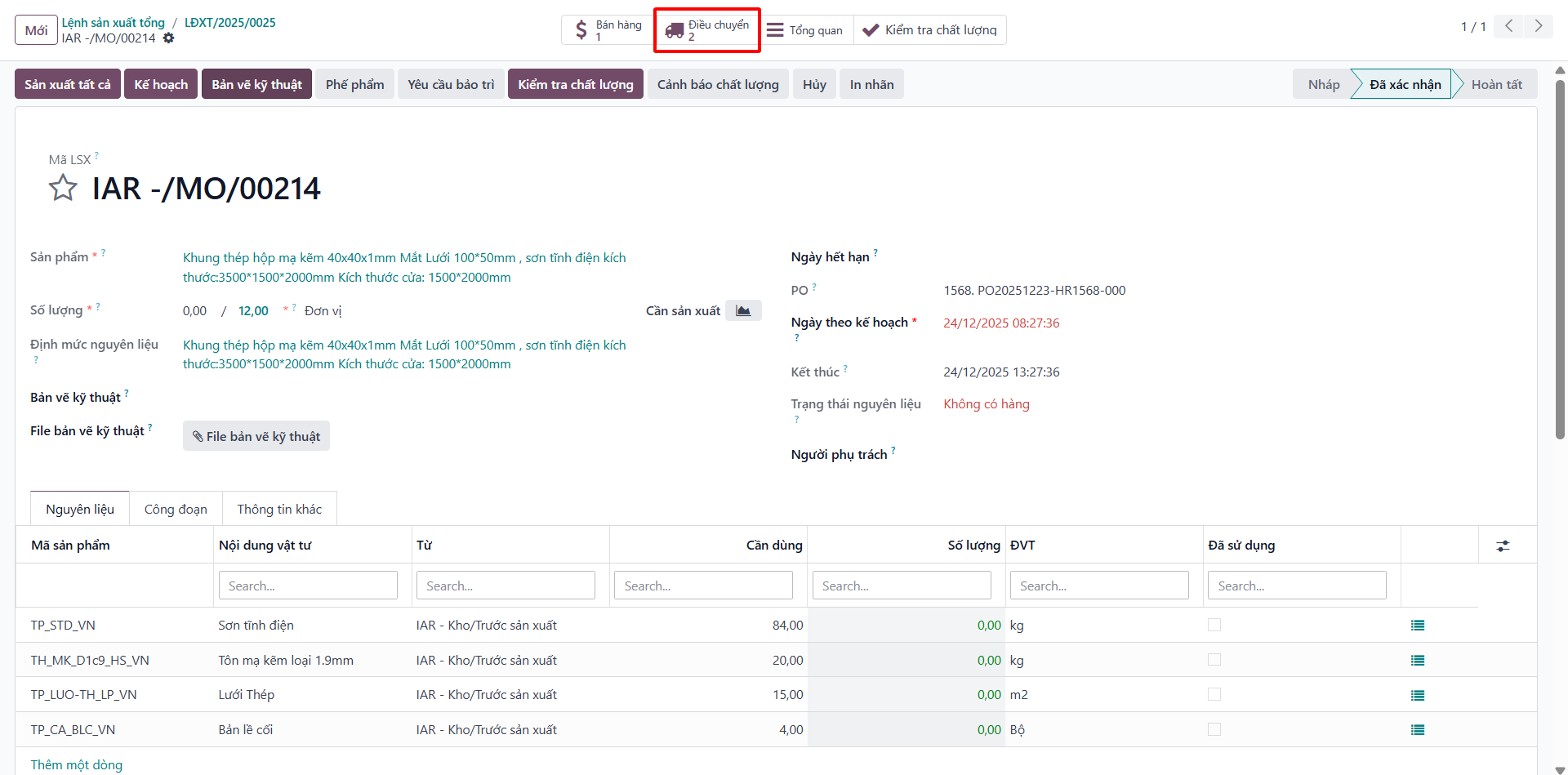
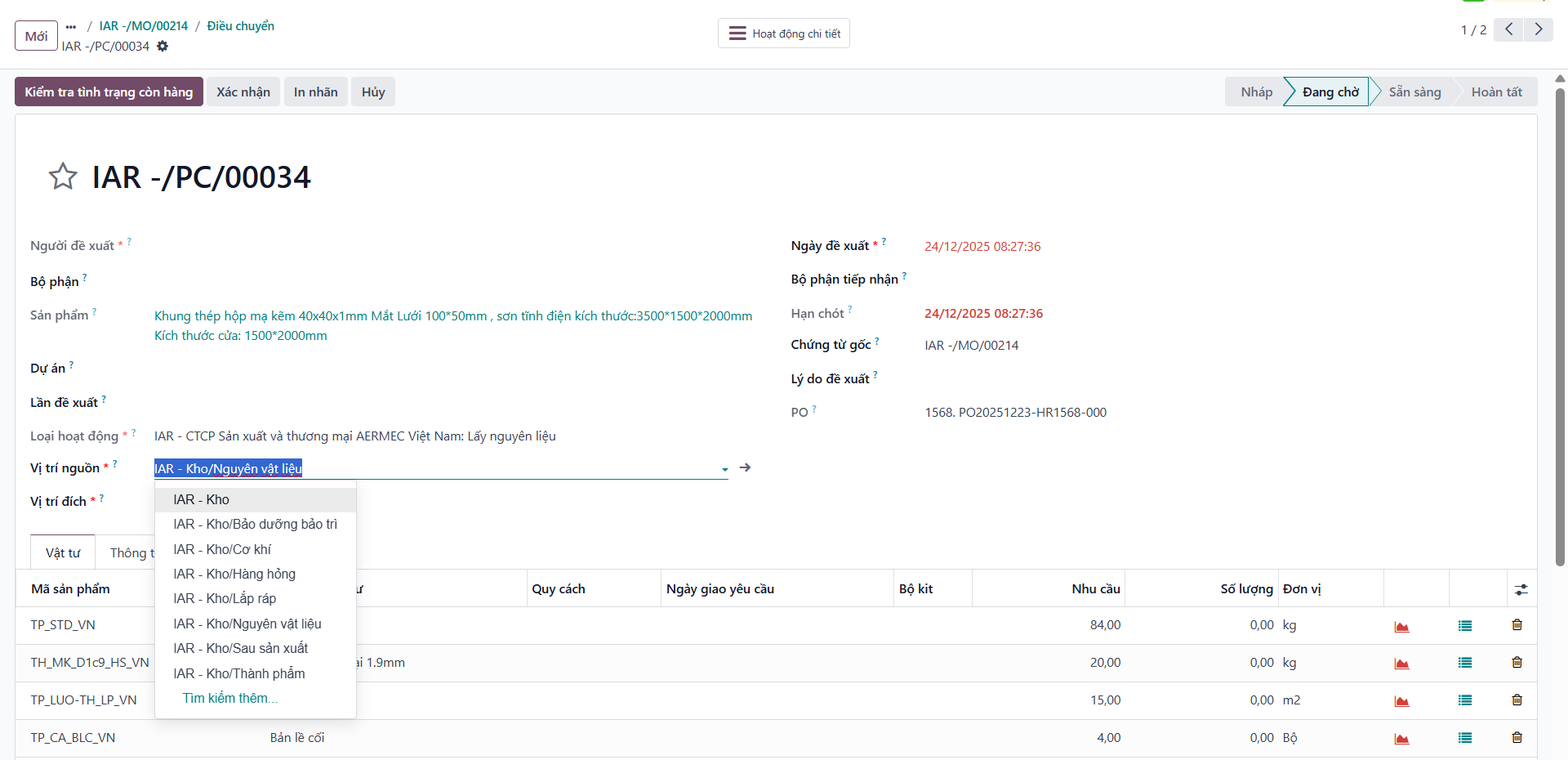
Bước 2: Select the Source Location (participating raw material warehouses). The system automatically allocates available stock and fills quantities.

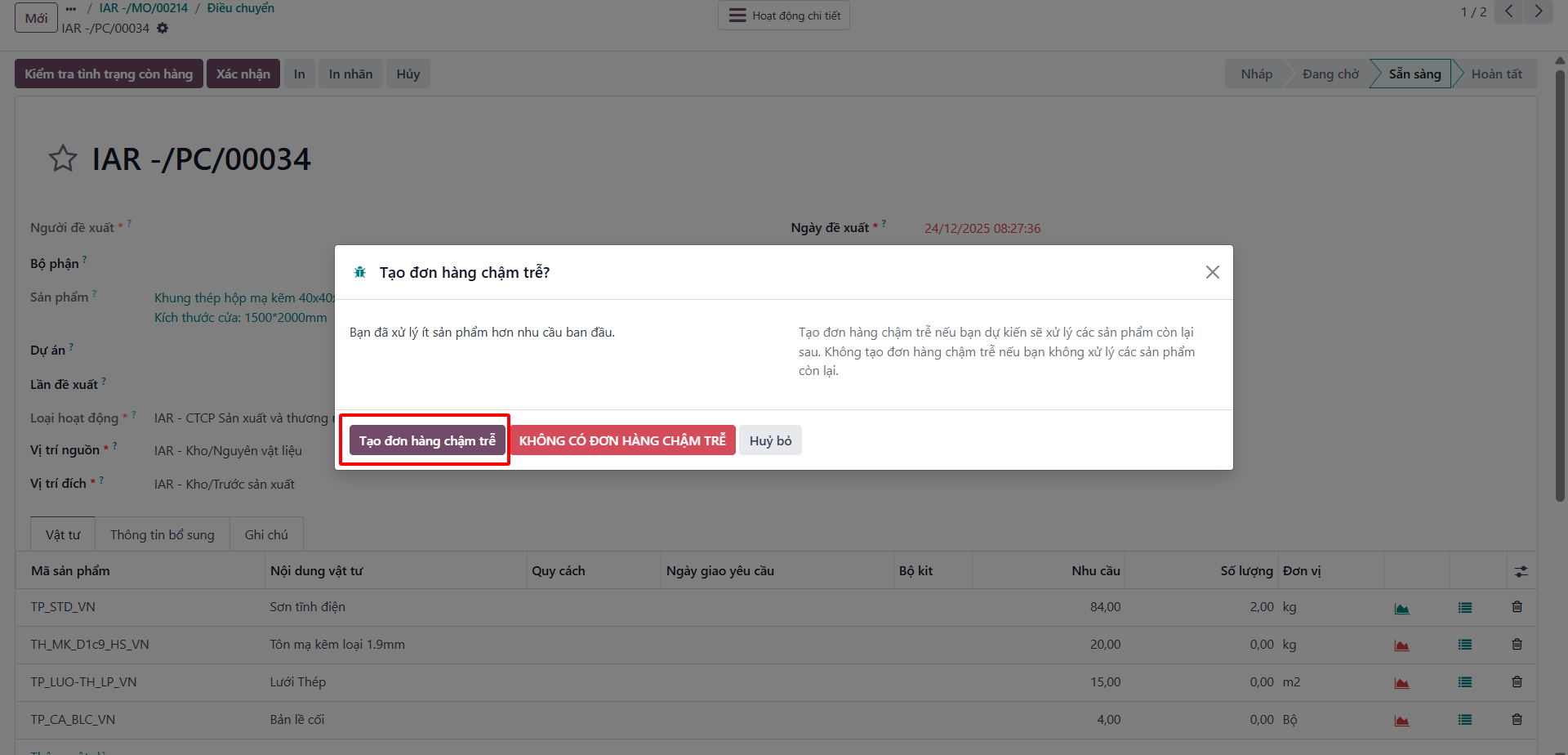
Bước 3: Click Validate. If available stock is less than demand, the system prompts to create a Backorder (Phiếu điều chuyển chậm trễ) for the remaining quantity.

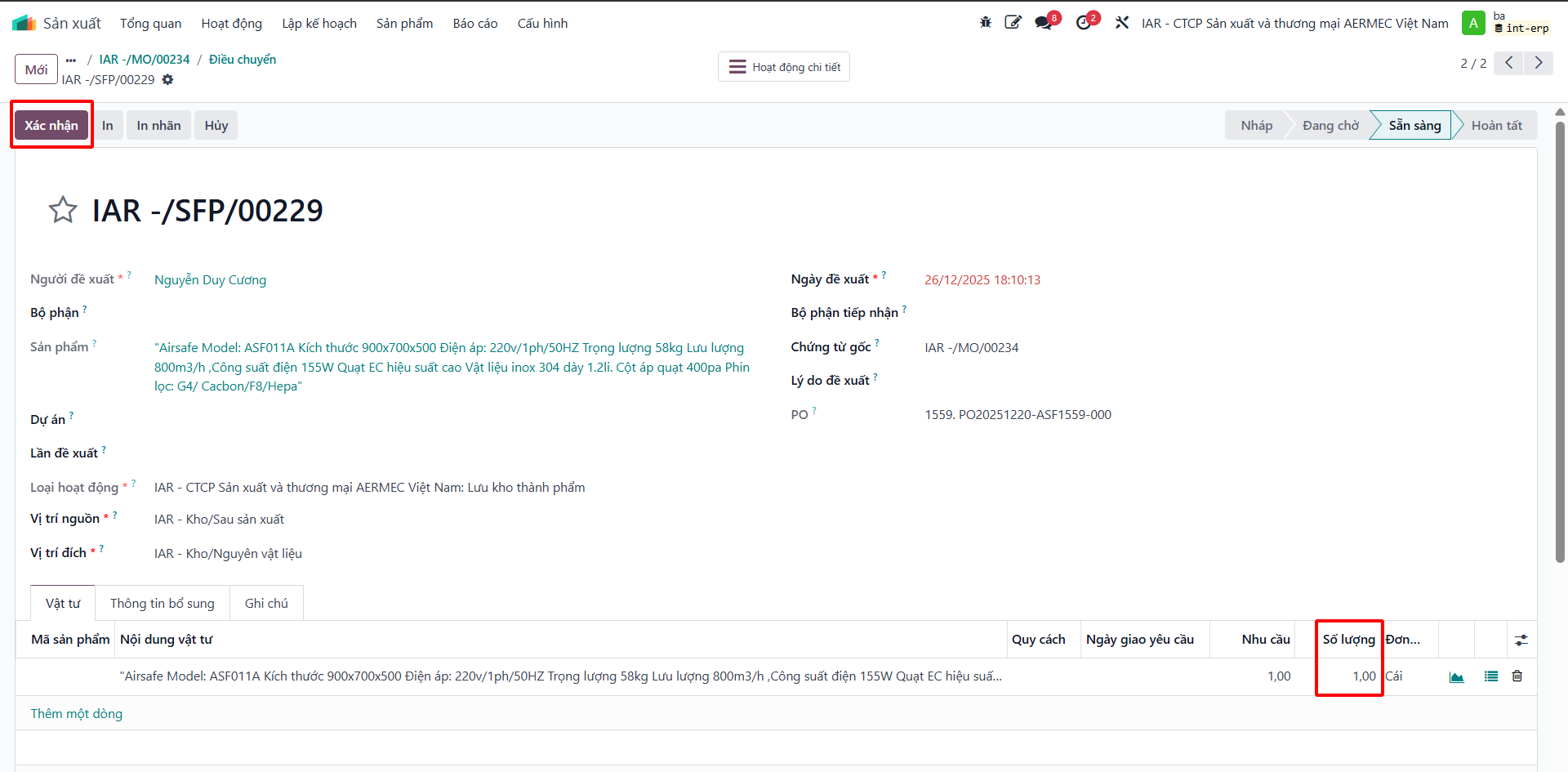
After the final operation completes and the MO transitions to Done, the system automatically generates a finished goods transfer slip from Production to Inventory.
Track and Update Work Order Operations
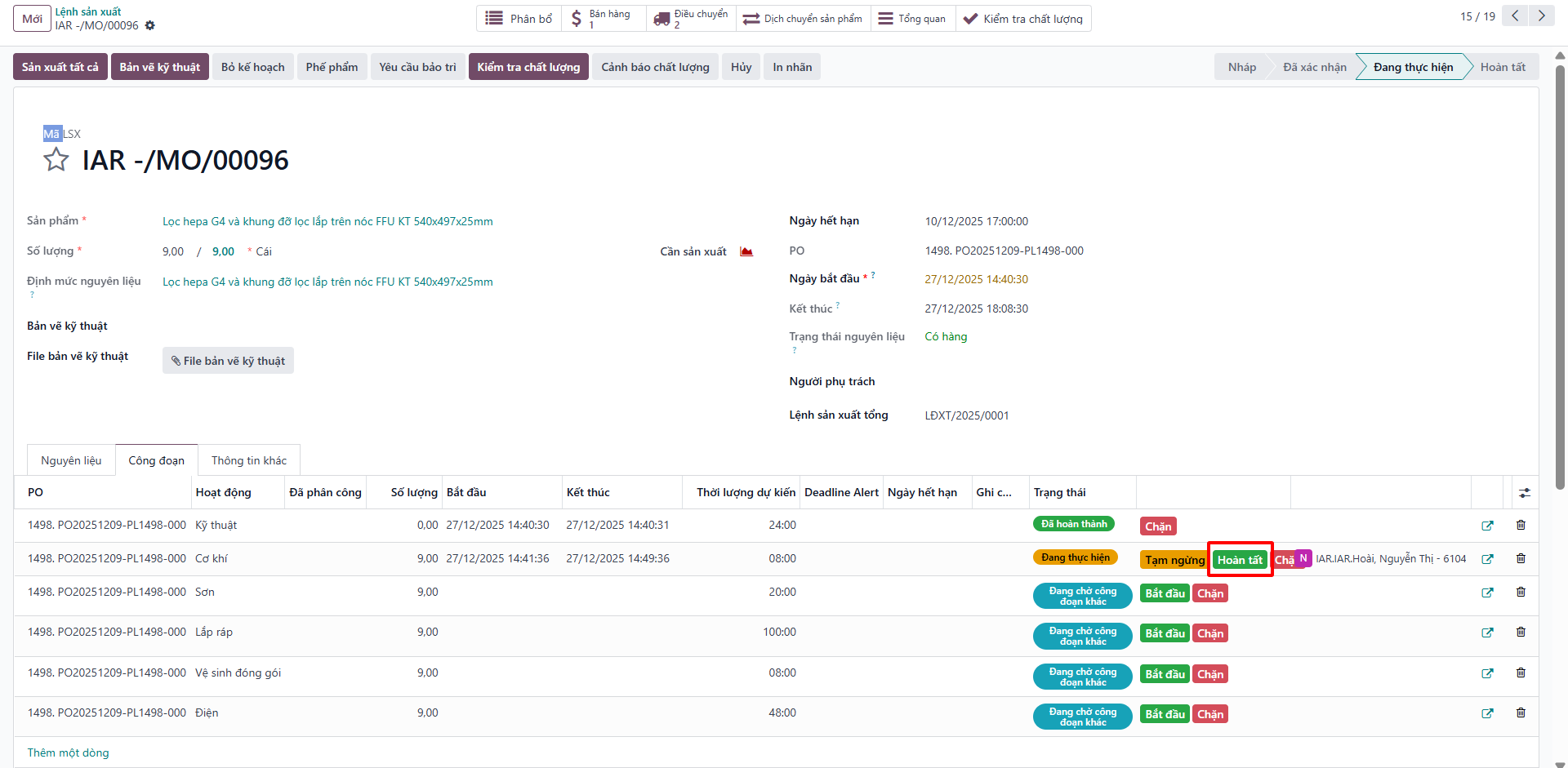
Bước 1: On the child MO, open the Work Orders (Công đoạn) tab.
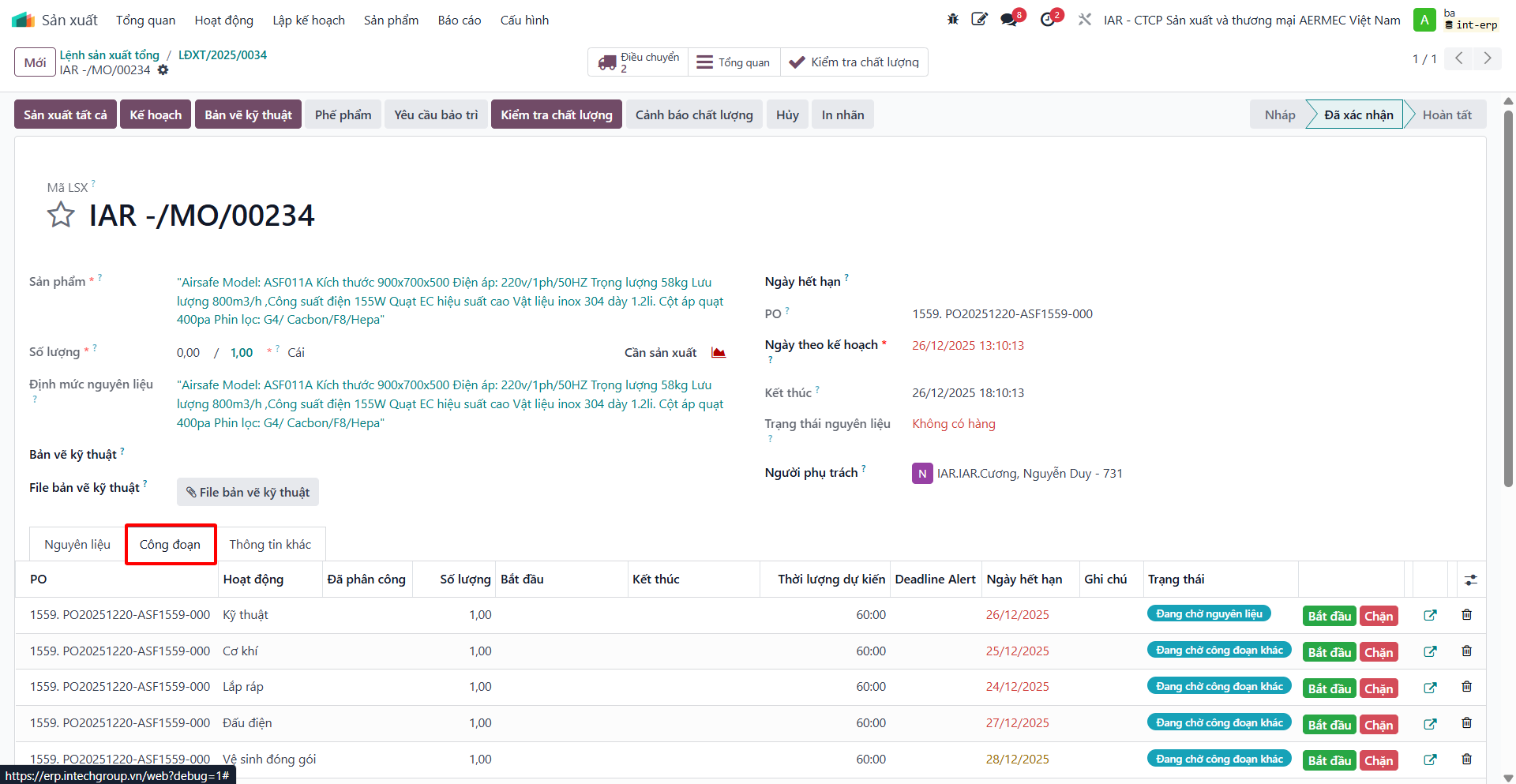
Bước 2: Monitor real-time operation statuses: Ready, In Progress, Finished, or Blocked.
Bước 3: Update operation milestones: - Click Start when commencing machine setup or assembly. - Click Done upon completing the run.
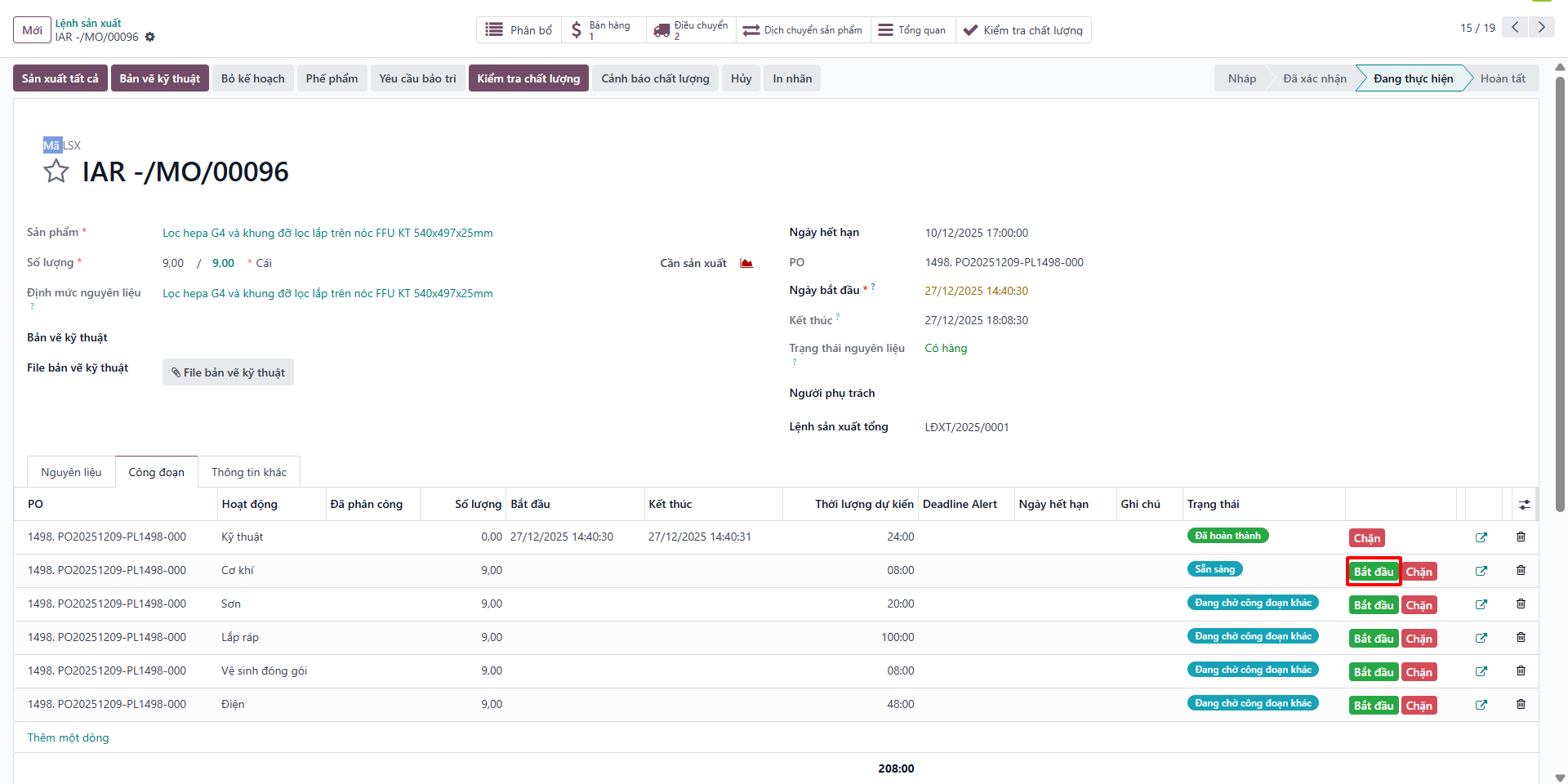
Bước 4: Record the actual Start and End timestamps matching physical production logs.