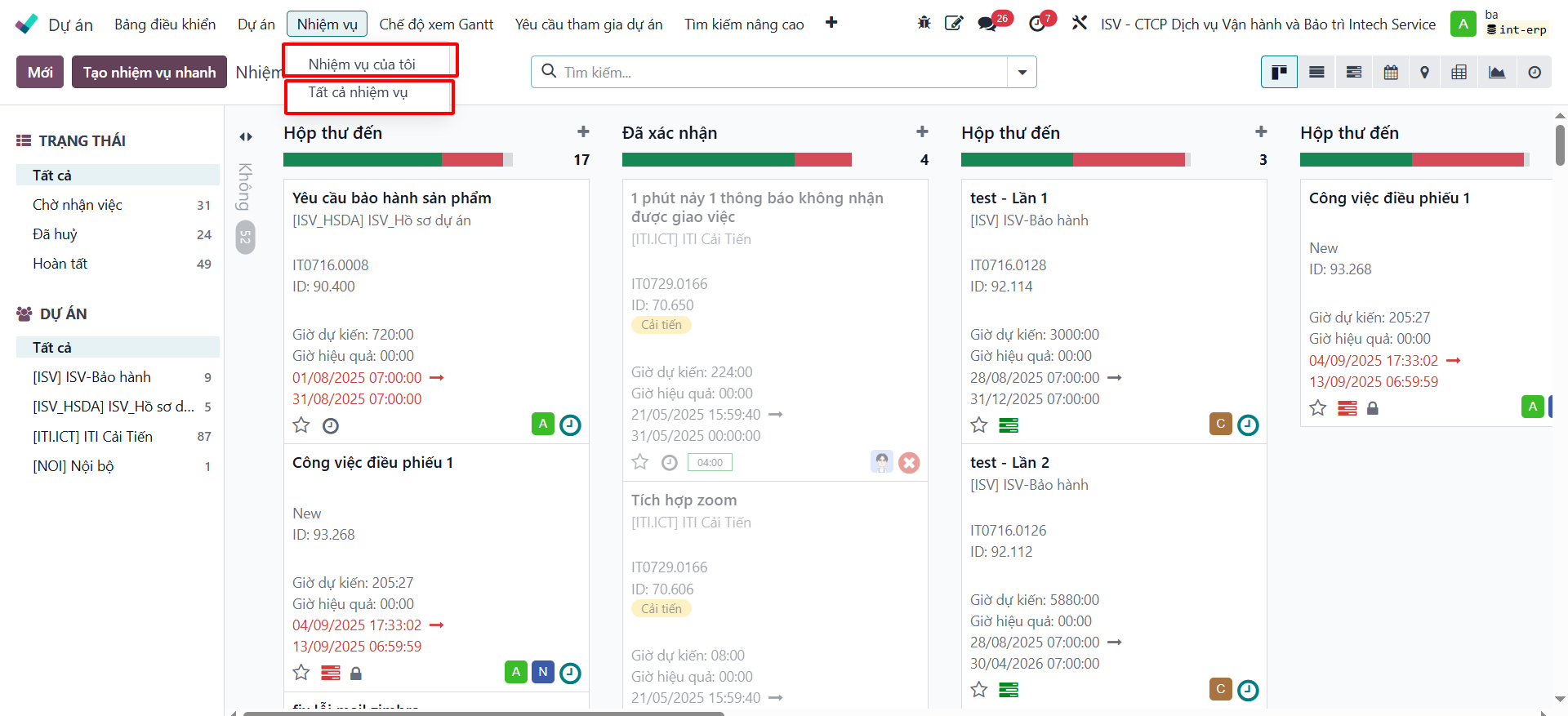
Project tasks
A project consists of multiple specific tasks. Team members can create, update, and monitor their assigned tasks throughout the project lifecycle.
Tutorial video
Video topic |
Direct watch link |
|---|---|
Configure task stages |
Configure task stages
Create project task
To create a new task within a project:
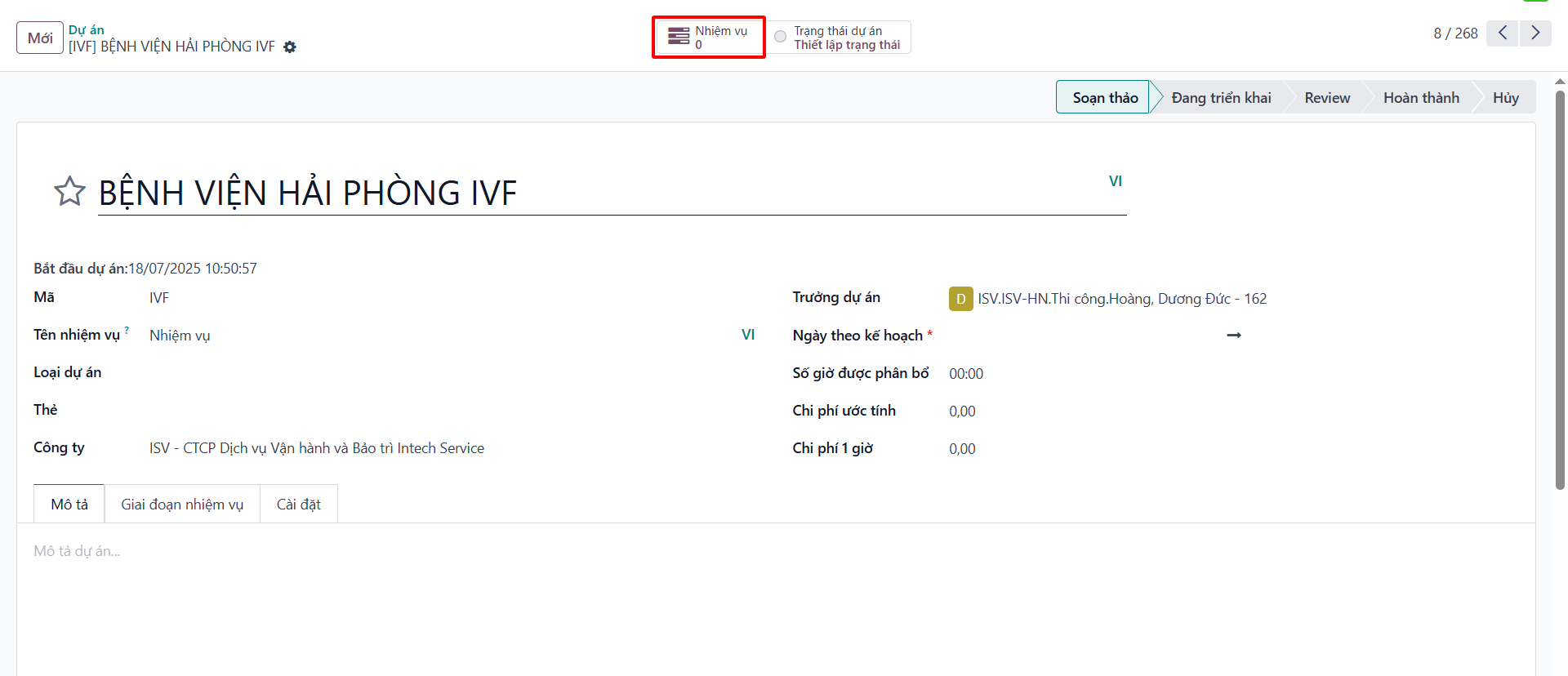
Step 1: Access the project where you want to add a task. On the project details view, click the Tasks smart button displaying the task count.
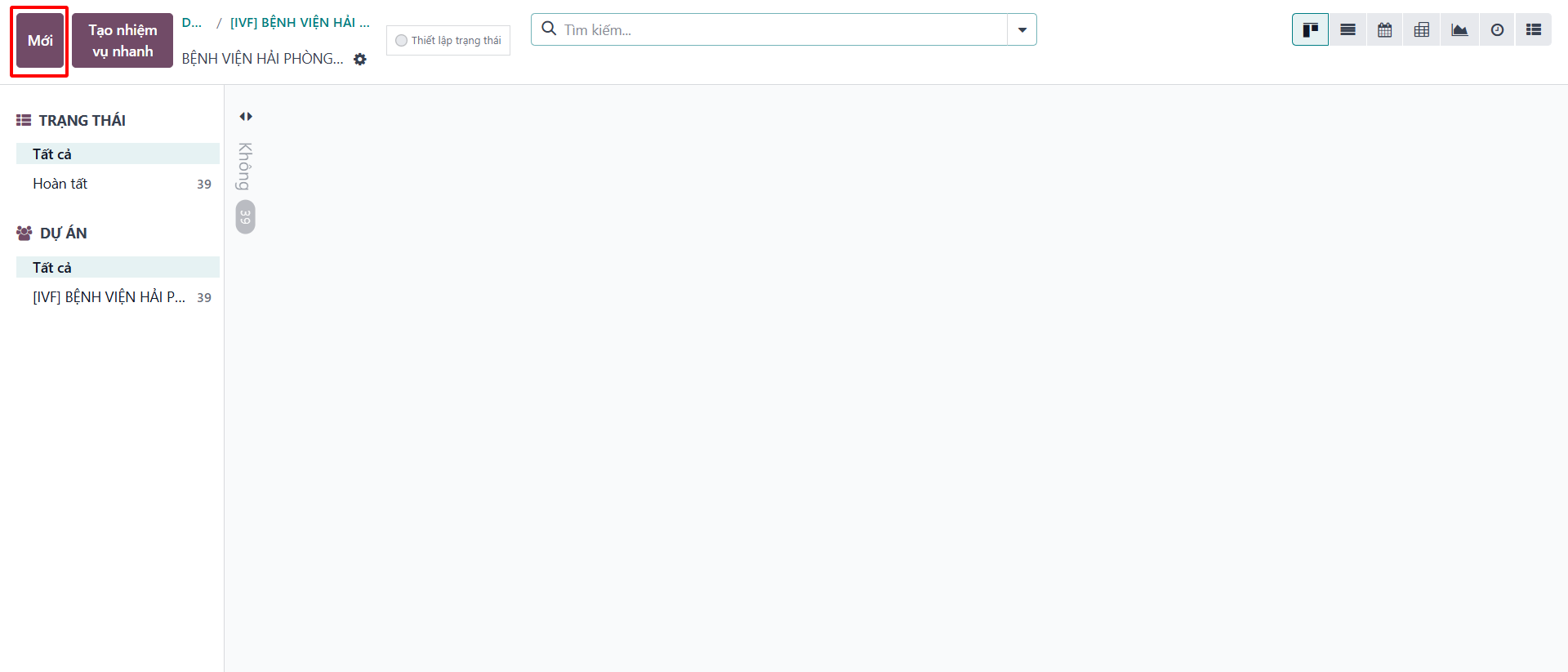
Step 2: In the task list view, click New.
Step 3: Enter the complete task details on the form, including Task Title, Assignees, Project, Deadline, Tags, and a detailed work description.
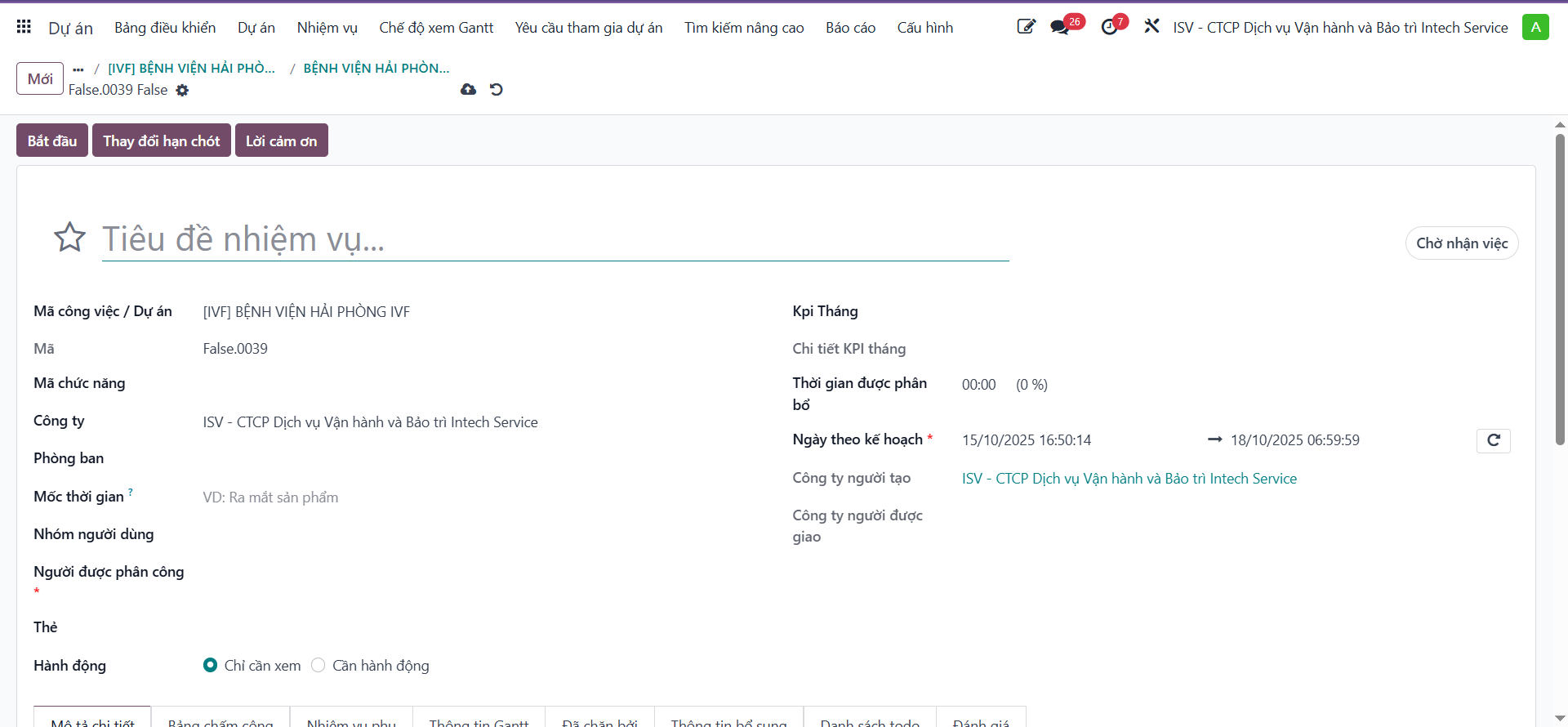
Step 4: Click Save to complete task creation.
Lookup project tasks
Users can easily manage and monitor their assigned tasks using the navigation menu:
My Tasks: displays all tasks assigned to you;
All Tasks: displays tasks across the entire system based on your access permissions.