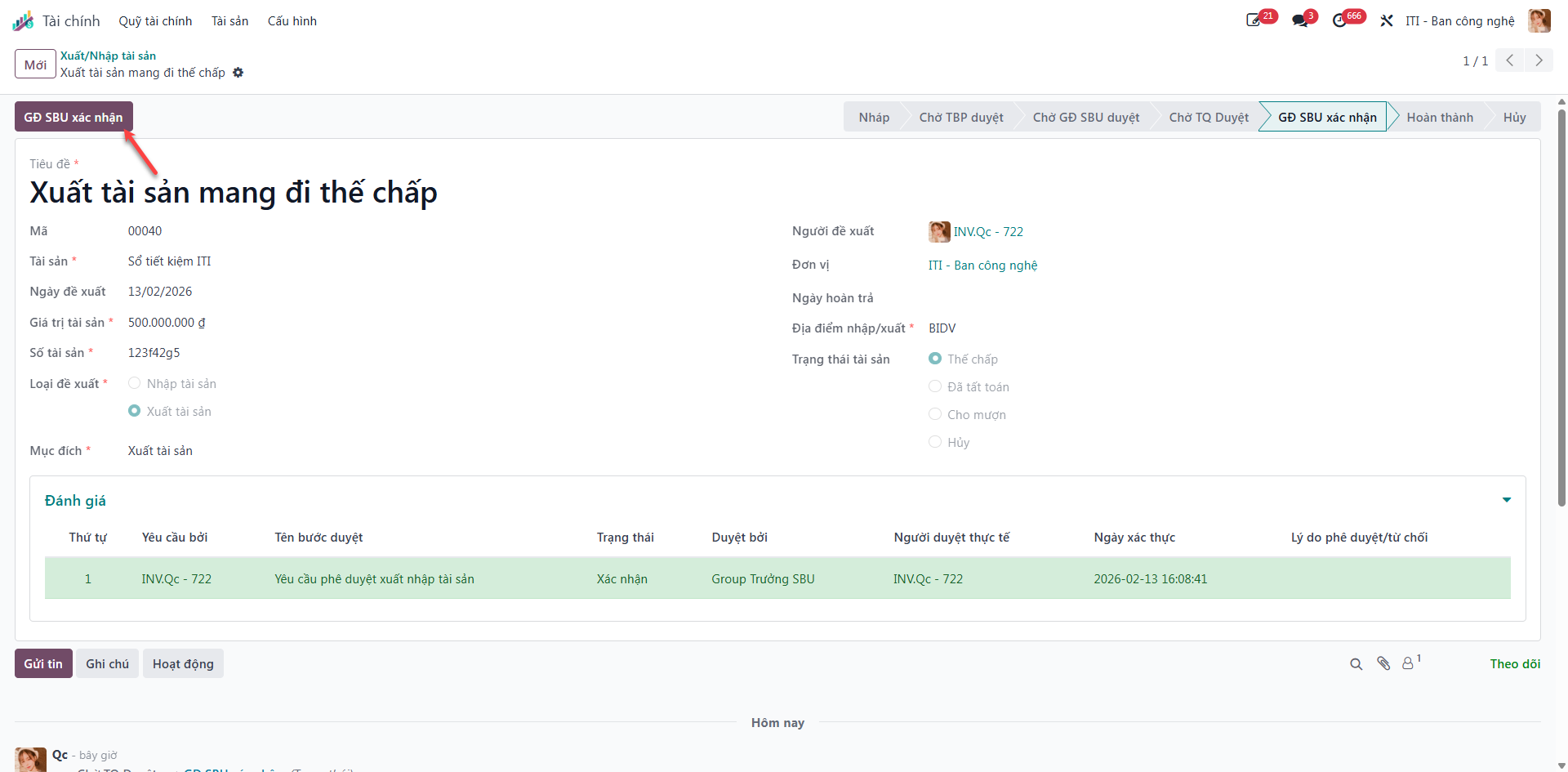
Asset Transfer Requisitions (In/Out)
Physical movement of financial assets—whether depositing them into company vaults (Inbound/Nhập) or withdrawing them for banking transactions or collateral (Outbound/Xuất)—requires strict sequential authorization.
Processing Asset Transfers
Bước 1: Navigate to Finance (Tài chính) ‣ Assets (Tài sản) ‣ Asset In/Out Transfers (Xuất/Nhập tài sản).
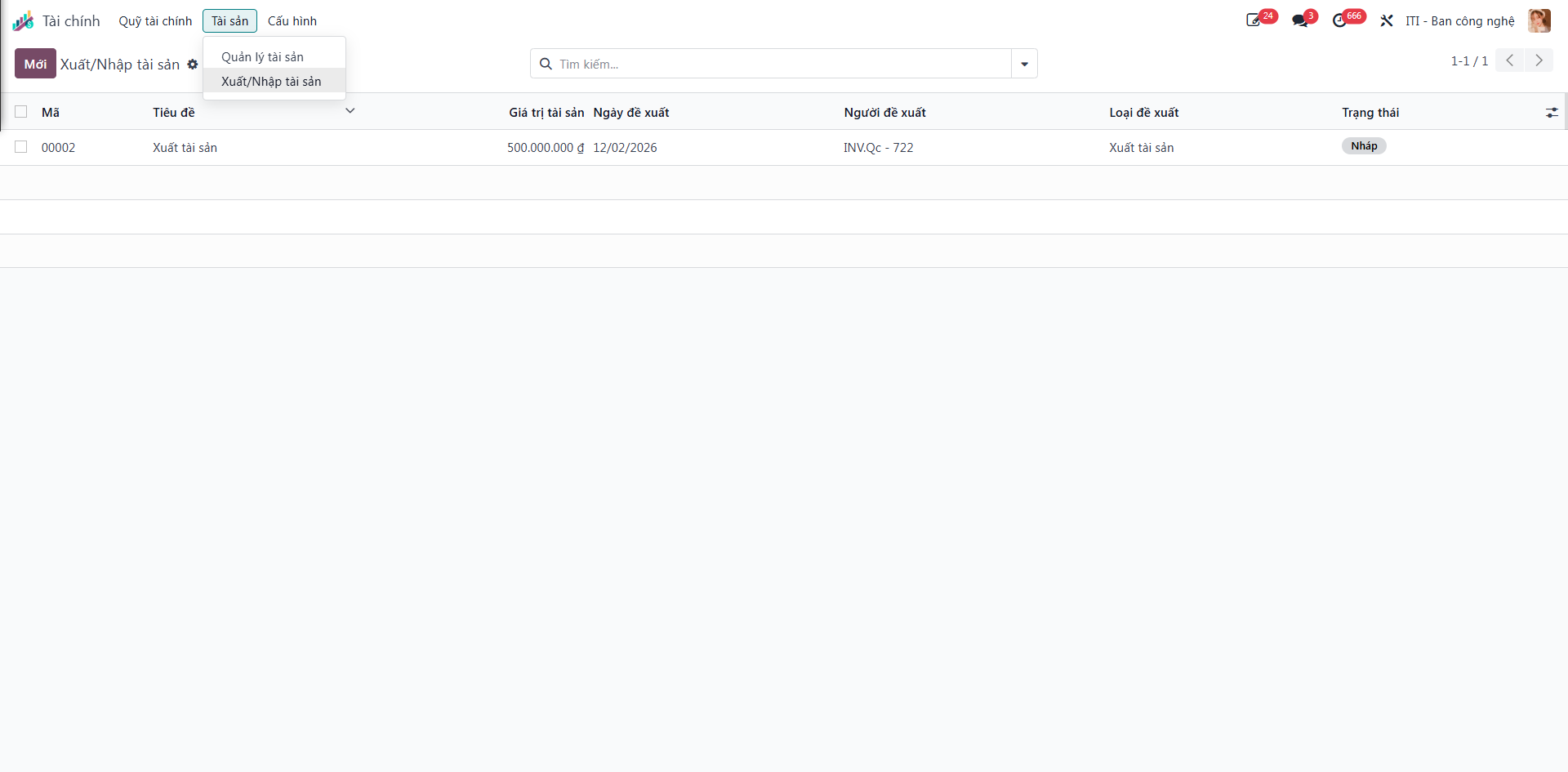
The registry displays all historical movements with columns for Title (Tiêu đề), Asset Value (Giá trị tài sản), Proposal Date (Ngày đề xuất), Submitter (Người đề xuất), Transfer Type (Loại đề xuất: Inbound/Nhập or Outbound/Xuất), and Status (Trạng thái).
Bước 2: Click the New (Mới) button to open the transfer requisition form.
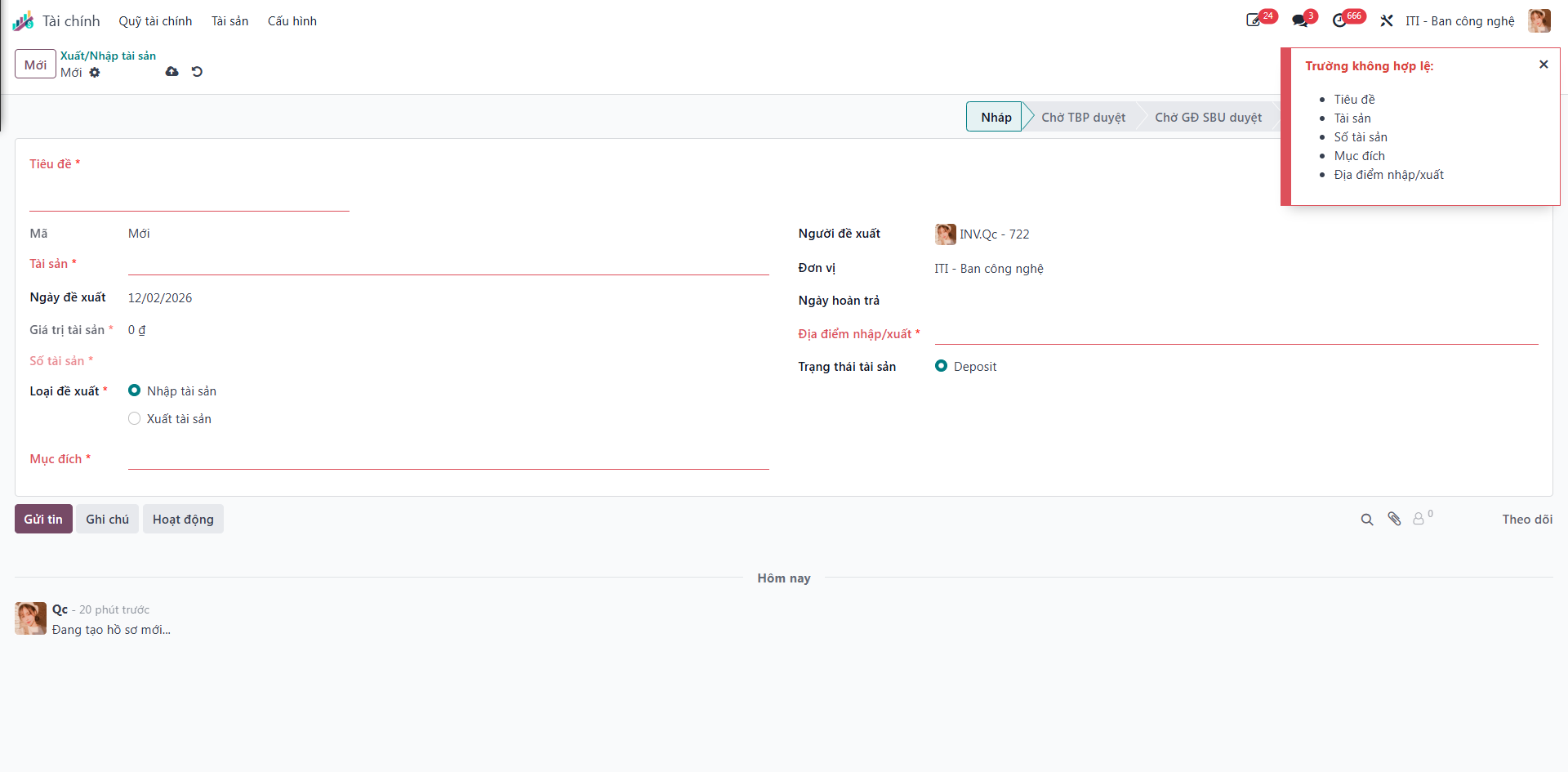
Bước 3: Complete the requisition fields:
Title (Tiêu đề): Reason or purpose of the transfer.
Asset (Tài sản): Select the target asset from the master registry.
Transfer Type (Loại đề xuất): Select Inbound (Nhập) or Outbound (Xuất).
Storage Location (Địa điểm nhập/xuất): Designated vault or financial repository.
Asset Condition (Trạng thái tài sản): Physical state of certificates.
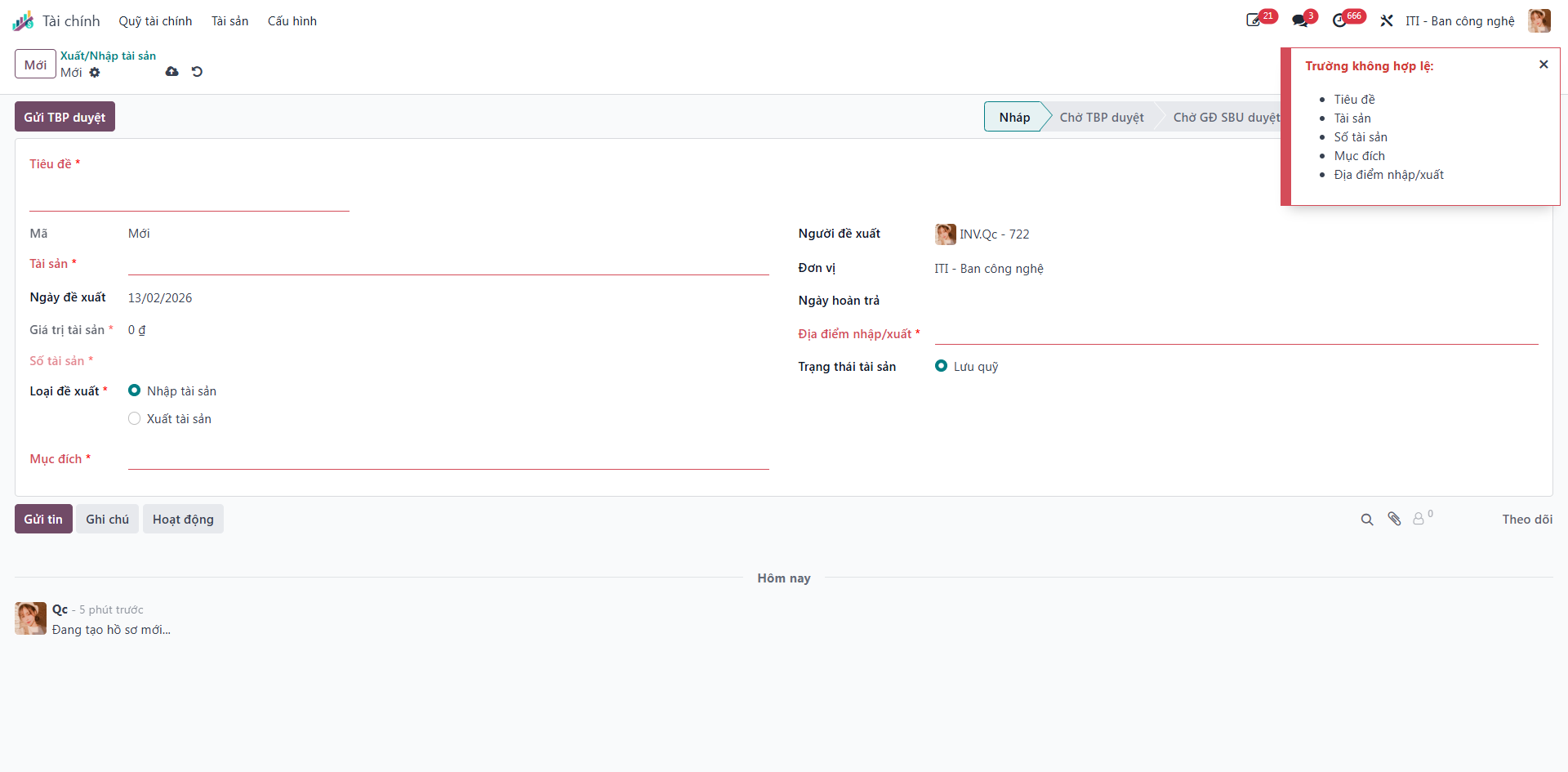
Bước 4: Click Save (Lưu) to store the transfer proposal in Draft (Nháp) status.
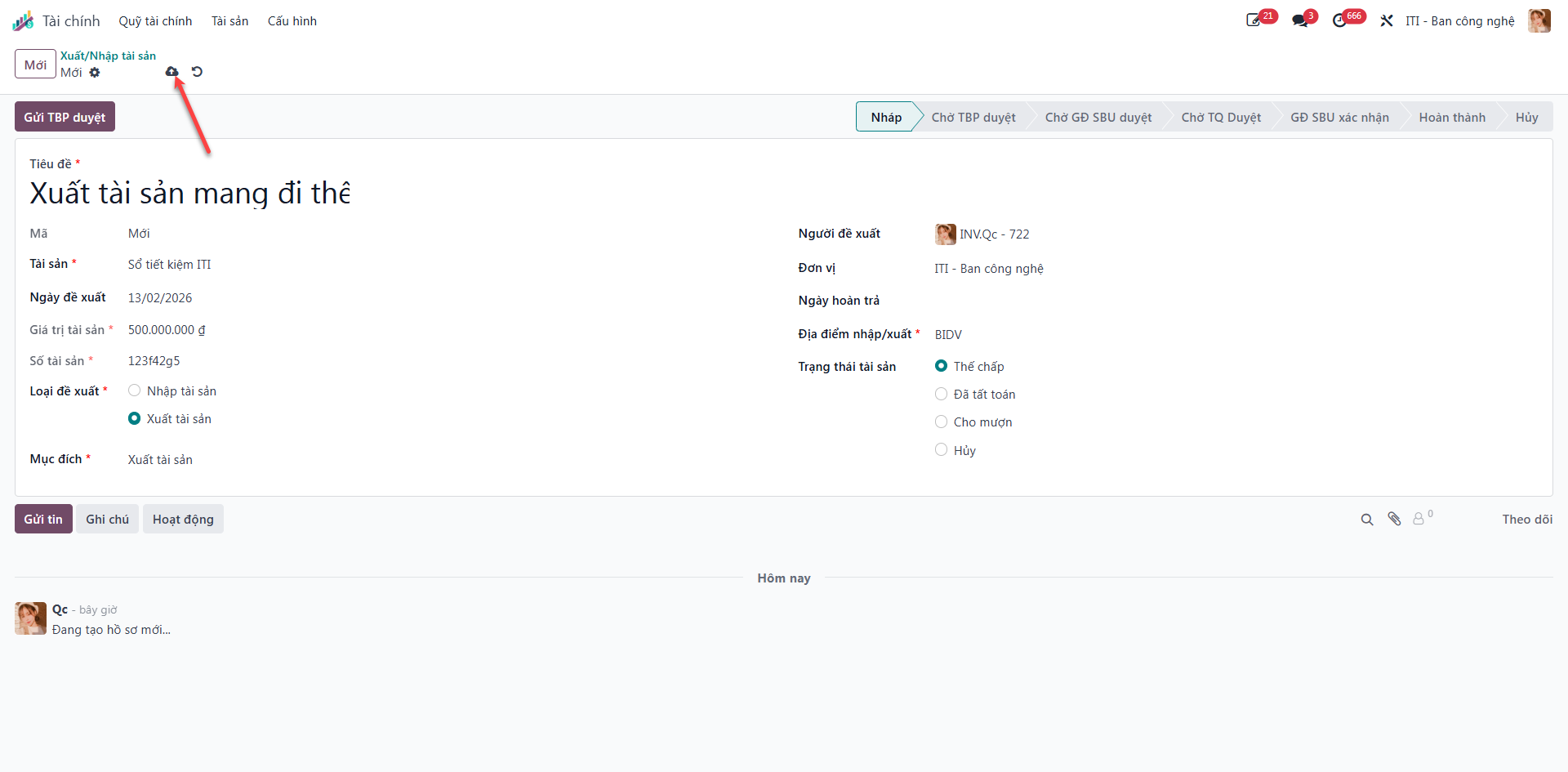
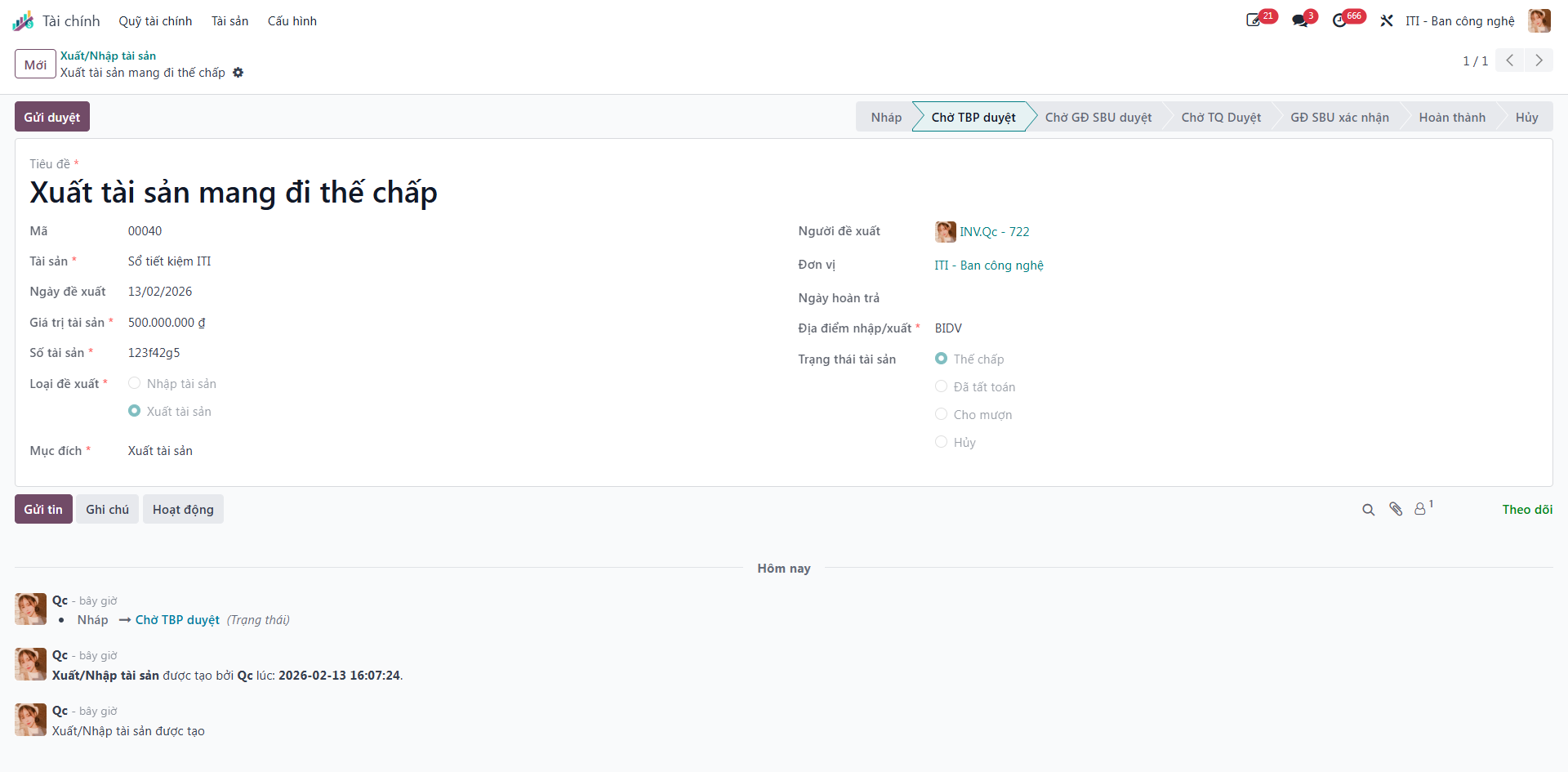
Bước 5: Click Submit to Dept Manager (Gửi TBP duyệt) to begin the evaluation process. Status changes to Waiting for Dept Manager (Chờ TBP duyệt).
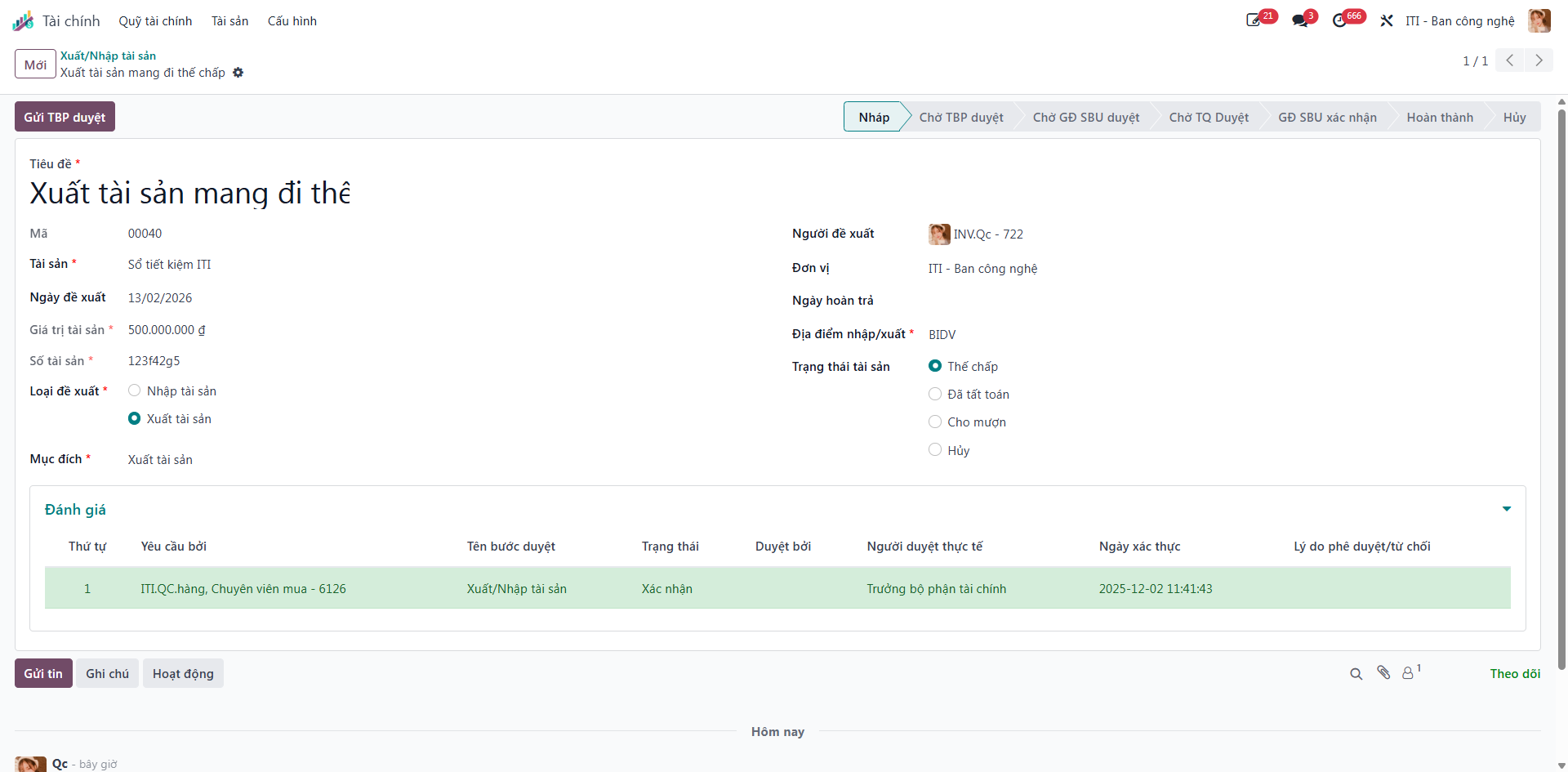
Bước 6: The Department Head reviews the justification and clicks Submit for Approval (Gửi Duyệt) to forward the requisition to the SBU Director.
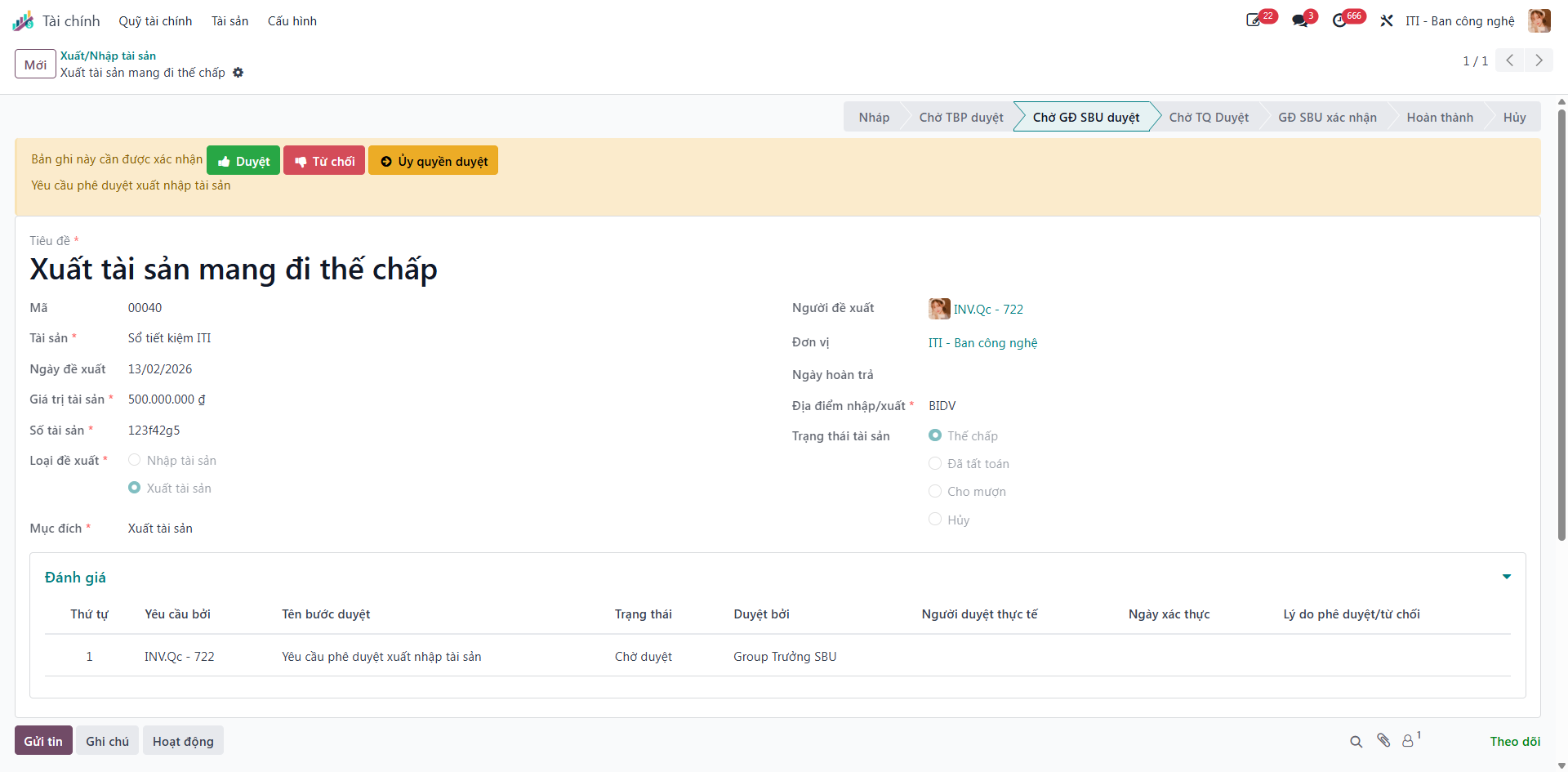
Bước 7: The SBU Director evaluates the proposal:
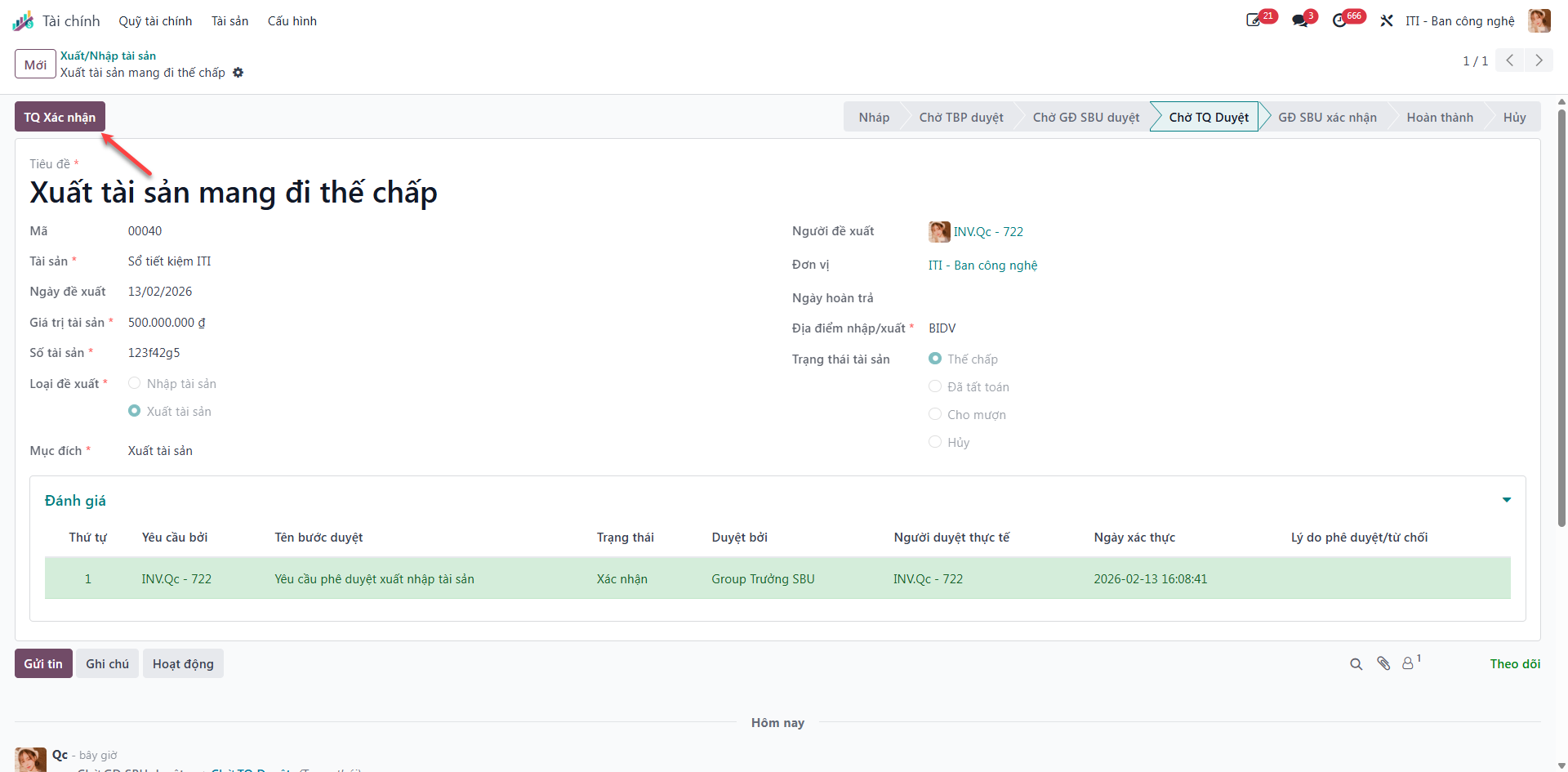
Click Approve (Duyệt) to grant executive consent, advancing status to Waiting for Cashier Confirmation (Chờ TQ Xác nhận).
Click Refuse (Từ chối) to cancel the request.
Click Delegate Approval (Ủy quyền duyệt) to transfer evaluation authority to another manager.
Bước 8: The Cashier (Thủ quỹ) physically receives or releases the asset and clicks Cashier Confirm (TQ Xác nhận).
Note
For Inbound (Nhập) requisitions, the workflow concludes successfully at Step 8. For Outbound (Xuất) transfers, final director sign-off is required at Step 9.
Bước 9 (Outbound Only): The SBU Director conducts final verification that the asset has departed company custody and confirms completion.