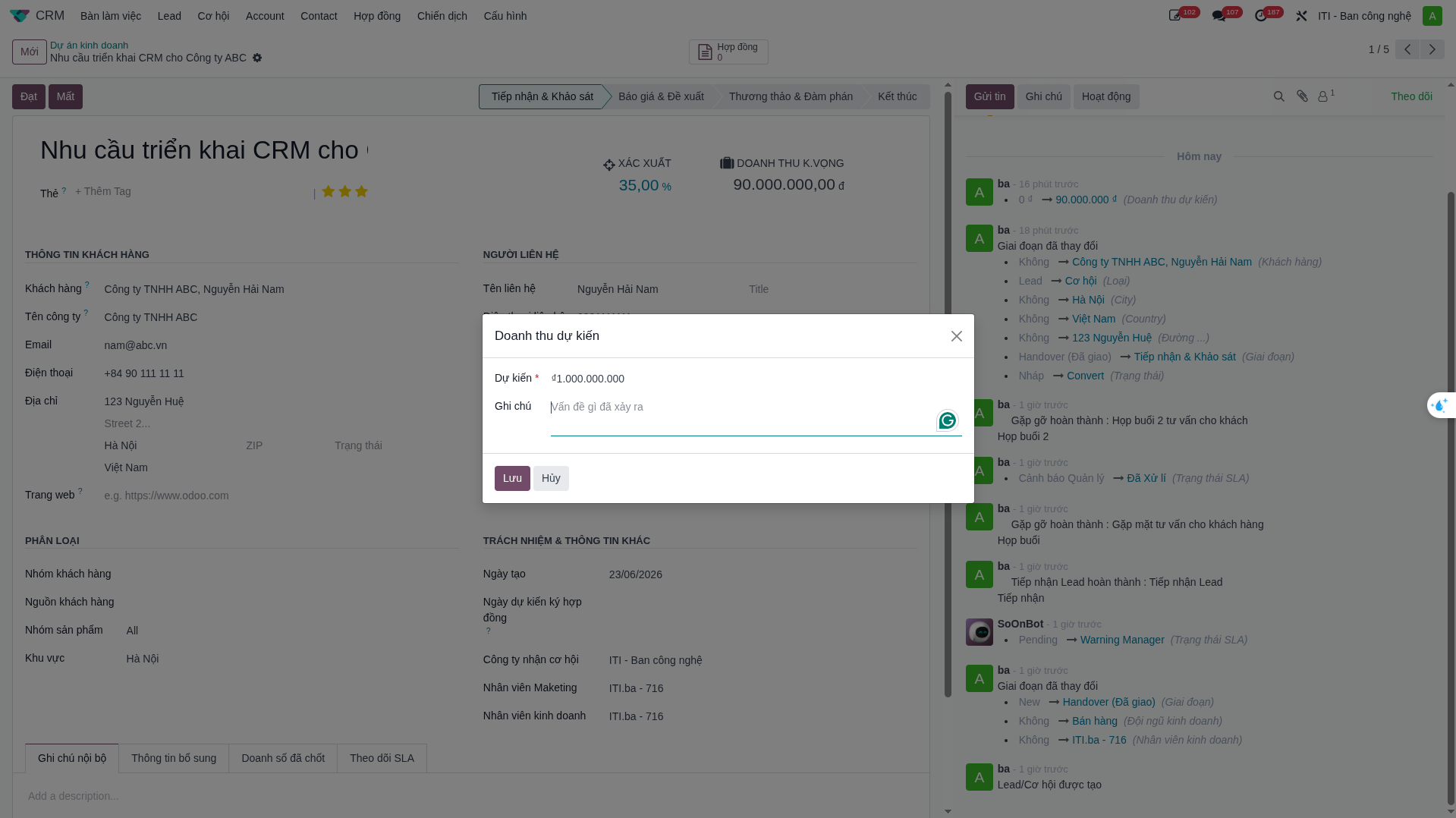
Opportunity Pipeline
The Opportunities Pipeline allows sales teams to visualize deal progression, track sales stages, forecast revenue, and analyze closing outcomes.
Kanban Pipeline Stages
Opportunities progress sequentially across 4 core stages in the Kanban view:
Stage |
Benchmark Probability |
Operational Scope |
|---|---|---|
Reception & Survey |
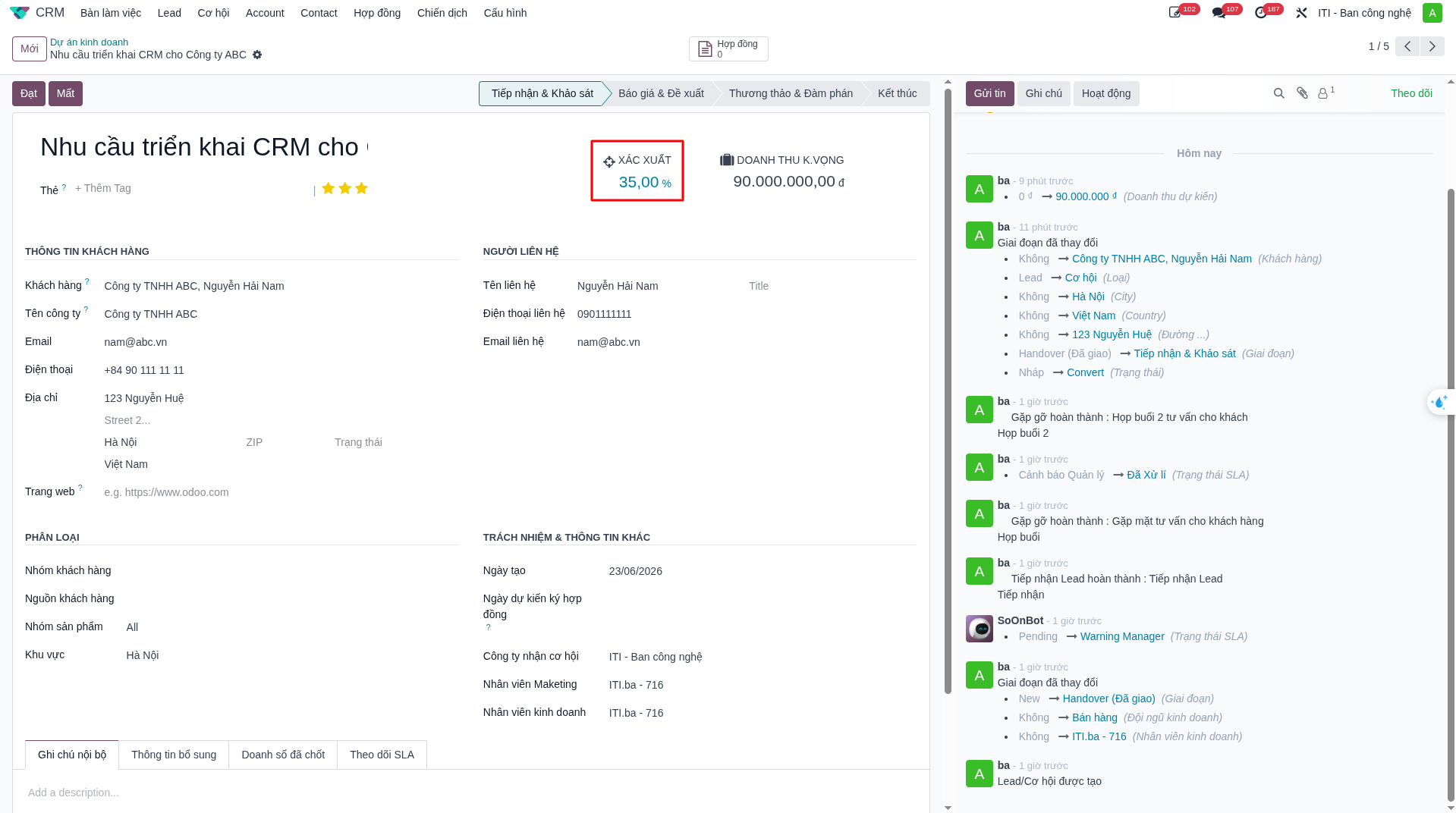
35% |
Initial technical survey, requirement gathering, and client consultation. |
Quotation & Proposal |
60% |
Solution design, commercial quotation, and technical proposal submission. |
Negotiation & Discussion |
80% |
Commercial terms negotiation, contract drafting, and executive sign-off. |
Closed Won |
100% |
Contract finalized and executed. |
Closed Lost |
0% |
Opportunity abandoned or awarded to competitor. |
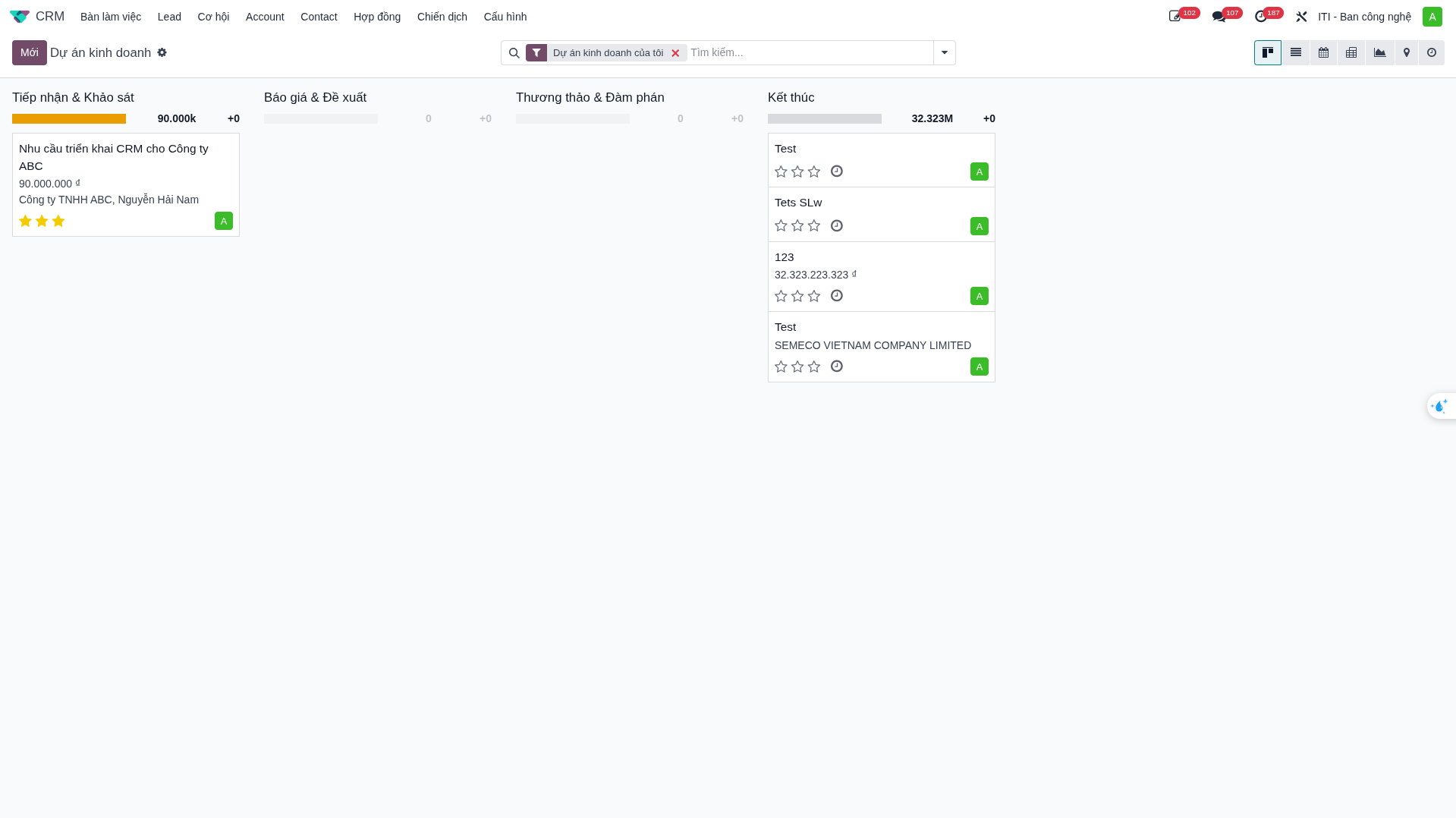
Dragging an opportunity card across columns automatically updates its winning probability and recalibrates the executive revenue forecast.
Closing Opportunities (Win / Lost)
When negotiations conclude, the salesperson closes the deal using the action buttons:
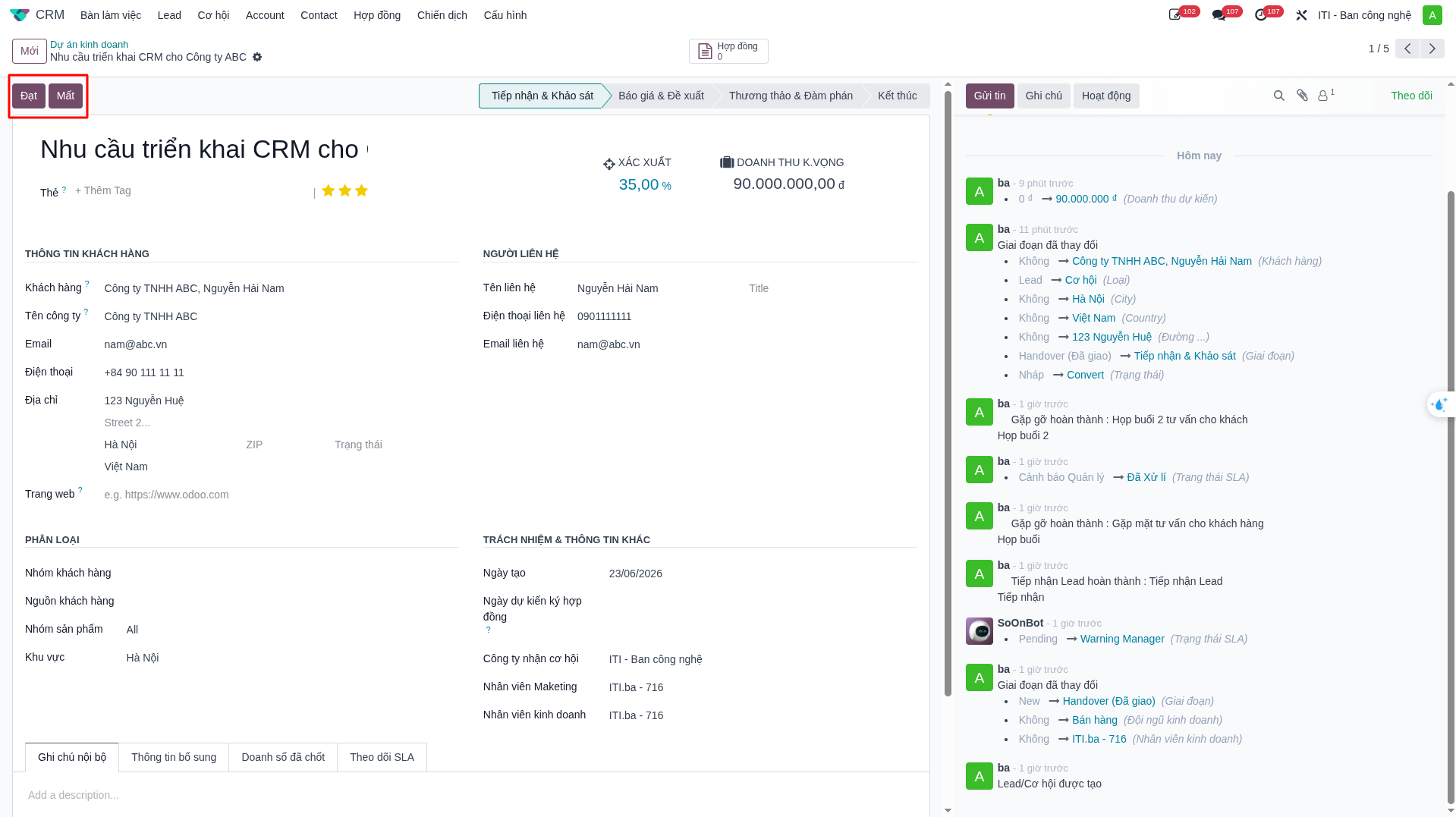
Closing as Won (Win)
Click Won.
In the confirmation popup, enter the Actual Signed Revenue.
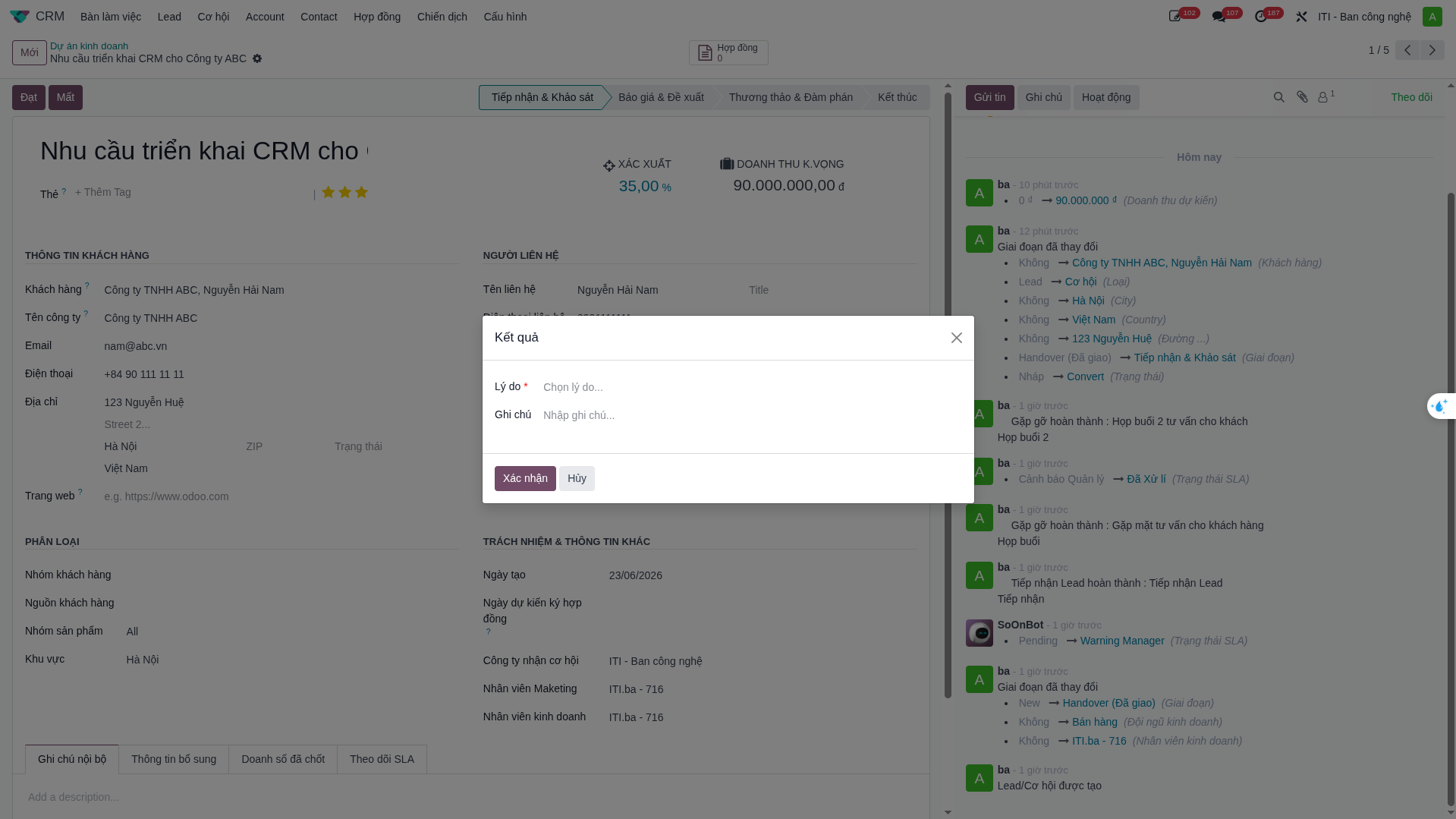
Click Confirm. The opportunity moves to Closed Won (100%) and automatically generates a draft Contract record.
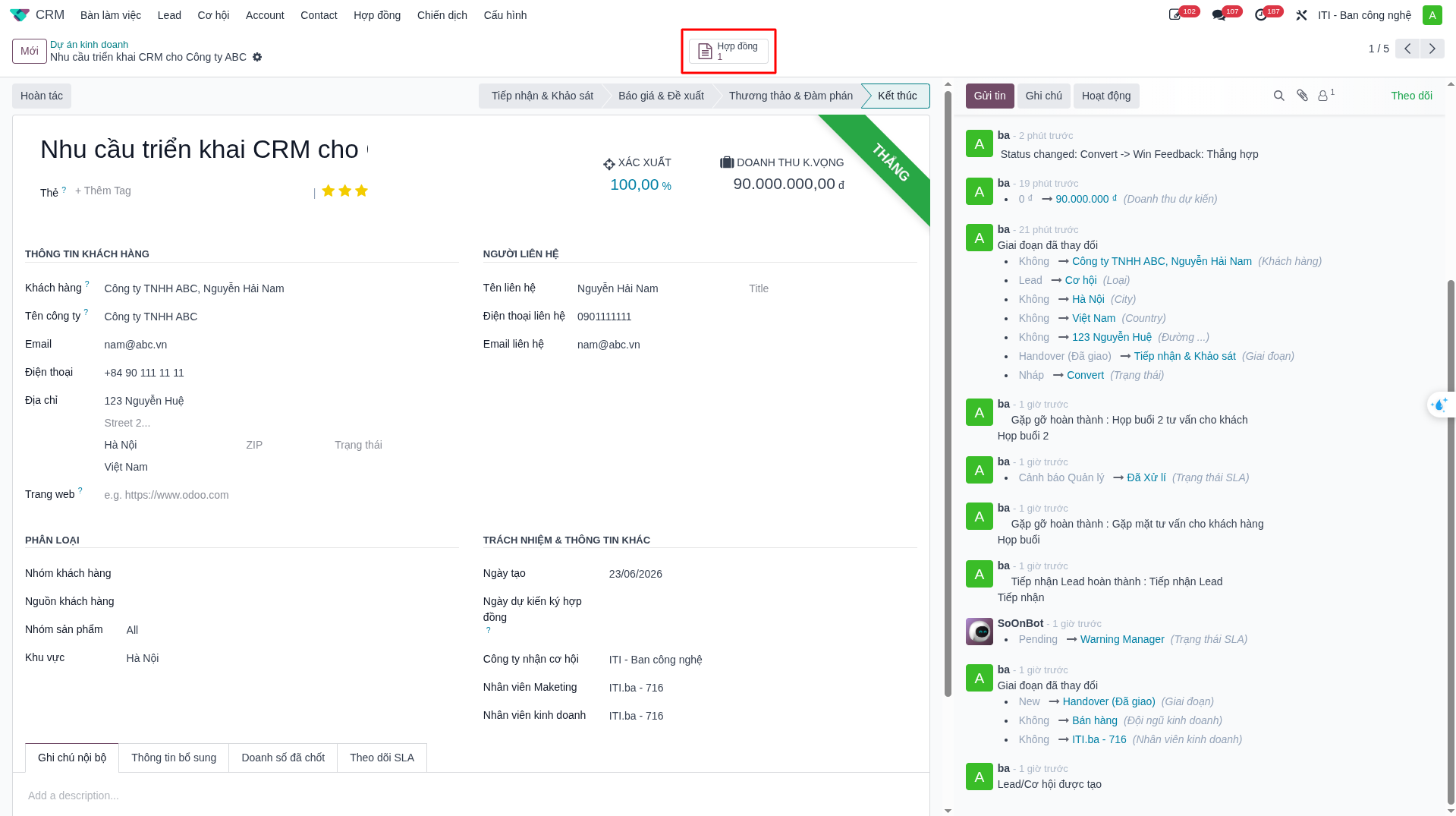
Closing as Lost (Lost)
Click Lost.
In the modal dialog, select a mandatory Lost Reason (e.g., Price Too High, Competitor Advantage, Project Postponed, Budget Deficit).
Enter qualitative feedback in Closing Notes.
Click Submit. Data feeds into executive Win/Loss loss-analysis analytics.