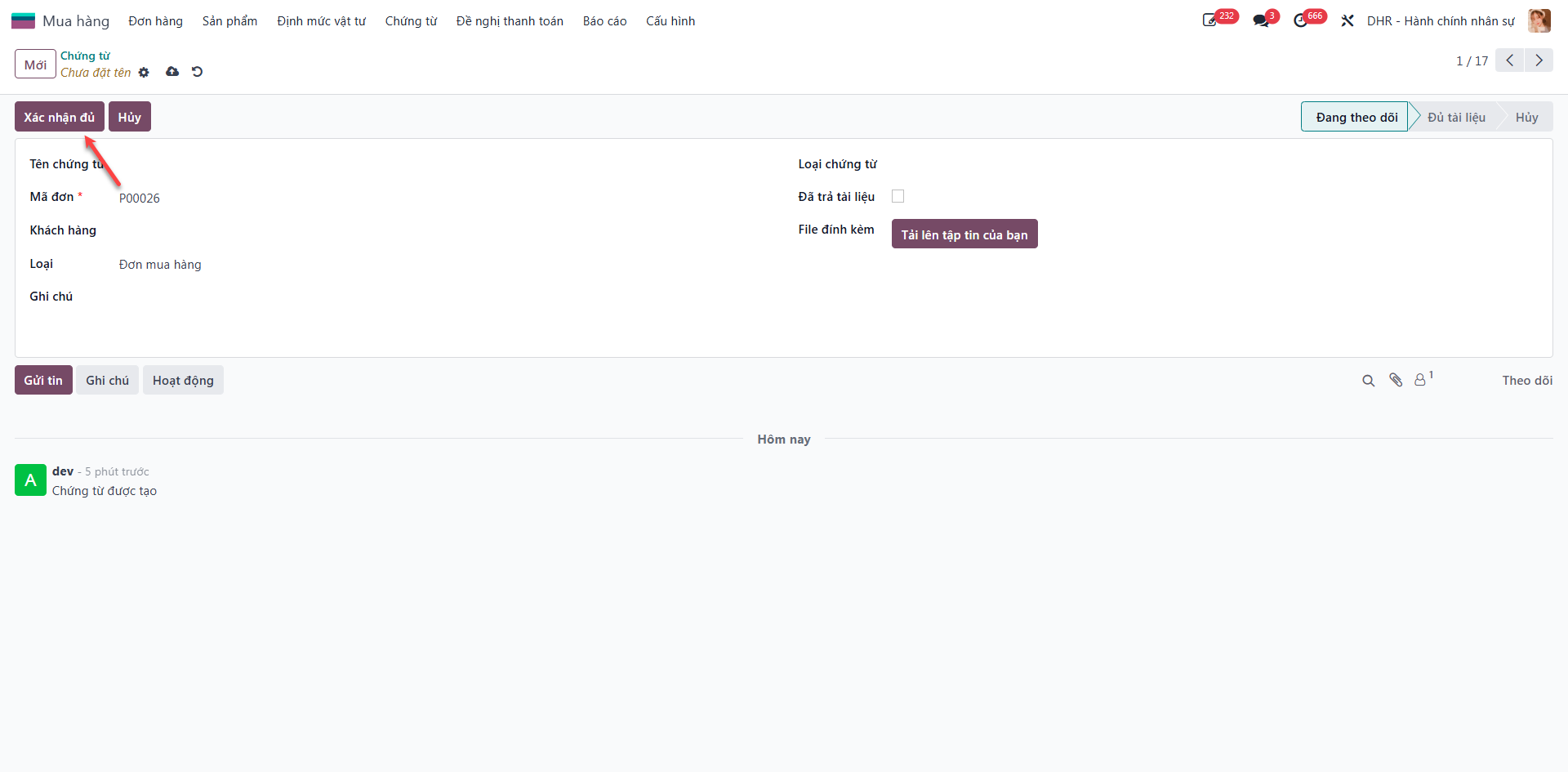
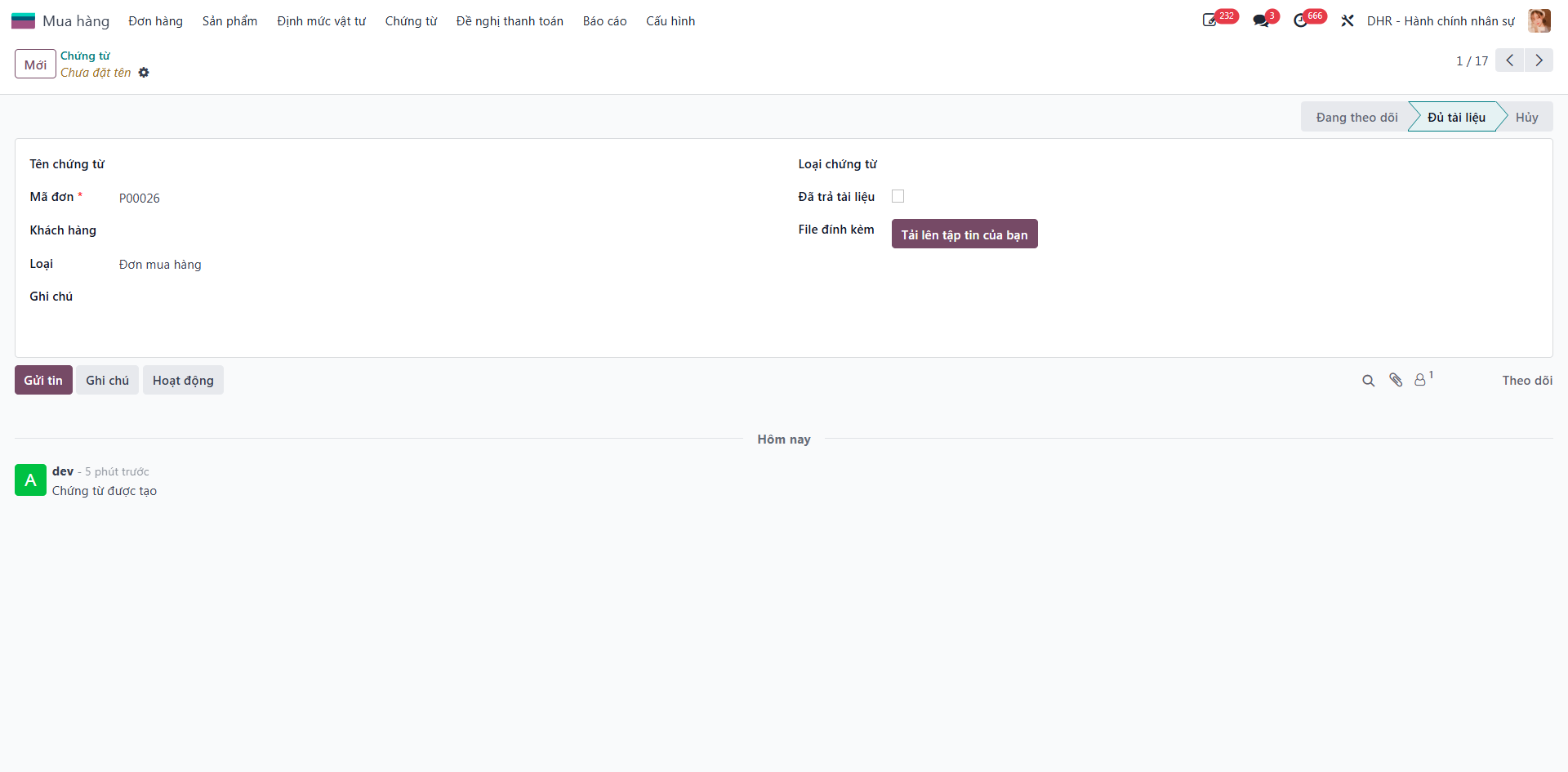
Purchase Document Management
Purchase Document Management ensures full compliance and traceability by attaching contracts, invoices, quality certificates (CO/CQ), and delivery notes to Purchase Orders, with formal verification of physical hard copies.
Attach Documents to Purchase Orders
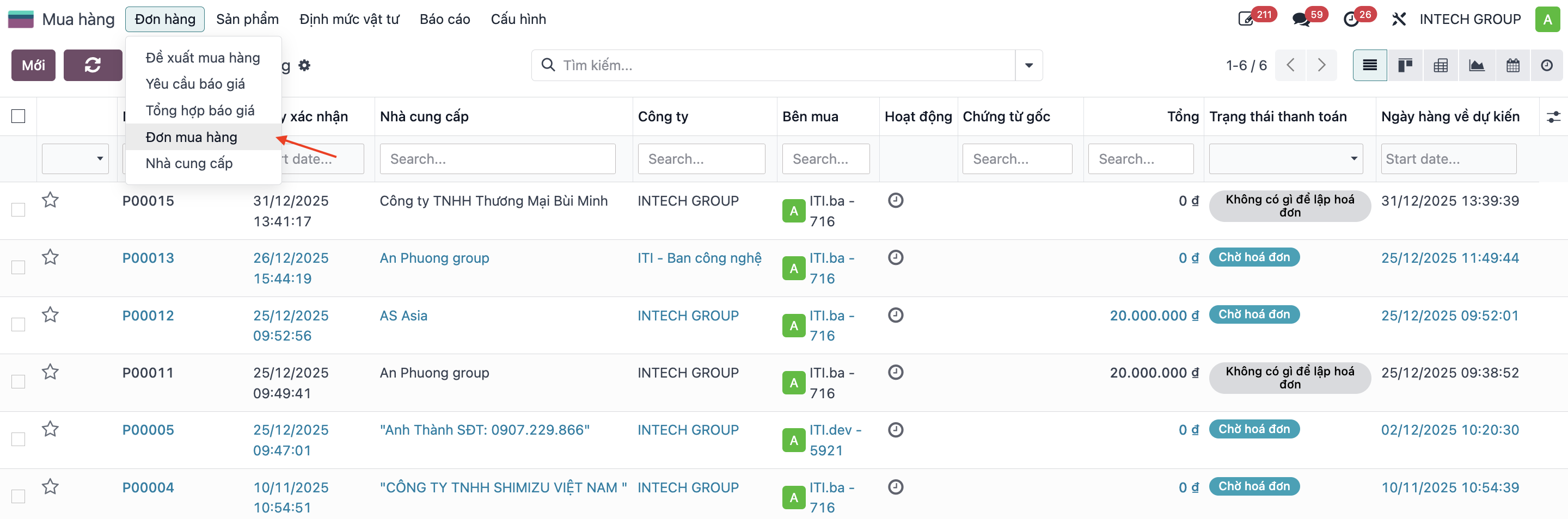
Step 1: Navigate to .
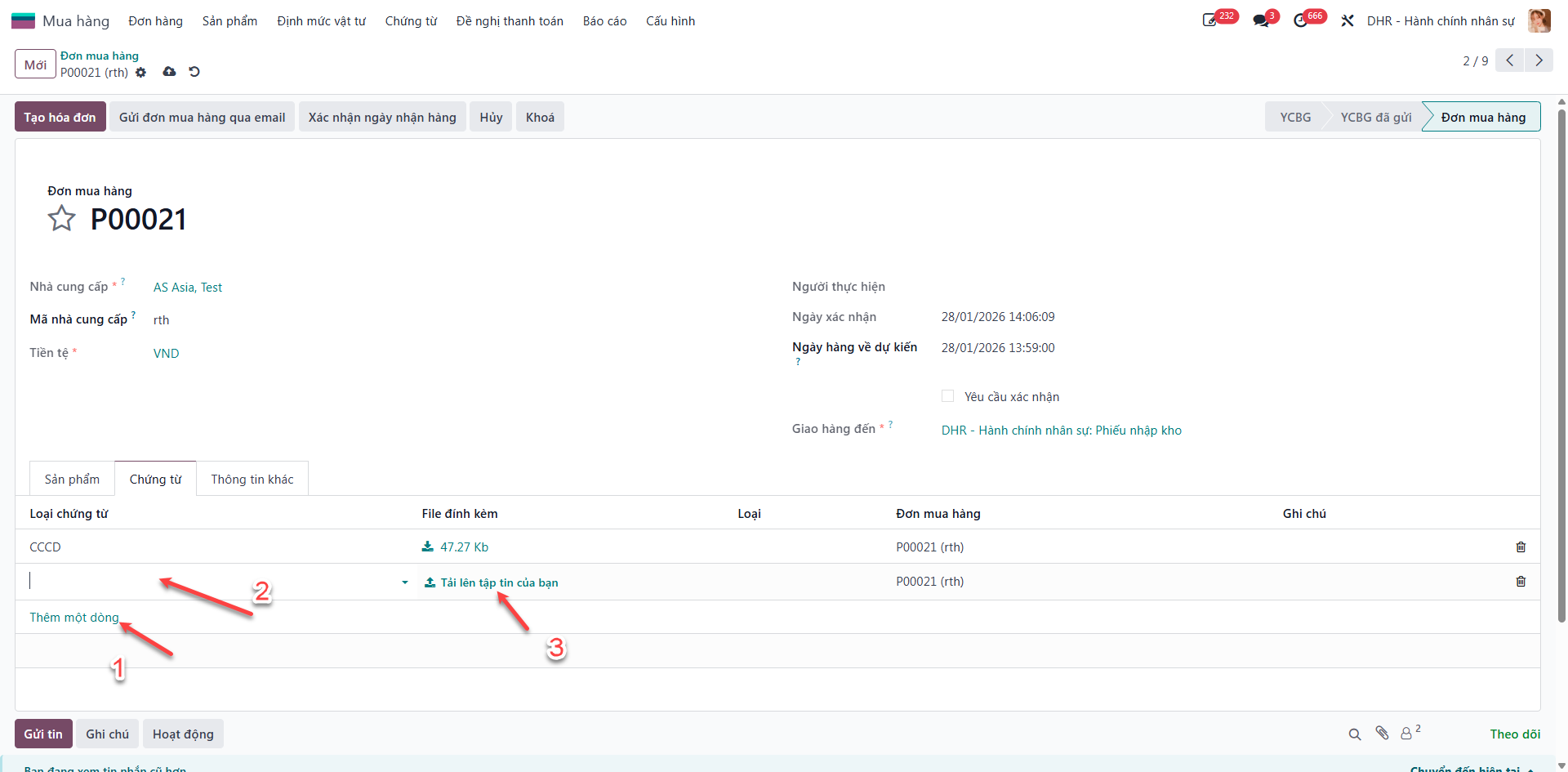
Step 2: Open the target Purchase Order and select the Documents tab.
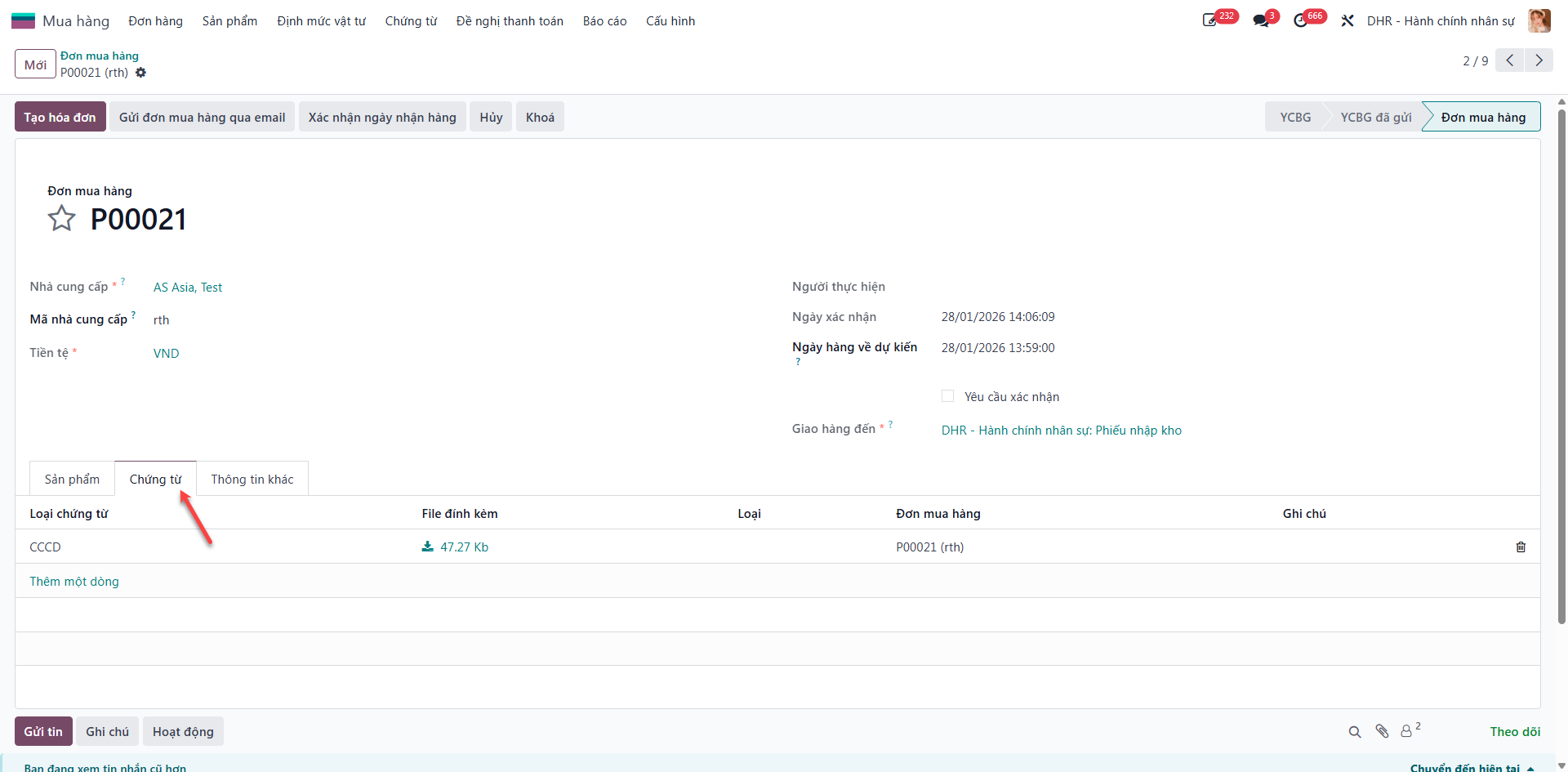
Step 3: Under Attached Documents, click Add a line, select document type, and upload the digital file.
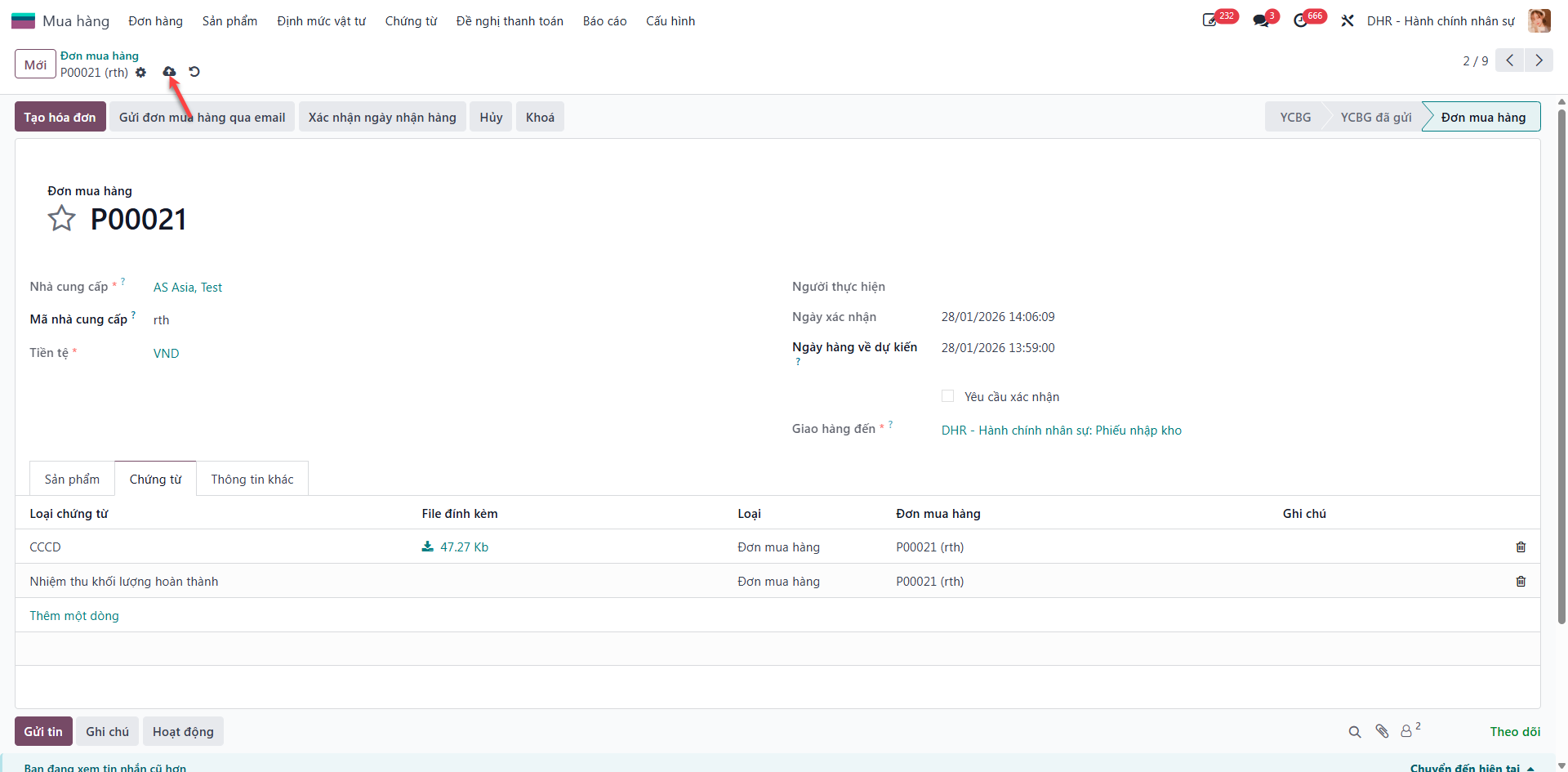
Step 4: Click Save to store attached documents.
Centralized Document Audit & Completeness Verification
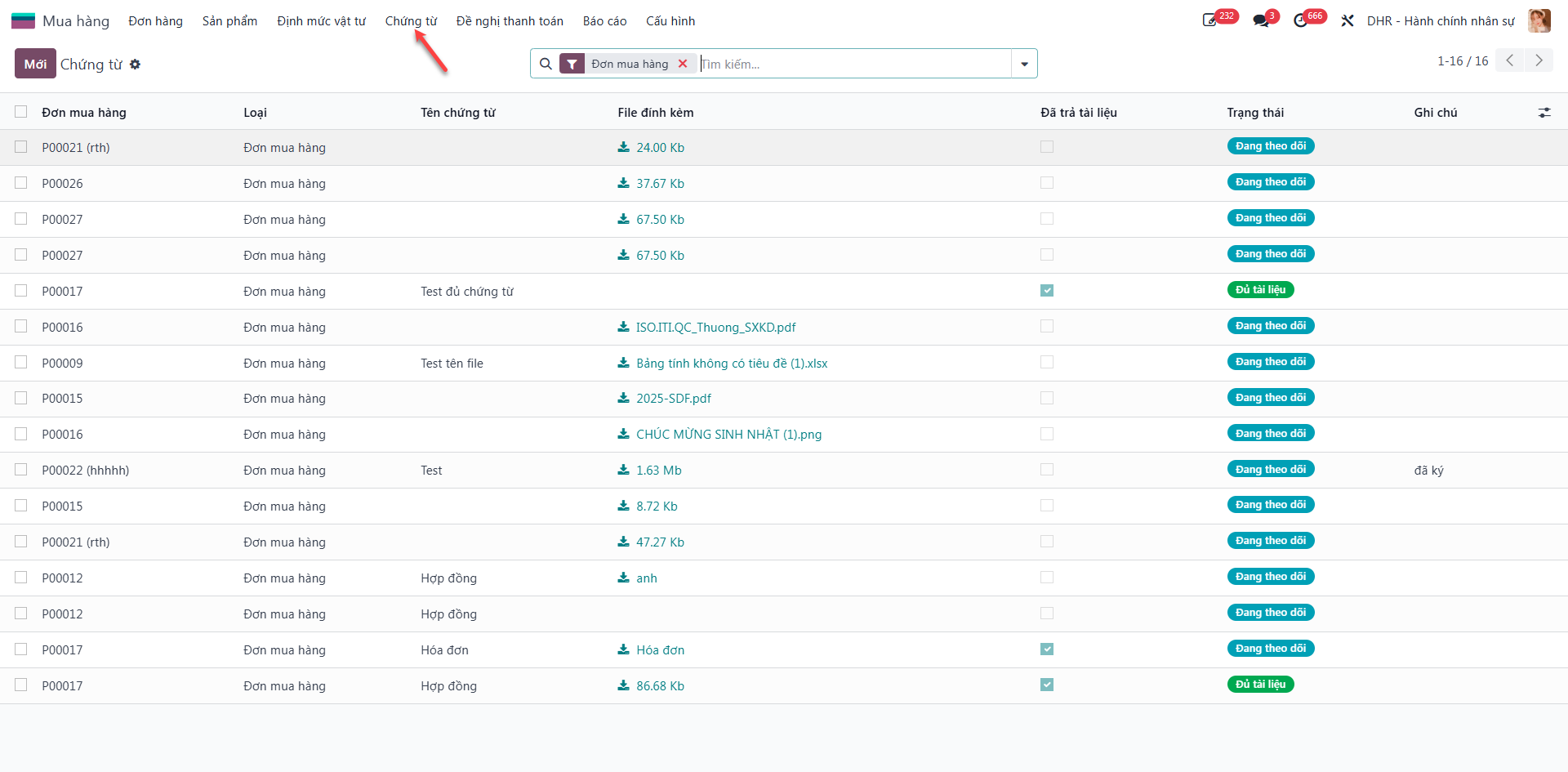
Step 1: Navigate to to inspect all purchase orders and attached documents.
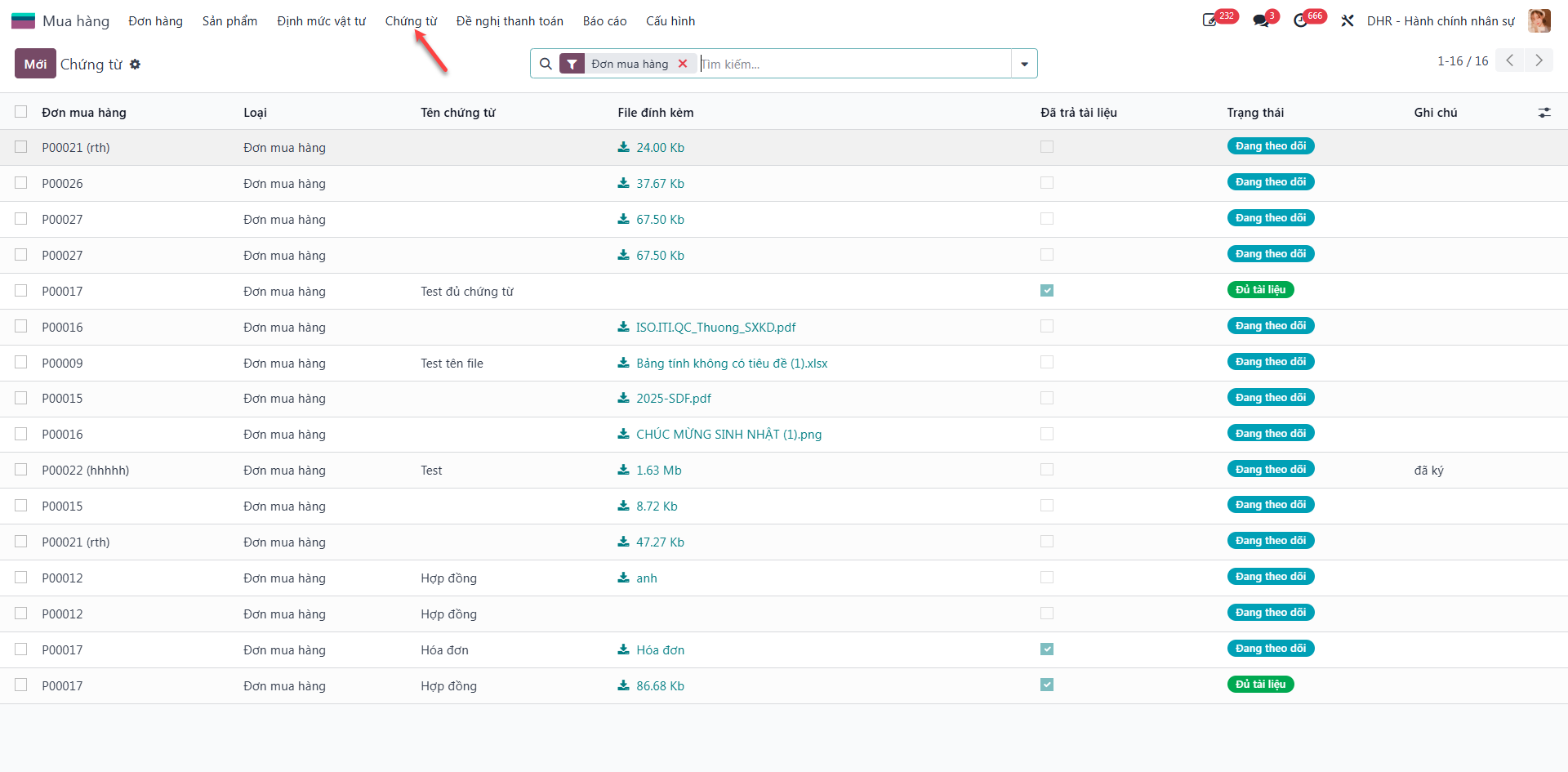
Step 2: Select the purchase order requiring document verification.
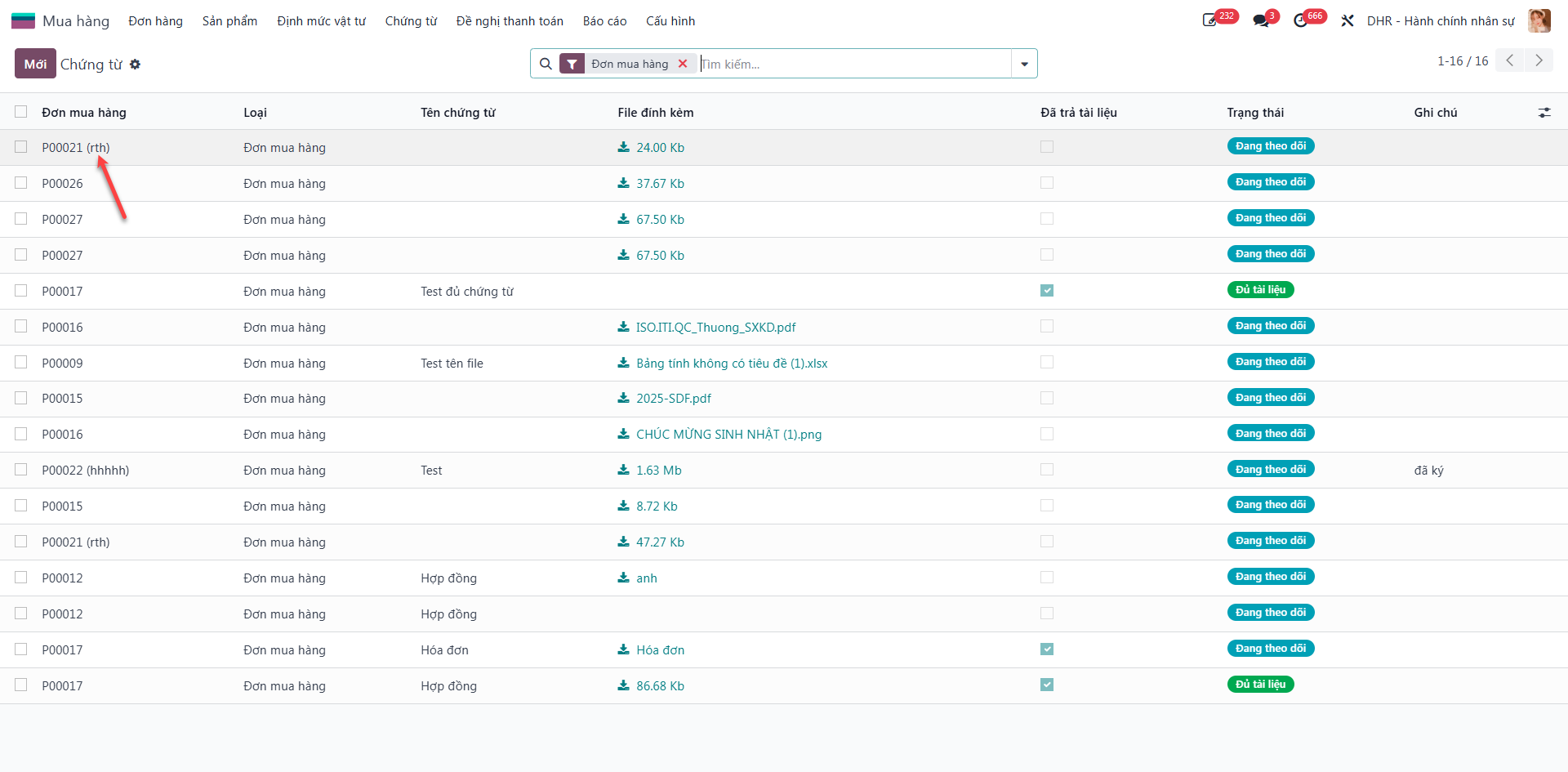
Step 3: Check required documents and confirm Physical Copy Received for each verified item.
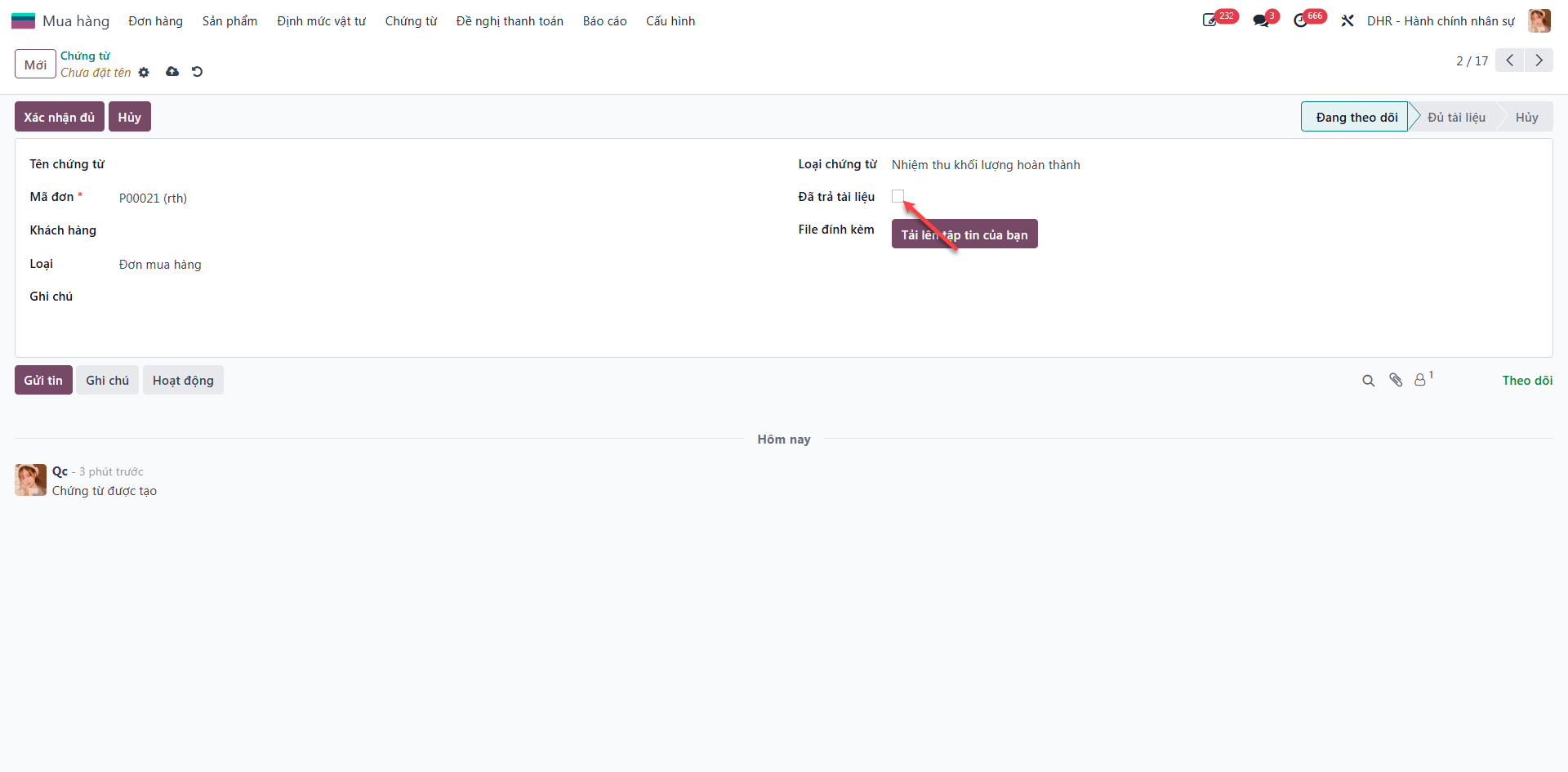
Step 4: Click Confirm Full Documents. The system updates the status to Full Documents Received.