Create Unplanned Tasks
Tasks that arise outside the monthly planned scope are categorized as unplanned tasks (nhiệm vụ phát sinh).
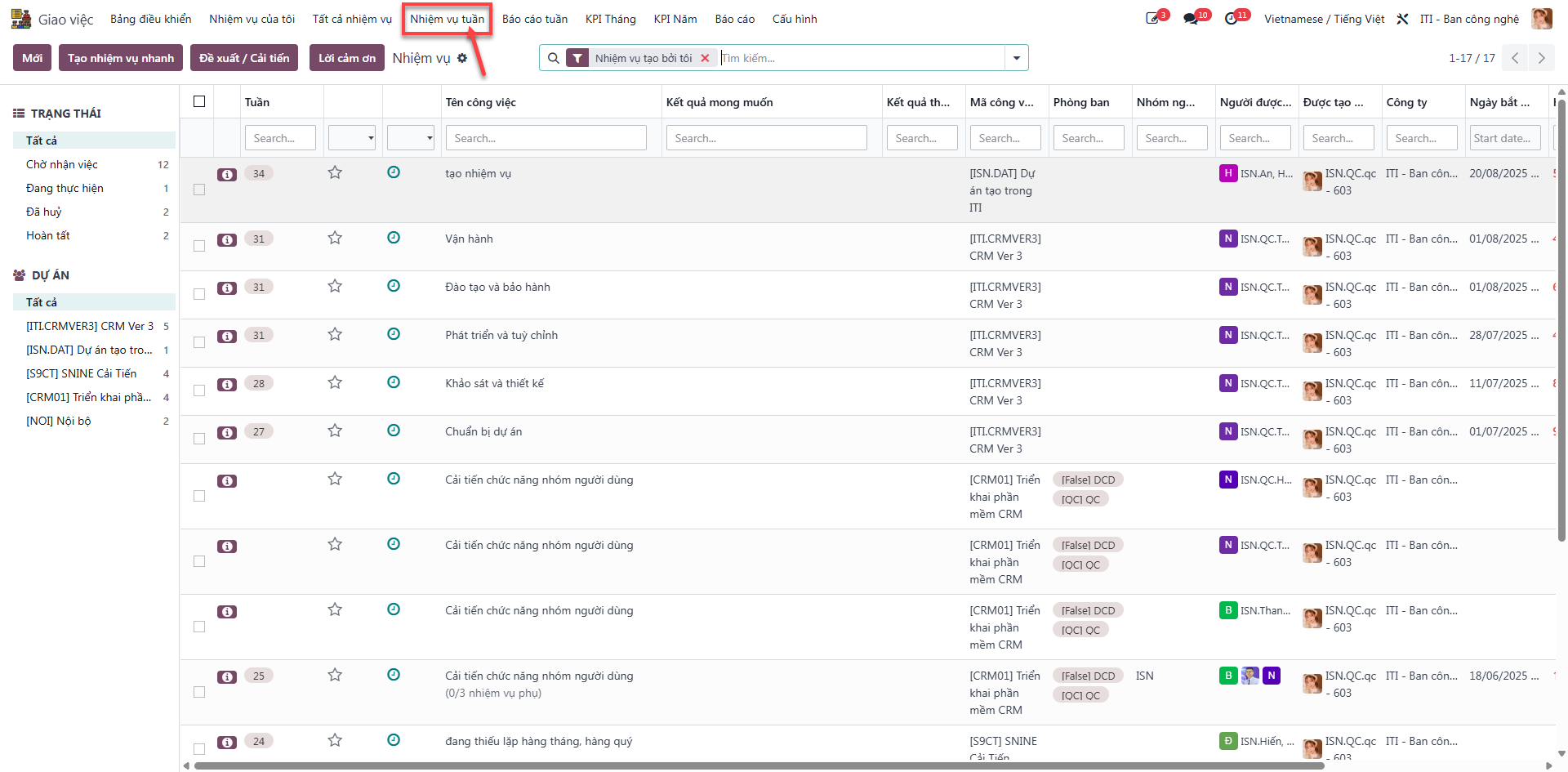
Accessing Weekly Tasks
Employees and managers access the task registry by navigating to .
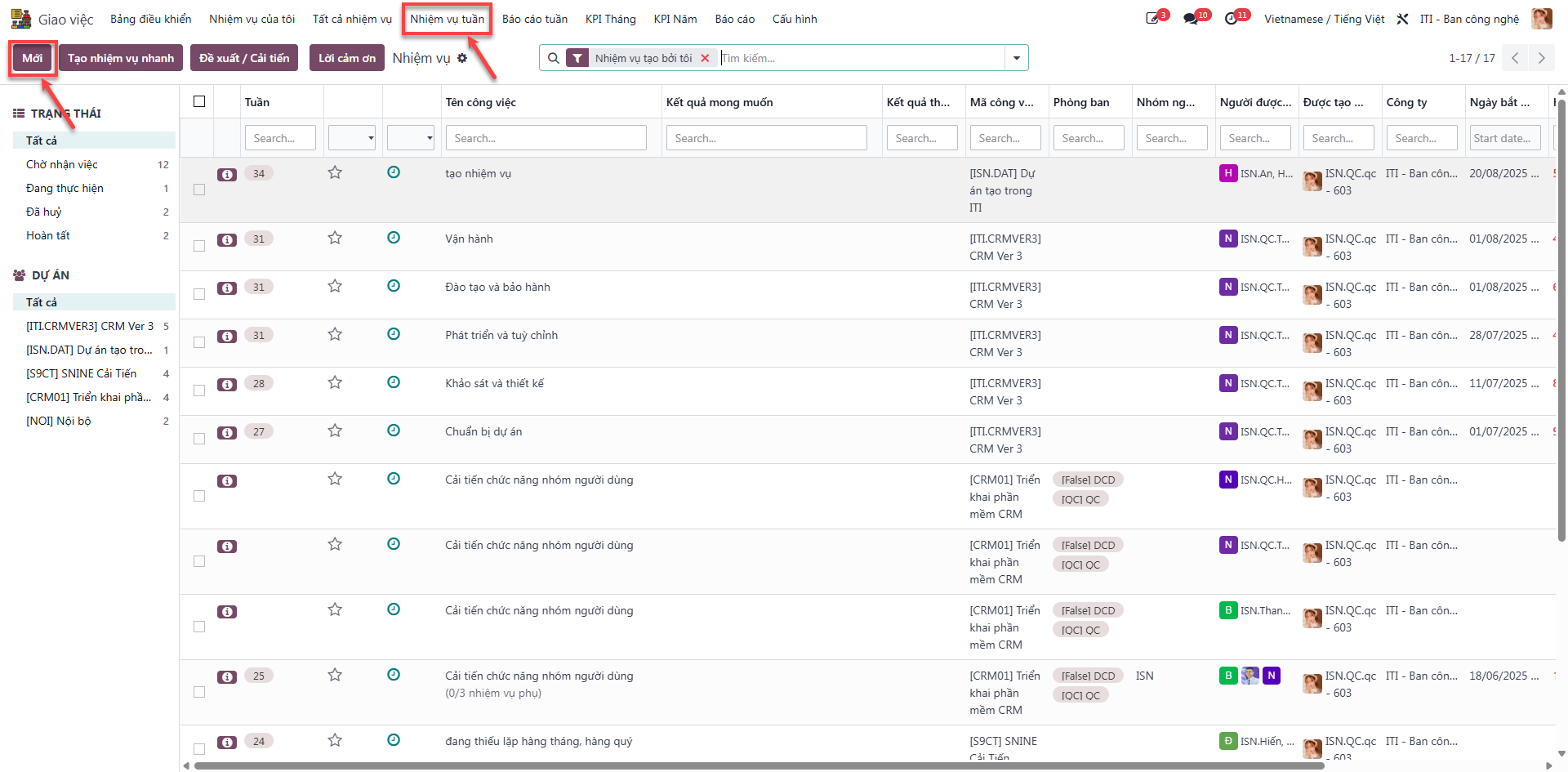
Single Task Creation
Bước 1: Click Mới (New) on the top toolbar.
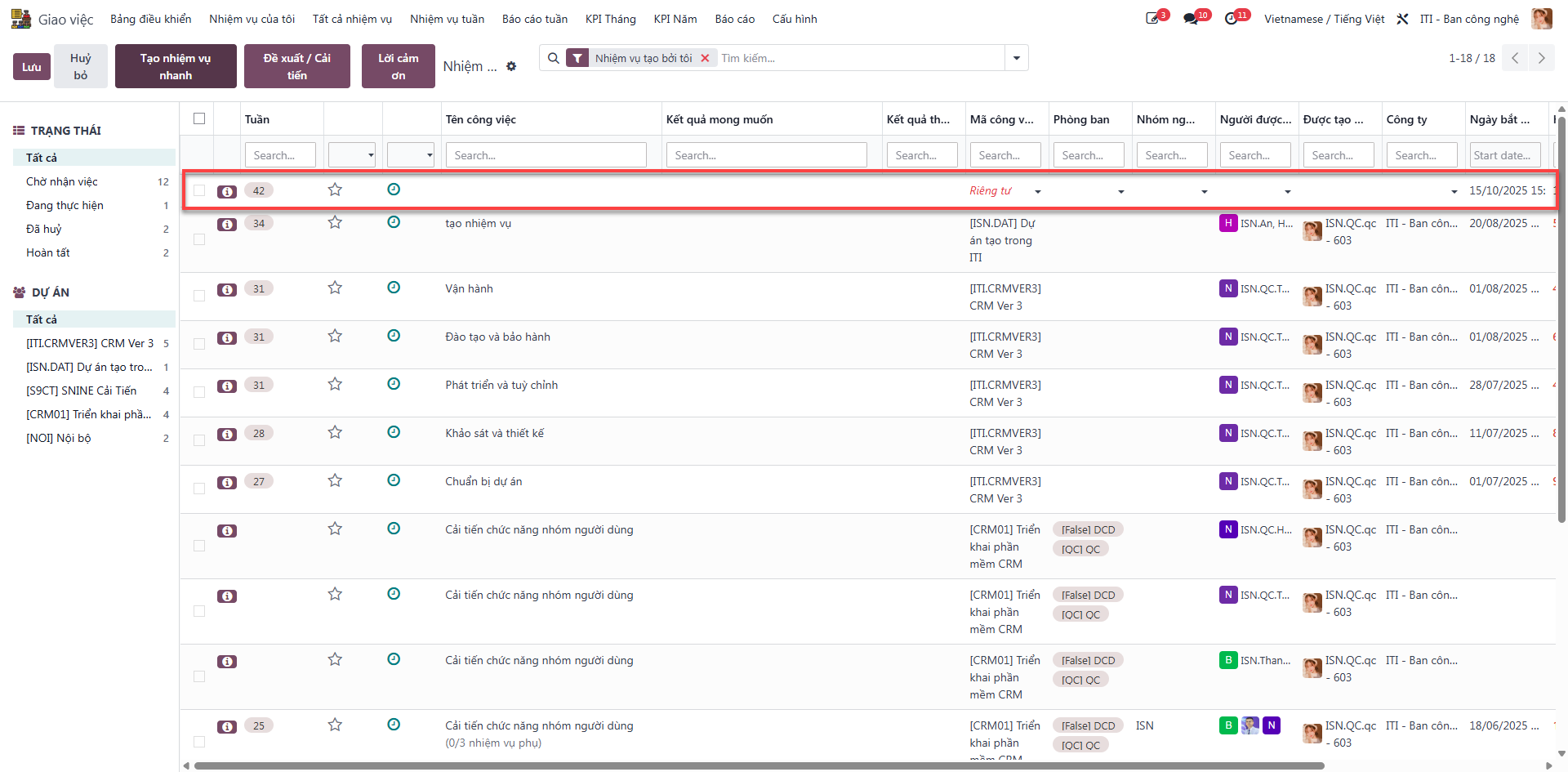
Bước 2: Fill in all required task specifications:
Tên công việc: Enter the descriptive name of the task.
Kết quả mong muốn: State specific expected deliverables and quality standards.
Mã công việc: Select the associated project code.
Phòng/Ban: Select the responsible department.
Người được phân công: Assign the designated employee.
Thẻ: Assign organizational tags (e.g., Task, BUGS, Cải tiến).
Giai đoạn: Select the current execution stage.
Hạn chót: Set the completion deadline.
Click Lưu (Save).
Note
If the fields KPI Tháng and Chi tiết KPI Tháng are left blank, the system automatically registers the task as an unplanned task (nhiệm vụ phát sinh).
Batch Task Creation
To generate multiple tasks simultaneously without opening individual forms:
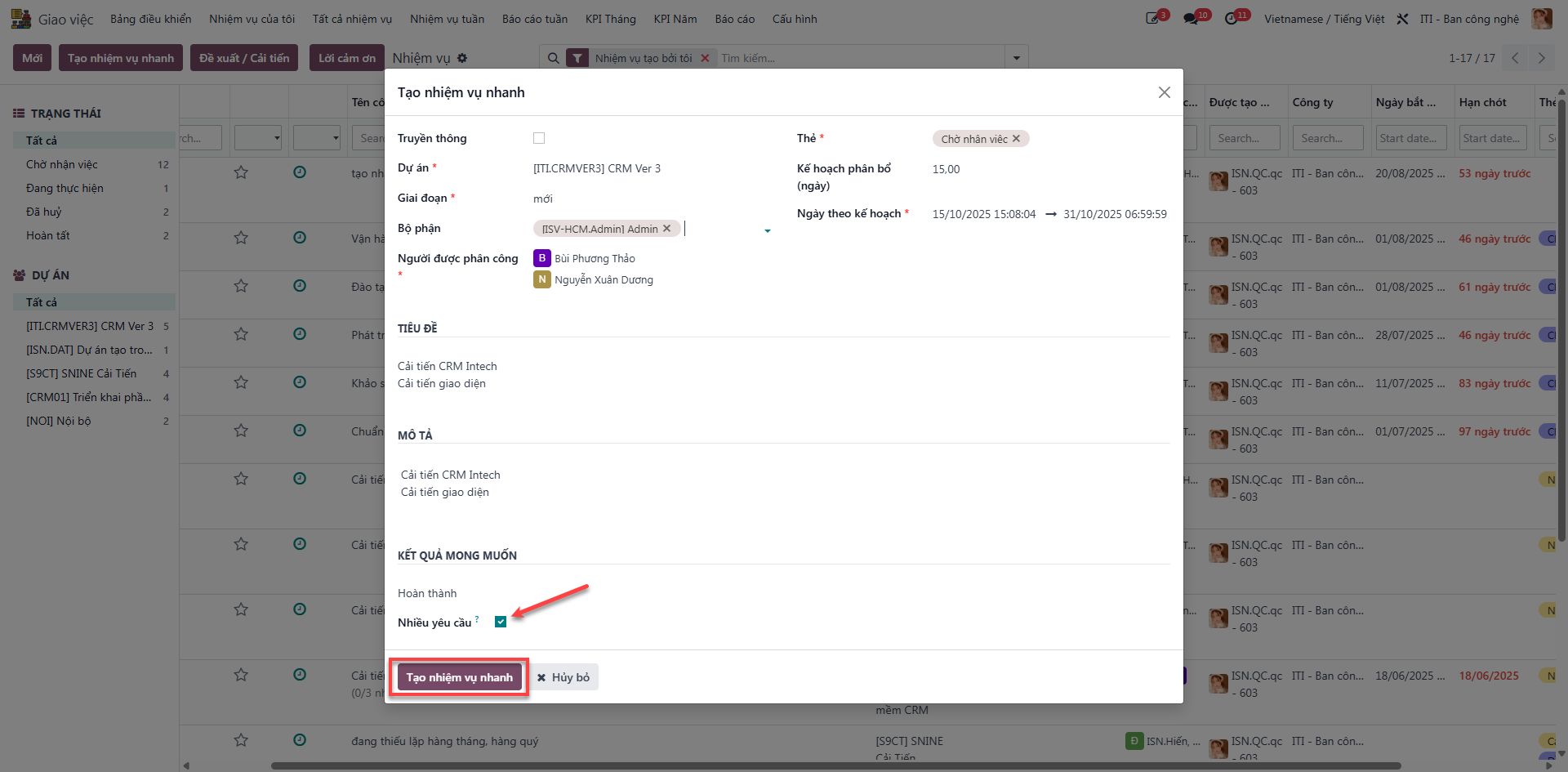
Bước 1: Click Tạo nhiệm vụ nhanh (Quick Task Creation).
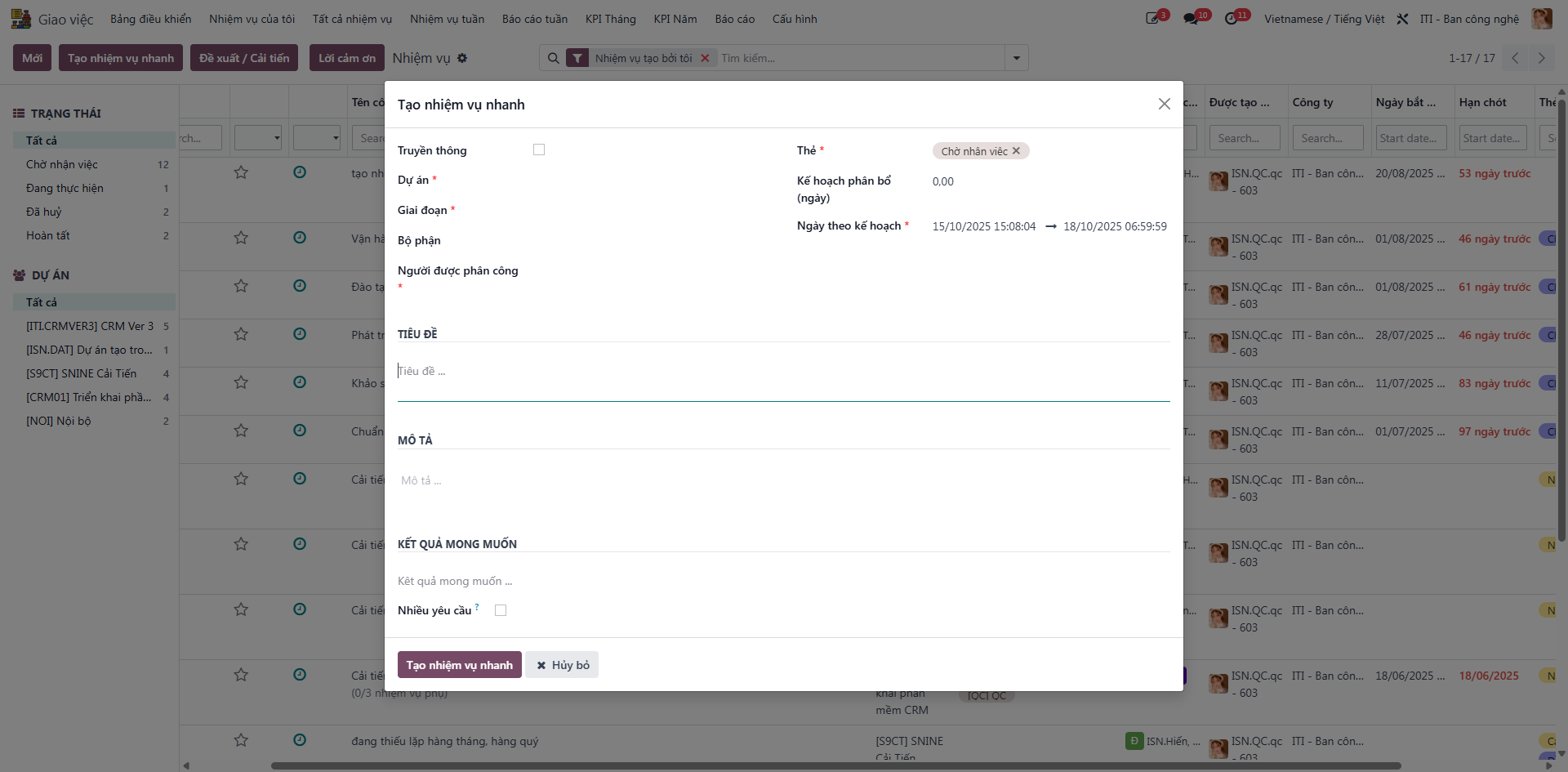
Bước 2: Choose Nhiều yêu cầu (Multiple Requests), enter each task title on a separate line (press Enter to add new lines), and click Tạo nhiệm vụ nhanh followed by Lưu.
Work Improvement Proposals
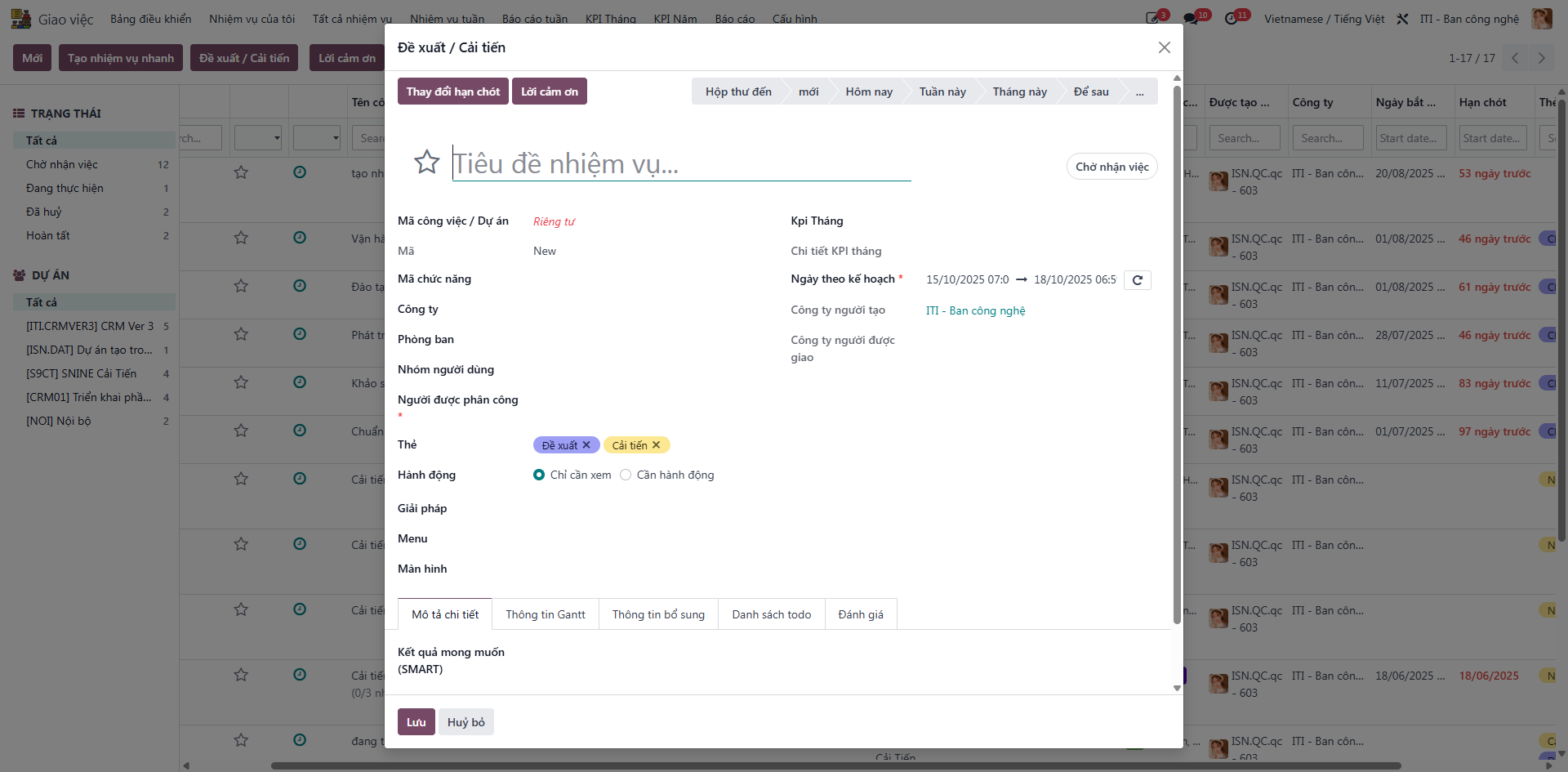
Click Đề xuất / Cải tiến to submit innovation ideas, fill in proposal parameters, and click Lưu.