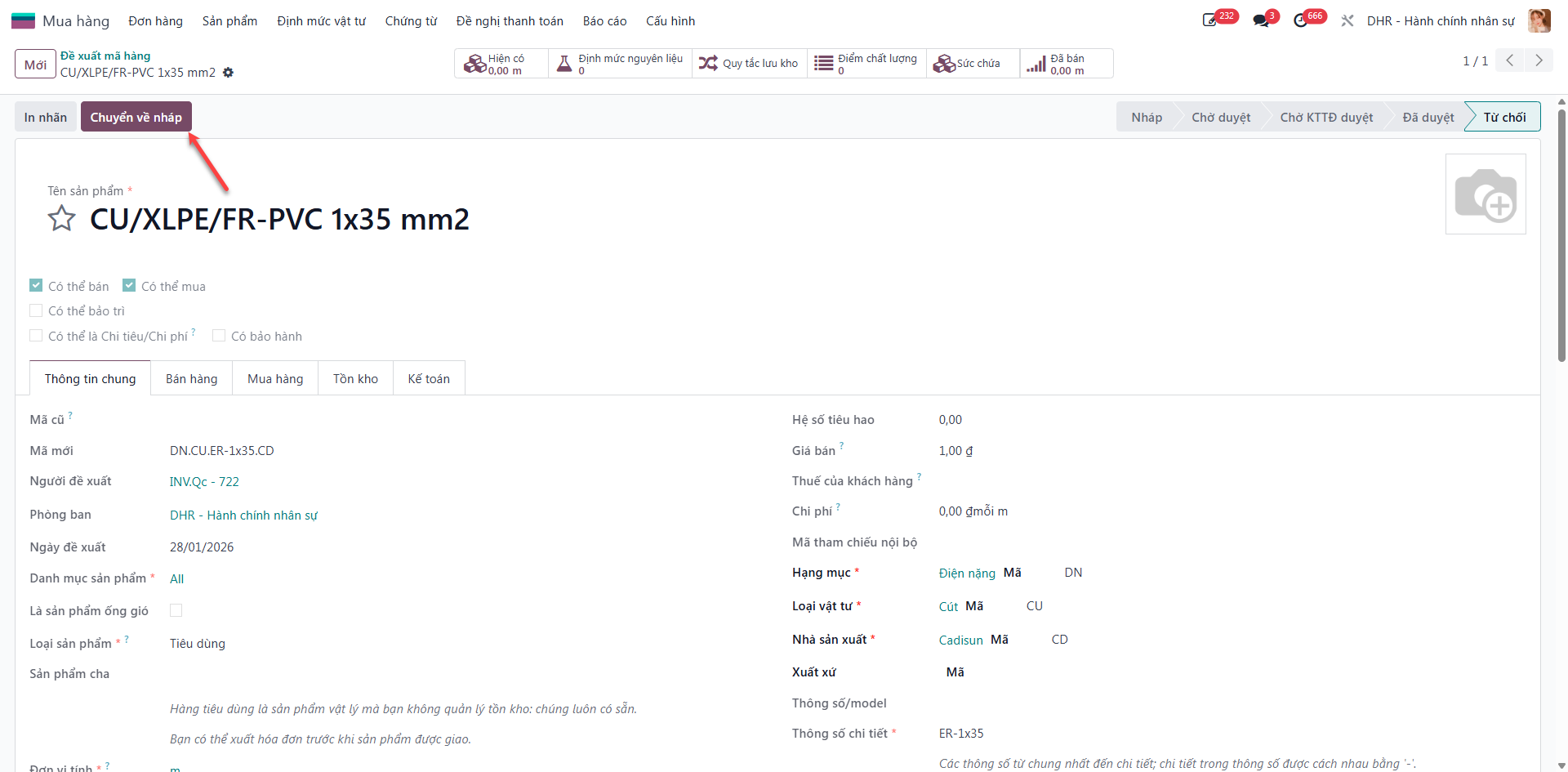
Product Code Proposals
When requisitioning new materials not yet cataloged in the ERP master database, employees submit a Product Code Proposal (Đề xuất mã hàng) to ensure standardized item taxonomy across the enterprise.
Automated Product Code Syntax
The ERP automatically generates unique product codes using the standardized 4-part formula:
Where:
Category Code: Functional item classification.
Material Type Code: Specific raw material or component group.
Technical Specification: Dimensions, grade, or technical rating.
Manufacturer Code: Standardized vendor or brand acronym.
Create Product Code Proposal
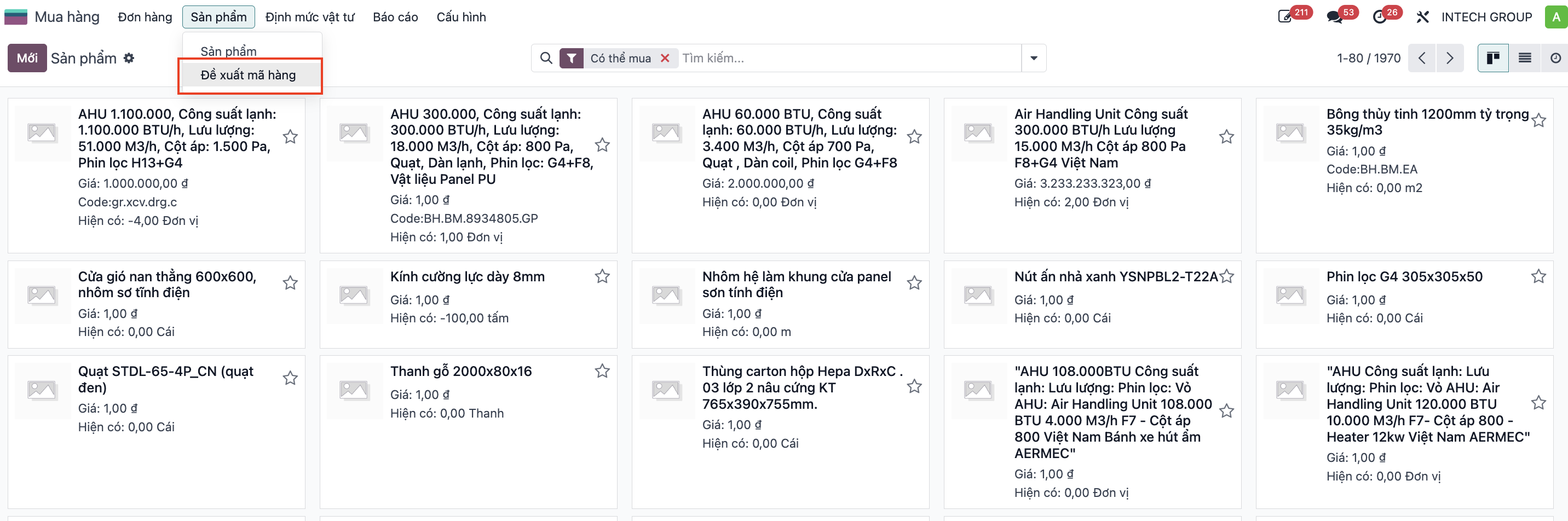
Step 1: Navigate to and click New.
Step 2: Fill in mandatory product attributes (Product Name, Category ID, Product Type, Unit of Measure, Category, Material Type, Manufacturer, and Detailed Specifications).
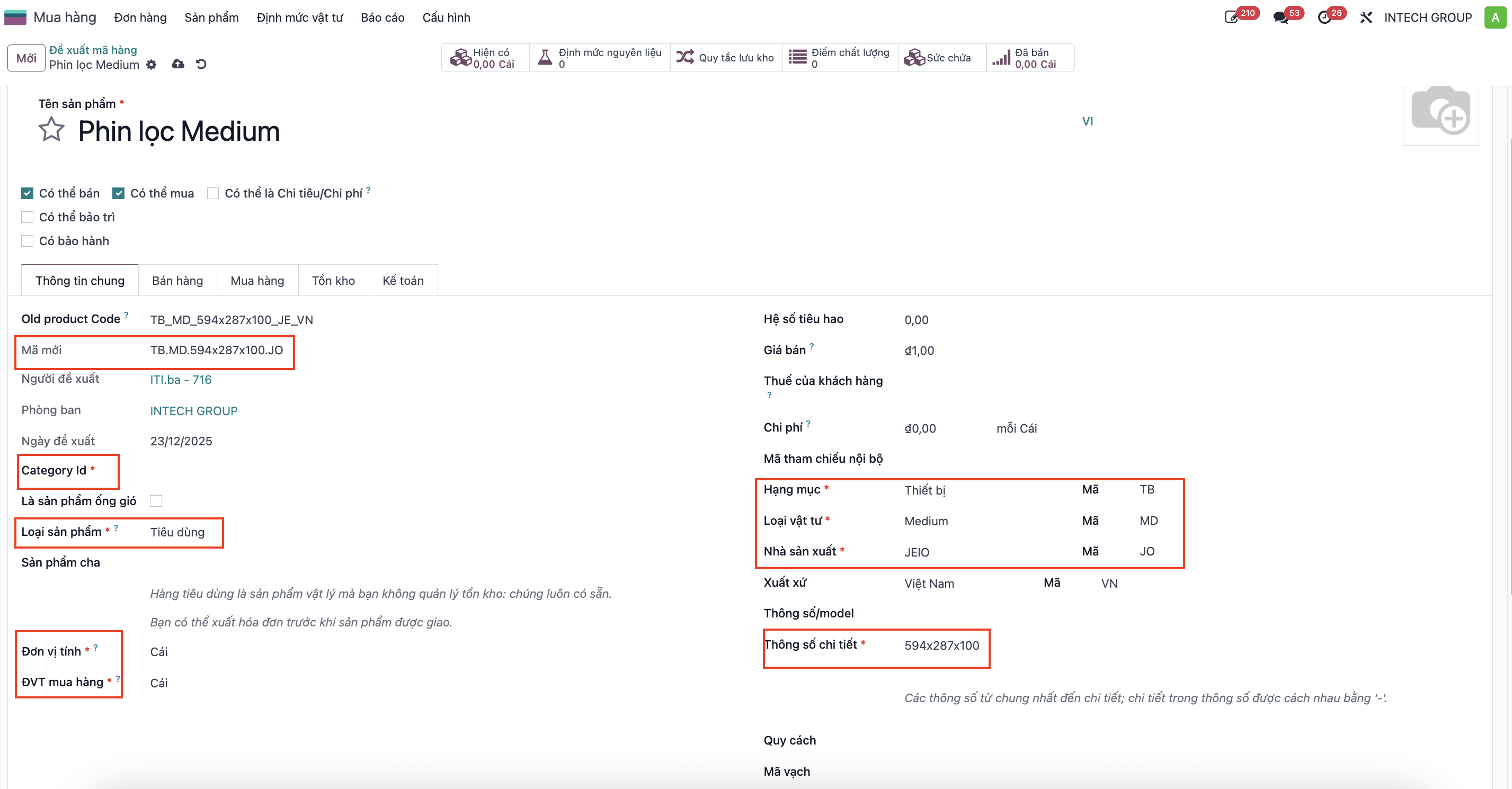
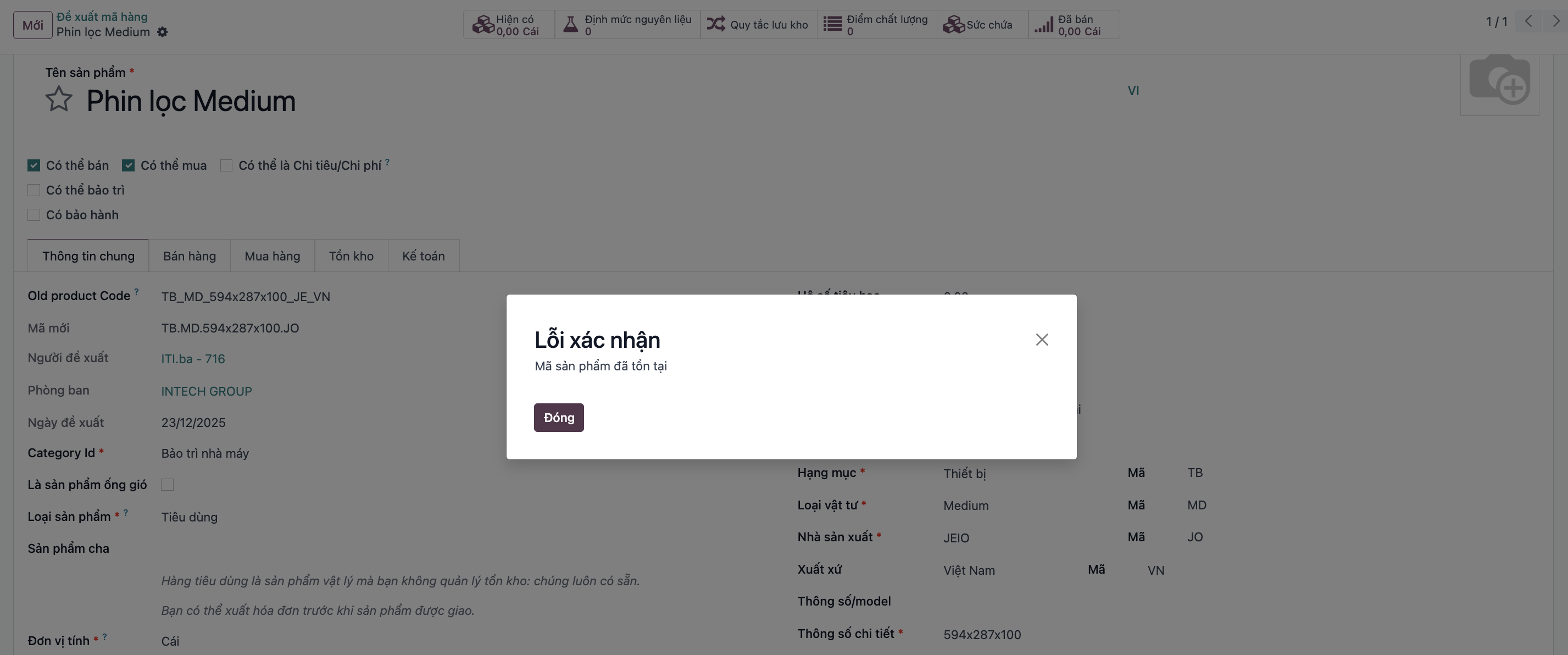
The system automatically computes the proposed product code and triggers an immediate alert if the code already exists.
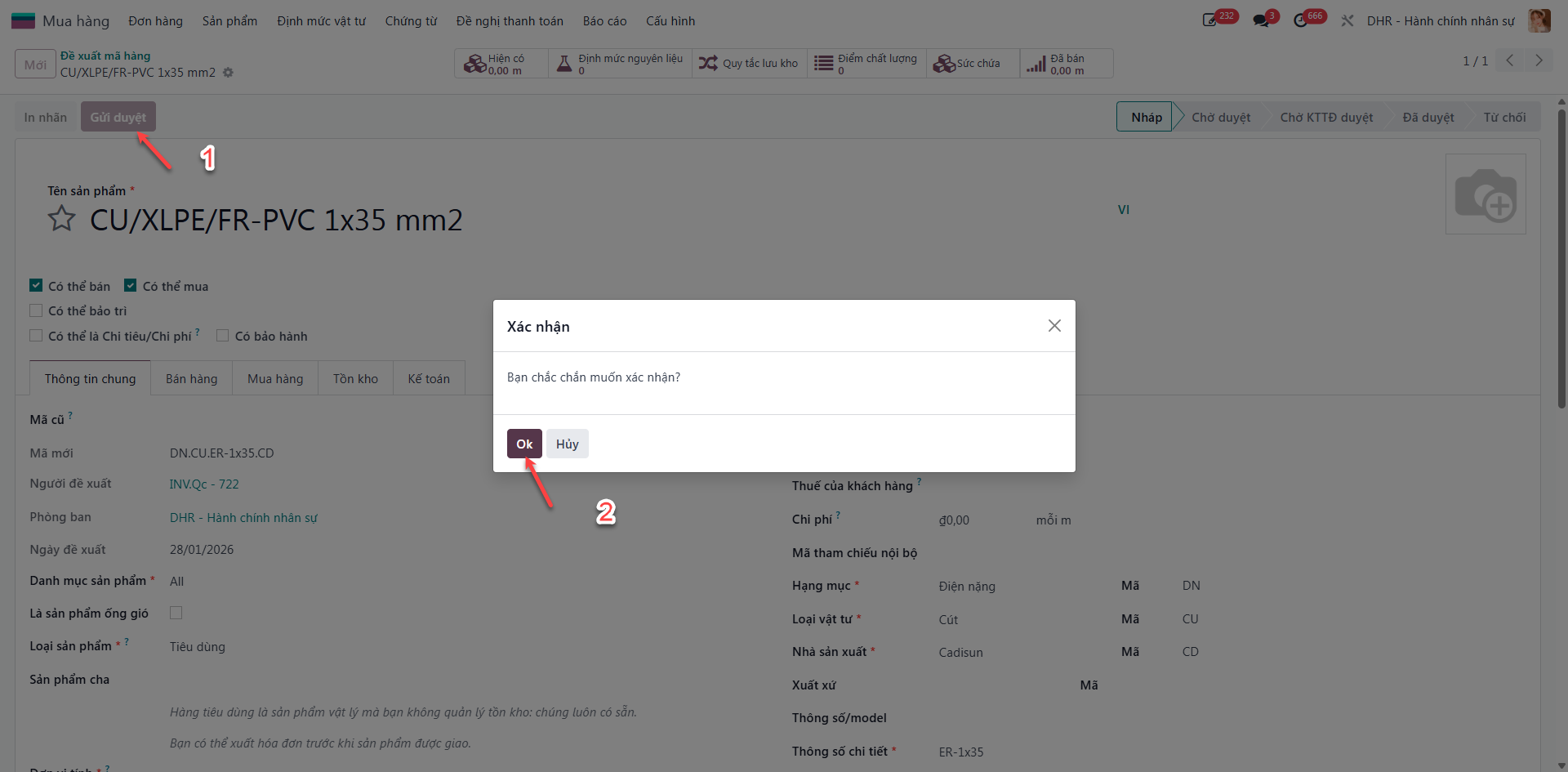
Step 3: Click Save and Submit for Approval. The proposal transitions to Waiting Approval status.
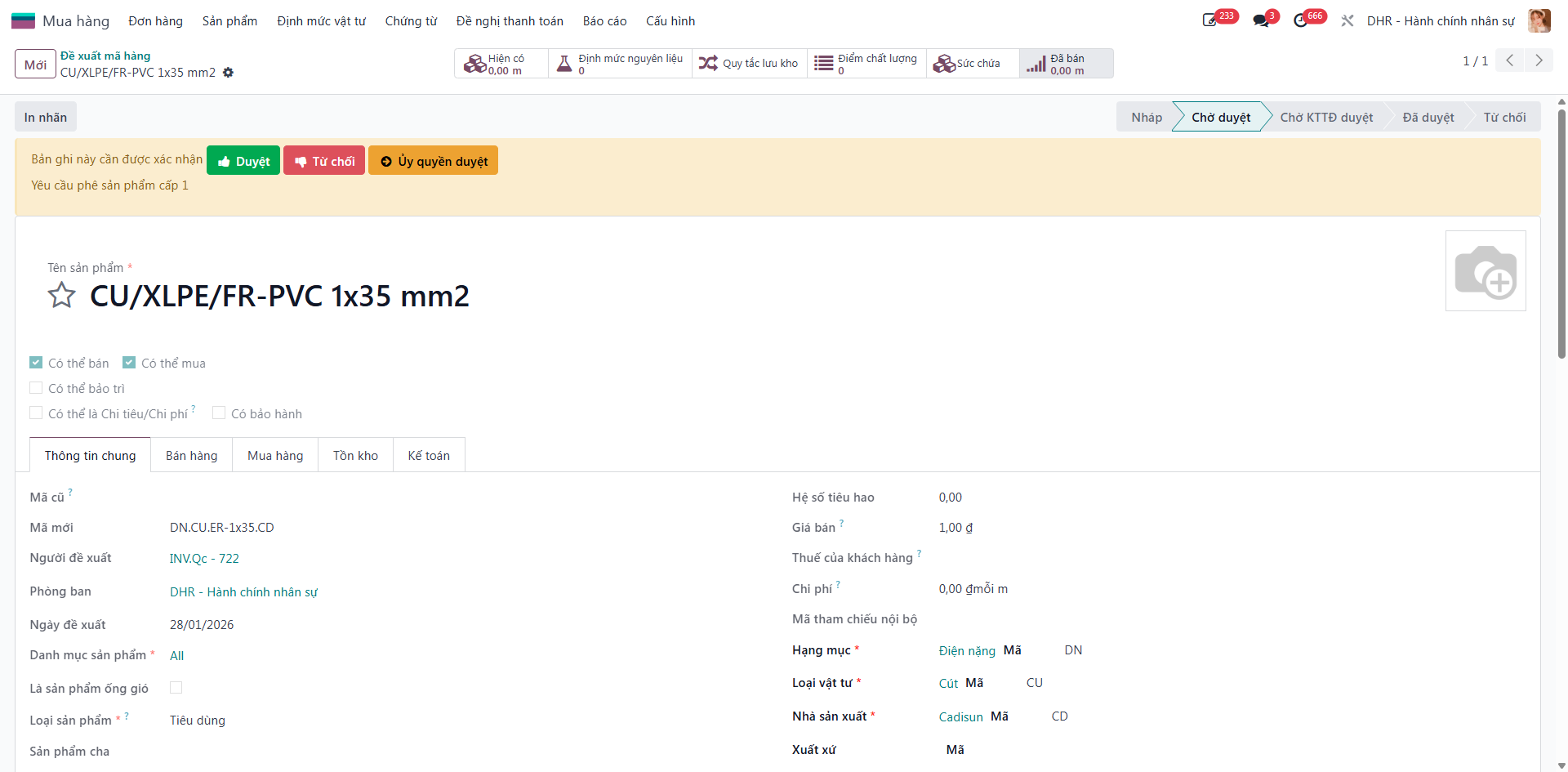
2-Level Product Code Approval Workflow
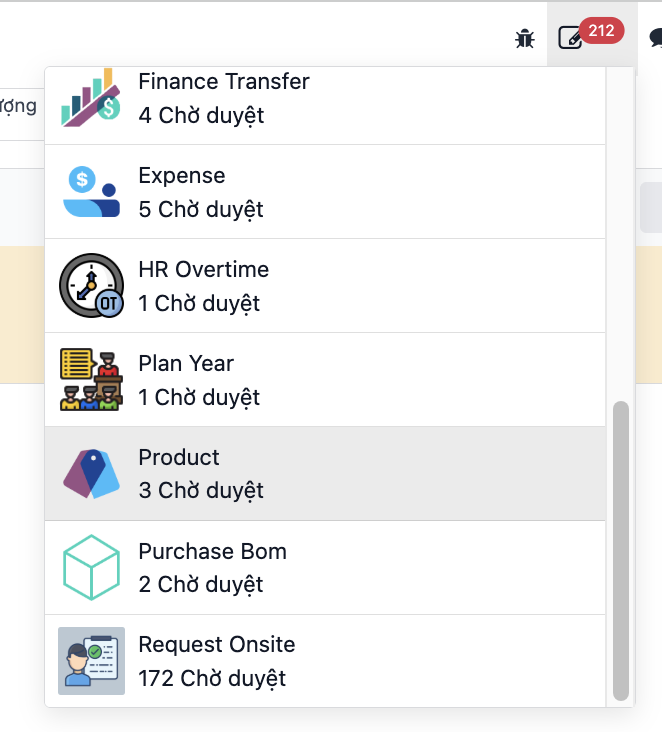
Step 1: The SBU Head receives a notification badge regarding the proposed product code and opens the pending record.
Step 2: The SBU Head audits specifications and clicks Approve.
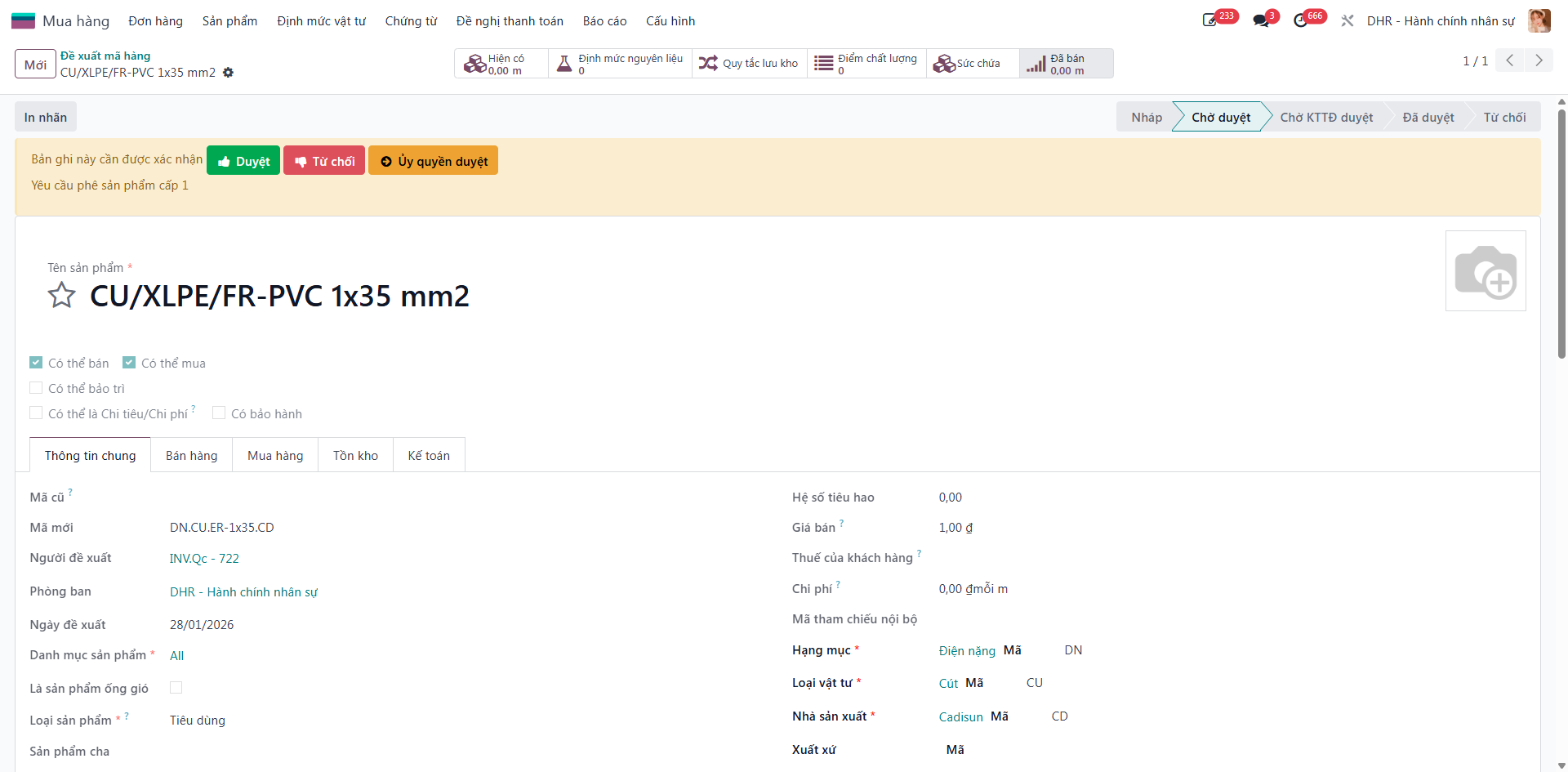
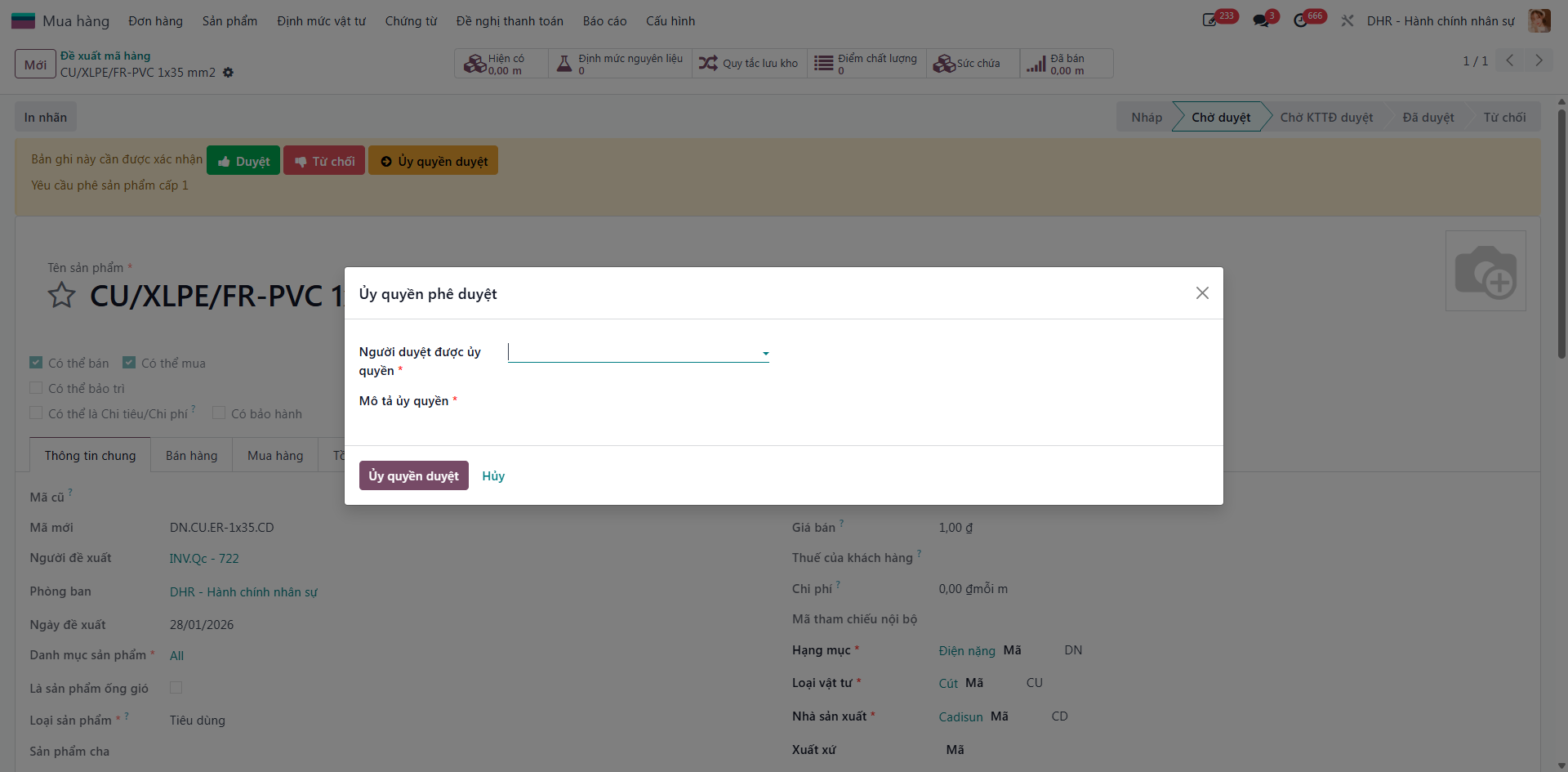
Step 3 (Optional): The SBU Head can delegate Level 1 approval authority to an appointed staff member, who receives notification and approves accordingly.
Step 4: Following SBU approval, Level 2 approval routes to Corporate Accounting for fiscal validation and accounting setup.
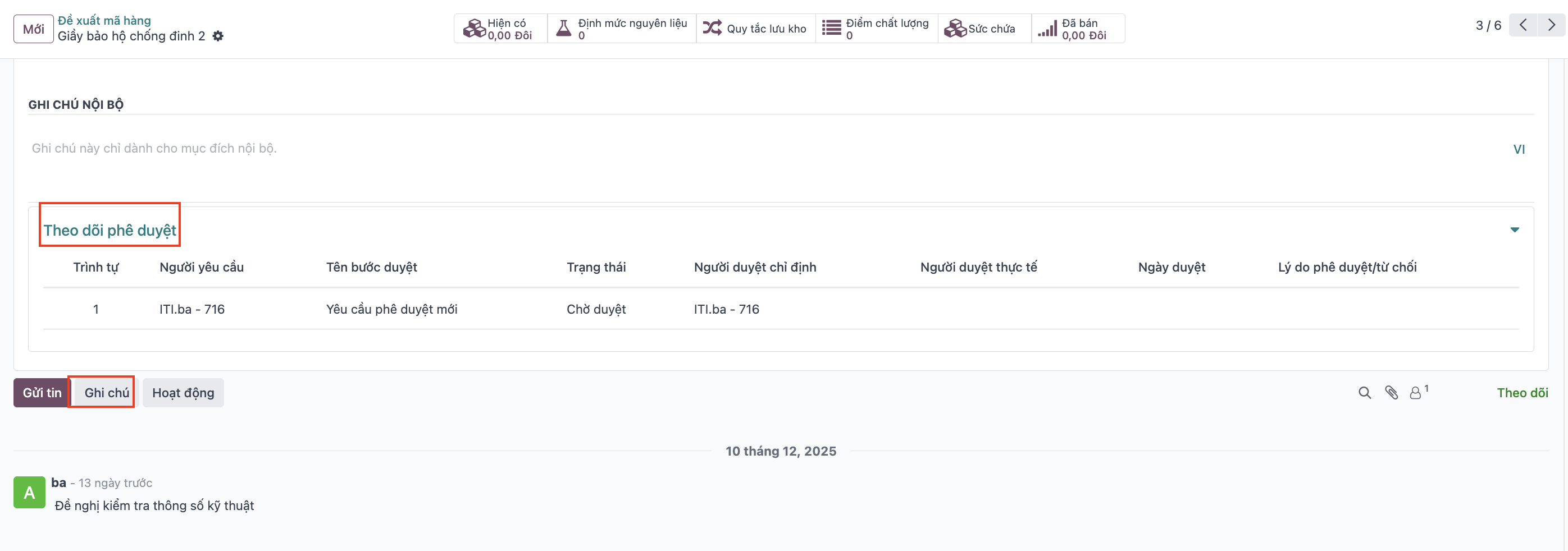
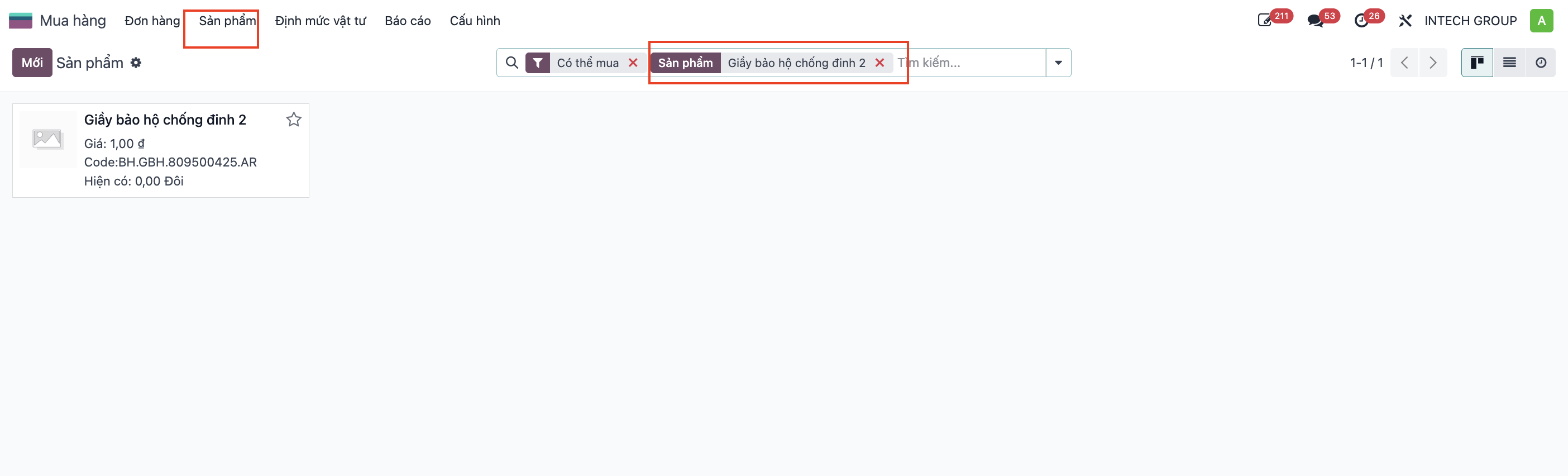
Step 5: The Corporate Accountant clicks Approve. The product code is officially published into the ERP Master Product Catalog for global procurement.
Handling Rejections
If a proposal is rejected at any level, its status switches to Cancelled with explanatory notes in the chatter. The requester can click Reset to Draft to modify attributes and re-submit.