Quality Control & Production Reports
The Quality Control (QC) and Production Reporting suite guarantees defect prevention, formal inspection sign-offs, machine efficiency tracking (OEE), and Gantt timeline scheduling.
Quality Control (QC) Inspection
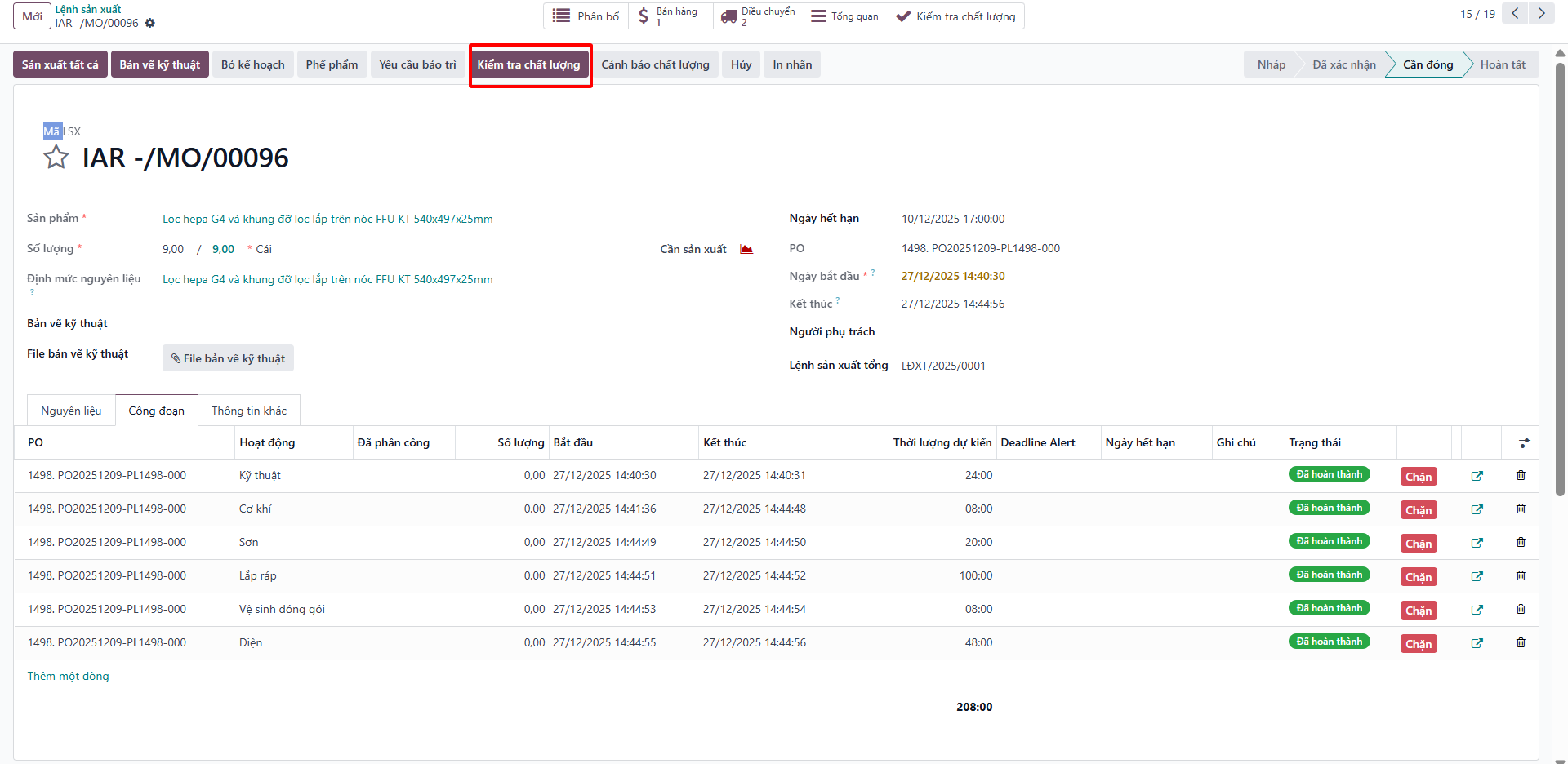
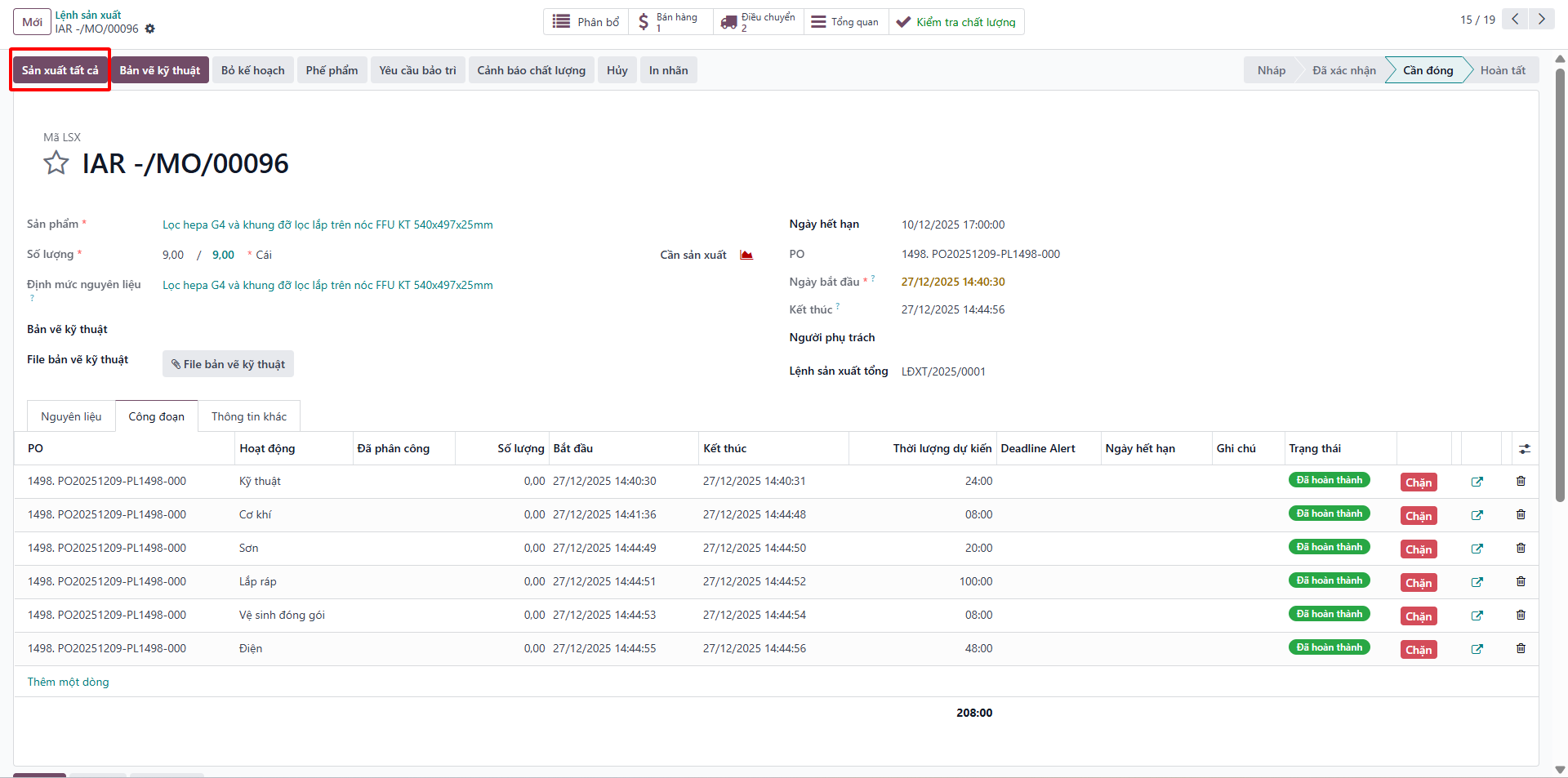
Bước 1: Following completion of shop floor operations, click Quality Checks (Kiểm tra chất lượng).
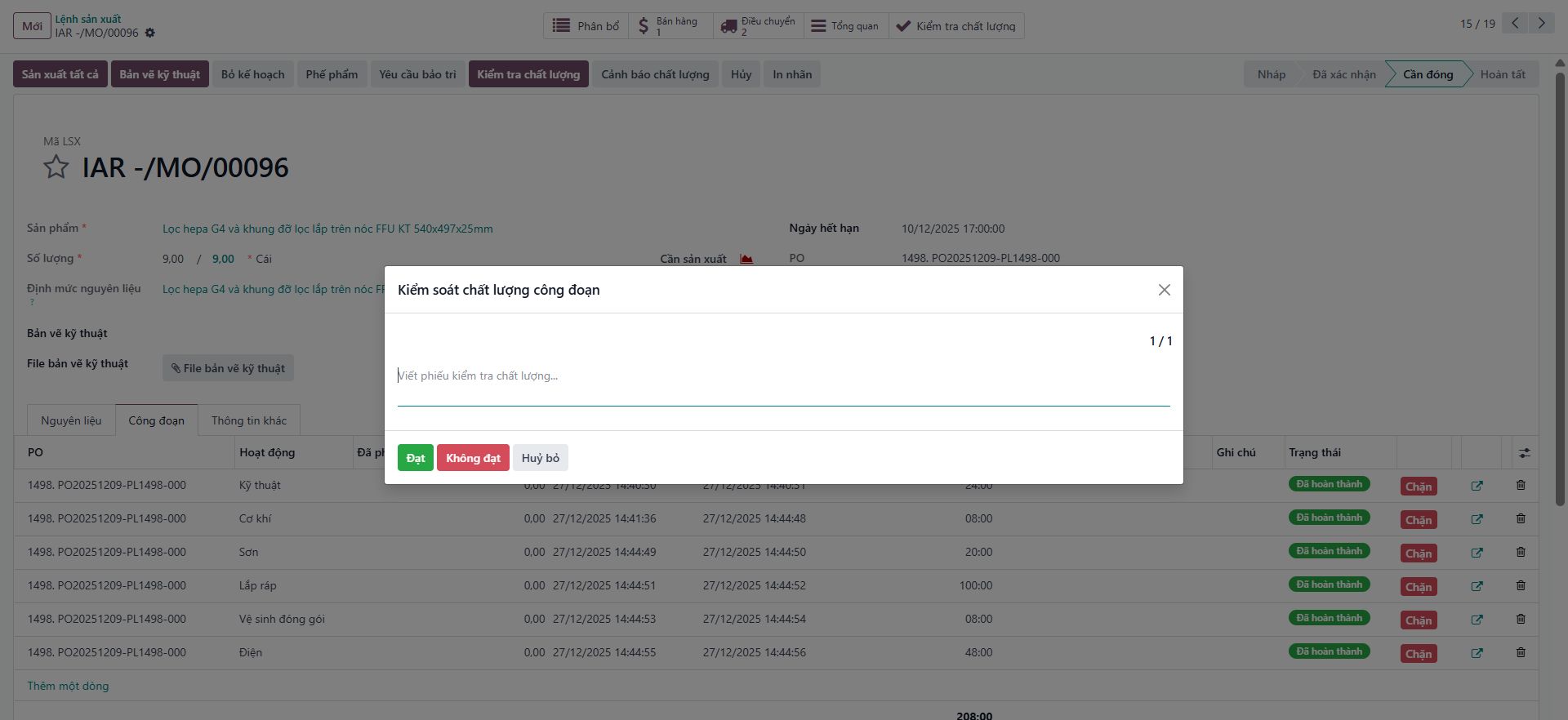
Bước 2: In the inspection modal, determine the quality verdict: - Select PASS (ĐẠT) if products satisfy engineering tolerances. - Select FAIL (KHÔNG ĐẠT) if defects are detected, logging root-cause notes.
Bước 3: If quality standards are satisfied, click Produce All (Sản xuất tất cả) to finalize production, consume components, and complete the order.
Overall Equipment Effectiveness (OEE) Report
Navigate to to audit machine productivity:
Availability Rate: Operating time vs. planned downtime.
Performance Rate: Actual throughput vs. ideal cycle time.
Quality Rate: Yield of defect-free items.
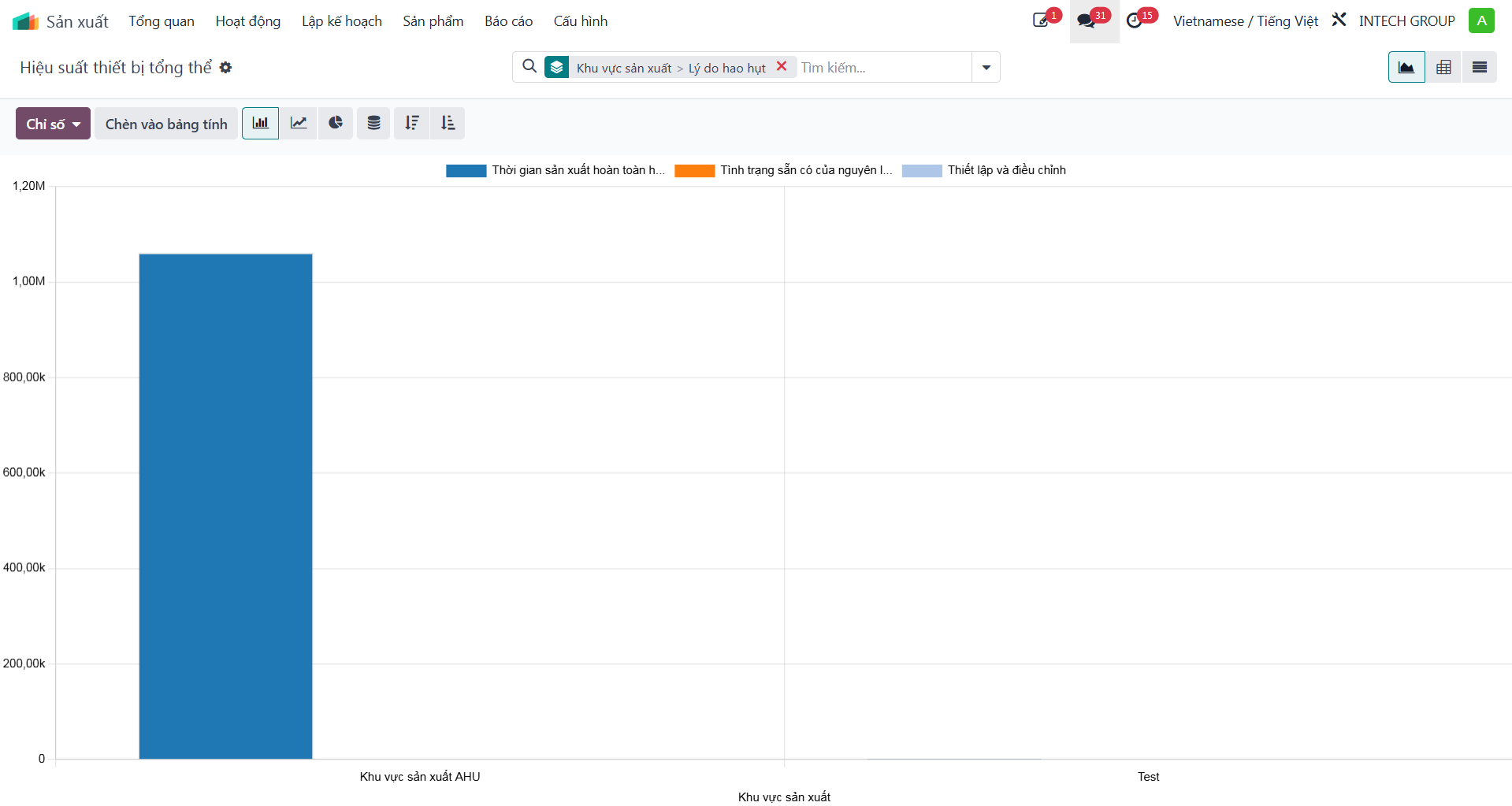
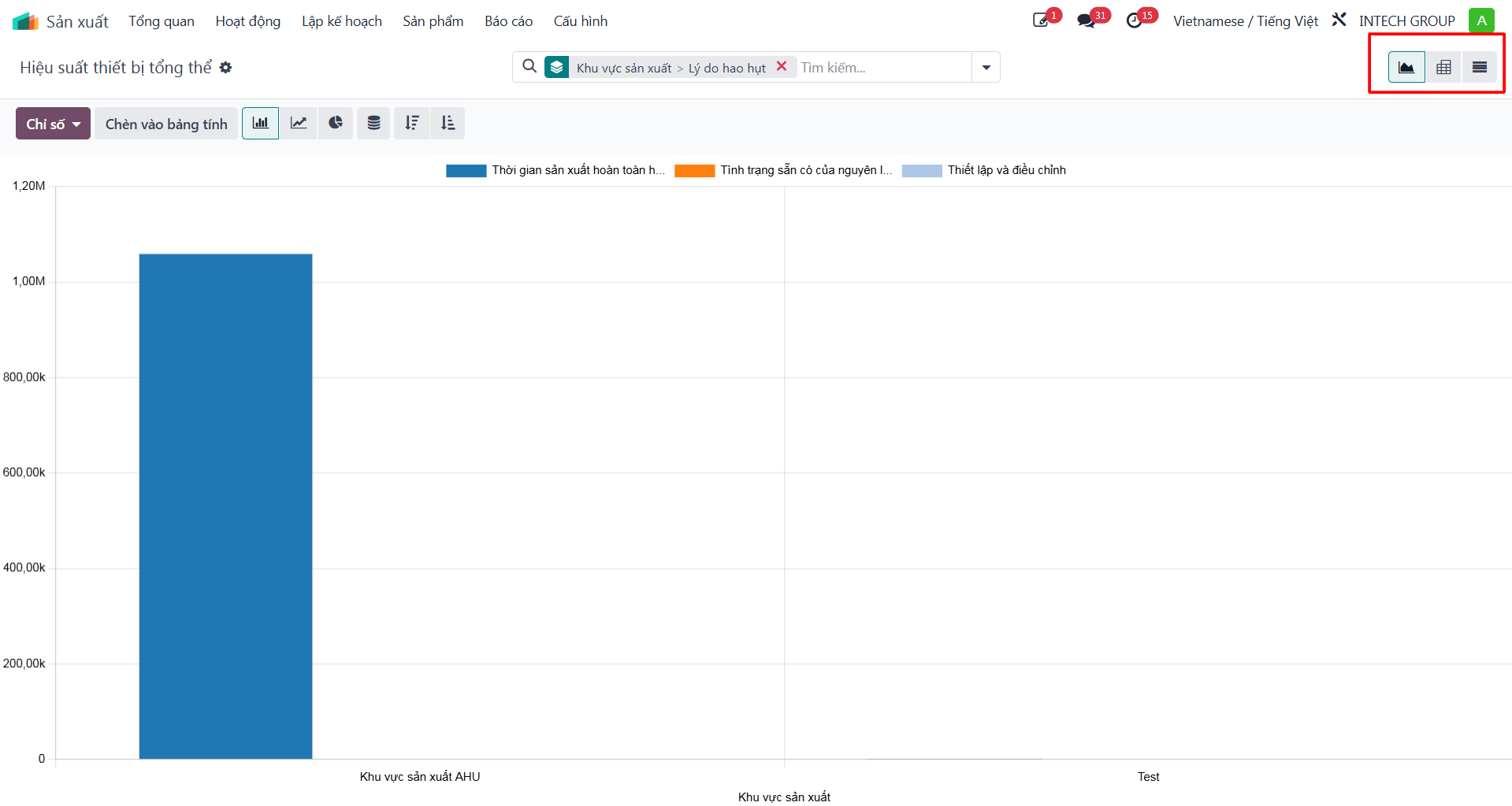
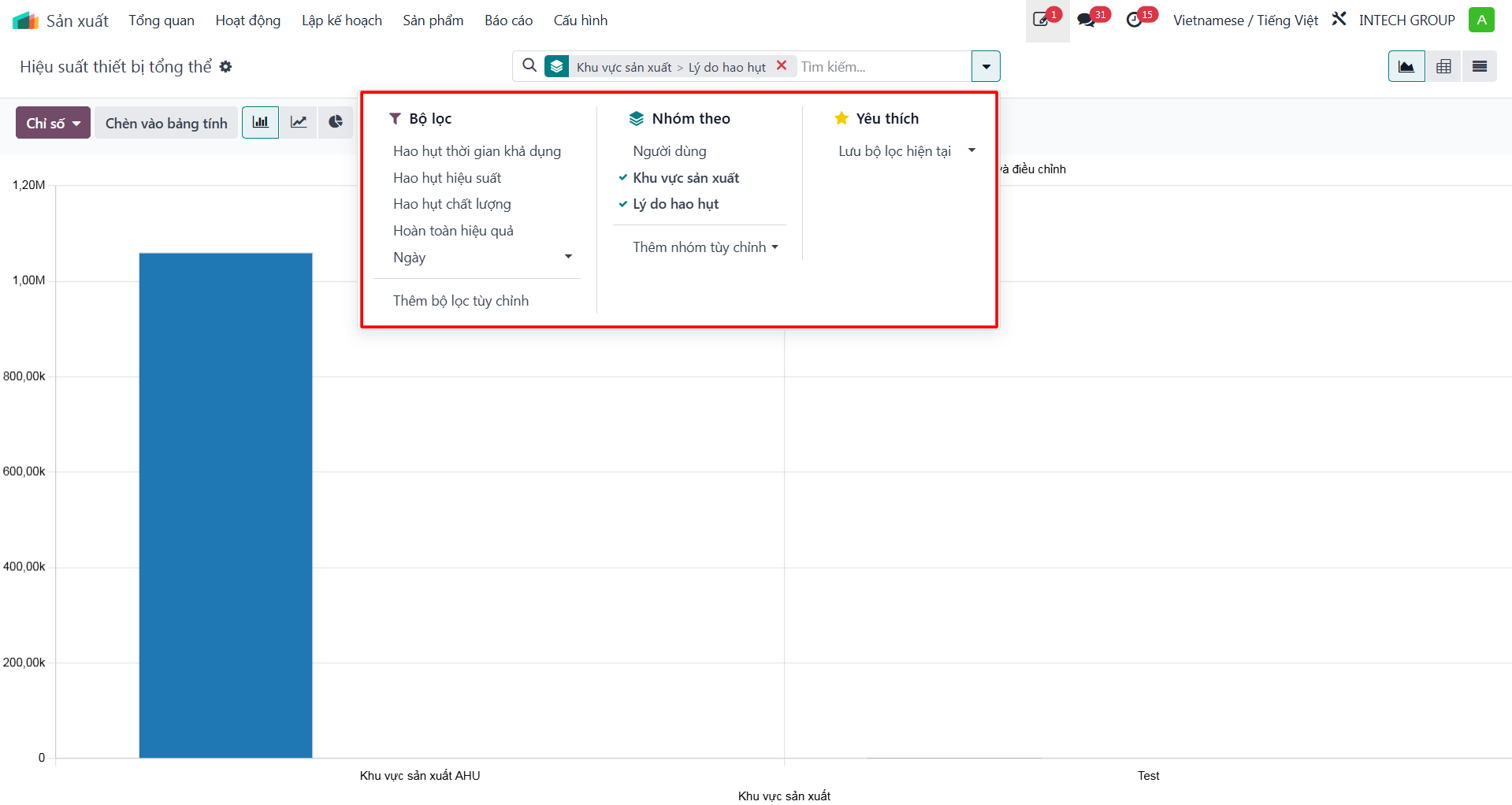
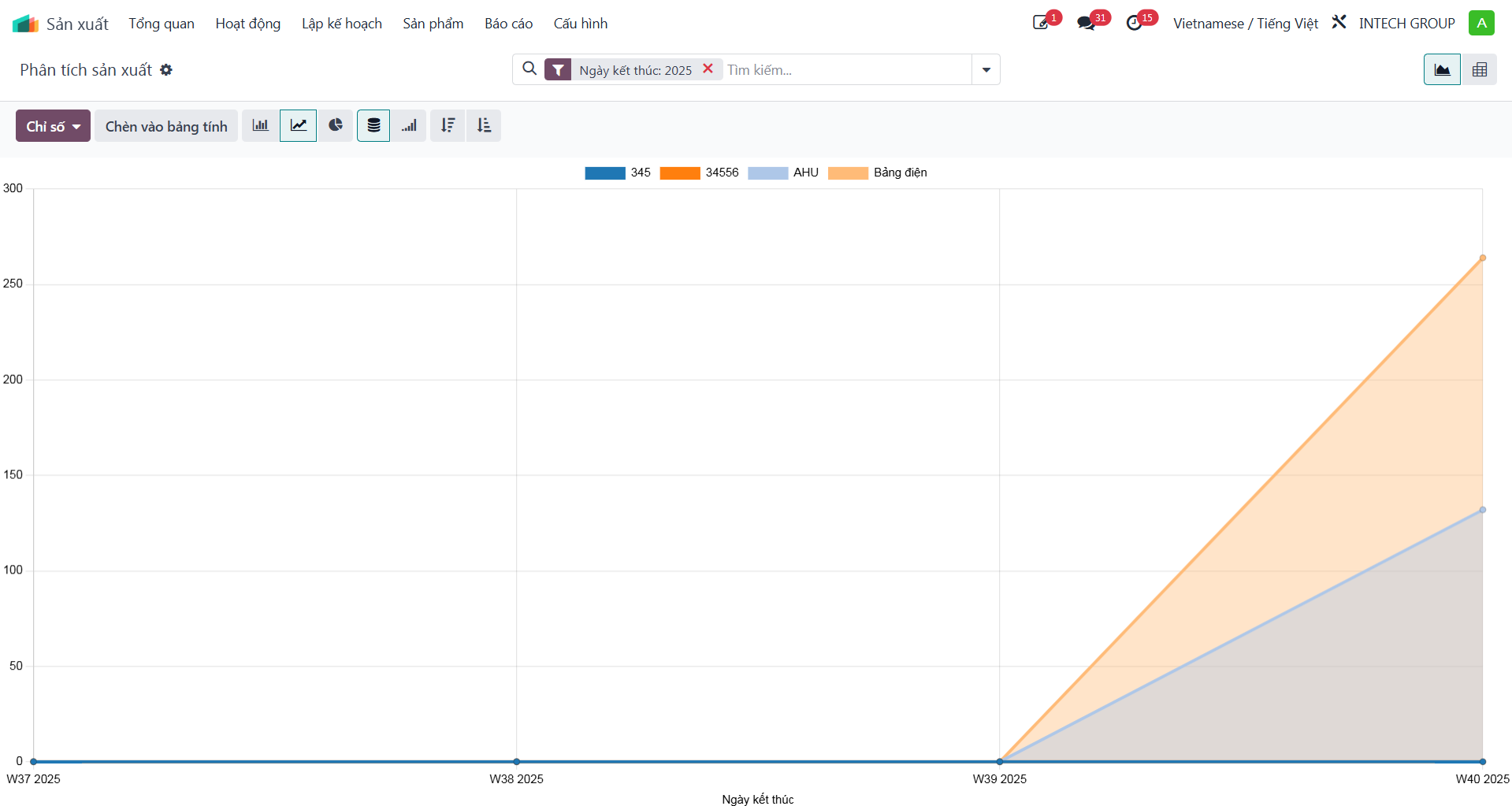
Production Analysis Report
Navigate to to access analytical pivot matrices and graphical charts:
Compare planned vs. actual component consumption.
Analyze production duration per product category.
Filter by date range, factory, or project code.
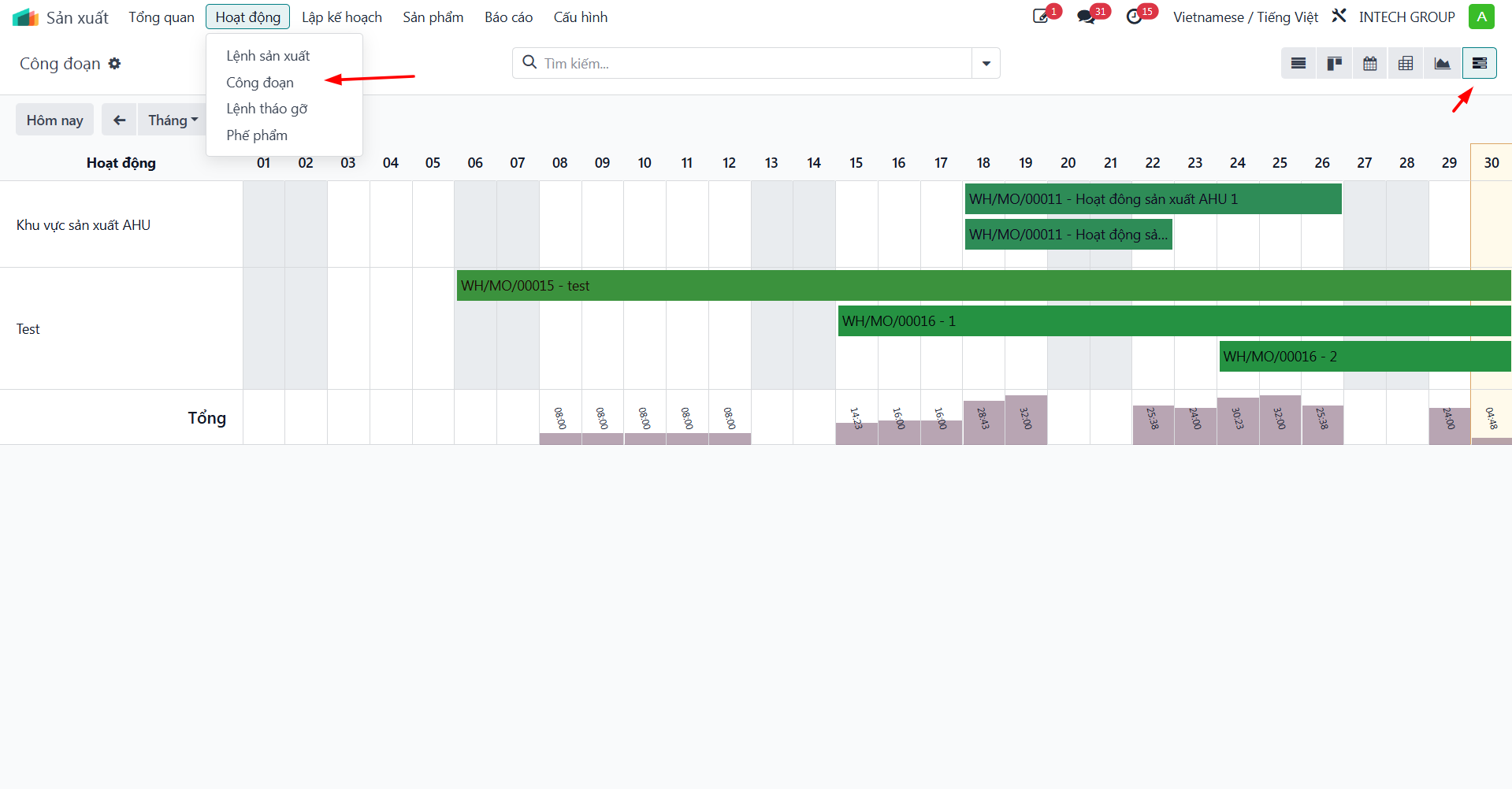
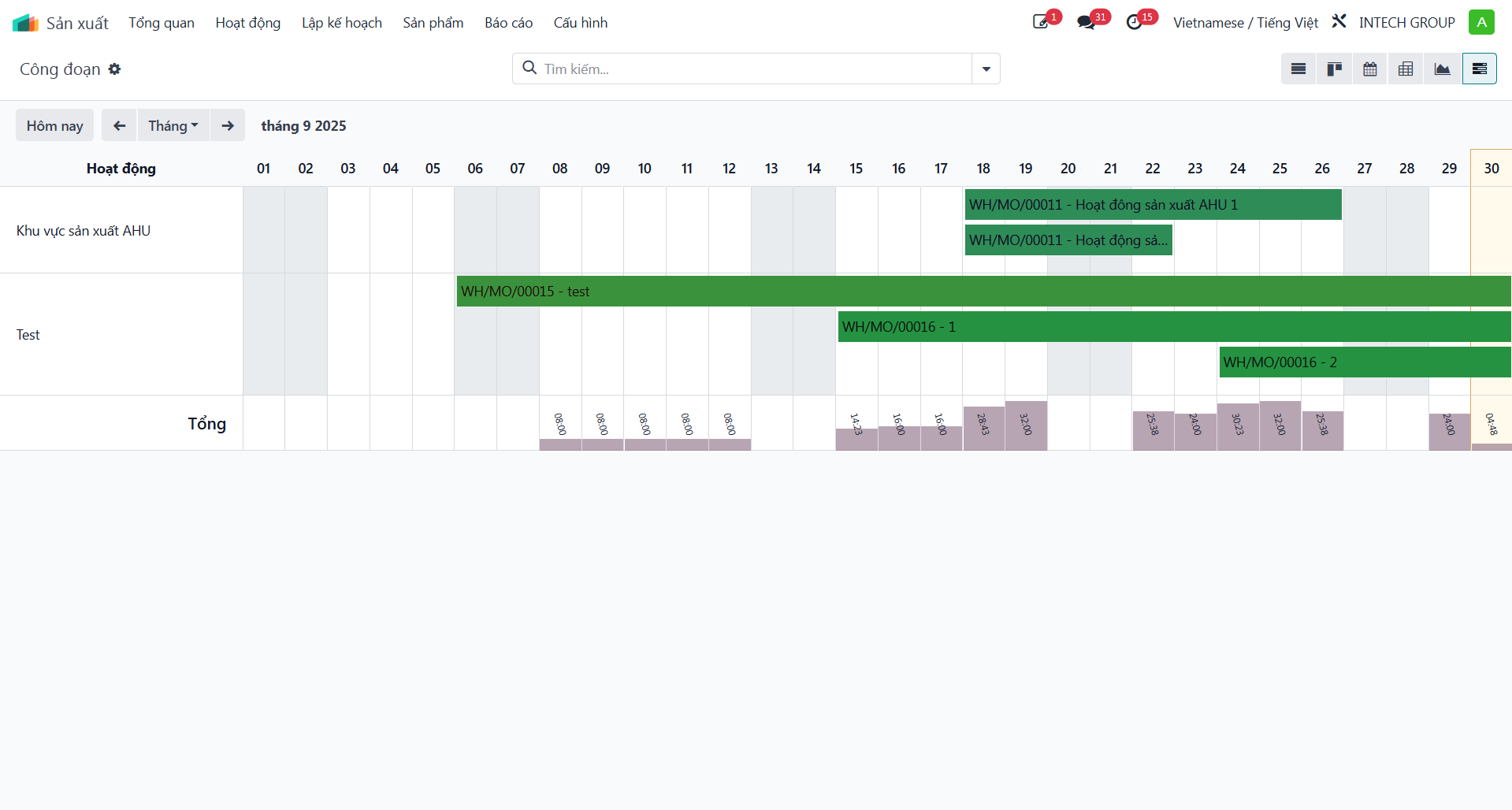
Gantt Chart Production Scheduling
Navigate to and switch to the Gantt View:
Visualize operation timelines and interdependencies across work centers.
Drag-and-drop tasks to re-schedule operations and eliminate bottlenecks.