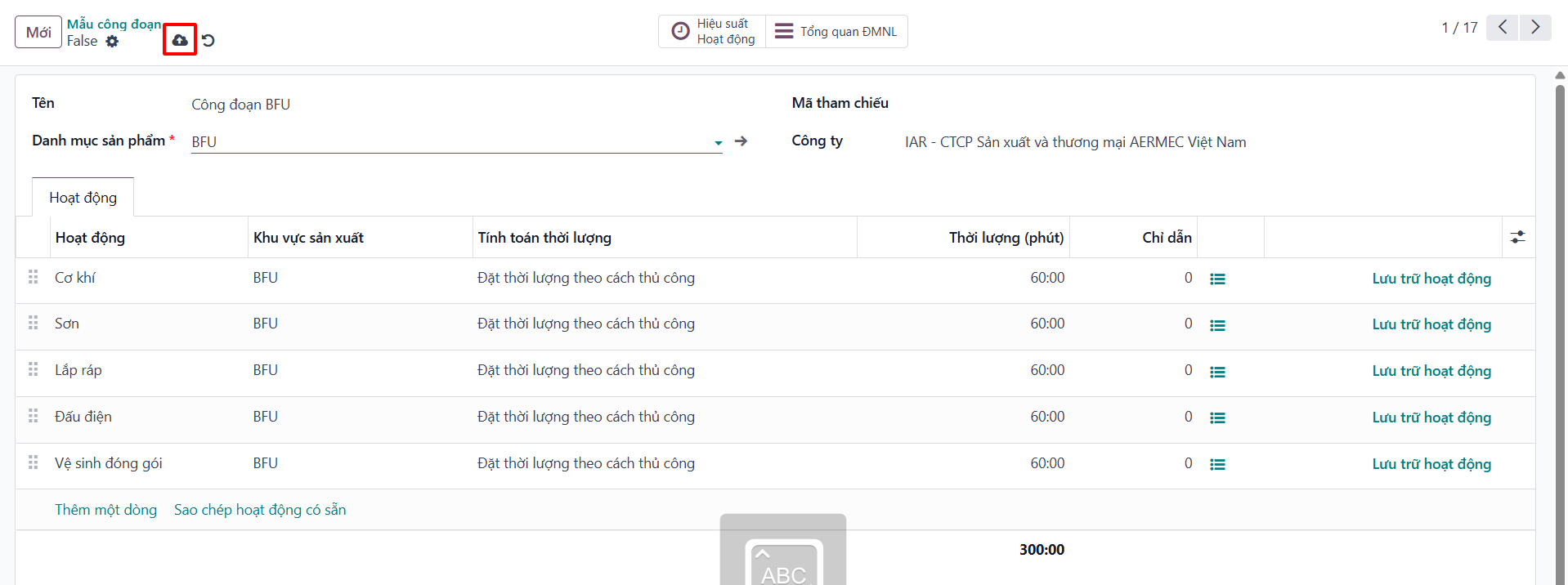
Routing Templates Configuration
Routing Templates (Mẫu công đoạn) standardize work center sequences and operational runtimes for specific product categories, ensuring automated and consistent manufacturing order routing.
Configure Routing Template by Category
Note
Routing templates are established according to specific product categories (e.g., sheet metal fabrication, machining, electrical assembly).
Bước 1: Navigate to and click New.
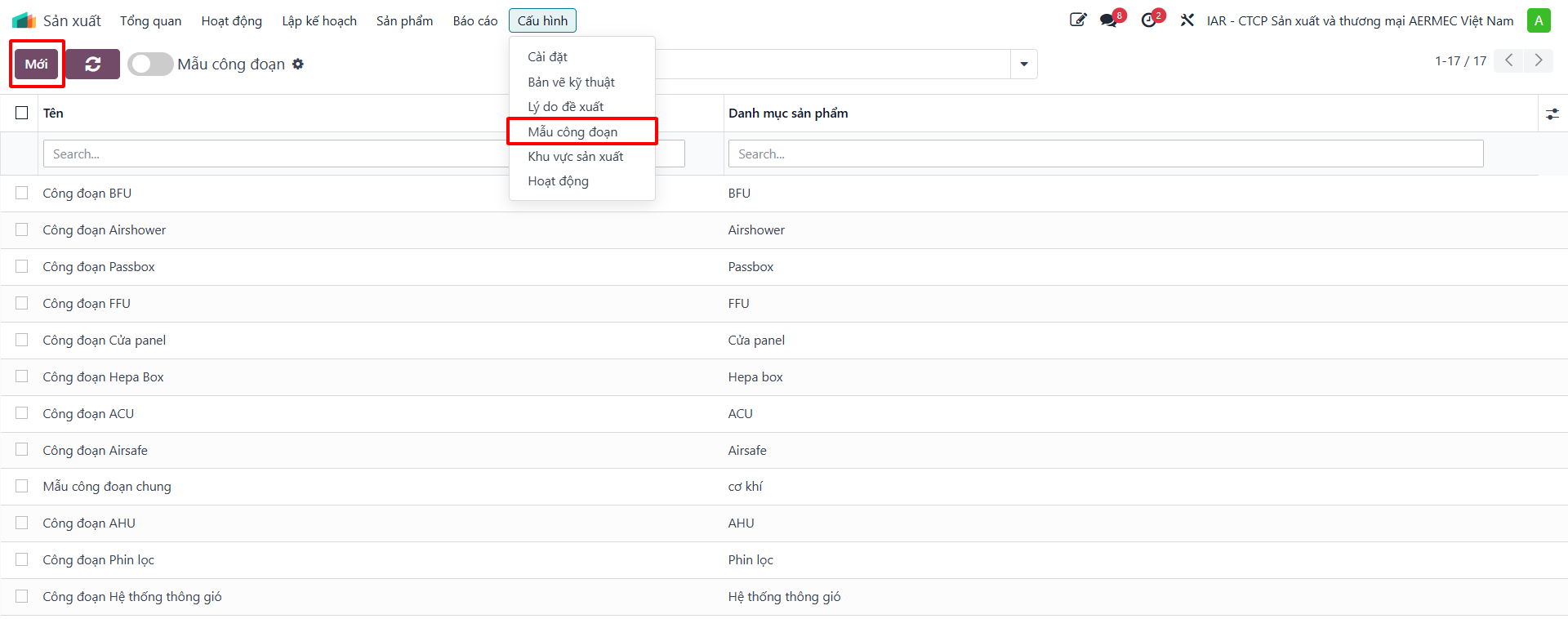
Bước 2: On the routing template configuration form, specify: - Template Name: Descriptive operational title. - Product Category: Target category governed by this routing. - Operations Table: Sequential work centers, standard setup times, and expected run durations.
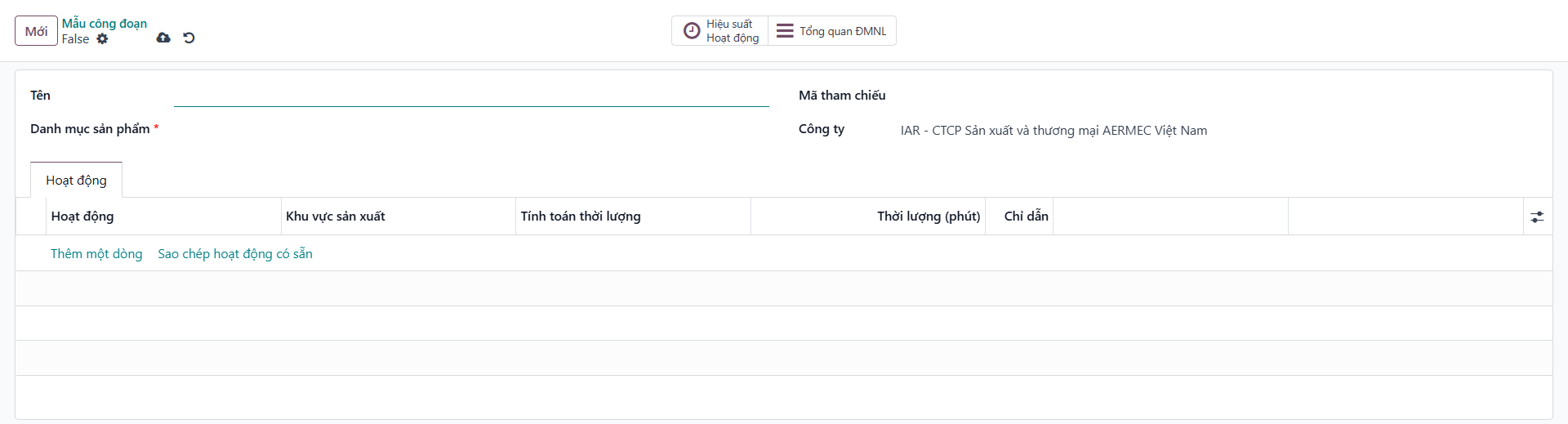
Bước 3: Click Save manually to store the template. When manufacturing orders are created for items within this category, the system automatically inherits this standard operational routing.