Approval Delegation
If an assigned reviewer is unavailable to evaluate document requisitions due to leave, business travel, or operational reassignment, they can delegate review authority to another qualified user for both upload and download requests.
Note
Upon executing approval delegation, the designated surrogate becomes the sole primary approver for that review stage. The original reviewer relinquishes direct approval rights but retains full tracking visibility over the document requisition.
Delegating Review Responsibilities
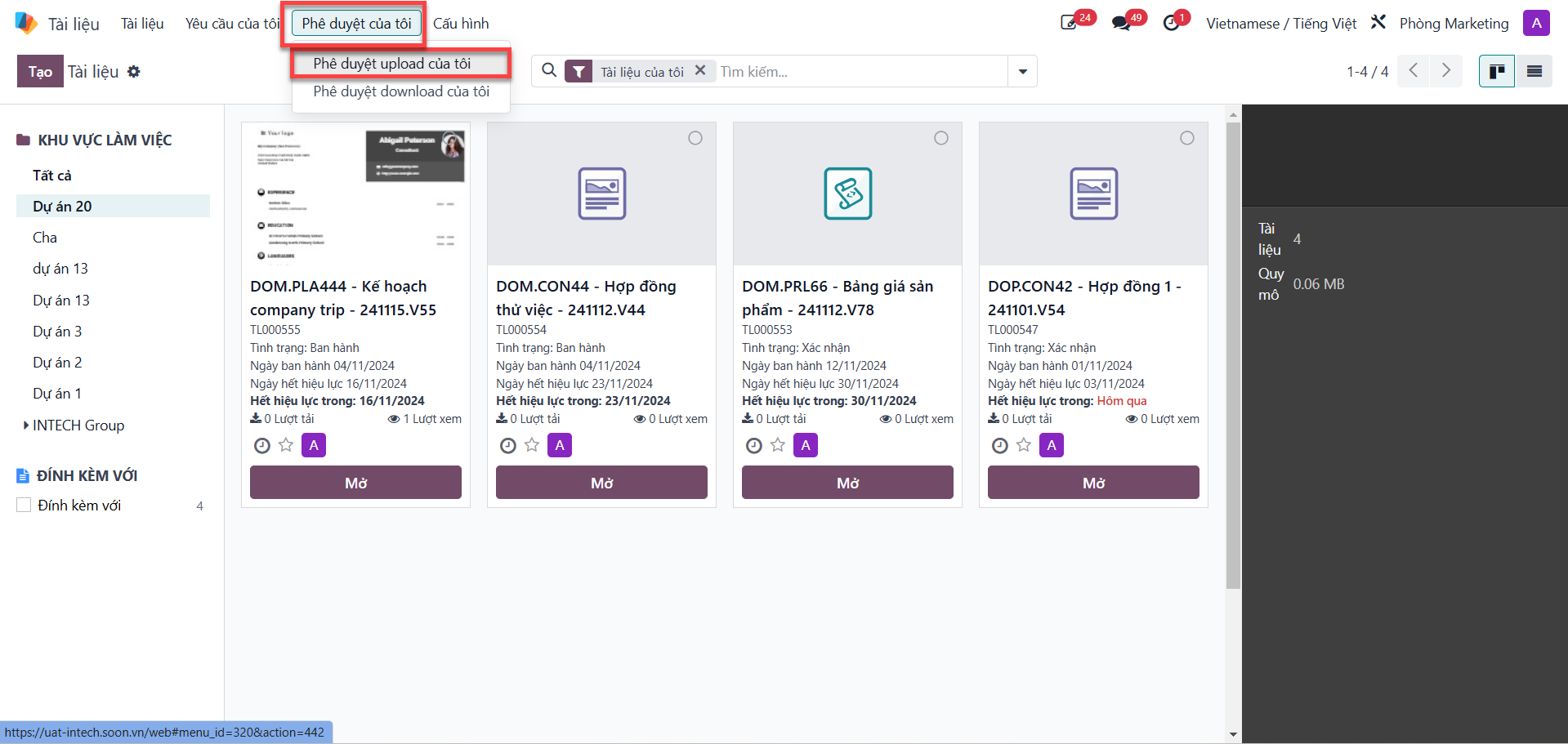
Bước 1: From the main documents view, access the My Approvals (Phê duyệt của tôi) tab, then select either My Upload Approvals (Phê duyệt upload của tôi) or My Download Approvals (Phê duyệt download của tôi) corresponding to the target request.
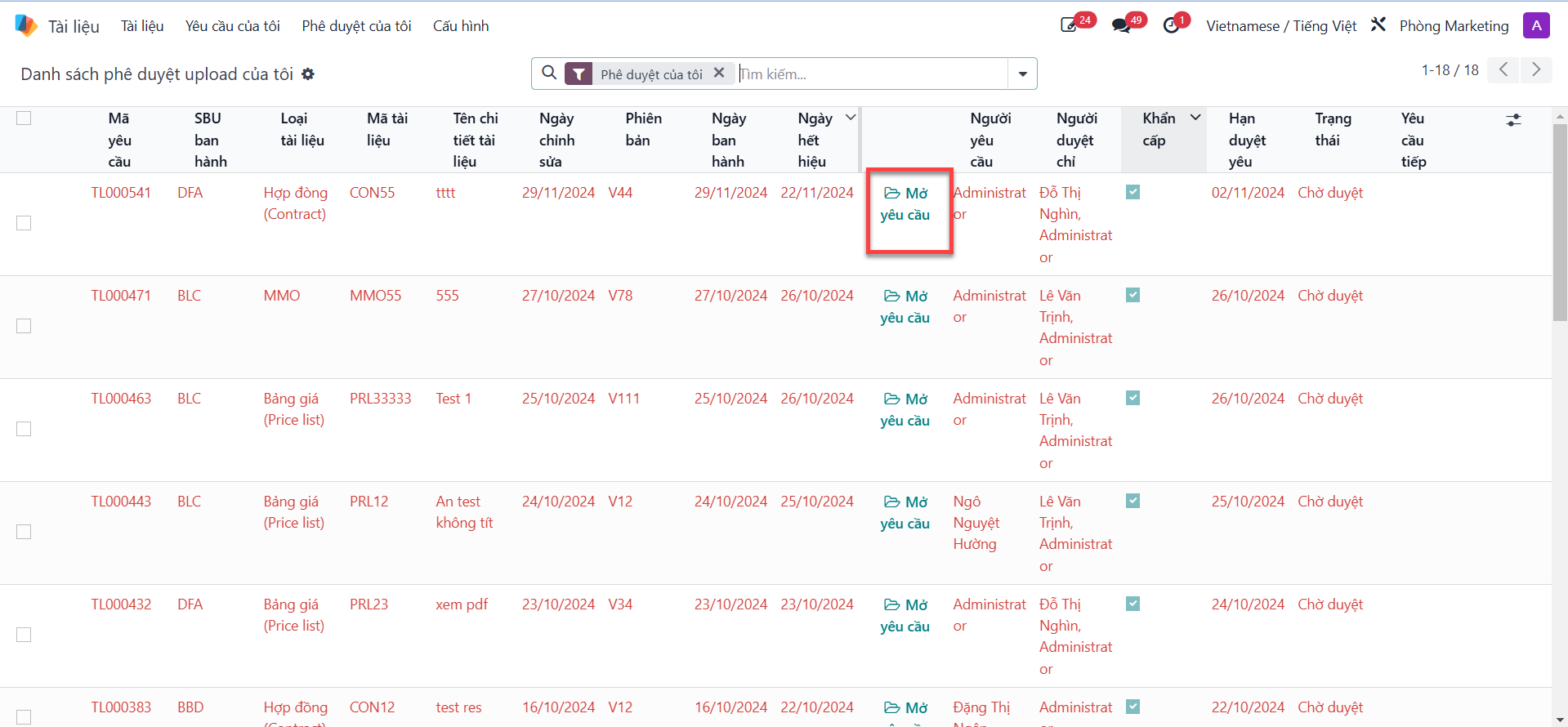
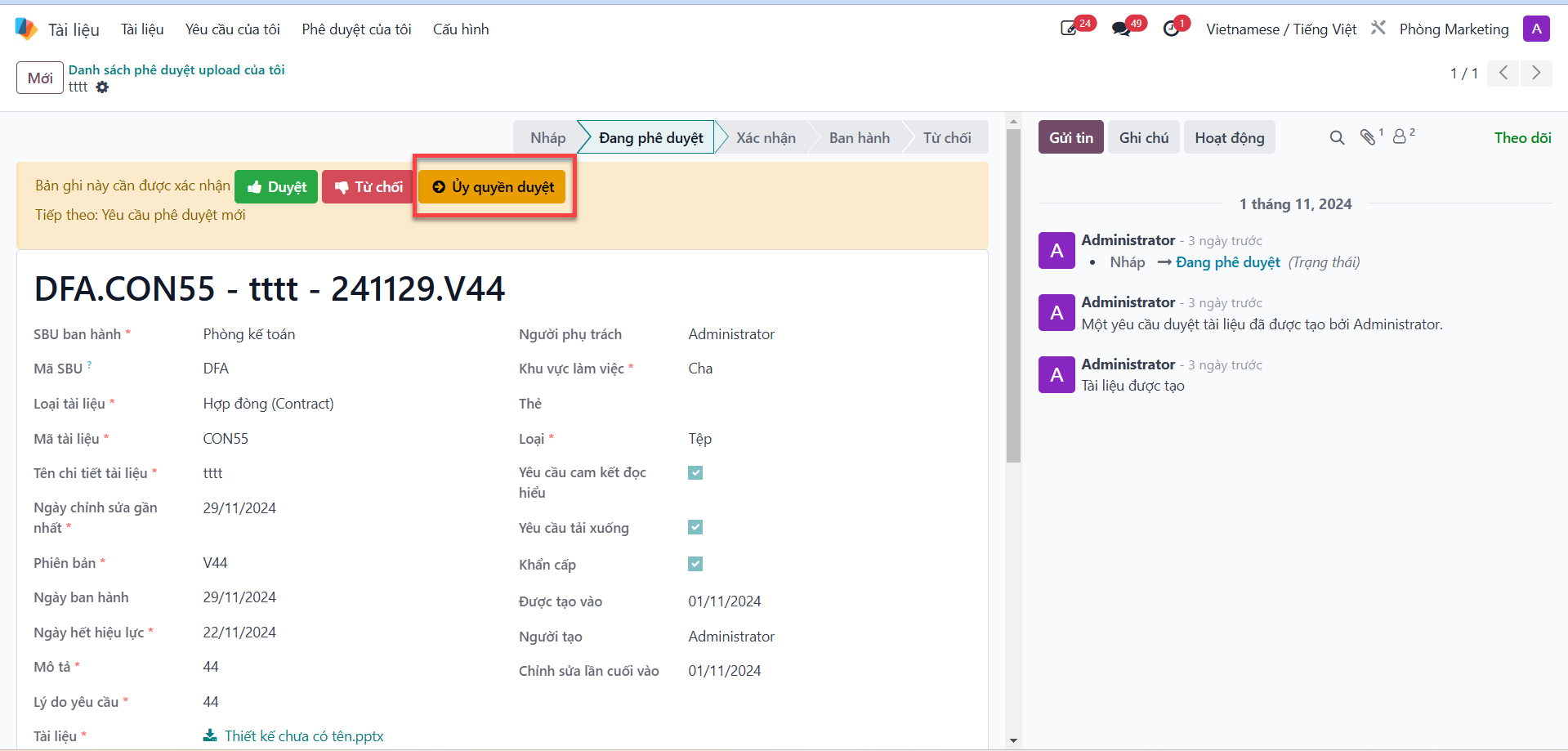
Bước 2: Select the document requisition requiring evaluation, click Open Request (Mở yêu cầu), then click the Delegate (Ủy quyền) action button located in the upper action bar.
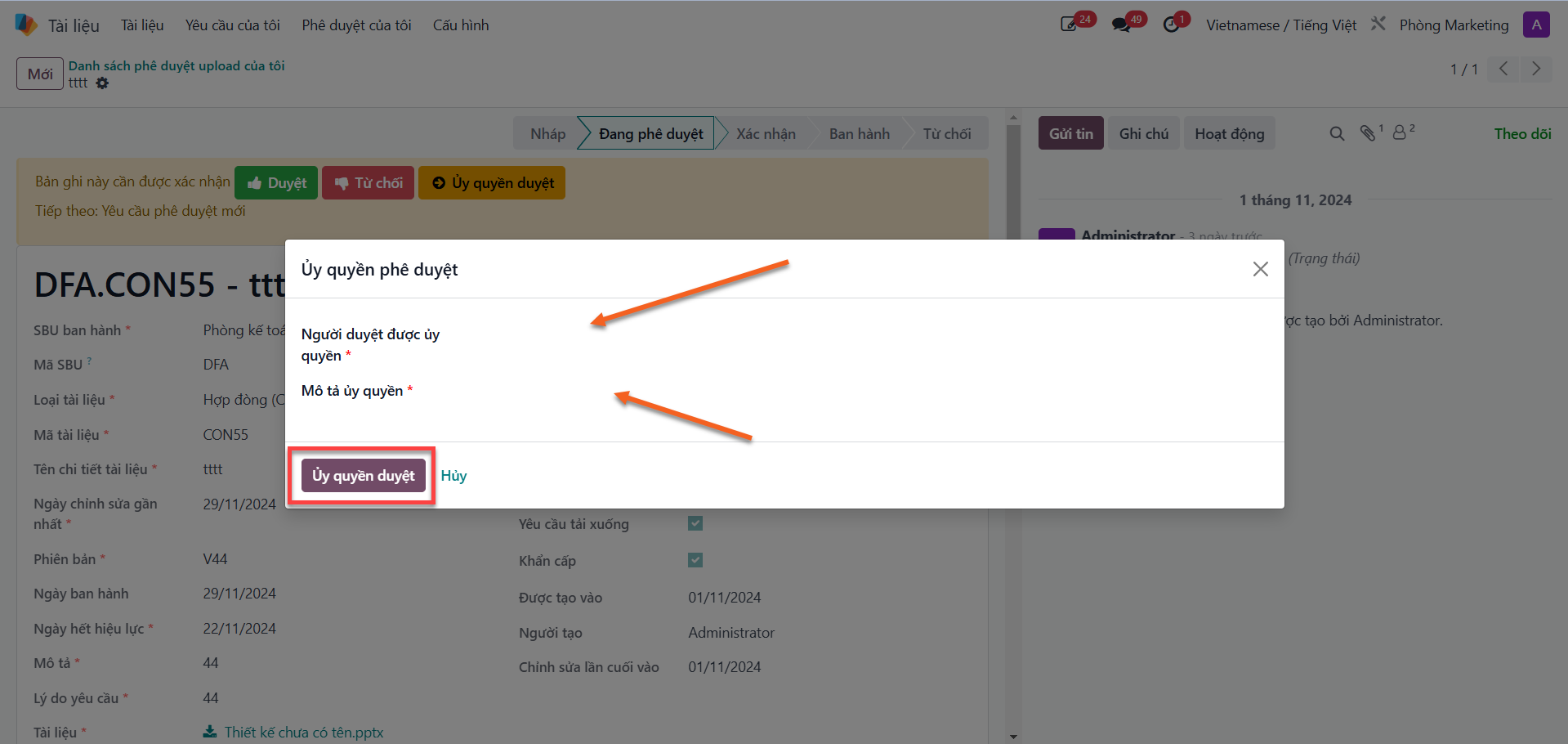
Bước 3: In the delegation modal dialog:
Select the replacement reviewer in the Delegate To (Người ủy quyền duyệt) field.
Enter the operational reason in the Delegation Description (Mô tả ủy quyền) field.
Click the Delegate Approval (Ủy quyền duyệt) button to complete the transfer.