
Làm tròn tiền
Làm tròn tiền mặt được yêu cầu khi mệnh giá vật lý thấp nhất của đơn vị tiền tệ, hoặc đồng xu nhỏ nhất, cao hơn đơn vị tài khoản tối thiểu.
Ví dụ, một số quốc gia yêu cầu các công ty của họ làm tròn lên hoặc xuống tổng số tiền của hóa đơn đến năm xu gần nhất, khi thanh toán bằng tiền mặt.
Each point of sale in Odoo can be configured to apply cash rounding to the totals of its bills or receipts.
Cấu hình
Go to and enable Cash Rounding, then click on Save.
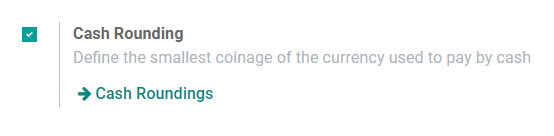
Go to , open the point of sale you want to configure, and enable the Cash Rounding option.
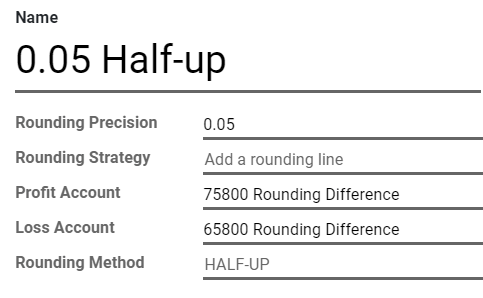
To define the Rounding Method, open the drop-down list and click on Create and Edit....
Define here your Rounding Precision, Profit Account, and Loss Account, then save both the Rounding Method and your Point of Sale settings.
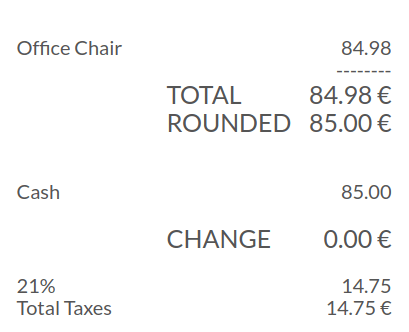
All total amounts of this point of sale now add a line to apply the rounding according to your settings.
Ghi chú
Odoo POS chỉ hỗ trợ chiến lược làm tròn Thêm dòng làm tròn.