
Giao hàng sau
The Ship Later feature allows you to sell products and schedule delivery at a later date. It is useful, for example, when a product is out of stock or so voluminous that it requires to be shipped, or if, for any reason, the customer needs their order to be shipped later, etc.
Cấu hình
Go to the POS settings, scroll down to the Inventory section, and enable Allow Ship Later.
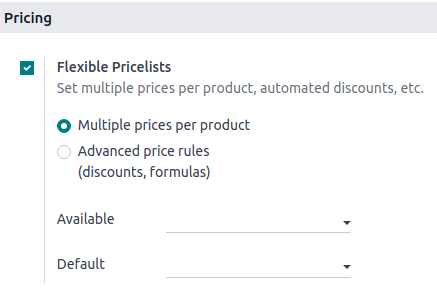
Sau khi kích hoạt, bạn có thể:
Chọn địa điểm từ đó các sản phẩm được giao bằng cách chọn một Kho hàng.
Xác định một Tuyến đường cụ thể, hoặc để trống trường này để sử dụng tuyến đường mặc định.
Define the Shipping Policy; select As soon as possible if the products can be delivered separately or When all products are ready to ship all the products at once.
Xem thêm
Ứng dụng thực tế
Open a session and make a sale.
Trên màn hình thanh toán, đặt một khách hàng và chọn Giao sau.
On the popup window, set a shipping date and click Confirm to proceed to payment.
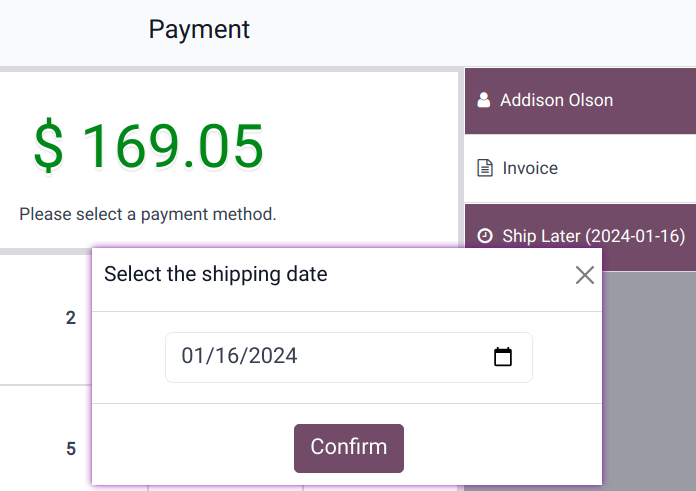
Hệ thống ngay lập tức tạo đơn giao hàng từ kho đến địa chỉ giao hàng.
Ghi chú
Khách hàng được chọn phải có địa chỉ tham chiếu trong hệ thống để các sản phẩm được giao.